
ForkLift 3.5.8
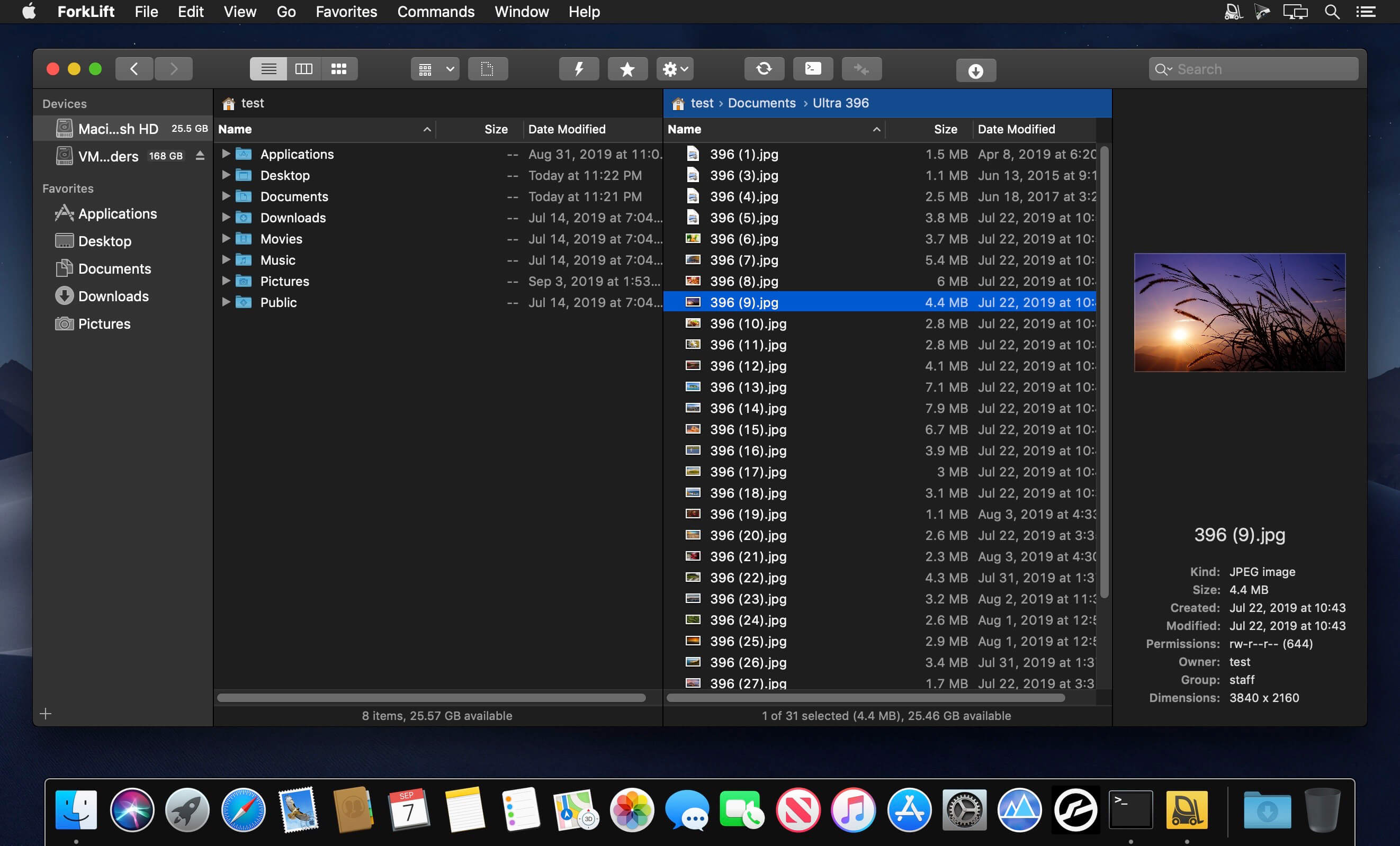
ForkLift is a powerful file manager and ferociously fast FTP client clothed in a clean and versatile UI that offers the combination of absolute simplicity and raw power expected from a well-executed Mac software.
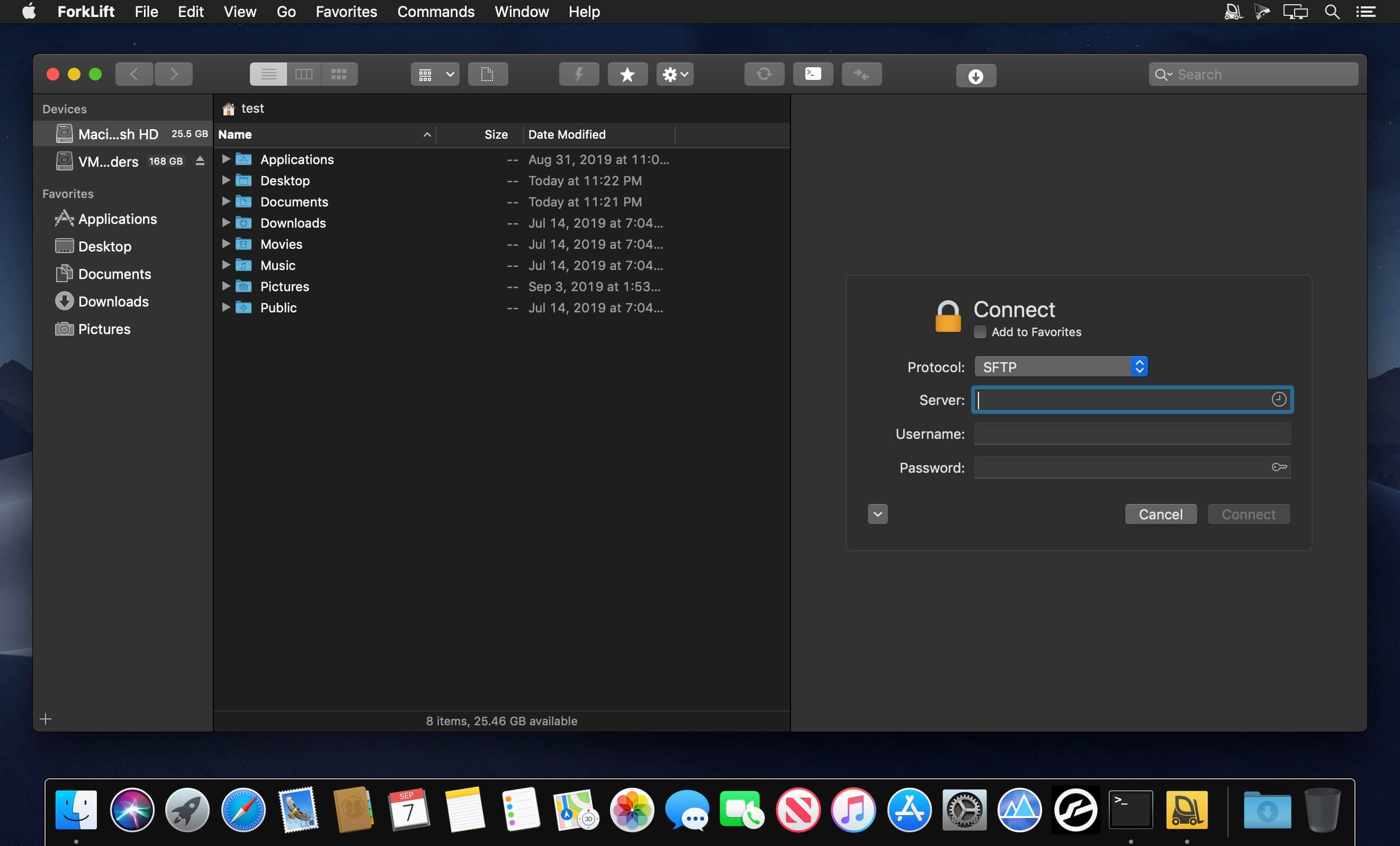
ForkLift will connect to any remote server SFTP, FTP, WebDAV, Amazon S3, Backblaze B2, Google Drive, Rackspace CloudFiles, SMB, AFP and NFS shares on your local network,- pretty much anything you can plug into or hook up to a Mac. ForkLift also carries a complete toolbox for managing your files, including Folder Synchronization, Multi-Rename, Archive handling, Application deleter, editing files over remote connections and many more. All these power features are packaged into a Finder-like, dual-pane interface that delivers superior workflow while remaining absolutely familiar to use, along with Quick Look, Spotlight search and all.
Features
- Completely rewritten entirely in Swift
- ForkLift Mini
- Two-way Sync
- Preview
- Quick Open
- Multi Rename
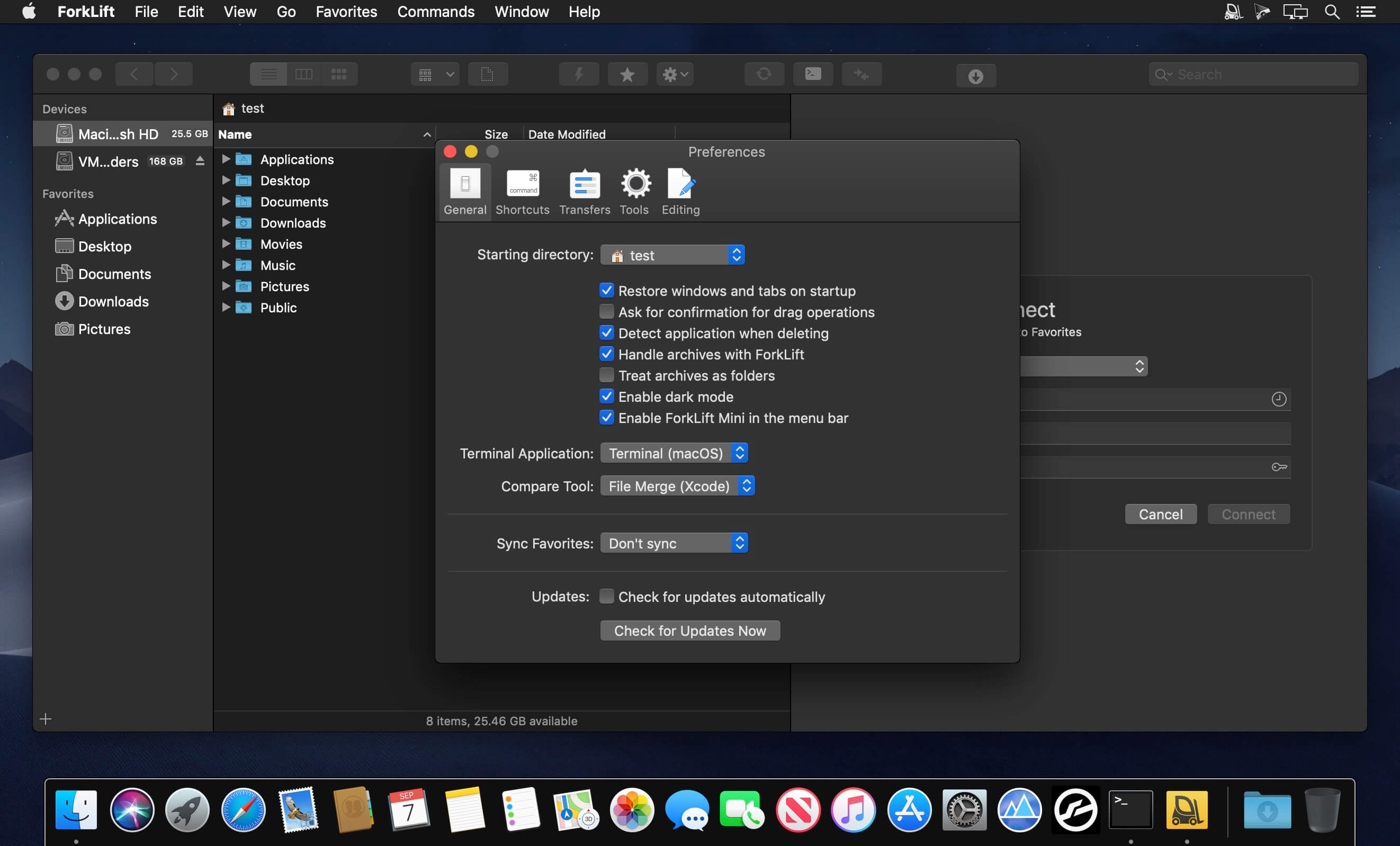
- Dark Mode
- Dual Pane split vertically or horizontally
- Favorite Sync via Dropbox
- Dropbox Support
- Transfer bandwidth throttling
- Tags Support
- Disklet
- Sync Browsing
- Tabs
- Search by name, extention, kind, tags, or content
- Quick Select
- App Deleter
- Remote Editing
- Archive Management
- Keyboard Control
- Workspaces
- FXP Copy
- Tools
- Git Support
- Open in Terminal, iTerm, or Hyper
- Hidden Files
- Share
- Possible to set as default file viewer
- File Compare with FileMerge, Kaleidoscope, Beyond Compare, and Araxis Merge support
- Multilingual: English, German, Hungarian, Polish, Russian, and Ukrainian
Version 3.5.8:
Improvements
- More date presets in the “Add Date” multi-rename module in the Multi-Rename Window
Fixes
- Fixes the typo in the word Occurrences in the Multi-Rename window
- Fixes an issue that made it impossible to transfer files from the location /System
- Fixes an issue in the Multi-Rename window that caused the addition of a “d” character to the extension when changes were applied to “Name with dot”
- Fixes an issue which caused ForkLift to ignore the port number of SMB connections set on the Connect Panel
- Fixes an issue that allowed a certain kind of navigation in the file view while renaming an item, which caused several problems such as overlapping file names, the inability to rename another file, or the display of the previously selected item in a different location
- Fixes an issue that allowed users to insert a line into the file name with the Alt-Return keyboard shortcut in rename mode
- Fixes an issue where after a long upload ForkLift incorrectly displayed an error message that the upload wasn’t successful because the connection was closed
- Fixes an issue that caused some shares appear twice in the sidebar
- Fixes an issue that made it impossible to remove icons from the Toolbar, introduced in version 3.5.7
- Fixes an issue that allowed to expand folders in the Search results with the Right Arrow key
- Fixes an issue where ForkLift didn’t display an error message when some parts of an archive couldn’t be extracted and the unextractable files were missing from the extracted folder seemingly without a reason
- Numerous minor fixes and improvements
Frequently asked questions
How do I install the app?
Mount the image, drag the app into the "Applications" folder and launch it. If the system blocks the launch, allow it in "System Settings → Privacy & Security".
The app is damaged or won't launch
Reinstalling from a fresh image usually helps. Make sure your macOS version matches the one listed in the compatibility specs.
How do I update?
Download the new version from the site and install it over the current one — your settings will be preserved.
The download link doesn't work
Try a mirror or a download manager. For large files the browser often drops the connection.
How do I completely remove the app?
Use an uninstaller utility — it cleans up the service files that remain after moving the app to the trash.




Choose a download source
ForkLift 3.5.8 · 49.52 MB
Previous versions
ForkLift 3.5.8
Previous versions are available to registered users.