
Infinity Monitor 4.1
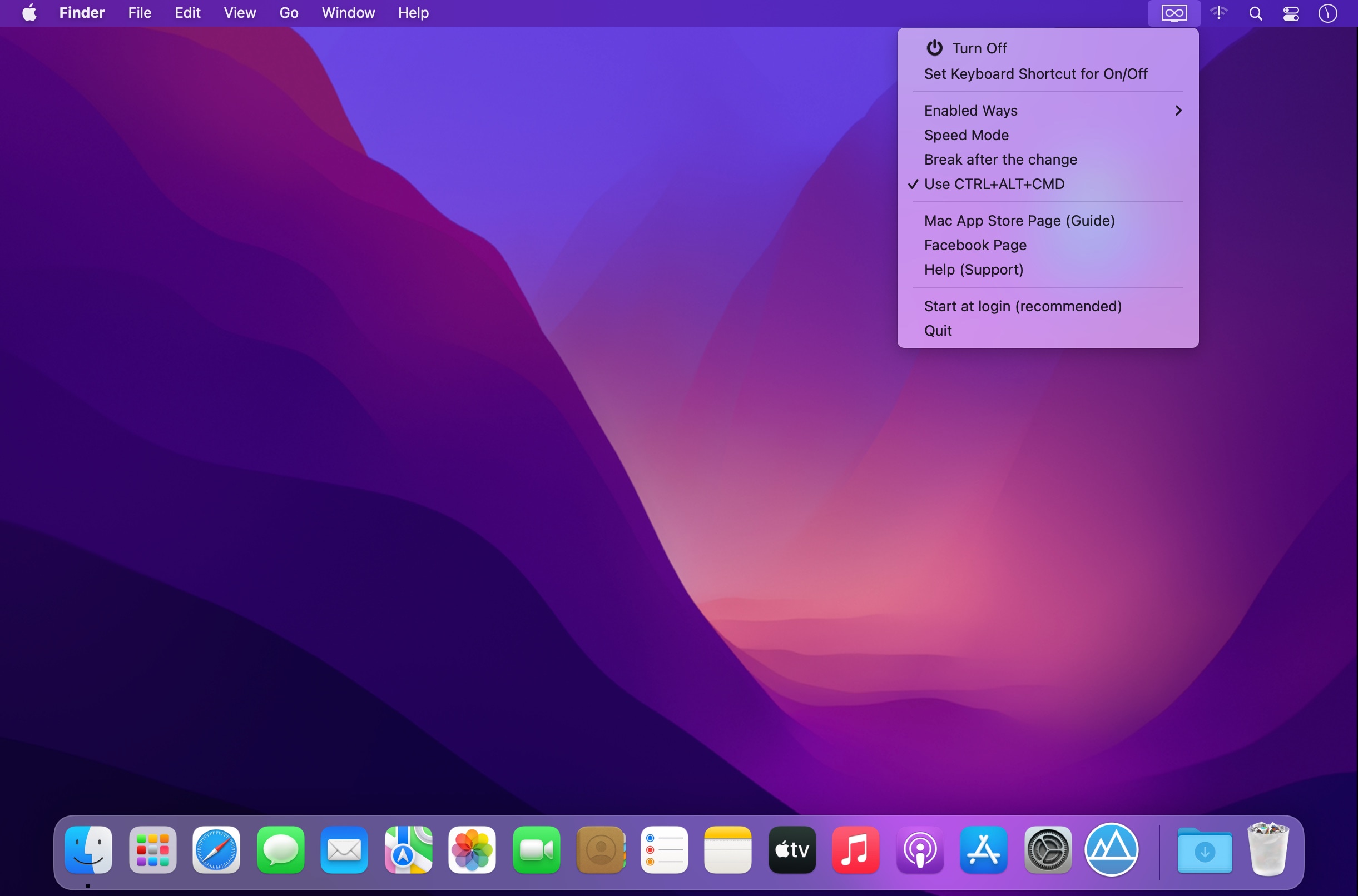
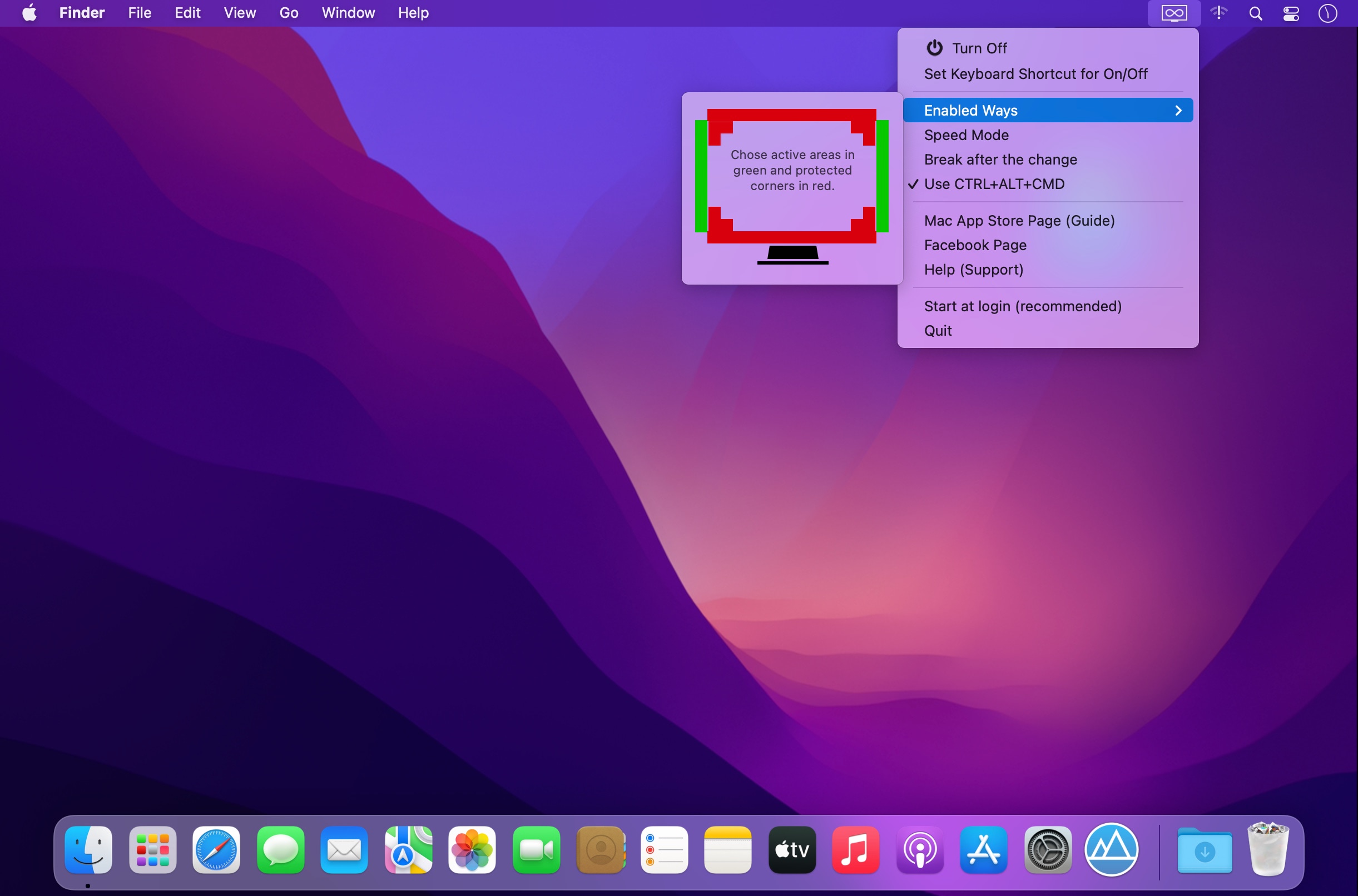
Infinity Monitor provides a shortcut for the mouse cursor thus it makes it faster for the cursor to move throughout the monitor. Once reached the edge of the screen Infinity Monitor allows the mouse cursor to get back from the opposite side of the monitor, so you don’t have to move all the way back.
This function is extremely useful for those who use the trackpad on their laptop, in particular for those who work with multiple monitors and also for peoples affected by Carpal Tunnel Syndrome (CTS).
- Everything is manageable from the menu bar icon on the top right.
- It is possible to choose which borders to activate and which corners to deactivate to preserve the 'Hot Corners' function.
- Enable/disable with One Click on Menu Bar Item using Secondary Click.
- Set the Keyboard Shortcut you prefer to Enable/Disable Infinity Monitor without clicks.
- Keep holding CTRL + ALT + CMD to enable the function only temporarily.
Notice: Using multimonitors, actually the monitors should be in horizontal sequence only.
Version 4.1
- Bugfix for Mojave
- Minor improvements
Frequently asked questions
How do I install the app?
Mount the image, drag the app into the "Applications" folder and launch it. If the system blocks the launch, allow it in "System Settings → Privacy & Security".
The app is damaged or won't launch
Reinstalling from a fresh image usually helps. Make sure your macOS version matches the one listed in the compatibility specs.
How do I update?
Download the new version from the site and install it over the current one — your settings will be preserved.
The download link doesn't work
Try a mirror or a download manager. For large files the browser often drops the connection.
How do I completely remove the app?
Use an uninstaller utility — it cleans up the service files that remain after moving the app to the trash.





Choose a download source
Infinity Monitor 4.1 · 2.1 MB