
Transmit 4.4.12
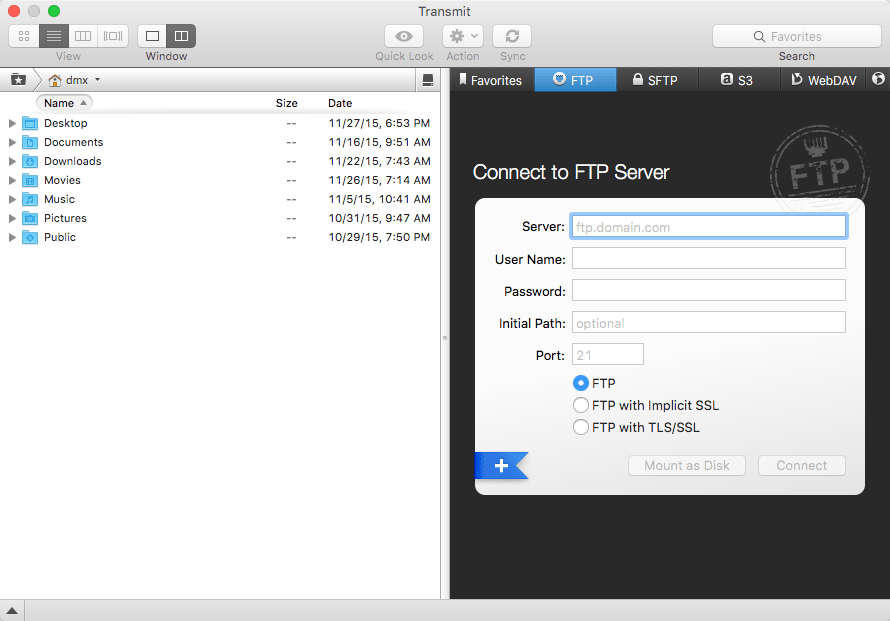
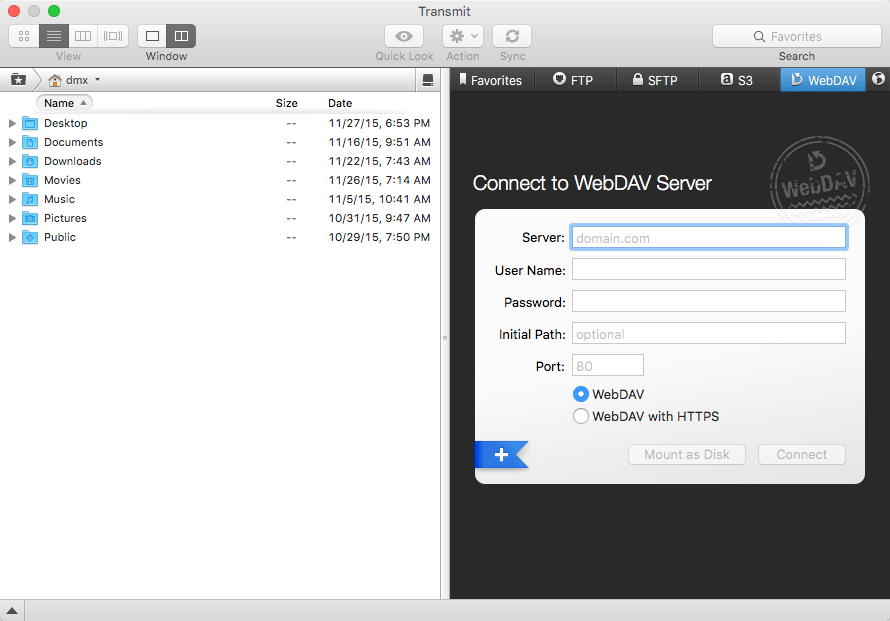
Transmit 4 is the ultimate FTP + SFTP + WebDAV + Amazon S3 file transfer client on the Mac.
You need to transfer files. Maybe to an FTP or SFTP server, or the cloud via Amazon S3, or using WebDAV. You maintain a website, do backups, or upload photos. You need Transmit, the #1 Mac OS X FTP client.
INCREDIBLE FEATURES.
- Protocol power: FTP (Normal, Implicit SSL, and TLS/SSL), SFTP, Amazon S3, and WebDAV (HTTP and HTTPS)
- Flexible Favorites for fast server access
- Handy two-pane view
- Fast multiple-connection transfers
- Easy transfer manager
- Synchronization
- Quick Look, CoverFlow, Image Thumbnail view
- Places for one-click folder access
- FXP Support
- Bandwidth Limiting
- So much more!
MAZING SPEED.
Scary, wicked fast compared to Transmit 3 — up to 25 times.
- 4x faster: listing 30,000 remote files.
- 18x faster: downloading 30,000 small files.
- 2.25x faster: deleting 30,000 small files.
- 25x faster: uploading 15,000 small files.
AND ONE MORE THING: TRANSMIT DISK.
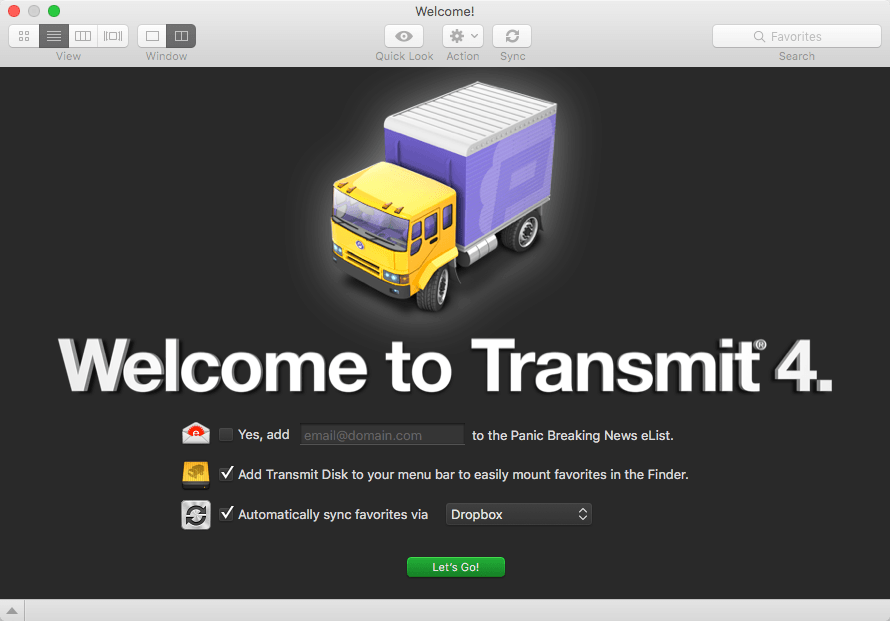
With the brand-new Transmit Disk feature, you can now mount any of your favorites in the Finder itself — even if Transmit's not running. These volumes are real: drag files to your SFTP server, save a small graphic to your Amazon S3 bucket directly from Photoshop, or roll your own iDisk-like backup volume. It's all possible in T4.
WHAT’S NEW
Version 4.4.12:
Bug Fixes
- Fixed an exception that could occur when connecting to SFTP or FTP servers on macOS 10.12.4
- Fixed an issue were the first item in a directory may be obscured in list view
- Restored various animations on macOS 10.12
- Fixed icon size slider track on macOS 10.12
Screenshots
Frequently asked questions
How do I install the app?
Mount the image, drag the app into the "Applications" folder and launch it. If the system blocks the launch, allow it in "System Settings → Privacy & Security".
The app is damaged or won't launch
Reinstalling from a fresh image usually helps. Make sure your macOS version matches the one listed in the compatibility specs.
How do I update?
Download the new version from the site and install it over the current one — your settings will be preserved.
The download link doesn't work
Try a mirror or a download manager. For large files the browser often drops the connection.
How do I completely remove the app?
Use an uninstaller utility — it cleans up the service files that remain after moving the app to the trash.
VersionTransmit 4.4.12
DeveloperPanic, Inc.
CompatibilityOS X 10.9 or later
LanguageEnglish, French, German, Japanese
IncludesPre-K'ed


Information
Visitors in the group Guests cannot leave comments on this publication.
Choose a download source
Transmit 4.4.12 · 29.58 MB