
Interarchy 10.0.7
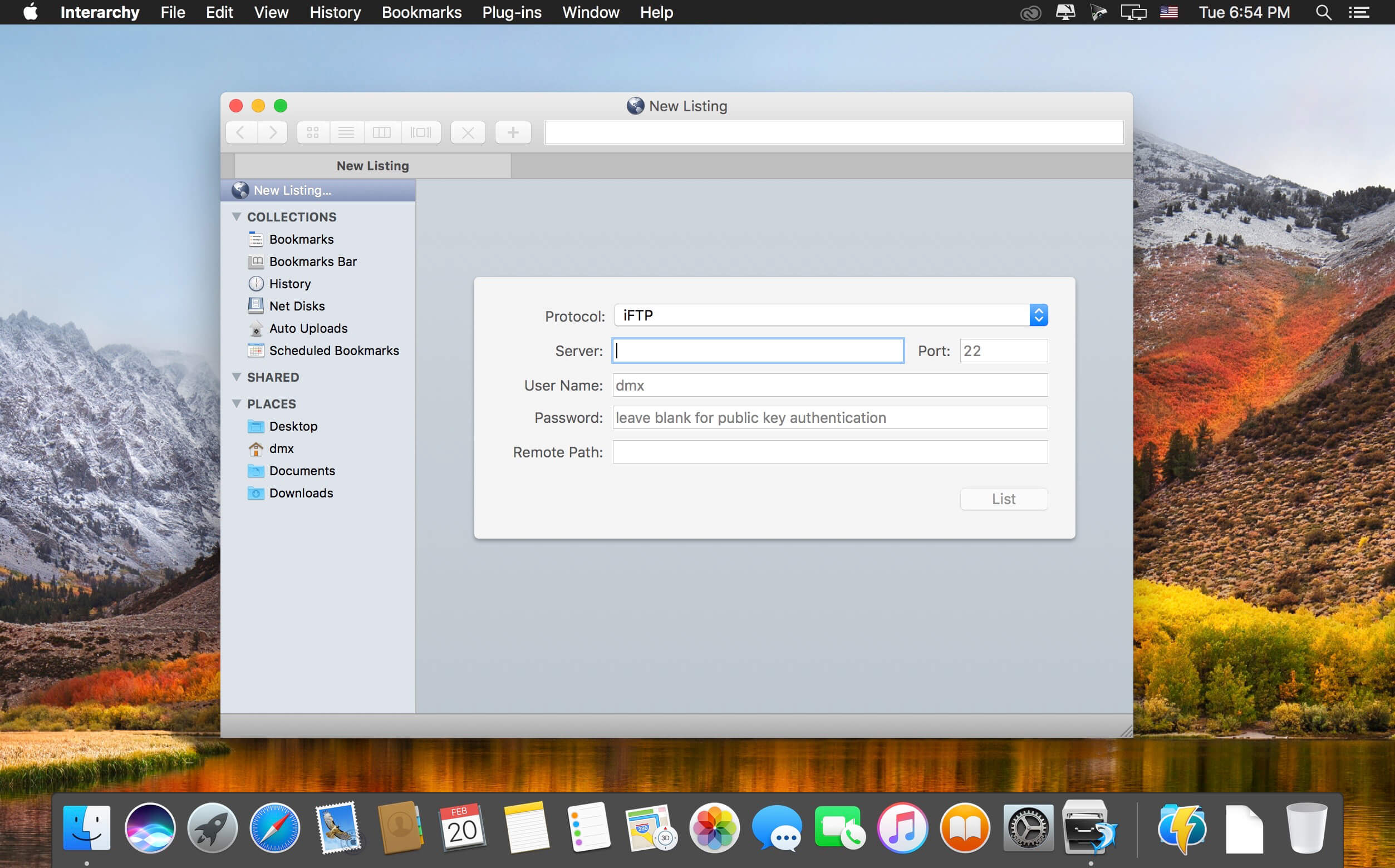
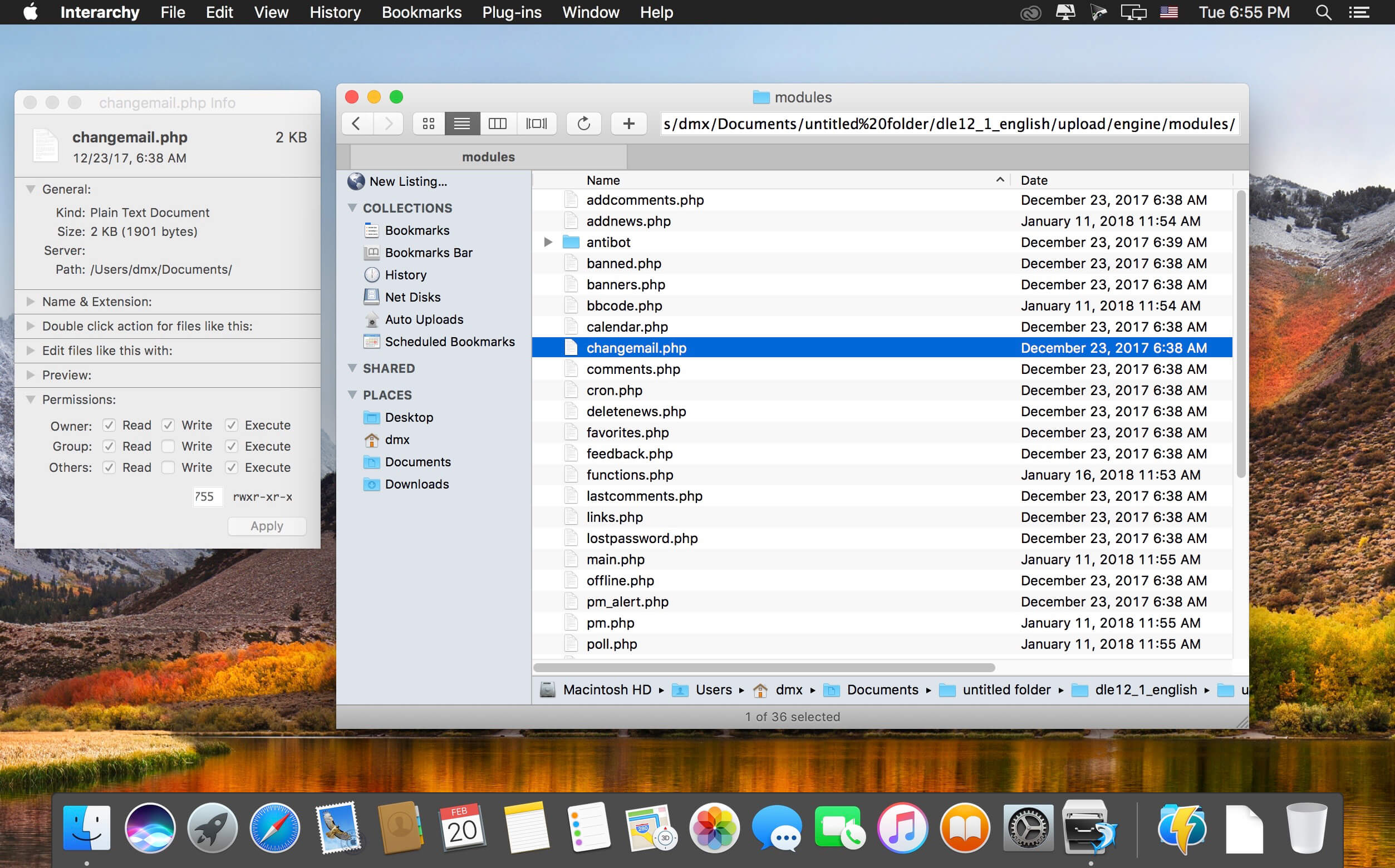
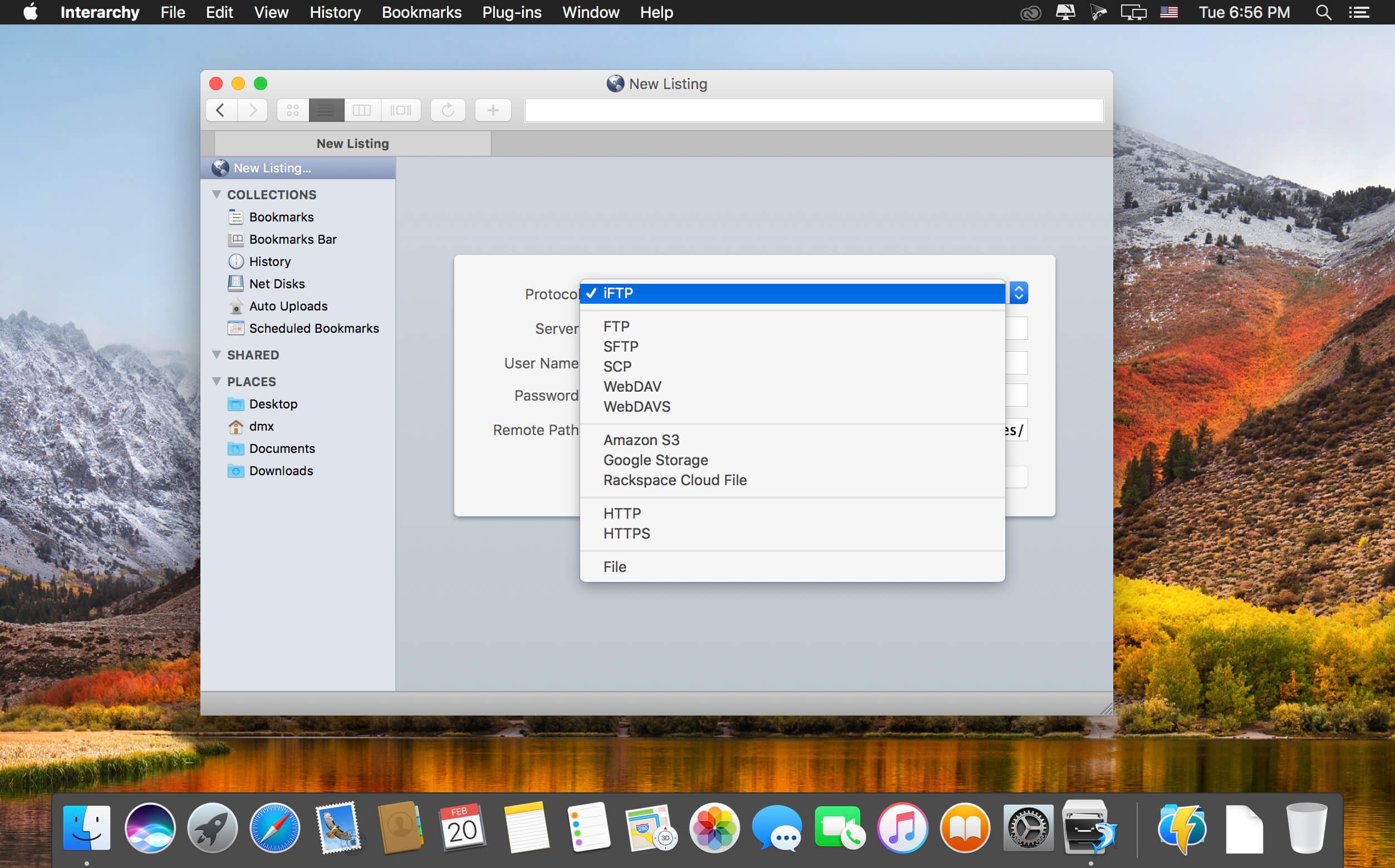
Interarchy is an advanced file transfer app that supports FTP, SFTP, Webdav, S3 and the new, very fast iFTP. It also supports plug-in architecture for compressing files, running scripts and restarting servers.
It ties in well with both Amazon and Rackspace's cloud file hosting services, allowing you to transfer and manage data in the cloud. It also boasts as being the fastest file transfer client on the Mac, transferring over 80MB/sec on a gigabit network.
The Net Disks feature allows you to mount remote servers on your Mac's Desktop as if it were a local disk. This makes it easy to interact and work with remote files as if they were local.
Version 10.0.7:
- Interarchy 10.0.7 is a maintenance release. In includes a workaround for a bug in macOS 10.13 that prevents clicks in the sidebar and toolbar from registering.
Frequently asked questions
How do I install the app?
Mount the image, drag the app into the "Applications" folder and launch it. If the system blocks the launch, allow it in "System Settings → Privacy & Security".
The app is damaged or won't launch
Reinstalling from a fresh image usually helps. Make sure your macOS version matches the one listed in the compatibility specs.
How do I update?
Download the new version from the site and install it over the current one — your settings will be preserved.
The download link doesn't work
Try a mirror or a download manager. For large files the browser often drops the connection.
How do I completely remove the app?
Use an uninstaller utility — it cleans up the service files that remain after moving the app to the trash.
VersionInterarchy 10.0.7 Build 6212
DeveloperNolobe Software Pty Lt
CompatibilityOS X 10.10 or later, 64-bit processor
LanguageEnglish
IncludesK'ed by The Shark





Information
Visitors in the group Guests cannot leave comments on this publication.
Choose a download source
Interarchy 10.0.7 · 7.99 MB