

Checksum Thing 2.1.3
Screenshots
Click to enlarge
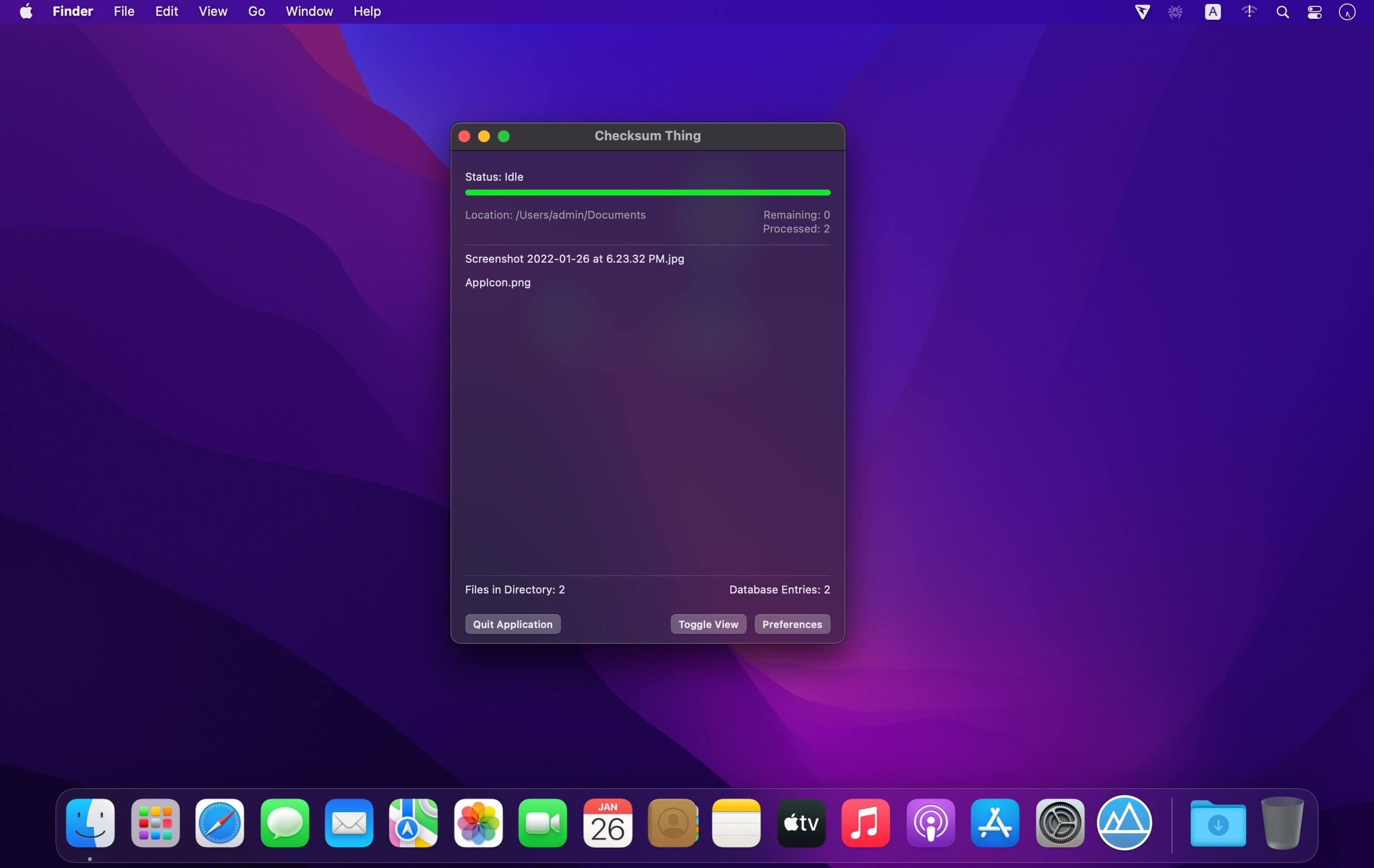
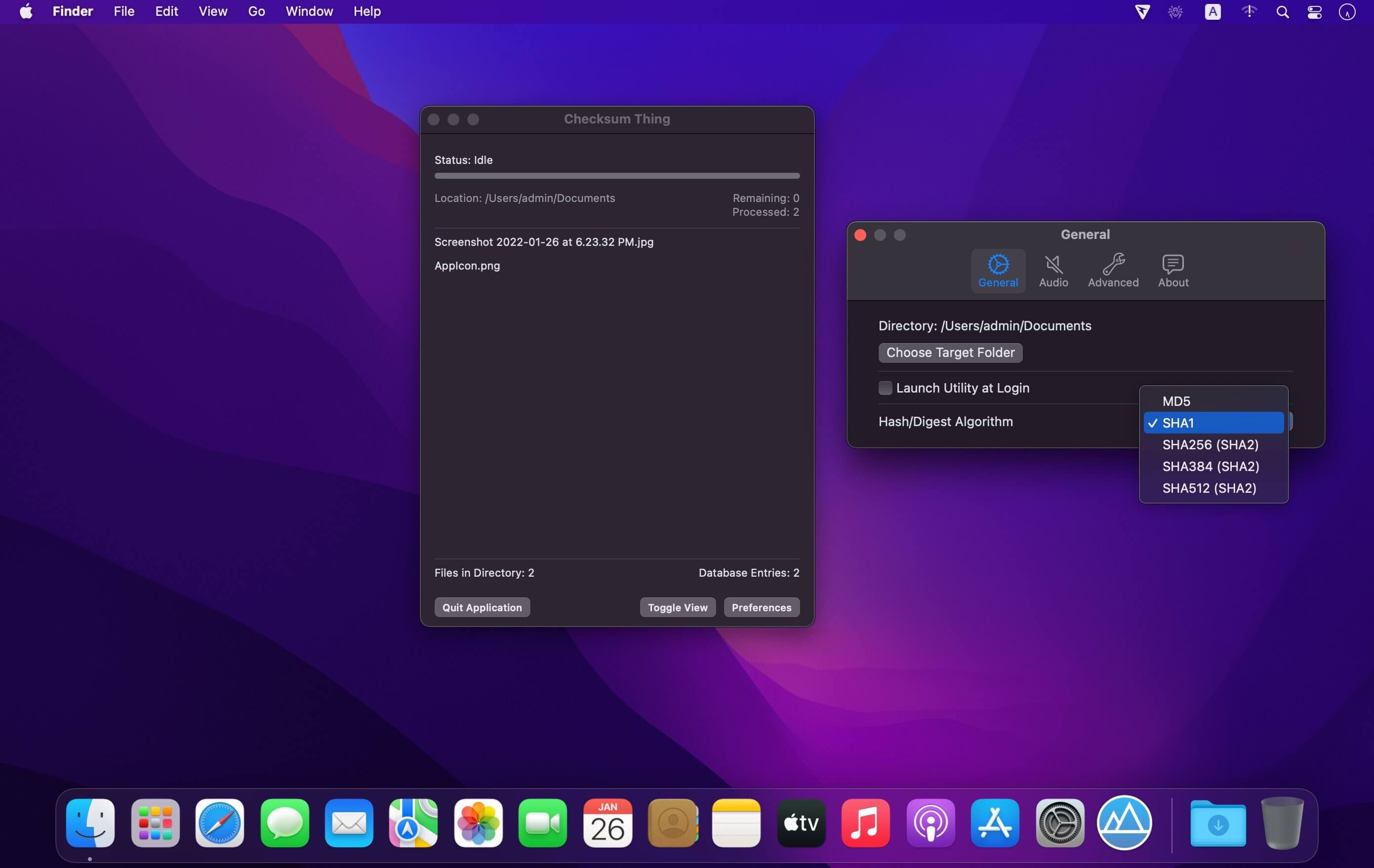
A menu bar application that watches a designated directory, such as your downloads folder, automatically recording and storing the checksum/digest values of arriving files. A simple context click displays the checksum value, another click conveniently copies that value to the clipboard. The checksum/digest algorithm used is selectable, supporting MD5, SHA1, and various others. Uses hardware accelerated cryptographic functions on supported macOS platforms. Optionally generates audible notifications to keep you informed.
- Runs in the background from the macOS menu bar, hiding the dock icon
- Actively watches a selected target folder for new file content
- Calculates checksum/digest values using a number of selectable algorithms
- Right click to view the checksum value, click again to copy to clipboard
- Option to export database content and checksum values to CSV file
- Uses hardware acceleration for cryptographic functions on supported Macs
- Fully sandboxed macOS application with minimal permissions
- Optional audible notifications when files arrive and have been processed
- Maintains a database of checksum values for multiple target folders
- Accurate progress bar shows the current status of file scanning activities
- Animated menu bar icon shows when background operations are in progress
- Written purely in Swift and SwiftUI for macOS 11
- Universal binary for both Intel and Apple Silicon macOS platforms
- Uses only one third-party framework, SwiftyBeaver (open source logging tool)
- Absolutely no adverts, tracking, calling home, or other privacy concerns
Version 2.0.0
- Much improved sandbox/security model
- More intuitive handling of files and folders
- Drag and drop support
- Multiple active checksum/digest algorithms
Comments
No comments yet. Be the first.
Information
Visitors in the group Guests cannot leave comments on this publication.