

WebDrive Enterprise 2018.0
Screenshots
Click to enlarge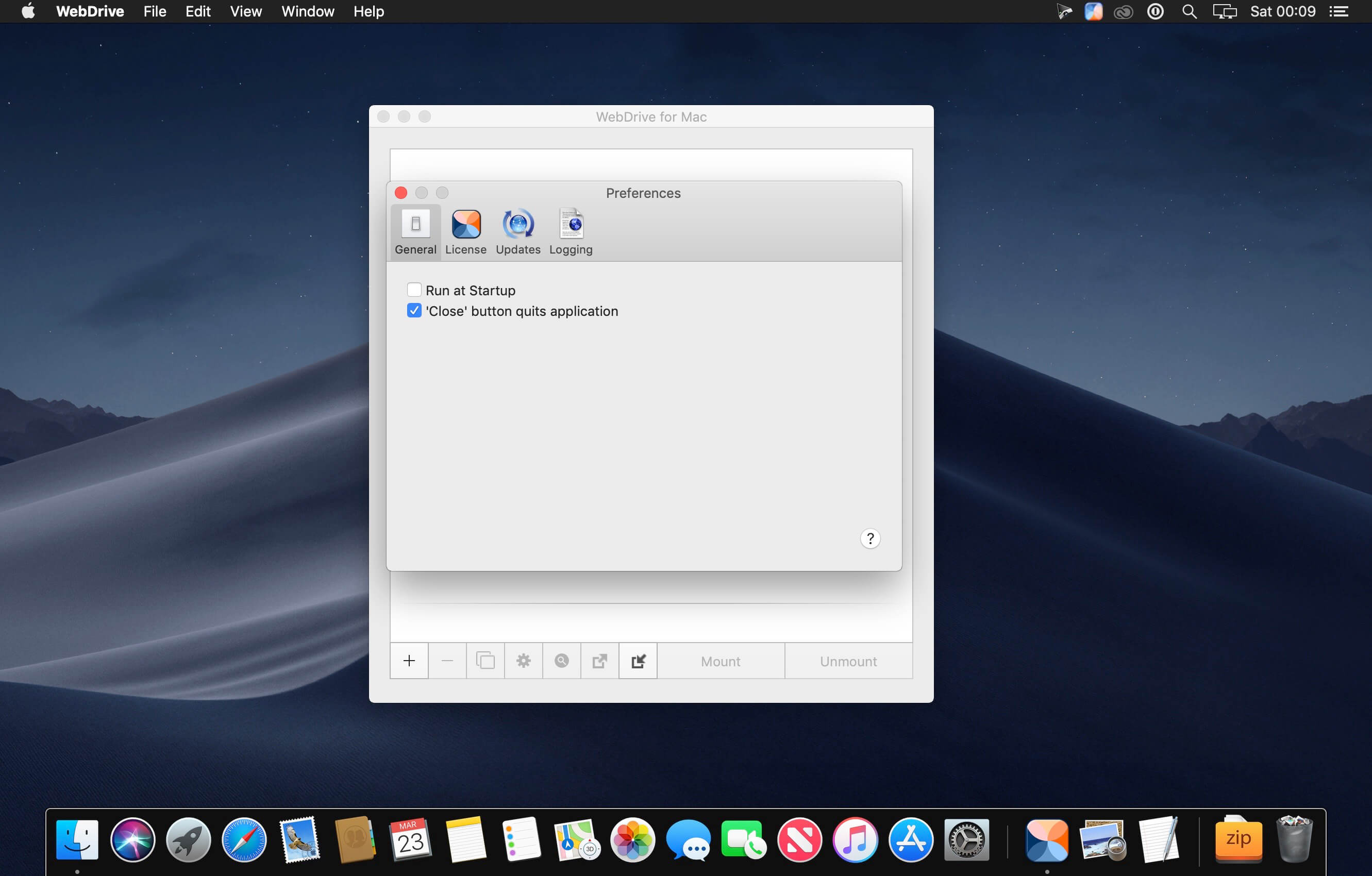
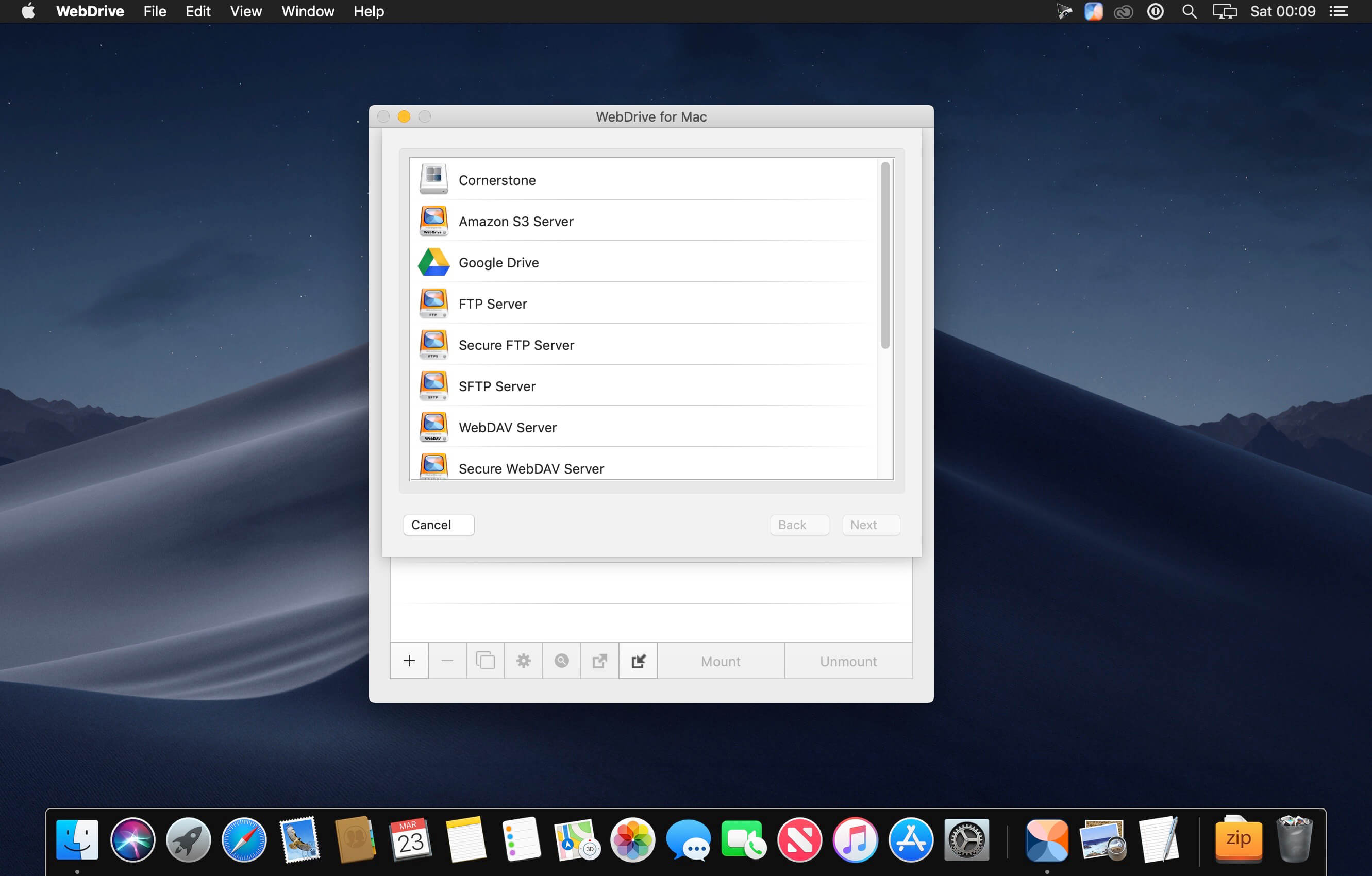
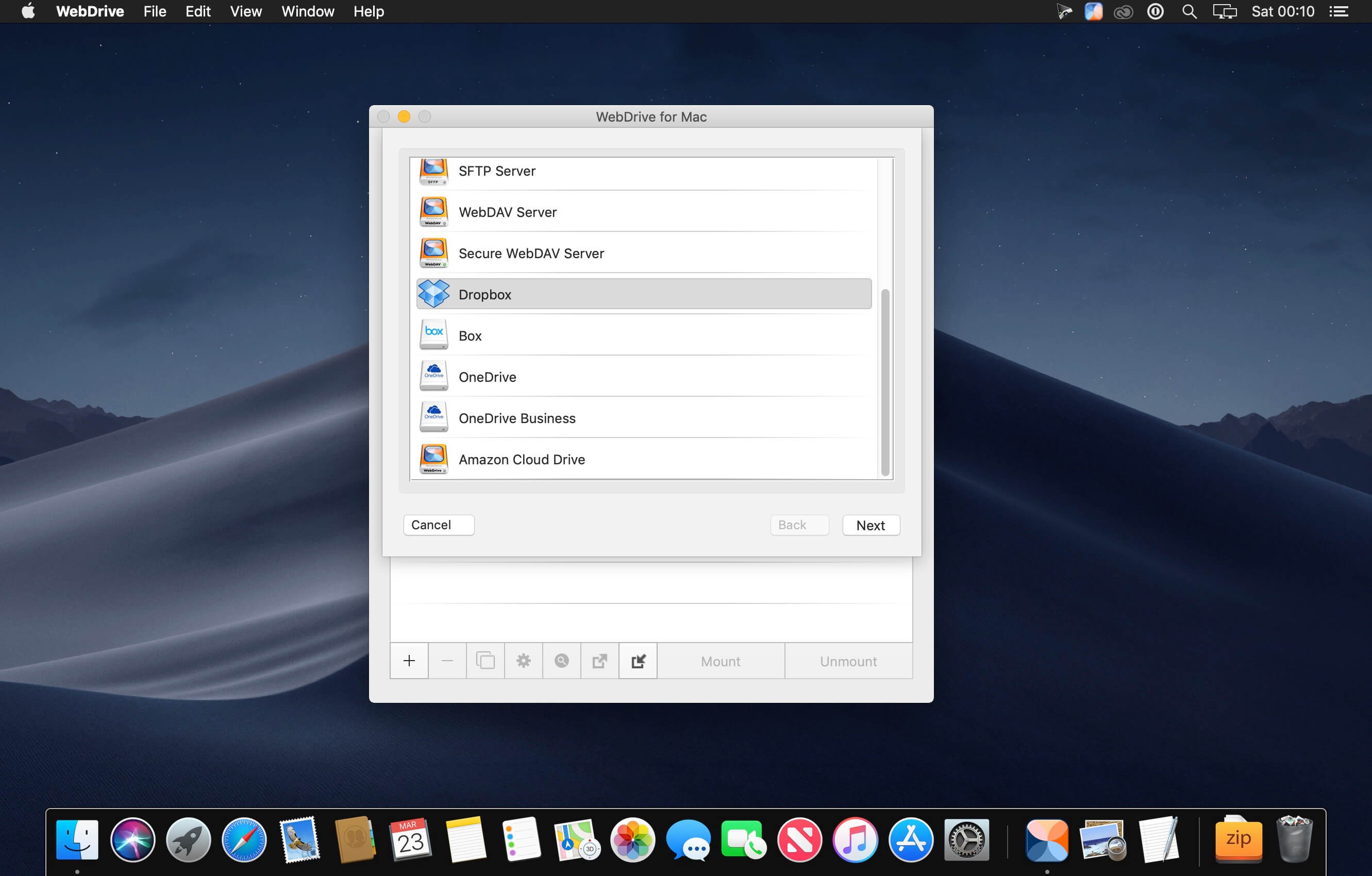
WebDrive's instantly familiar interface lets you fluently work with cloud storage, local files, and files on remote servers through one common access point. Use WebDrive instead of the traditional FTP client, WebDAV, or SFTP client to reduce the steps of updating remote content.
Connect to popular cloud storage servers through the convenience of a mounted volume in Finder and work with files on OneDrive, Box.Net, Google Drive, DropBox, Amazon S3 and others just like local files on your Mac. It’s like having the cloud on a USB drive.
Version 2018.0:
- New: Endpoint Protection Feature that can optionally only allow certain applications to modify files on drives.
- New: If file is DAV locked by another user don't allow deletion of files.
- New: Fixed SharePoint Online issue with cache file validation, this option can now be used for SharePoint and OneDrive Business.
Comments
No comments yet. Be the first.
Information
Visitors in the group Guests cannot leave comments on this publication.