Commander One PRO Pack 2.5.2 (3329)
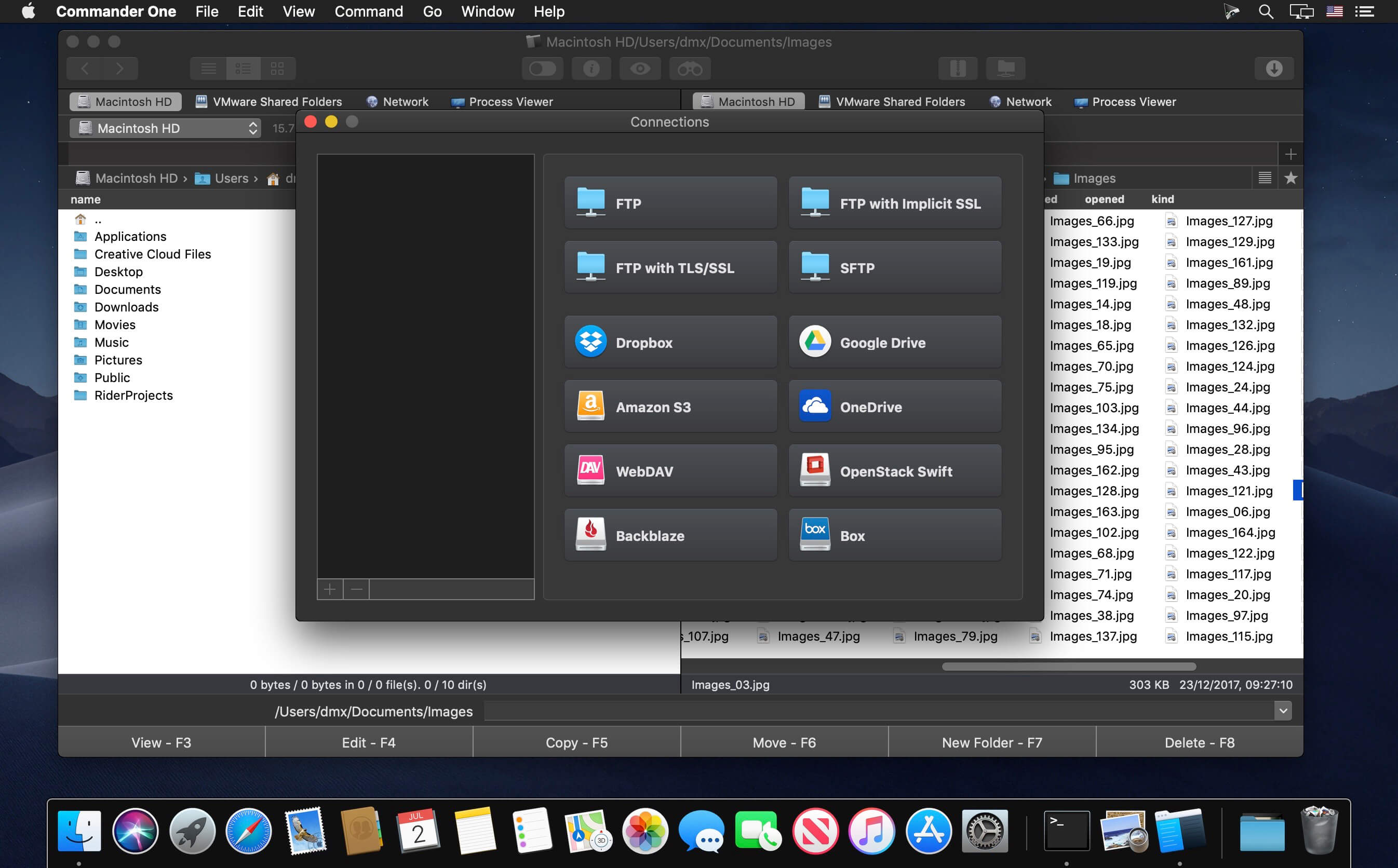
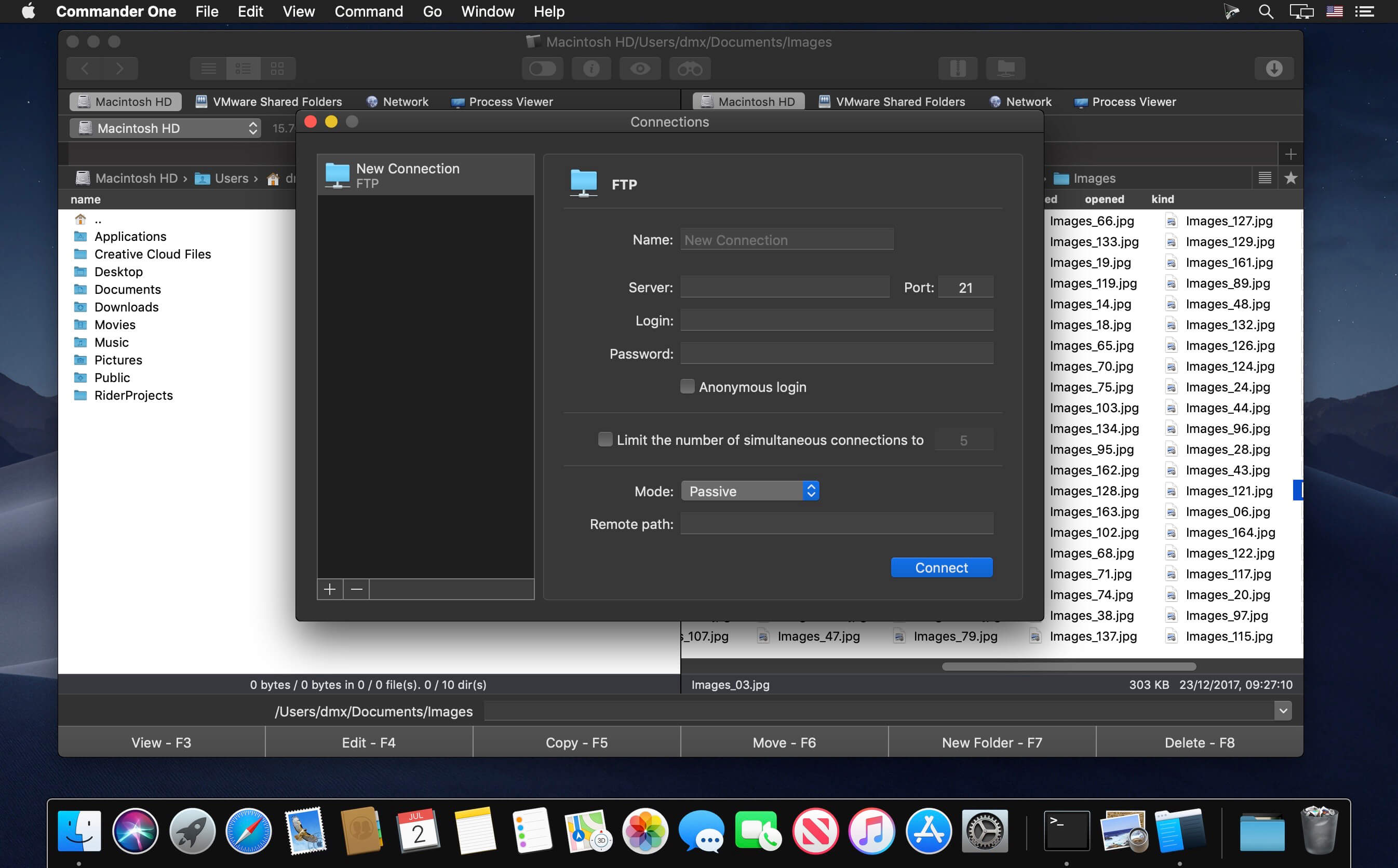
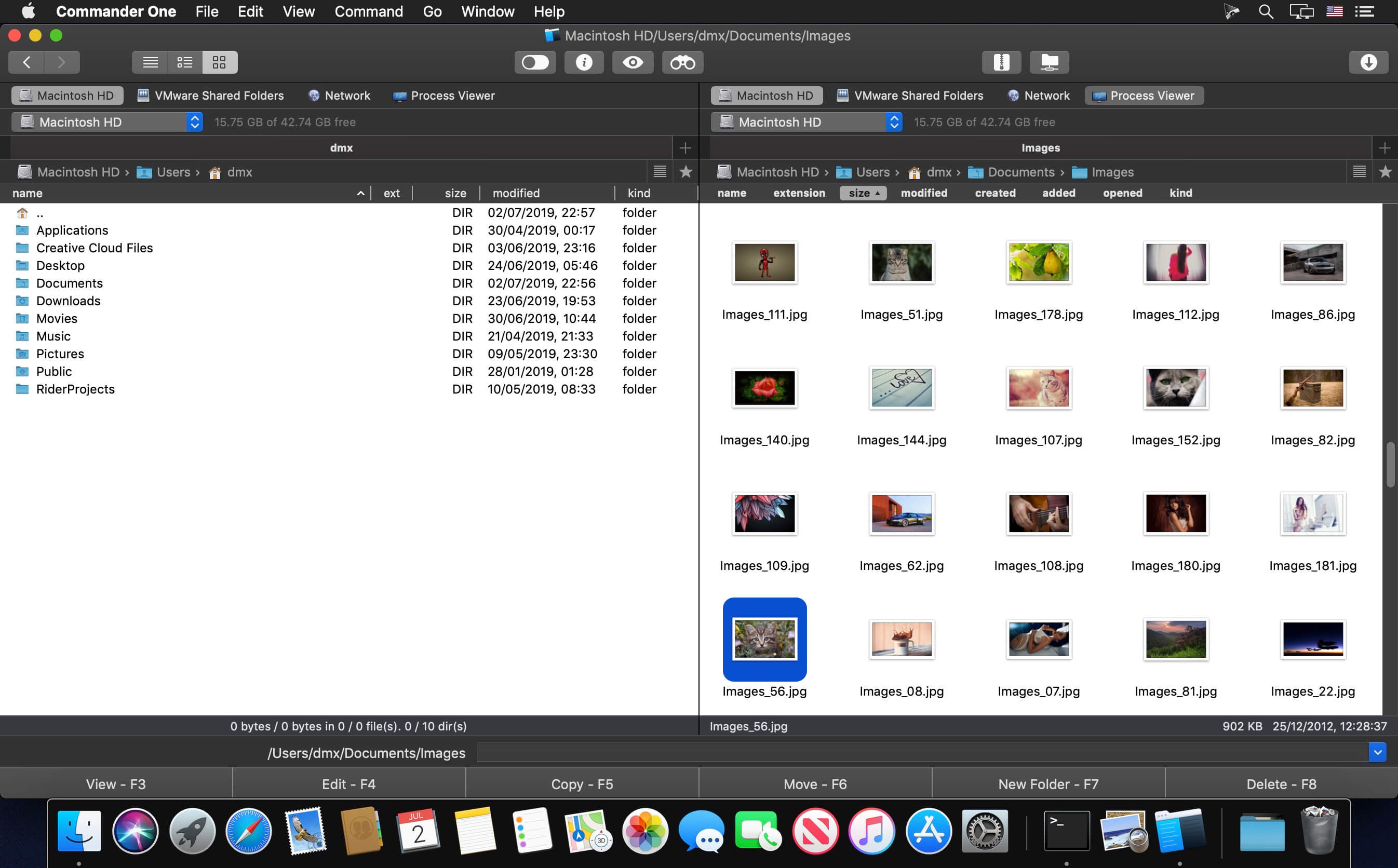
Commander One PRO is a revolutionary file manager for Mac with dual-panel interface. Completely developed in Swift, this file management software provides multiple advanced tools for efficient work with your files, folders, documents, archives, remote servers and computer processes.
FTP Manager:
- Access remote servers via FTP, SFTP or FTPS;
- Two panels are for sure more efficient than one;
- Keep an eye on file operations with convenient queueing;
- Change files permissions.
WebDAV support
- Map as many WebDAV connections as you need at the same time in Commander One.
- Work directly with your files stored on the server, as if they are stored in a local folder on your Mac.
- Transfer files from one WebDAV server to another, without downloading them to your Mac.
Amazon S3 Connections
- Access and work with files of Amazon S3 account;
- Link your Amazon S3 account fully or only specific buckets.
Work with Clouds
- Integrate as many Dropbox folders into Commander One as needed;
- Mount your online Dropbox without installing it on your Mac and copying your data there;
- Share Dropbox links right from Commander One;
- Connect Dropbox Business account to get fast and easy access to your work files;
- Mount your Google Drive account and work with your online files;
- Manage your Google Drive files and folders in Commander One without saving them on Mac;
- Mount Microsoft OneDrive account and access your online files from Commander One as any local ones.
Mount MTP devices:
You can easily mount your MTP devices and access their contents - just connect your device to Mac and it will be available as a mounted drive in Commander One.
Compress and Extract:
- Extract and compress 7zip packages, or work with 7zip archives as regular folders: view, add, or remove files without extracting;
- Extract files from RAR packages, search archive contents, copy files from RAR without even extracting;
- Gain full access to TAR packages (TBZ, TGZ, Tar.Z, tar.lzma and tar.xz) including compress, extract, open as a folder and search archive contents;
- Work with .ipa, .apk, .jar, .ear, .war files as with regular folders.
Version 2.5.2 (Build 3329):
- Minor improvements and optimizations
Frequently asked questions
How do I install the app?
Mount the image, drag the app into the "Applications" folder and launch it. If the system blocks the launch, allow it in "System Settings → Privacy & Security".
The app is damaged or won't launch
Reinstalling from a fresh image usually helps. Make sure your macOS version matches the one listed in the compatibility specs.
How do I update?
Download the new version from the site and install it over the current one — your settings will be preserved.
The download link doesn't work
Try a mirror or a download manager. For large files the browser often drops the connection.
How do I completely remove the app?
Use an uninstaller utility — it cleans up the service files that remain after moving the app to the trash.




Choose a download source
Commander One PRO Pack 2.5.2 (3329) · 48.93 MB
Previous versions
Commander One PRO Pack 2.5.2 (3329)
Previous versions are available to registered users.