BlueHarvest 8.4.0
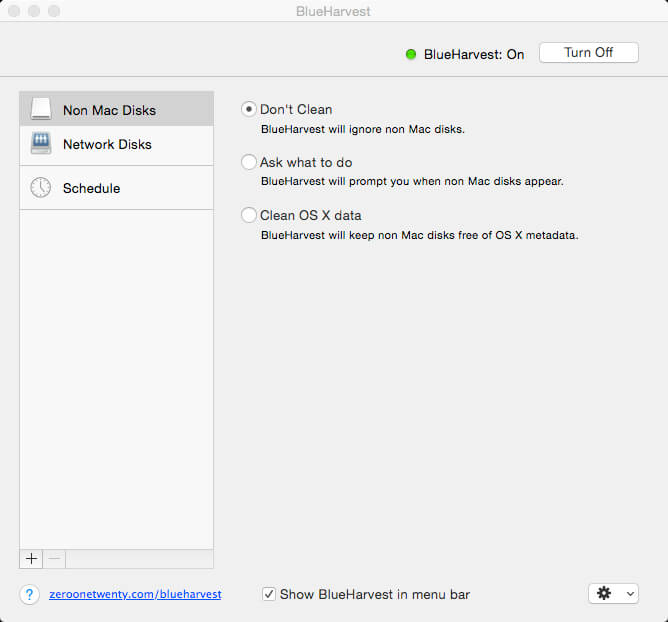
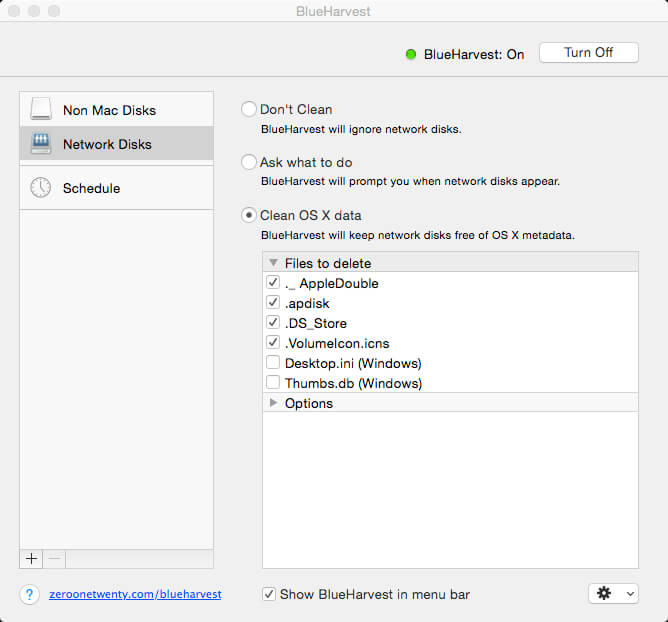
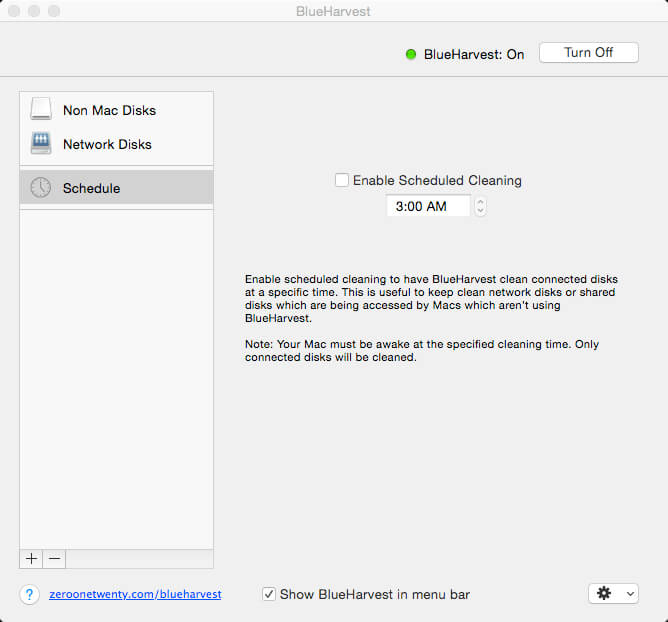
BlueHarvest is an exterminator for your Mac’s unnecessary Desktop Service Store (DS_Store) and resource fork (_AppleDouble) files.
Whether you manage a version control system or just want to maximize your available memory, DS_Store and _AppleDouble files are a nuisance. Get BlueHarvest, and give those superfluous files the boot.
A clean Mac is a happy Mac
- Keep it clean. Blue Harvest does more than remove existing files — it blocks new ones from being created.
- Easy interface. With BlueHarvest, a less cluttered Mac is only two clicks away.
- Instant access. Want to clean up a folder without launching BlueHarvest? Simply control-click.
Version 8.4.0
- More detailed error reporting when items cannot be deleted.
- More reliable disk ejection when using "Clean and Eject".
- Added support for deleting __MACOSX folders. Off by default.
- System Volume Information folders are now correctly deleted.
Frequently asked questions
How do I install the app?
Mount the image, drag the app into the "Applications" folder and launch it. If the system blocks the launch, allow it in "System Settings → Privacy & Security".
The app is damaged or won't launch
Reinstalling from a fresh image usually helps. Make sure your macOS version matches the one listed in the compatibility specs.
How do I update?
Download the new version from the site and install it over the current one — your settings will be preserved.
The download link doesn't work
Try a mirror or a download manager. For large files the browser often drops the connection.
How do I completely remove the app?
Use an uninstaller utility — it cleans up the service files that remain after moving the app to the trash.



Choose a download source
BlueHarvest 8.4.0 · 6.23 MB
Previous versions
BlueHarvest 8.4.0
Previous versions are available to registered users.