
Fork 2.70.1
Fork: Git client for commits, diffs, and repository management
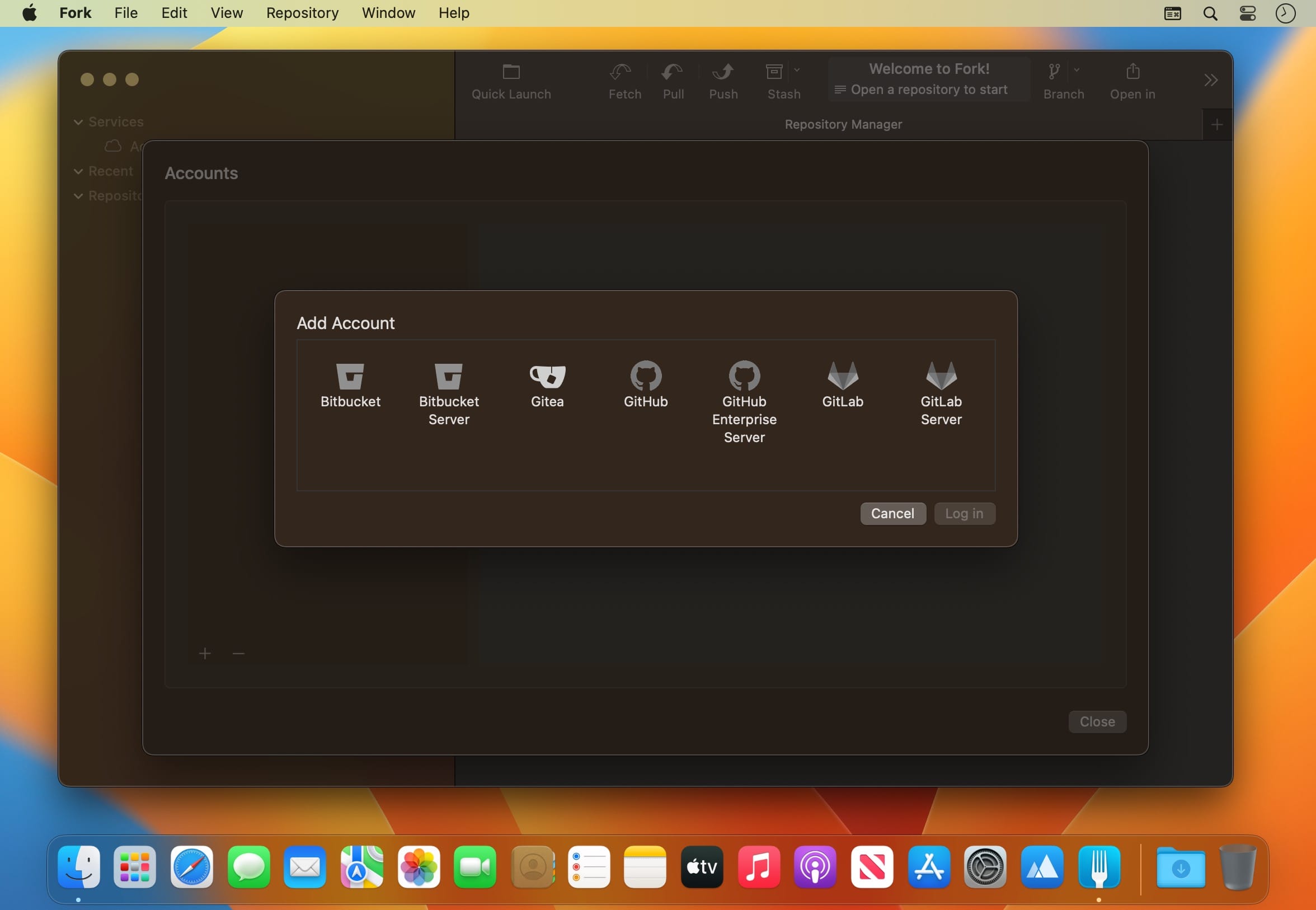
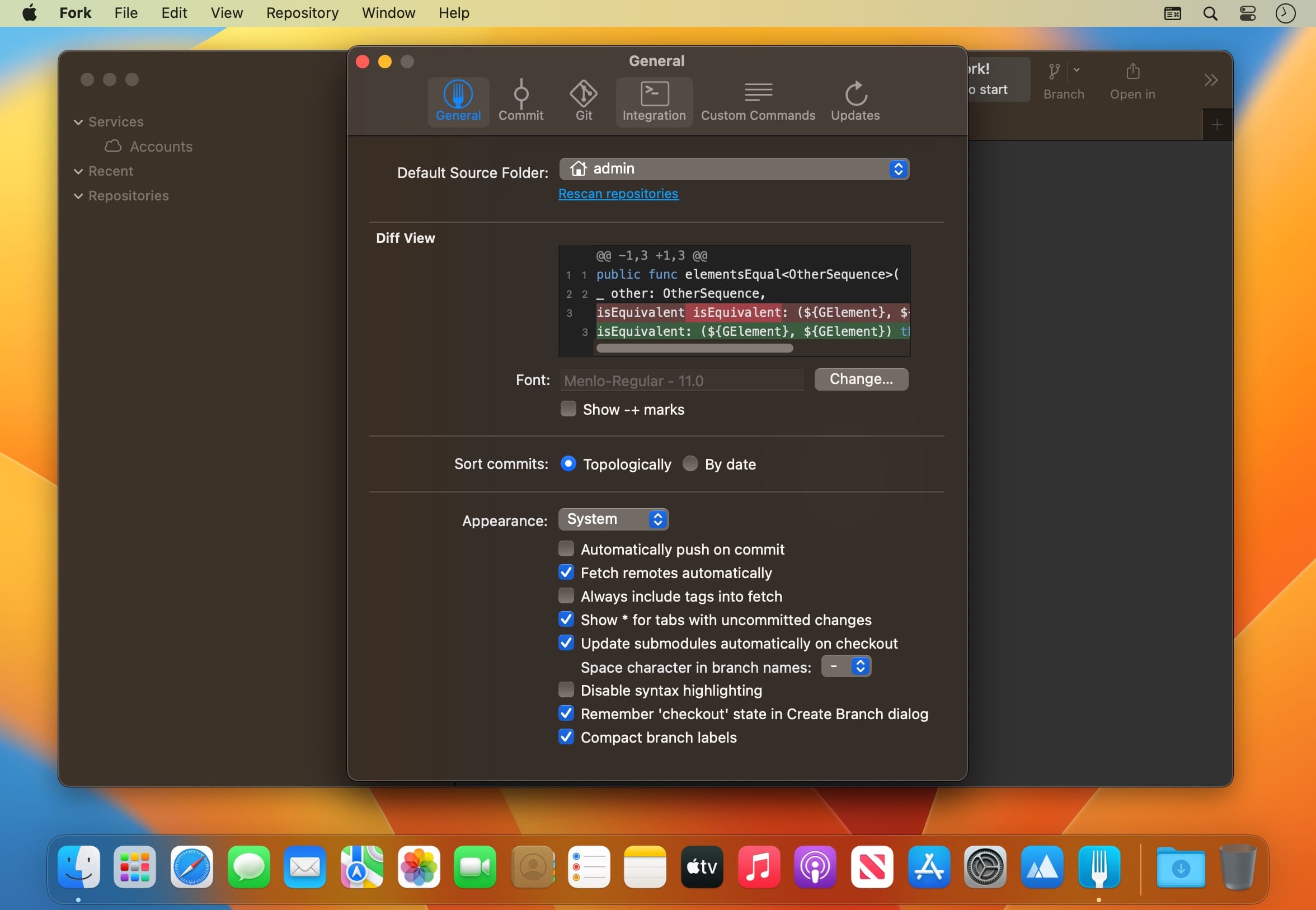
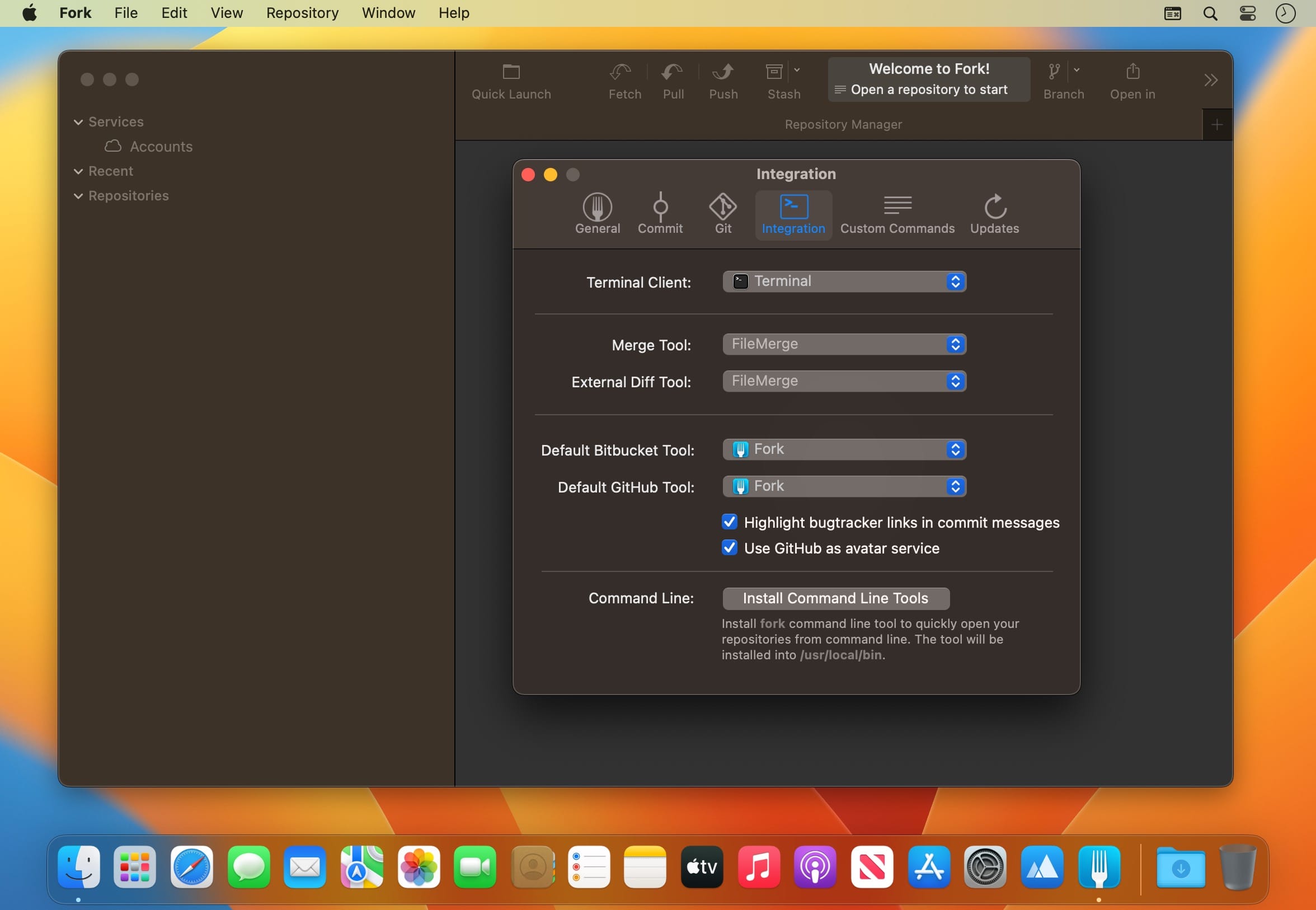
Fork is a fast, friendly Git client for macOS, designed to make version control feel simple and efficient.
Track your work with a clear commit list, working directory changes, side-by-side diffs, and repository statistics. Handle fetch, pull, push, commit, amend, branch and tag management, remote repositories, checkout, cherry-pick, revert, merge, rebase, stashes, and submodules with ease.
Stage or unstage changes line by line, browse any commit’s file tree, review recent commit messages, resolve merge conflicts intuitively, recover lost commits with Reflog, and stay productive with Git Flow and Git LFS.
Version 2.70.0
New
- Vertical tabs
- Cursor as an AI agent for commit messages
Fixed
- Crash when deleting worktree from terminal
- Detect cherry-pick and revert state with the reftable backend
- Incorrect rename detection for tiny files
- Backticks in AI-generated commit messages
Frequently asked questions
How do I install the app?
Mount the image, drag the app into the "Applications" folder and launch it. If the system blocks the launch, allow it in "System Settings → Privacy & Security".
The app is damaged or won't launch
Reinstalling from a fresh image usually helps. Make sure your macOS version matches the one listed in the compatibility specs.
How do I update?
Download the new version from the site and install it over the current one — your settings will be preserved.
The download link doesn't work
Try a mirror or a download manager. For large files the browser often drops the connection.
How do I completely remove the app?
Use an uninstaller utility — it cleans up the service files that remain after moving the app to the trash.




Choose a download source
Fork 2.70.1 · 43.53 MB
Previous versions
Fork 2.70.1
Previous versions are available to registered users.