Duplicate Photos Fixer Pro 9.6
Duplicate Photos Fixer Pro: Mac duplicate photo finder and cleaner
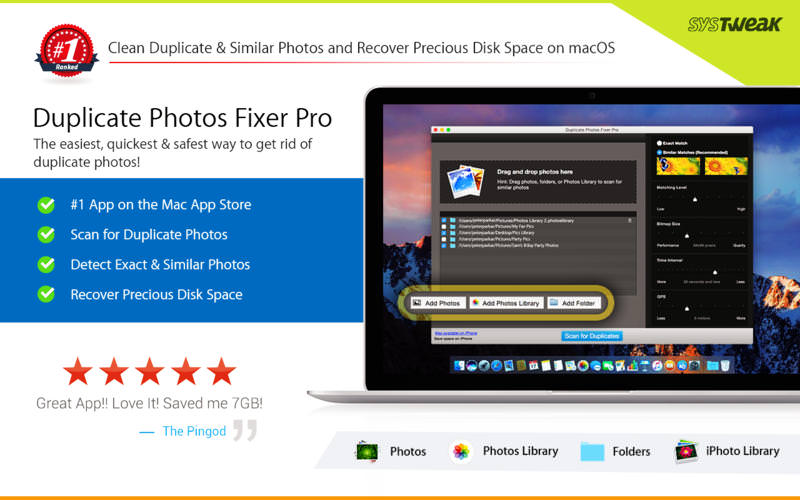
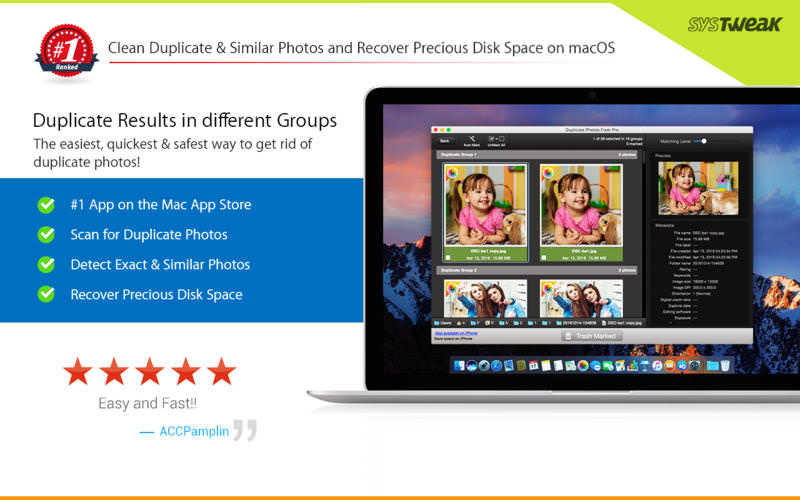
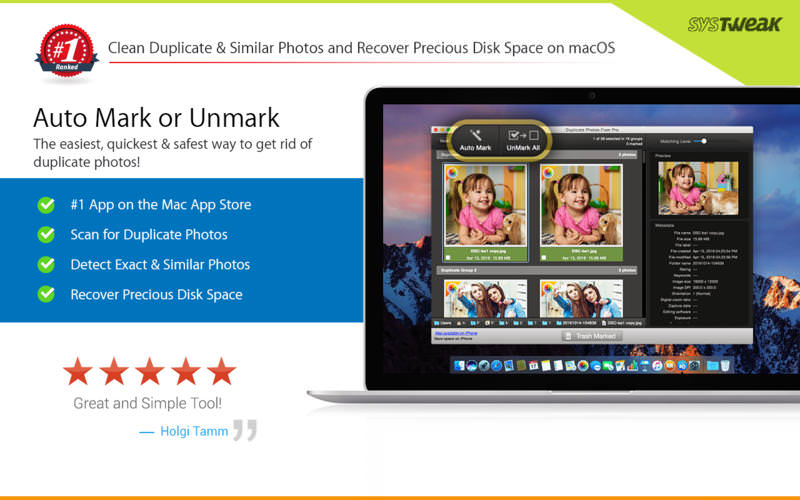
Reclaim disk space and tidy up your photo collection in minutes. Duplicate Photos Fixer Pro quickly finds exact duplicates and similar-looking photos across your Mac, so you can clear the clutter with a single click.
PERFECT FOR CLEANING UP WHEN:
- You shot a burst of near-identical photos trying to get the perfect one
- Your photos are scattered across folders, hard drives, external storage, and your photo library
- Old backups have left you with multiple copies of the same pictures
KEY FEATURES
Drag-and-Drop Scanning
Drop folders or individual photos into the app to scan them. Add images from your photo library and any other folder in the same scan.
Custom Comparison Settings
Choose your comparison method and fine-tune the settings to match your needs, whatever the image size or format.
Fast Scanning
Advanced matching algorithms compare thousands of photos in seconds and give you accurate results.
Real-Time Regrouping
Adjust the matching-level slider and see results regroup instantly, with no need to scan again.
Auto-Mark
Automatically select every duplicate in each group while keeping one copy, based on your preferences.
Compact Group View
Duplicates are organized into clear groups, one row per group, so you can review large sets at a glance.
Quick Look Preview
Preview any photo up close before deleting it, without opening each file separately.
WHY YOU'LL LOVE IT
- Frees up valuable storage space
- Makes your photo library easier to browse
- Keeps your best shots and removes the rest
- Simple enough for anyone to use
Download Duplicate Photos Fixer Pro today and give your photo collection a fresh start.
Version 9.6
- Compatible with the latest macOS.
- Minor bug fixes and improvements.
Frequently asked questions
How do I install the app?
Mount the image, drag the app into the "Applications" folder and launch it. If the system blocks the launch, allow it in "System Settings → Privacy & Security".
The app is damaged or won't launch
Reinstalling from a fresh image usually helps. Make sure your macOS version matches the one listed in the compatibility specs.
How do I update?
Download the new version from the site and install it over the current one — your settings will be preserved.
The download link doesn't work
Try a mirror or a download manager. For large files the browser often drops the connection.
How do I completely remove the app?
Use an uninstaller utility — it cleans up the service files that remain after moving the app to the trash.




Choose a download source
Duplicate Photos Fixer Pro 9.6 · 38 MB
Previous versions
Duplicate Photos Fixer Pro 9.6
Previous versions are available to registered users.