Dropzone Pro 5.1.3
Dropzone: Drag-and-drop productivity app for faster Mac workflows
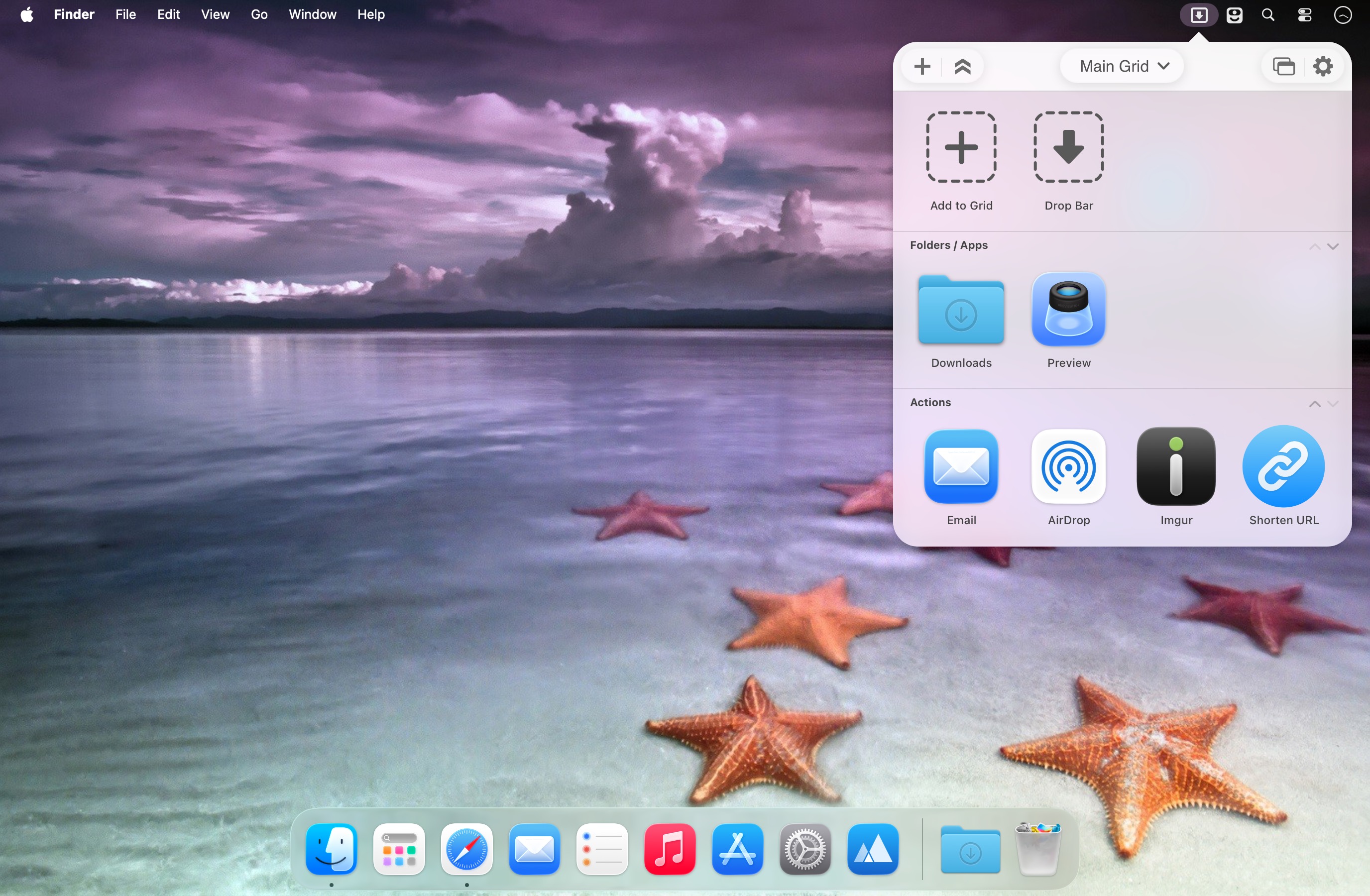
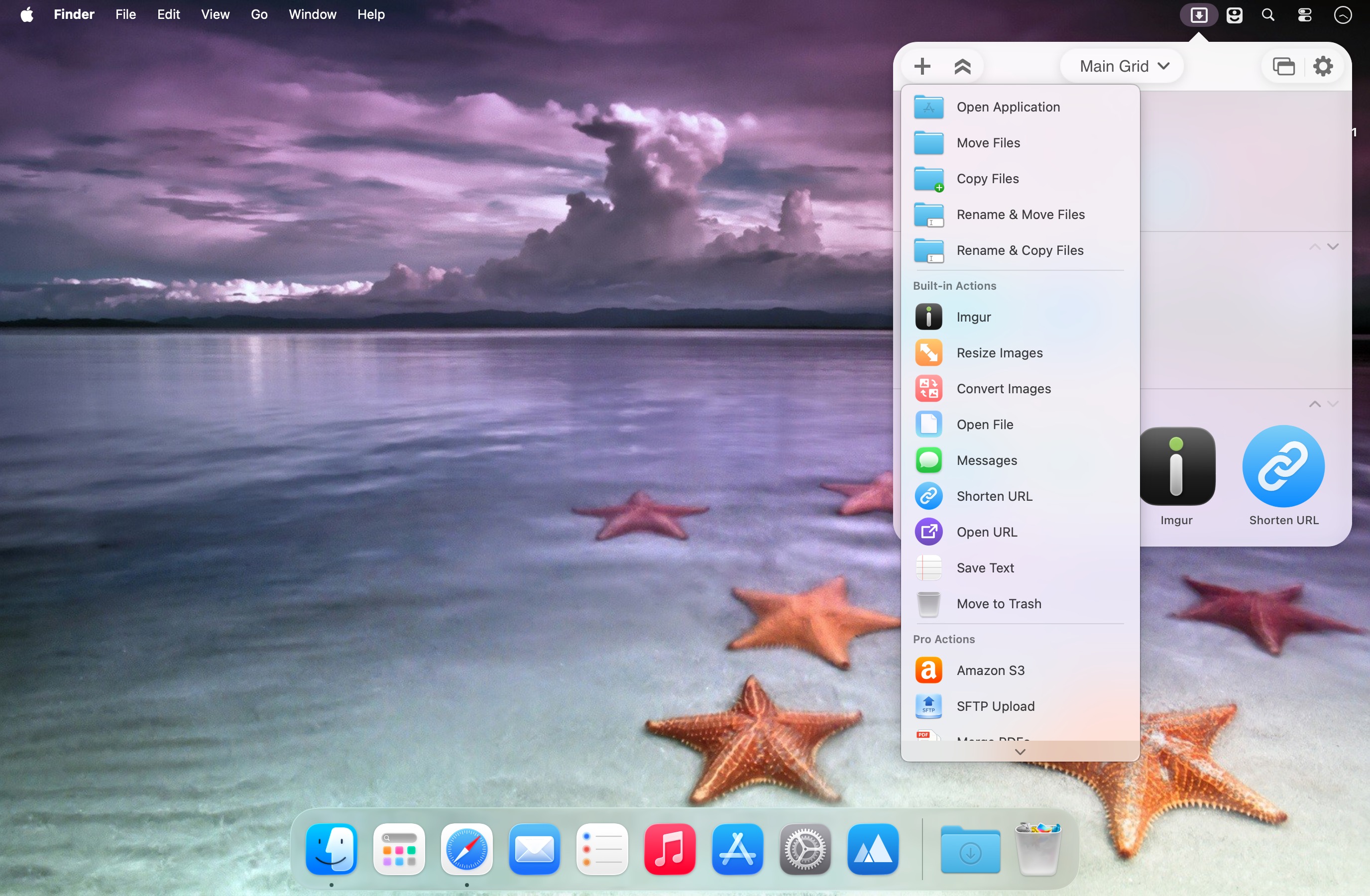
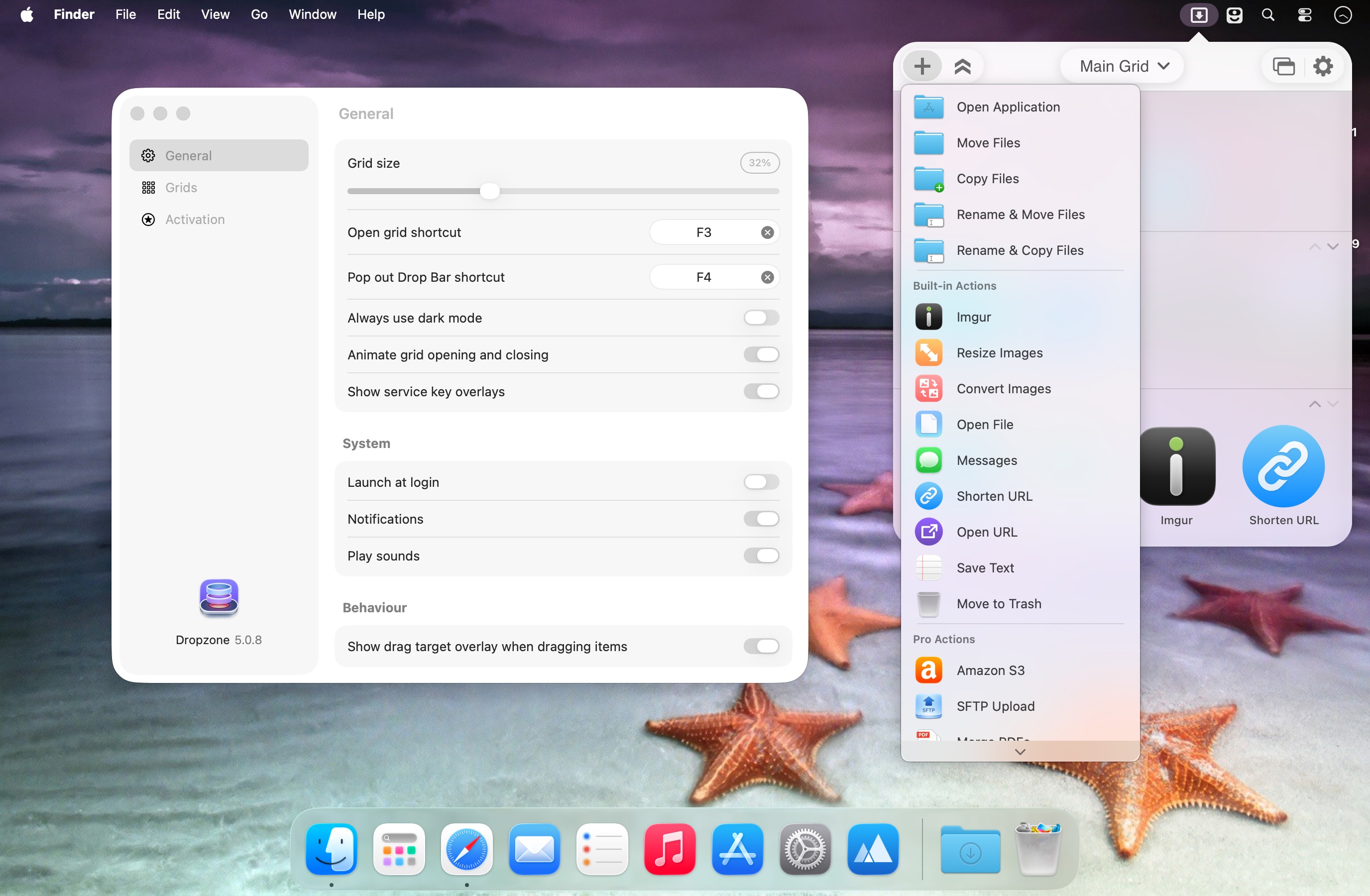
Dropzone is a menu bar productivity app that keeps your most-used apps, folders, and actions instantly within reach. Launch, navigate, and move files faster with a customizable drag-and-drop grid built for everyday speed.
Dropzone 5 brings a full redesign, with optimizations and full support for macOS Tahoe and Liquid Glass.
What’s new in Dropzone 5
Multi-grid support: Create multiple grids for different workflows—apps, folders, and actions—then switch between them effortlessly.
Drop Bar: Stash files you’ll need later by dropping them onto the Drop Bar in the grid. Files stay there until you’re ready to use them, and with multi-grids you can create separate Drop Bars for organized collections.
Key features
- Tahoe-optimized and redesigned for Liquid Glass
- Custom folder icons with Tahoe’s new icon style (colors, symbols, or emojis)
- Pop-out Drop Bar as a floating, always-on-top shelf for quick drag-and-drop
- Faster app launching and file handling (open, move, and copy)
- TinyURL integration to shorten selected URLs instantly and copy them to your clipboard
- Built-in AirDrop support to send files and folders to nearby Macs
- Imgur uploads for instant shareable links
- Image conversion between formats like PNG, JPEG, TIFF, and more
- One-drop image resizing using preset dimensions
- Pro features (optional): upload to Amazon S3 and SFTP, plus simultaneous tasks, keyboard shortcuts for actions, and progress tracking via an animated menu bar icon
- Add to Grid by dragging apps, folders, or actions directly into the grid area
Use Dropzone to streamline your workflow—everything you need, where you need it.
Version 5.1.3:
- Improved drag handling on macOS 27
- Fixed duplicate lines in the Settings toolbar on macOS 27
- Fixed issue where clicking the menu bar icon could fail to toggle the grid on macOS 27
- Improved Drop Bar auto-close animation
Frequently asked questions
How do I install the app?
Mount the image, drag the app into the "Applications" folder and launch it. If the system blocks the launch, allow it in "System Settings → Privacy & Security".
The app is damaged or won't launch
Reinstalling from a fresh image usually helps. Make sure your macOS version matches the one listed in the compatibility specs.
How do I update?
Download the new version from the site and install it over the current one — your settings will be preserved.
The download link doesn't work
Try a mirror or a download manager. For large files the browser often drops the connection.
How do I completely remove the app?
Use an uninstaller utility — it cleans up the service files that remain after moving the app to the trash.



Choose a download source
Dropzone Pro 5.1.3 · 66.66 MB
Previous versions
Dropzone Pro 5.1.3
Previous versions are available to registered users.