
DockPops 5.1
DockPops — macOS Dock organizer and app folder manager.
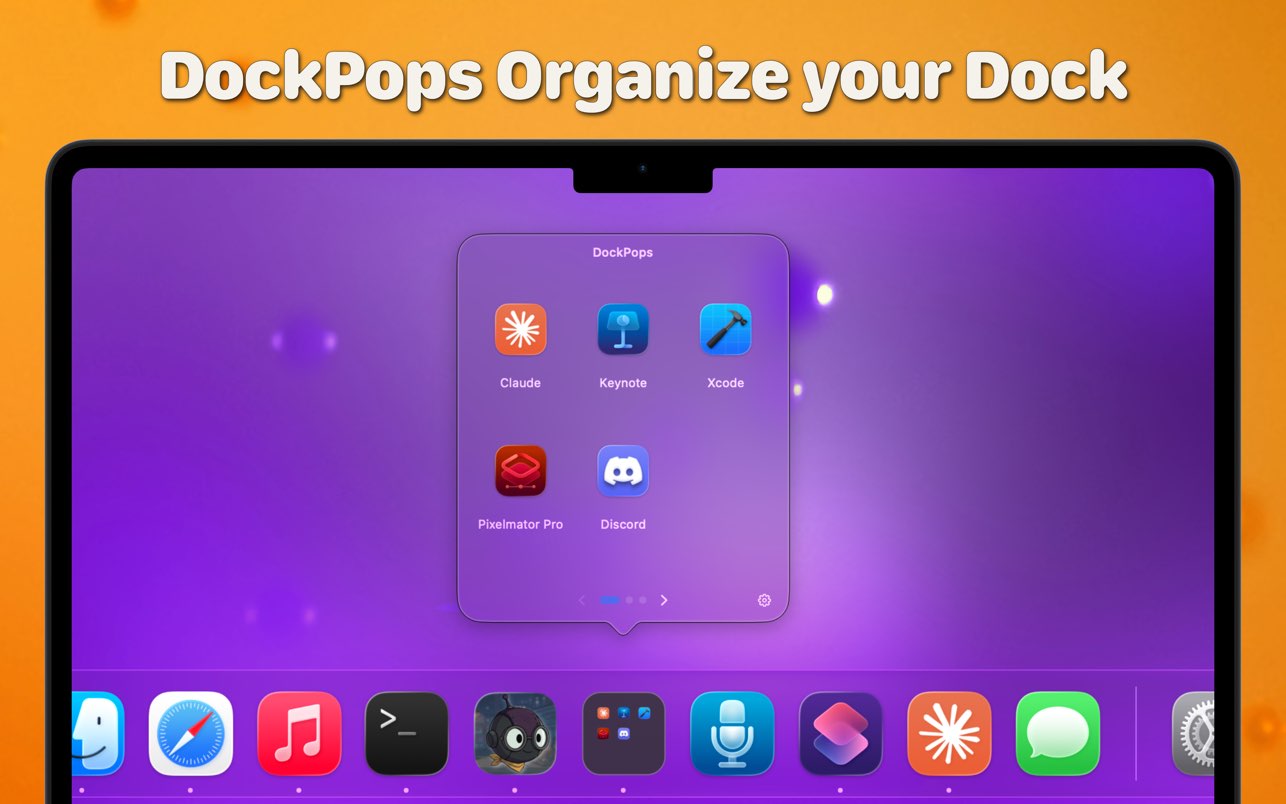
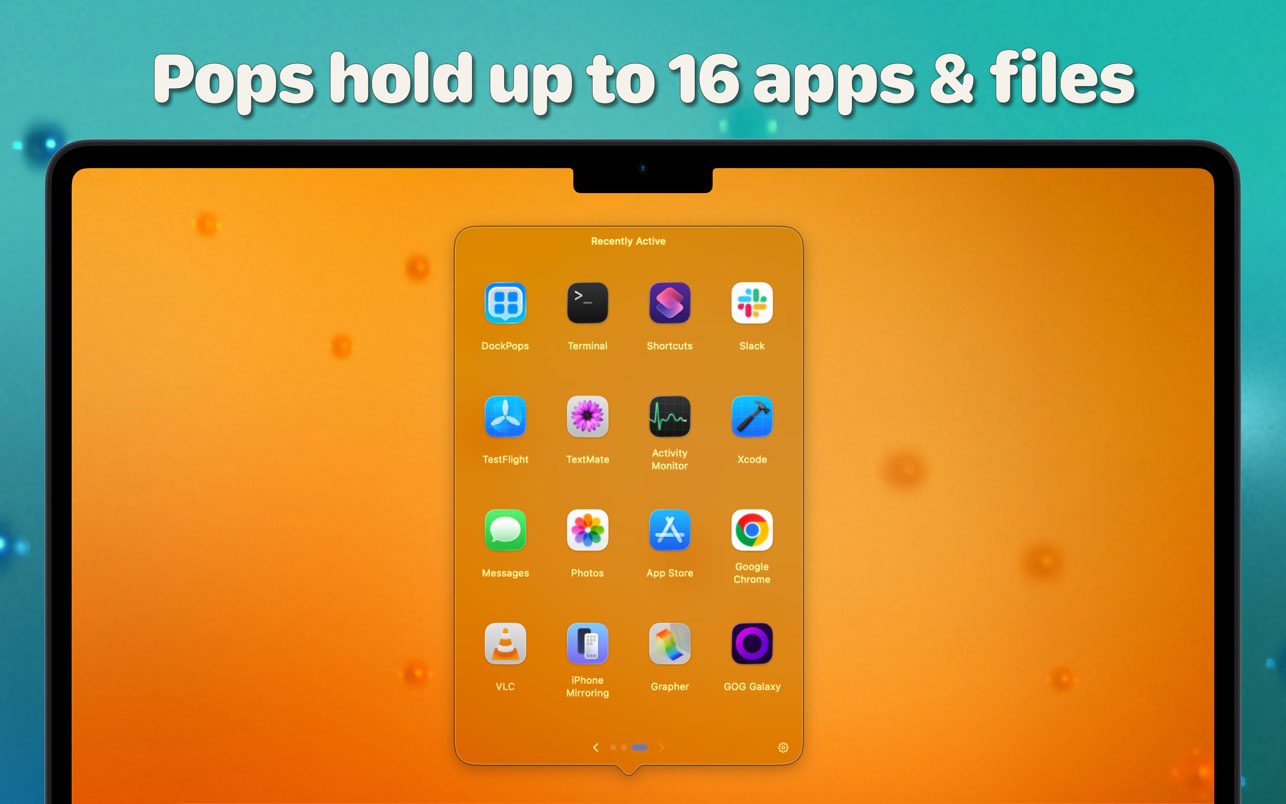
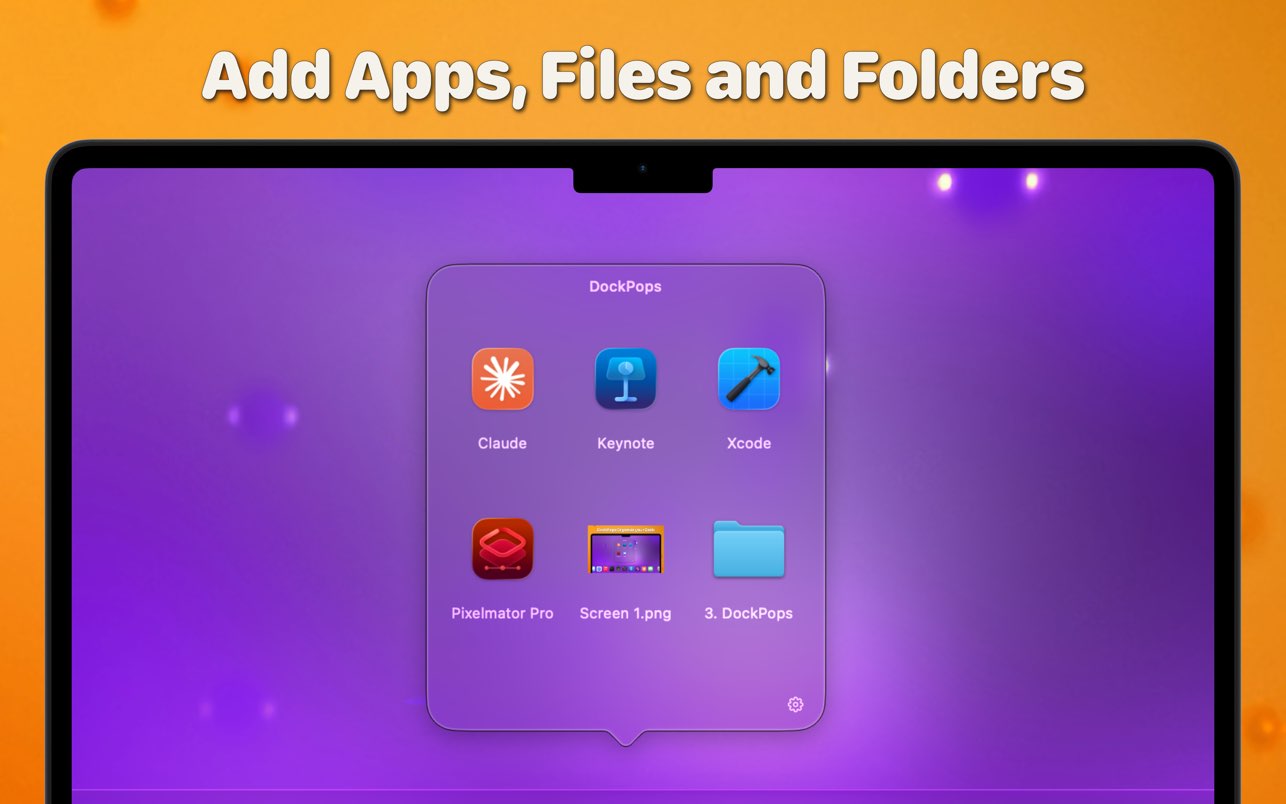
DockPops is a powerful productivity tool designed to streamline your macOS experience by bringing iPhone-style organization to your Dock. It allows you to declutter your workspace by grouping apps, files, and folders into “Pops”—interactive, customizable popover menus.
Key Features
- iPhone-Style Folders: Organize your most-used items into clean folders that live directly in your Dock.
- Launch with Speed: Click a Pop to instantly access a grid of apps or use the “Open All” feature to launch an entire project workflow with a single click.
- File & Folder Support: Beyond just apps, you can add documents and directories, complete with QuickLook previews for easy identification.
- SmartyPops (Premium): Leverage on-device AI to receive smart suggestions for items you might need based on your usage patterns.
- MultiPops & Shortcuts: Create multiple independent Dock icons for different categories (e.g., “Work,” “Gaming,” or “Design”) and trigger them via Siri or Spotlight.
- Private by Design: DockPops runs entirely locally. There is zero data collection, no tracking, and no network access required.
Version 5.1:
- New: Lock popover size while swiping - the popover stays at your largest Pop's size, so nothing jumps around as you move between Pops. Find it in Settings → Popover.
- Themes now save your label font size and Dock Icon styling - and applying a theme no longer resets your custom Dock Icon colors.
- The Glass Effect slider now appears for every Pop, including ones still on the default background.
- Using DockPops Companion? You'll be asked once to download the latest version so updates keep flowing smoothly.
Frequently asked questions
How do I install the app?
Mount the image, drag the app into the "Applications" folder and launch it. If the system blocks the launch, allow it in "System Settings → Privacy & Security".
The app is damaged or won't launch
Reinstalling from a fresh image usually helps. Make sure your macOS version matches the one listed in the compatibility specs.
How do I update?
Download the new version from the site and install it over the current one — your settings will be preserved.
The download link doesn't work
Try a mirror or a download manager. For large files the browser often drops the connection.
How do I completely remove the app?
Use an uninstaller utility — it cleans up the service files that remain after moving the app to the trash.

Choose a download source
DockPops 5.1 · 15.01 MB
Previous versions
DockPops 5.1
Previous versions are available to registered users.