
TaskPaper 3.9.3
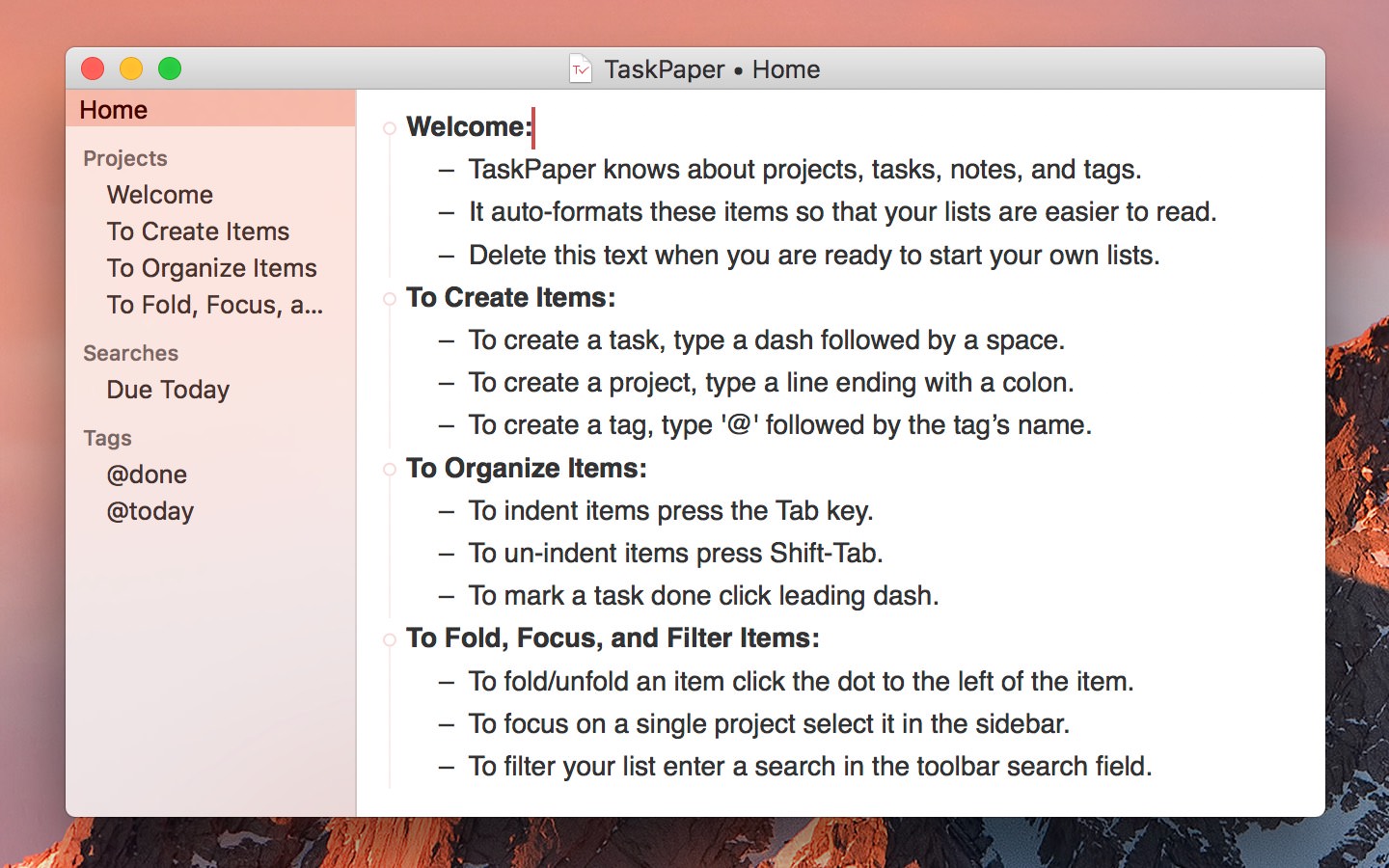
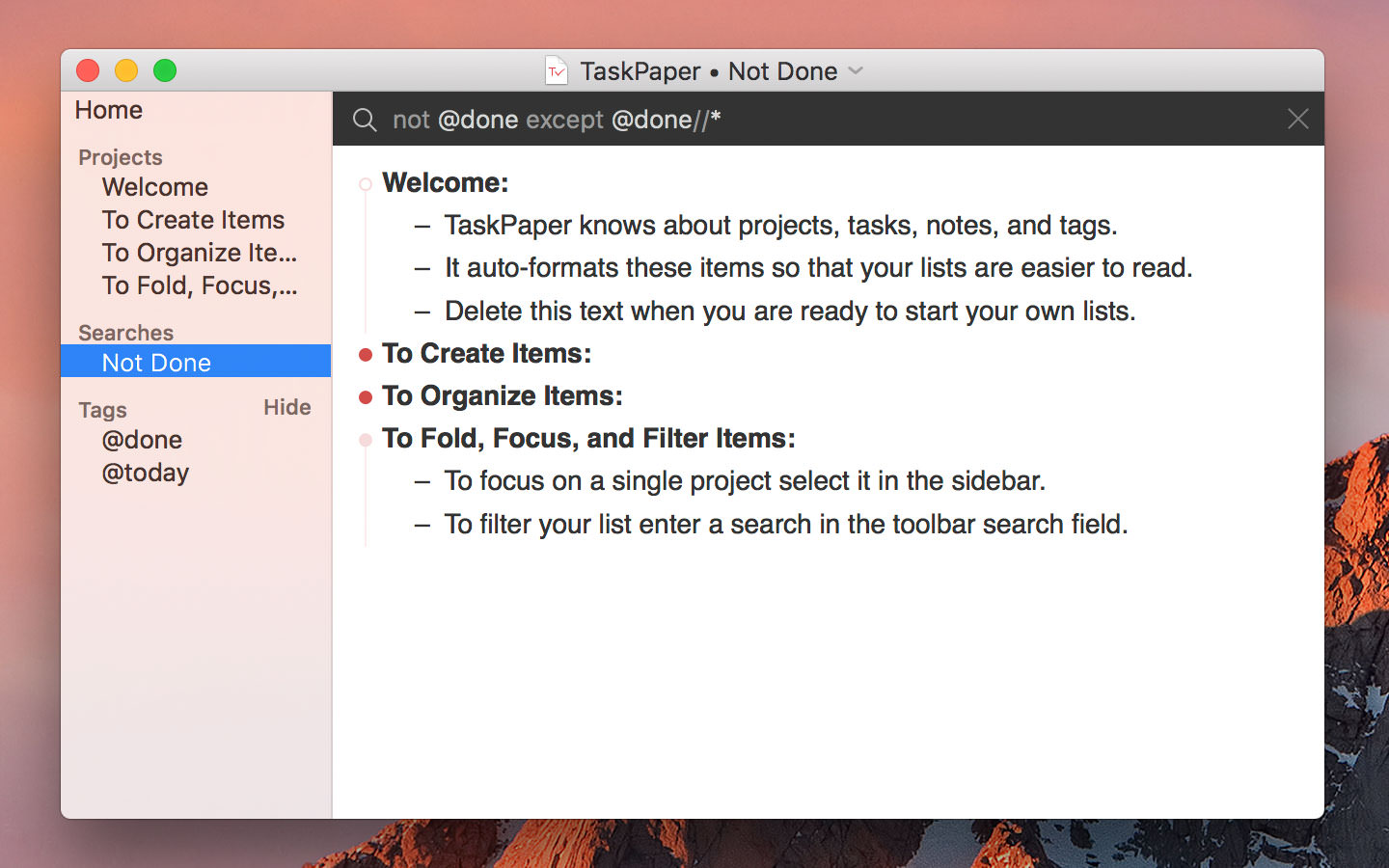
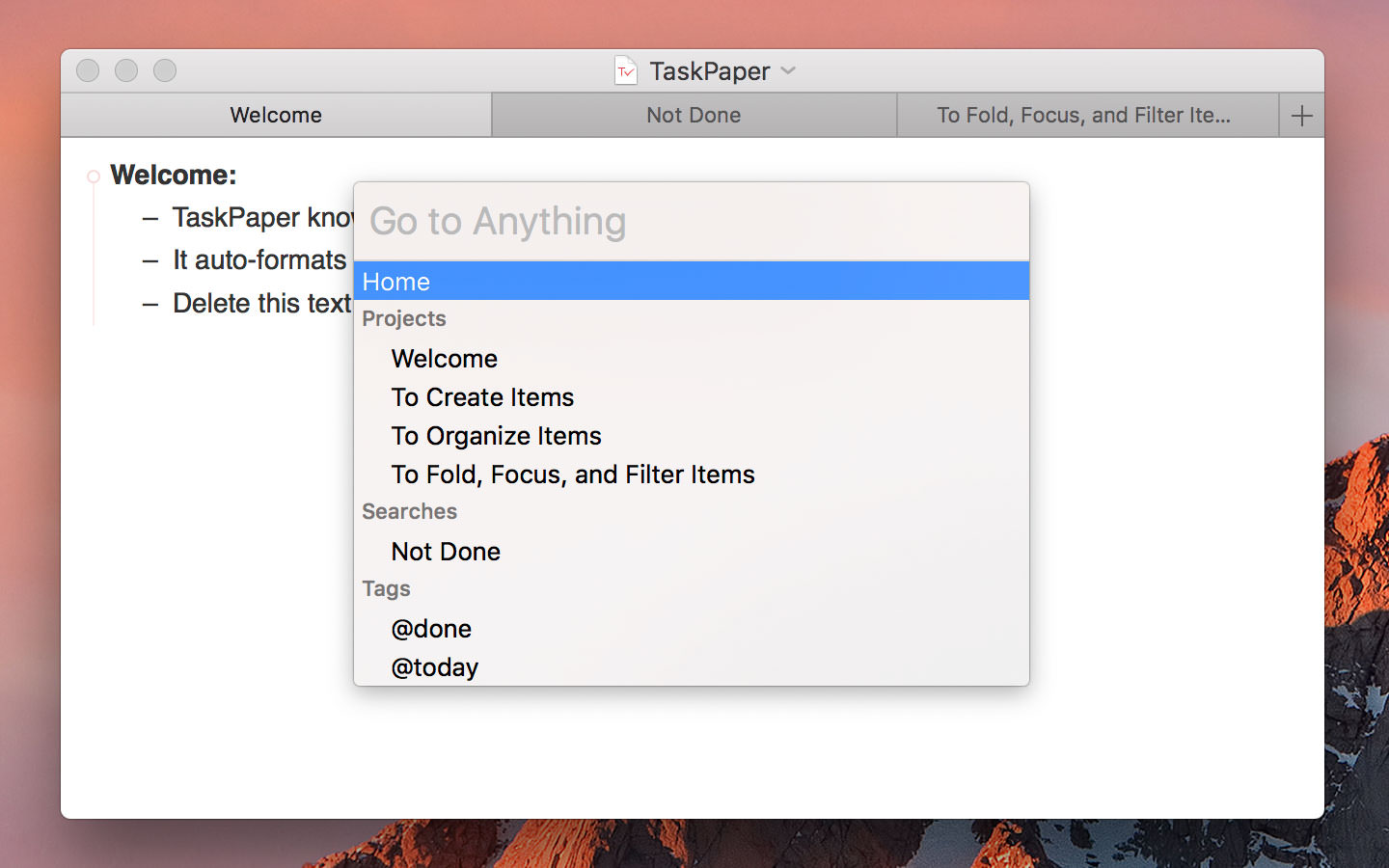
TaskPaper is a plain-text to-do list that’s surprisingly adept. Thoroughly modernized. TaskPaper 3 is all new, while still retaining the same plain-text design that’s been getting things done since 2006.
Key Features
- Plain text files; edit anywhere
- Type and your lists are auto formatted
- Organize projects:, - tasks, notes, and @tags
- Filter your lists by @tag, type, or content
- Fold, focus, and filter to make big lists small
- Fast keyboard navigation & commands
Supporting Features
- Drag and drop to organize your lists
- Manage dates and times in plain text
- Import/Export with Reminders app (Siri)
- Active support community ready to help
- LESS/CSS powered stylesheets for theming
- Extensive jаvascript API for scripting
Version 3.9:
- Release notes were unavailable when this listing was updated.
Frequently asked questions
How do I install the app?
Mount the image, drag the app into the "Applications" folder and launch it. If the system blocks the launch, allow it in "System Settings → Privacy & Security".
The app is damaged or won't launch
Reinstalling from a fresh image usually helps. Make sure your macOS version matches the one listed in the compatibility specs.
How do I update?
Download the new version from the site and install it over the current one — your settings will be preserved.
The download link doesn't work
Try a mirror or a download manager. For large files the browser often drops the connection.
How do I completely remove the app?
Use an uninstaller utility — it cleans up the service files that remain after moving the app to the trash.




Choose a download source
TaskPaper 3.9.3 · 8.03 MB
Previous versions
TaskPaper 3.9.3
Previous versions are available to registered users.