Workspaces 2.3
Workspaces, a productivity app for organized project resources.
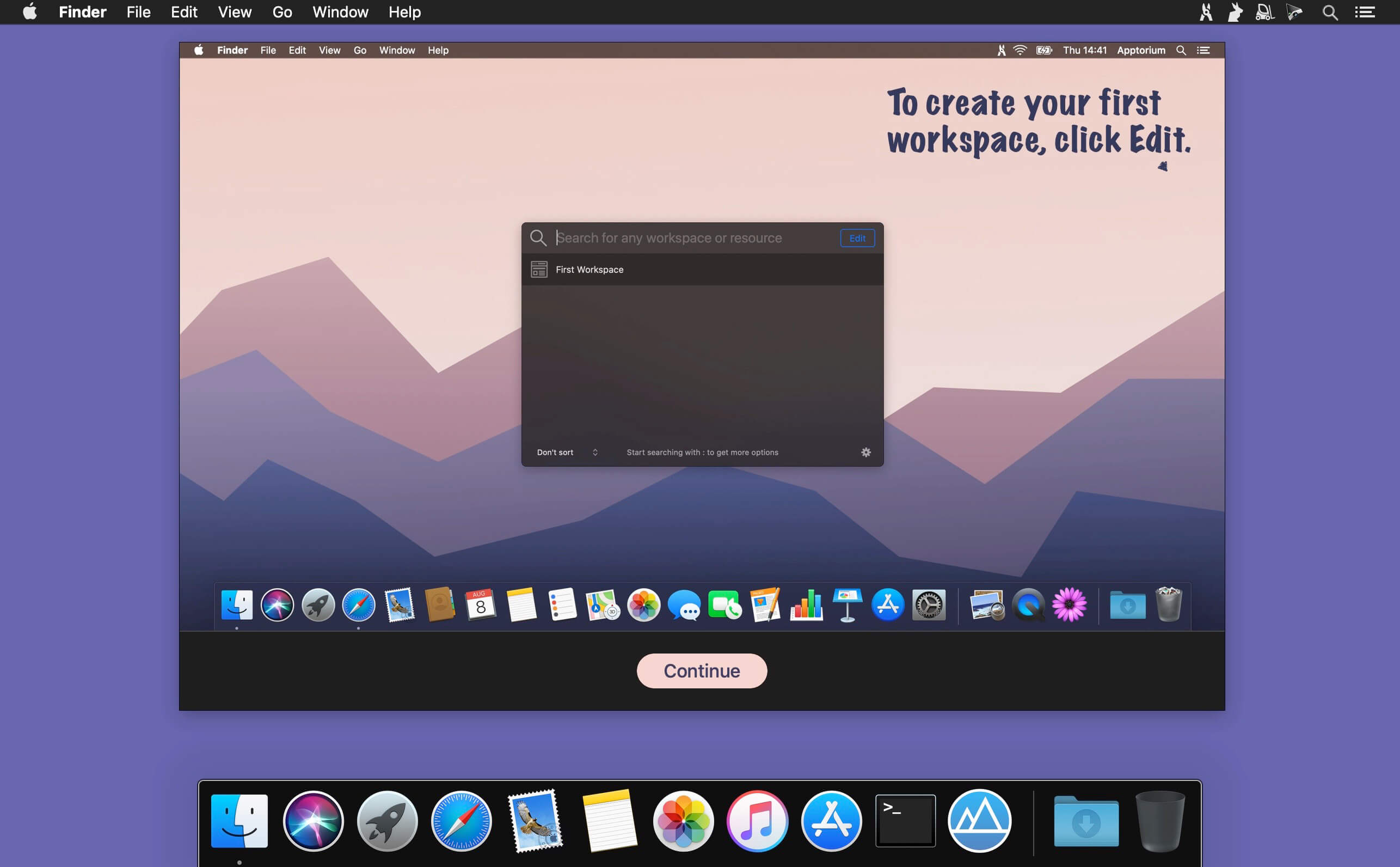
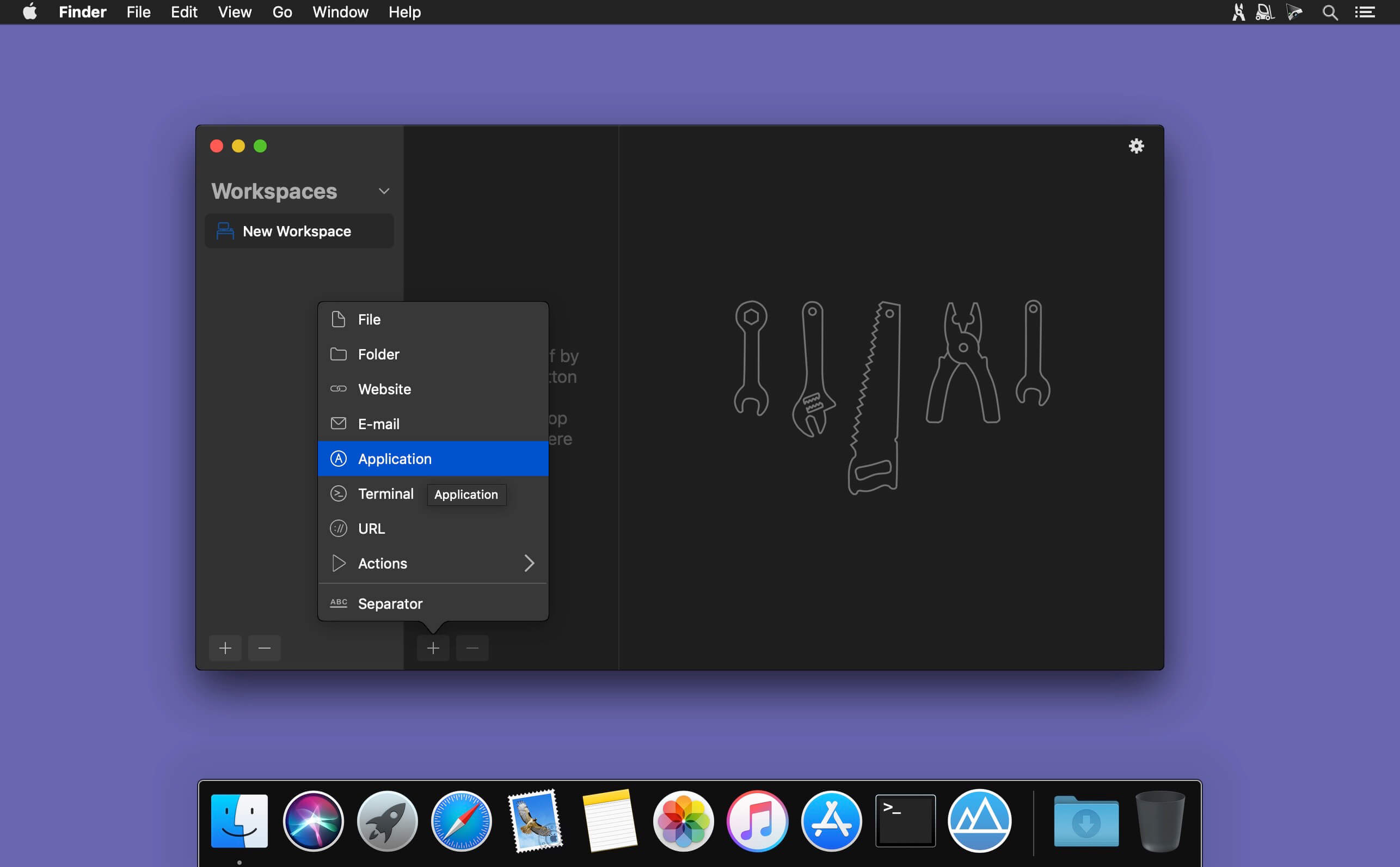
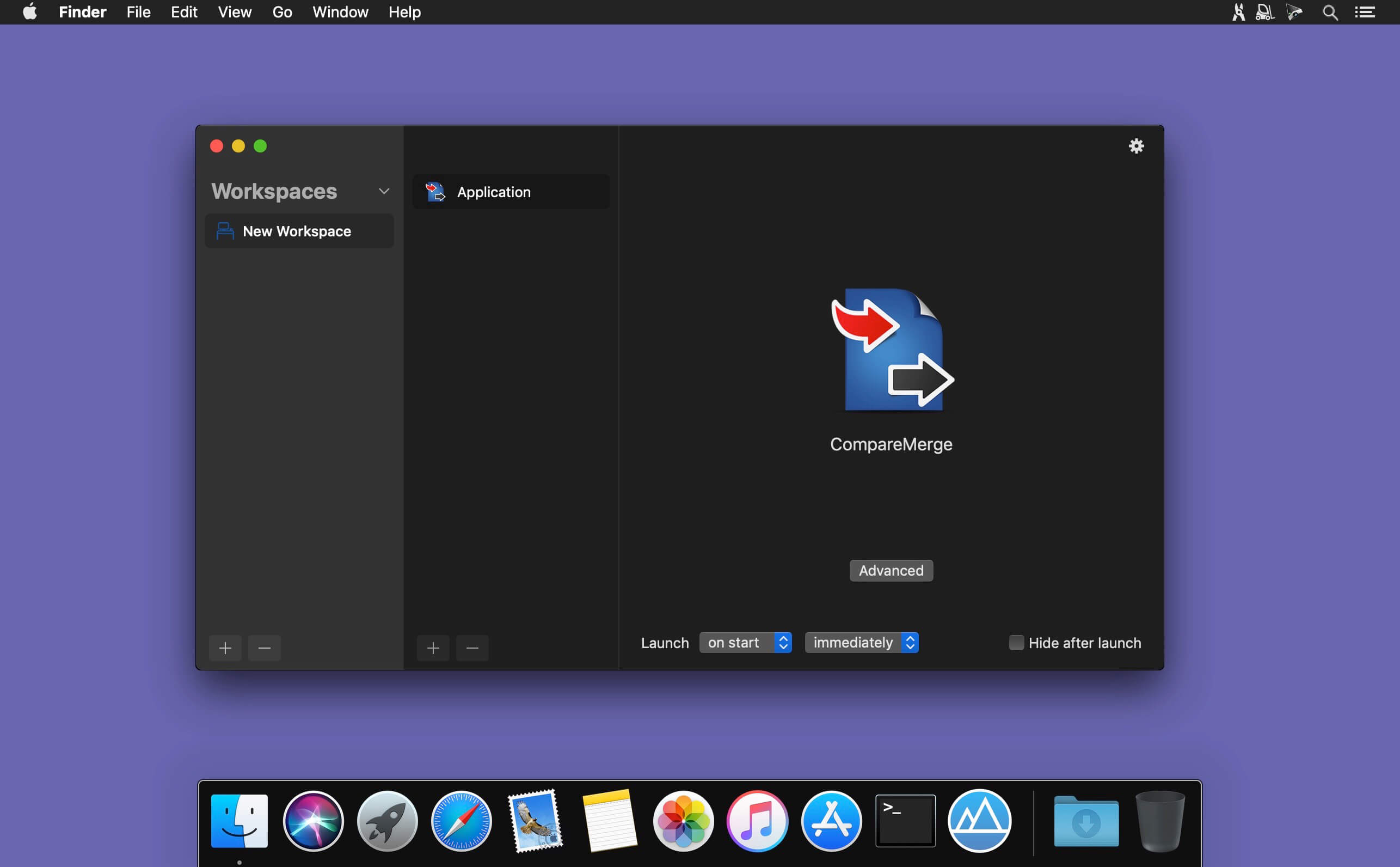
Workspaces keeps everything for your projects in one place, so you can get started faster. Add files, folders, websites, applications, and important emails, then launch them all at once with the Start button.
Need to access something specific? Open individual resources anytime from the Workspaces icon in your menu bar.
Stop wasting time searching for what you need. With Workspaces, your essential project resources are always organized, accessible, and ready when you are—so you can focus on getting work done instead of procrastinating.
Version 2.3:
- Added plugin update checks and installation in Settings.
- Added search and keyboard navigation to the Add Resources menu.
- Improved search with an overlay view and the ability to copy resource URLs from results.
- Added the ⌘⌥E shortcut for configuring the Action plugin.
- Improved the context menu, app icons, and editor controls.
Frequently asked questions
How do I install the app?
Mount the image, drag the app into the "Applications" folder and launch it. If the system blocks the launch, allow it in "System Settings → Privacy & Security".
The app is damaged or won't launch
Reinstalling from a fresh image usually helps. Make sure your macOS version matches the one listed in the compatibility specs.
How do I update?
Download the new version from the site and install it over the current one — your settings will be preserved.
The download link doesn't work
Try a mirror or a download manager. For large files the browser often drops the connection.
How do I completely remove the app?
Use an uninstaller utility — it cleans up the service files that remain after moving the app to the trash.



Choose a download source
Workspaces 2.3 · 31.86 MB
Previous versions
Workspaces 2.3
Previous versions are available to registered users.