

Final Draft 13.5.0
Write and format screenplays with industry-standard Mac software.
Screenshots
Click to enlarge
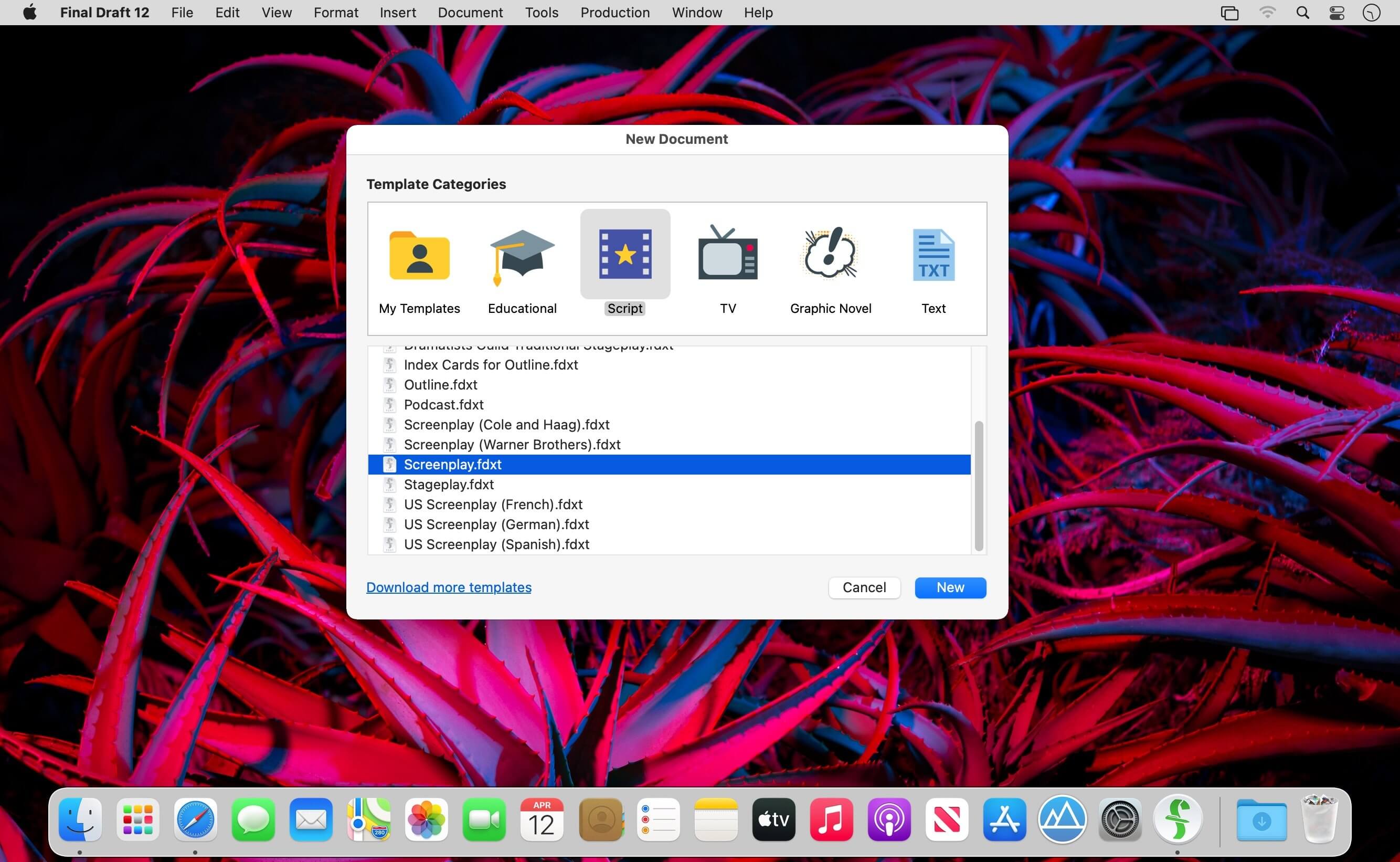

Final Draft helps you write movie and TV scripts, stage plays, and new media projects on your Mac with the professional formatting the entertainment industry relies on. As you type, your script is automatically formatted to industry standards, so you can focus on telling your story instead of learning formatting rules. Final Draft also works seamlessly with the separate Final Draft Writer app for iPad, letting you continue your work across devices.
From first outline to final production
Final Draft supports every stage of the screenwriting process on your Mac, from early story structure to fully revisioned, production-ready scripts. Use Scene View, Index Cards, and the Navigator to organize and restructure your story, then move into Revision Mode, page locking, and production reports when it's time to prepare your script for the set.
- Scene View: Outline your script and reorder scenes using a simple drag-and-drop interface.
- Index Cards: Outline your story and restructure your script one scene at a time.
- Navigator: View, sort, and filter the details of your scenes, ScriptNotes, and characters.
- ScriptNotes: Add general or element-specific color-coded notes without affecting your script's pagination.
- Templates: Choose from over 100 classic and current screenplay, television, stageplay, and graphic novel templates, or build your own.
- Format Assistant: Check your finished draft for formatting errors before moving forward.
- Title Page: Create and include a professional title page with your script.
- Revision Mode: Revise your script as often as needed and save different revisions for production purposes.
- Page Locking: Omit scenes, lock pages and A-pages, and set revision colors as your script moves toward production.
- Character Highlighting: Highlight a specific character's lines for table reads or to track dialogue.
- Customizable Reporting: Generate scene, character, location, and other reports to print or email separately from your script.
- Retina and Full Screen Support: Write distraction-free in full screen mode with Retina display compatibility.
- macOS Dictation Support: Use the Mac's built-in dictation feature for hands-free writing.
Download Final Draft for Mac and start writing your next script with the formatting tools trusted throughout the entertainment industry.
Version 13.0.0:
Note: Now requires macOS 10.15 or later
- Writing Stats
- Typewriter
- Midnight Mode
- Emoji
- Navigator 2.0
- Enhanced Outline Editor
- Custom Color PDFs
- Structure Lines
- Custom Beat Views
Comments
No comments yet. Be the first.