FilePane 2.0.8
FilePane — macOS productivity app for faster file and image management

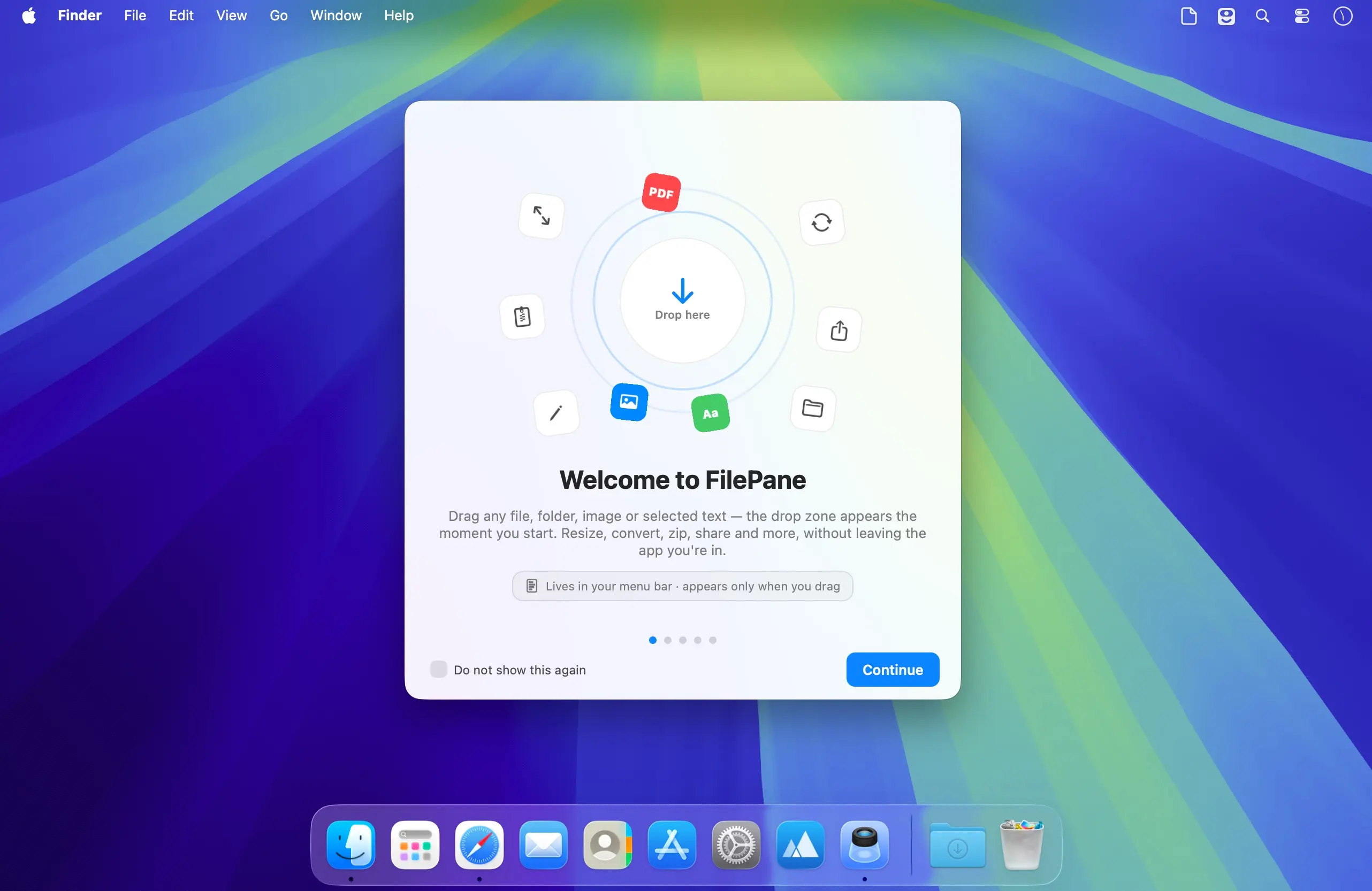
FilePane is a lightweight macOS productivity app that gives you instant access to essential file, image, and text tools—all from your Mac’s menu bar.
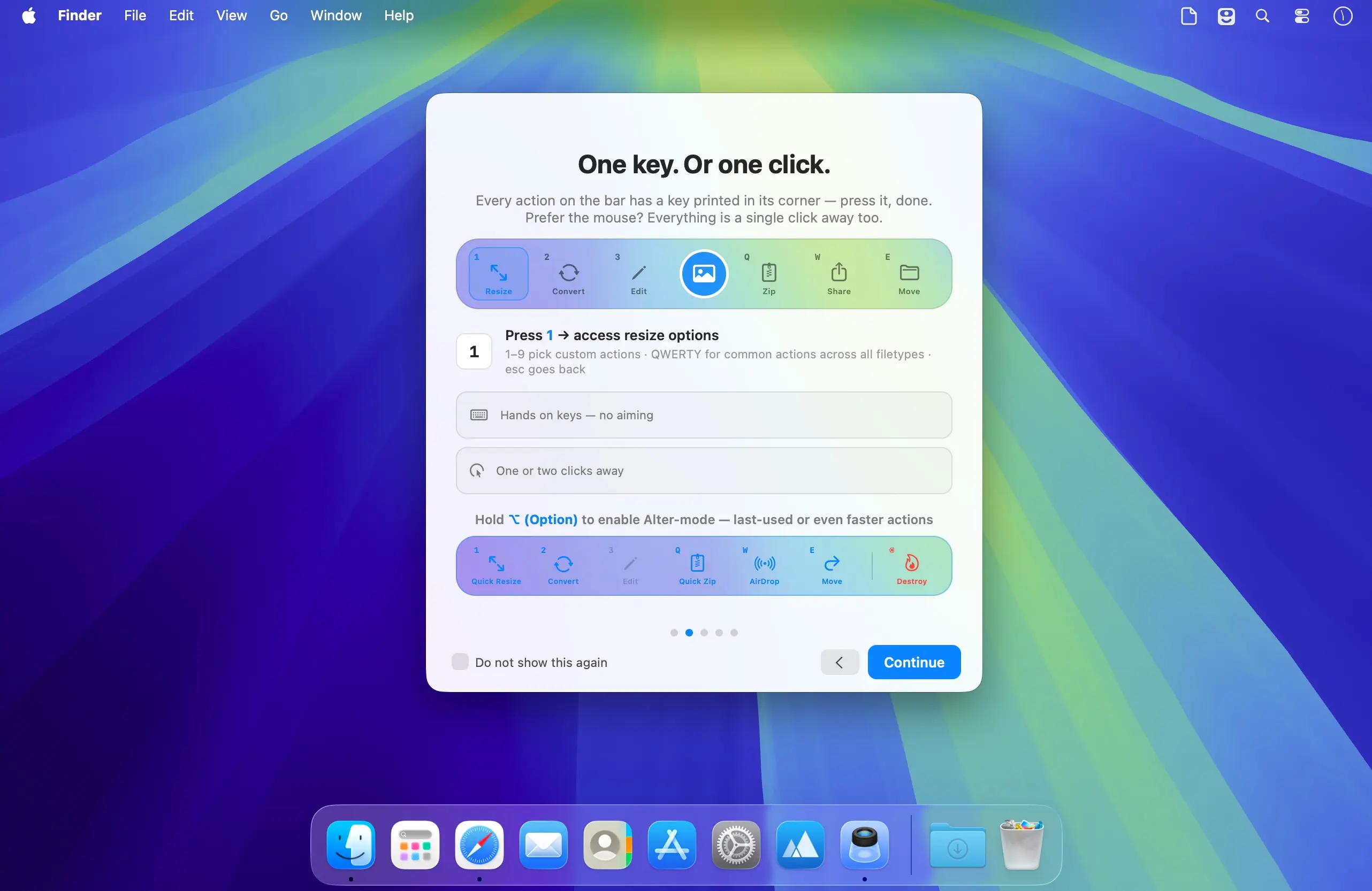
Simply activate FilePane with drag and drop or a customizable keyboard shortcut, then manage your files quickly from its clean, compact interface. Choose the activation method that best fits your workflow.
Manage Files Faster
With FilePane, you can:
- Set an image as your desktop wallpaper.
- View file sizes and copy file paths to the clipboard.
- Resize images to any resolution.
- Convert text files to PDF and PDF files to text.
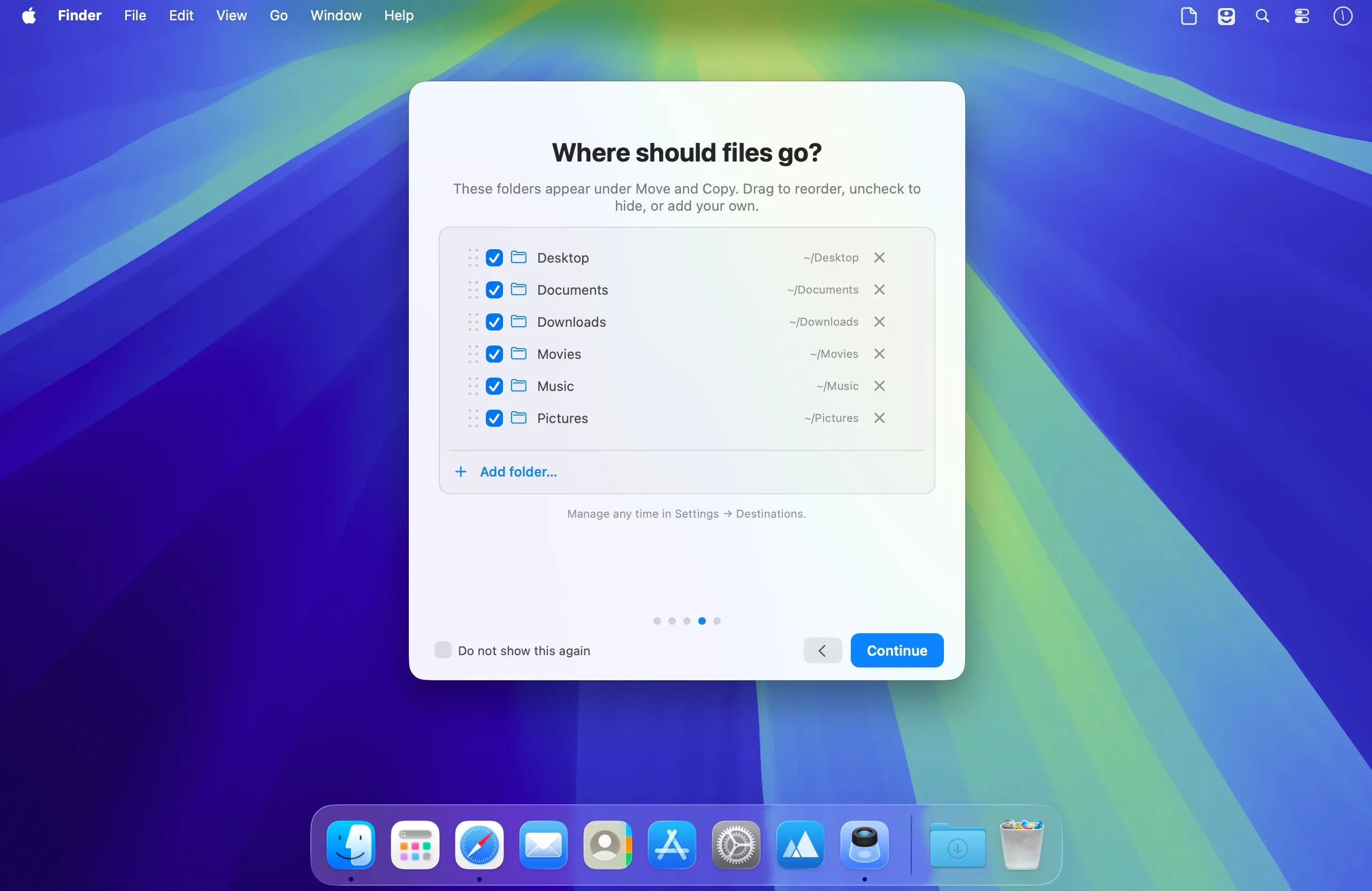
- Move files to other folders.
- Create archives.
- Print text documents.
- Save text snippets as TXT files.
- Copy text to the clipboard.
- Create new emails from selected text.
- Share files through AirDrop, email, Facebook, or Twitter.
Designed for an Efficient Workflow
FilePane runs quietly in the macOS menu bar, providing fast access without interrupting your work. You can enable or disable the app, launch it automatically at login, switch between black and white menu bar icons, and assign a custom activation shortcut.
Whether you are resizing images, organizing documents, sharing files, or working with text, FilePane helps you complete everyday tasks faster and with fewer steps.
Version 2.0.8:
- NEW: Watermark for images — stamp text or a logo over your images. Resize, rotate it, apple font color, style. save and manage presets. Batch watermarking is also supported. Metadata is preserved on write.
- NEW: Watermark for videos — the same marks and presets, burned into every frame. output files stay matched to the source.HDR included
- crop frame in image edit window now has ability to align the crop frame to center, top and botom corners. you can also set frame size manually, if needed
- file info pill (over the actions bar) will now show multiple files and folders total size, just like for individual files
- NEW: Bulk Crop — drop several images and crop by aspect ratio (1:1, 4:5, 16:9…) or an exact size in pixels/percent. metadata for images is preserved
Frequently asked questions
How do I install the app?
Mount the image, drag the app into the "Applications" folder and launch it. If the system blocks the launch, allow it in "System Settings → Privacy & Security".
The app is damaged or won't launch
Reinstalling from a fresh image usually helps. Make sure your macOS version matches the one listed in the compatibility specs.
How do I update?
Download the new version from the site and install it over the current one — your settings will be preserved.
The download link doesn't work
Try a mirror or a download manager. For large files the browser often drops the connection.
How do I completely remove the app?
Use an uninstaller utility — it cleans up the service files that remain after moving the app to the trash.
Choose a download source
FilePane 2.0.8 · 12.85 MB