
Colori 1.9.0
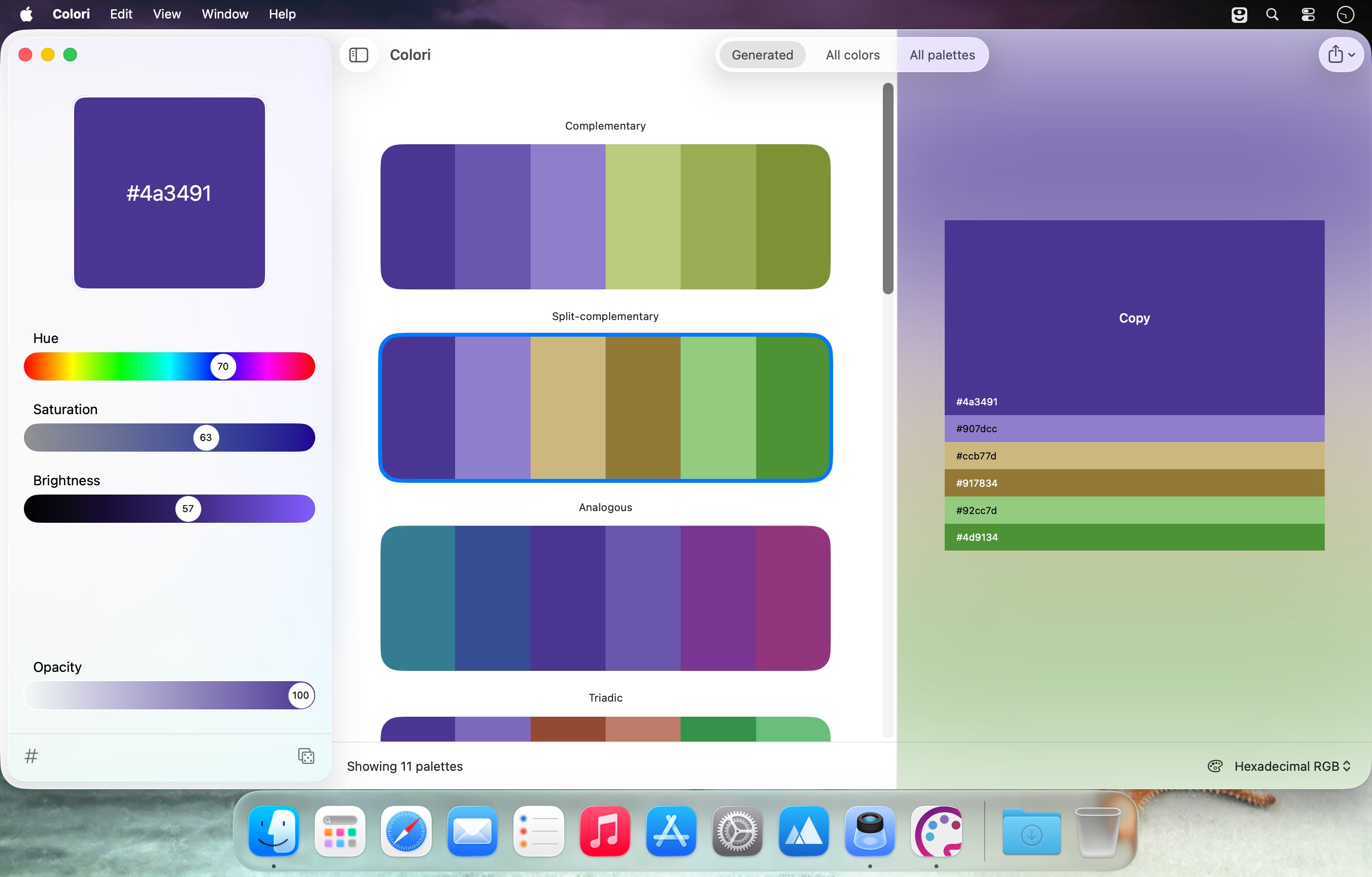
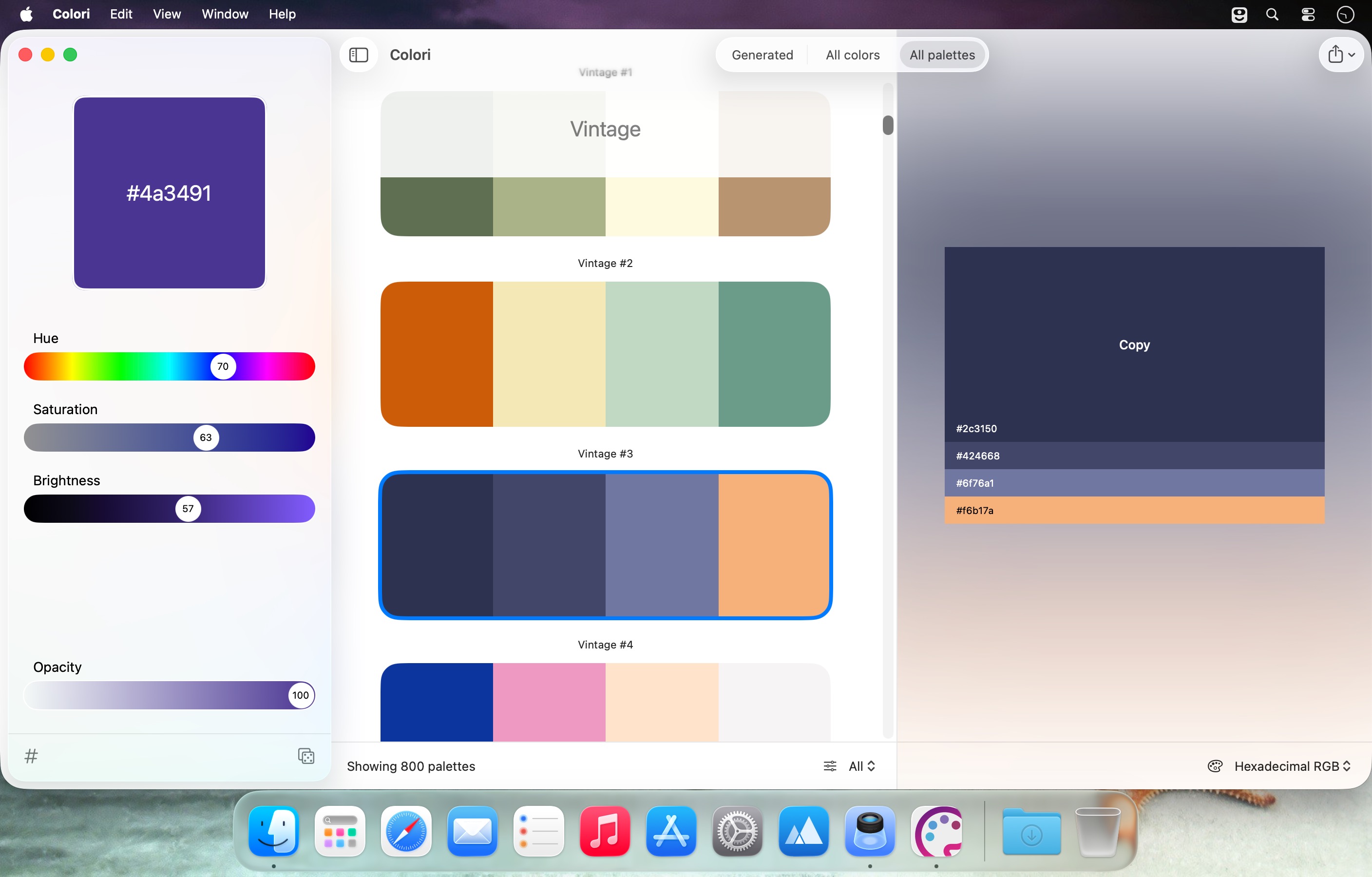
Meet Colori — a beautiful color palette generator that puts great color schemes right at your fingertips.
With easy, practical controls, you simply choose a starting color and instantly explore matching harmonies. Pick from a wide range of colors and 100 custom or pre-made palettes to help your next design stand out.
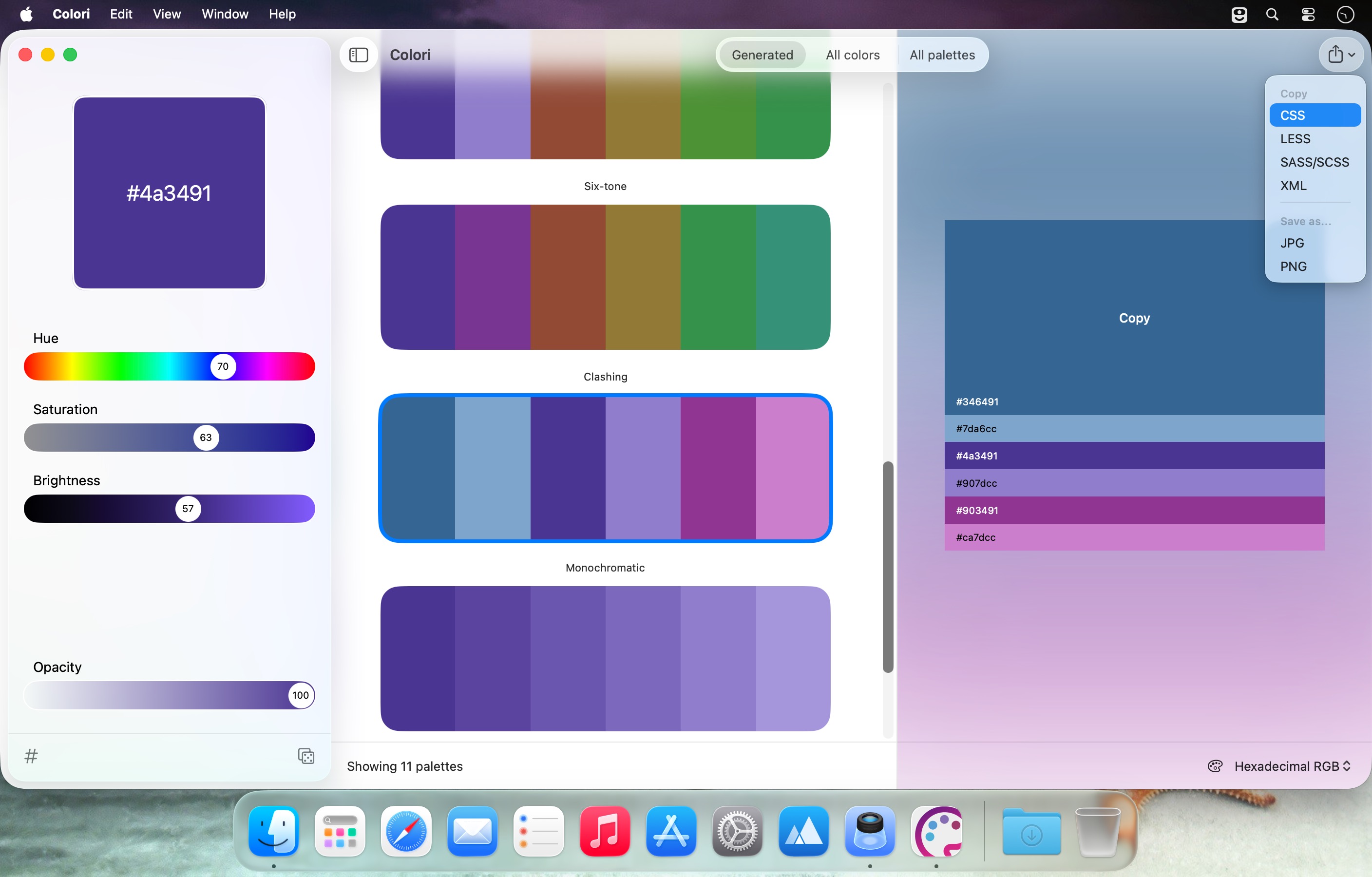
Need colors for the web? Colori works quickly and smoothly on Mac, and includes export options for CSS/LESS/SASS so you can reuse palettes in your workflow.
In 3 simple steps:
- Start with a color
- Browse generated palettes and harmonies
- Export for web and design use
Frequently asked questions
How do I install the app?
Mount the image, drag the app into the "Applications" folder and launch it. If the system blocks the launch, allow it in "System Settings → Privacy & Security".
The app is damaged or won't launch
Reinstalling from a fresh image usually helps. Make sure your macOS version matches the one listed in the compatibility specs.
How do I update?
Download the new version from the site and install it over the current one — your settings will be preserved.
The download link doesn't work
Try a mirror or a download manager. For large files the browser often drops the connection.
How do I completely remove the app?
Use an uninstaller utility — it cleans up the service files that remain after moving the app to the trash.



Choose a download source
Colori 1.9.0 · 4.85 MB