

Color Hound 1.9.6
Generate color palettes from images and export them in seconds.
Screenshots
Click to enlarge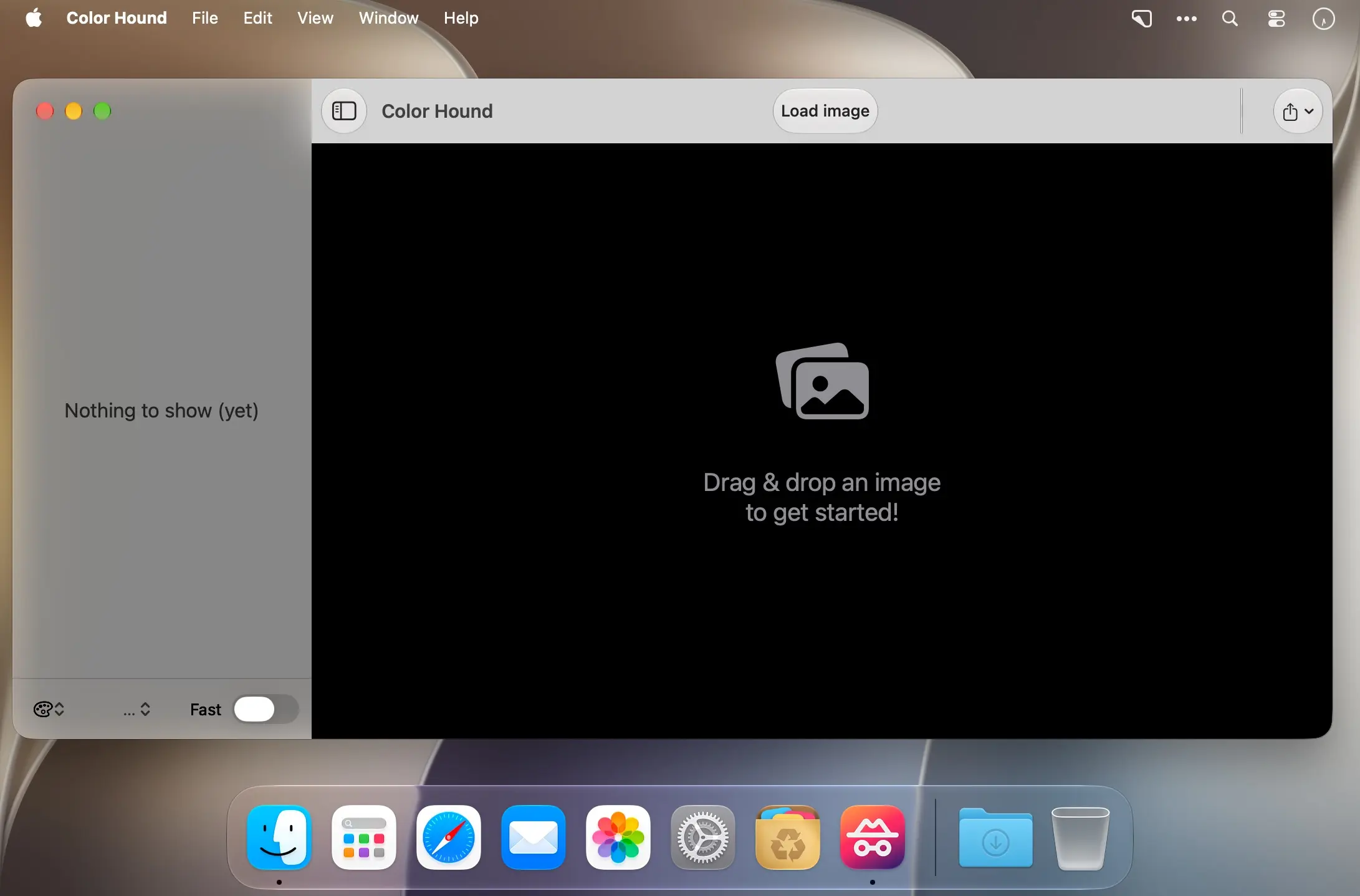
Description
Turn images into color palettes
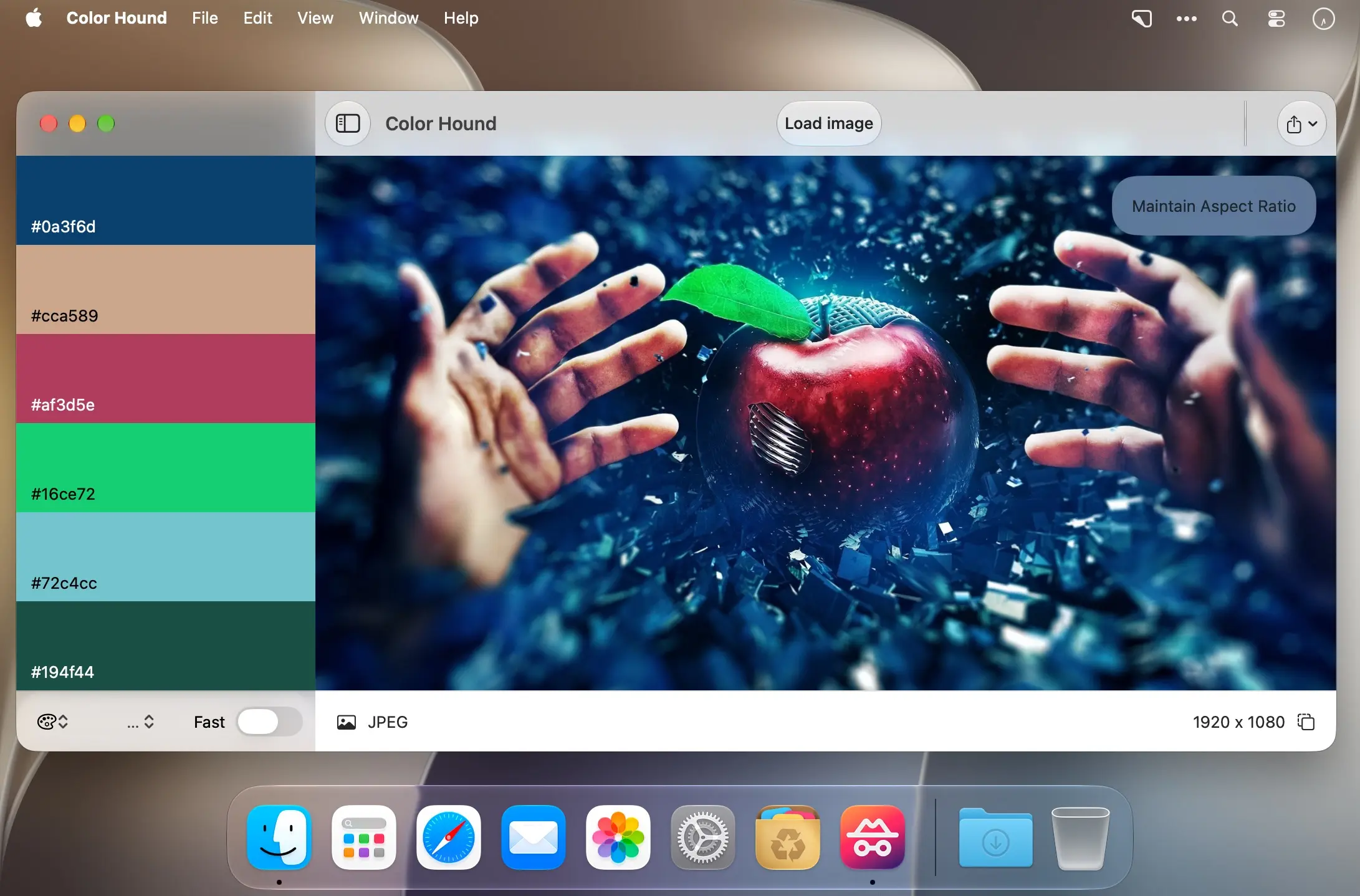
Discover the colors in any image with Color Hound for macOS. Drop in a photo, customize your palette, and export it in the format you need.
Made for quick color discovery
Whether you’re exploring colors in a photo or preparing a palette for your next project, Color Hound makes it easy to go from image to export.
- Drag and drop: Add an image to analyze it.
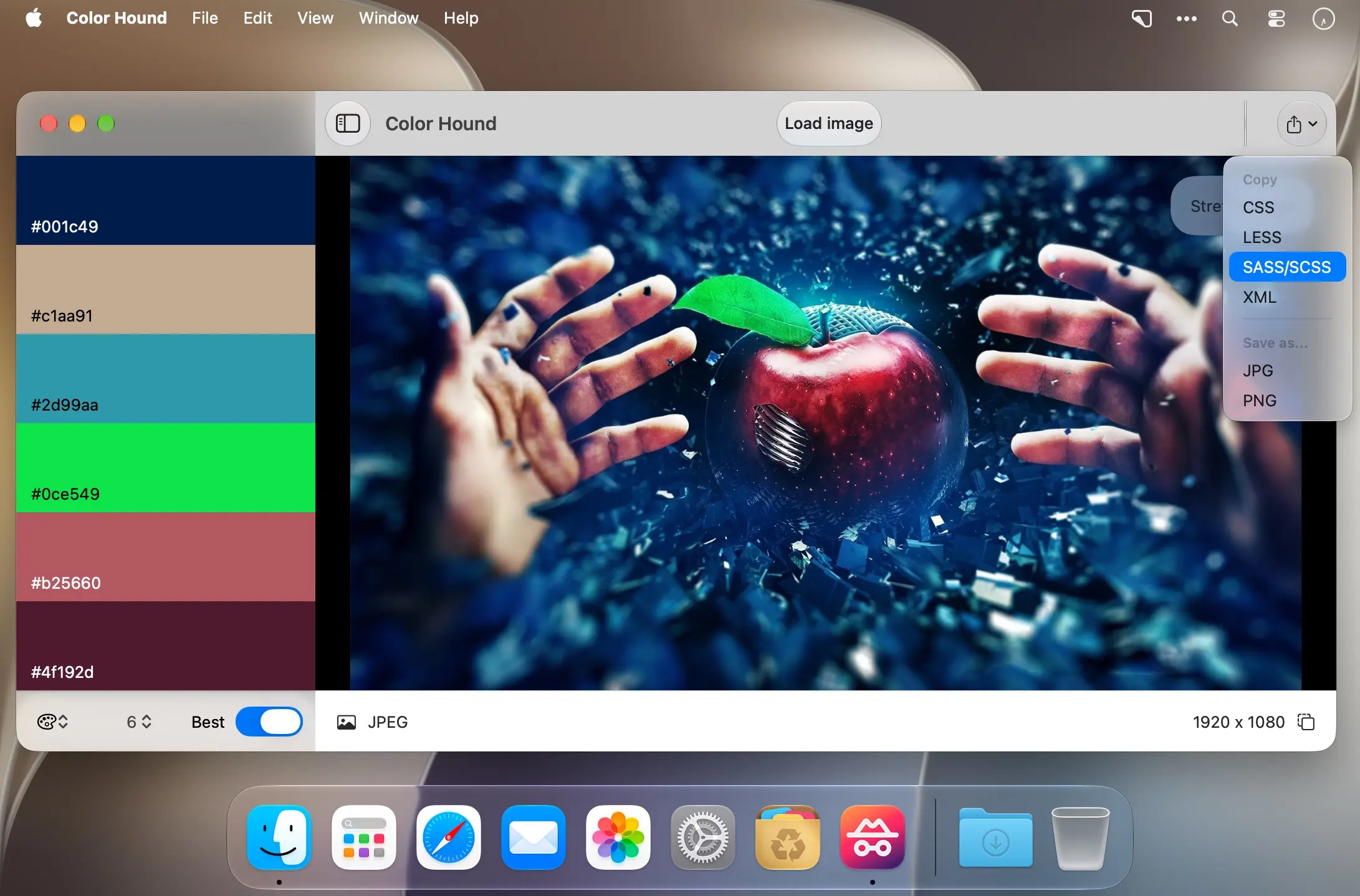
- Flexible options: Choose the number of colors and adjust other available settings to get the result you want.
- CSS and LESS export: Export your palette in CSS or LESS format.
- Palette image export: Save the whole palette as an image.
Drop in an image and create your color palette with Color Hound.
Comments
No comments yet. Be the first.
Information
Visitors in the group Guests cannot leave comments on this publication.