Color Wheel 9.2
Color Wheel color wheel app for palettes and harmony
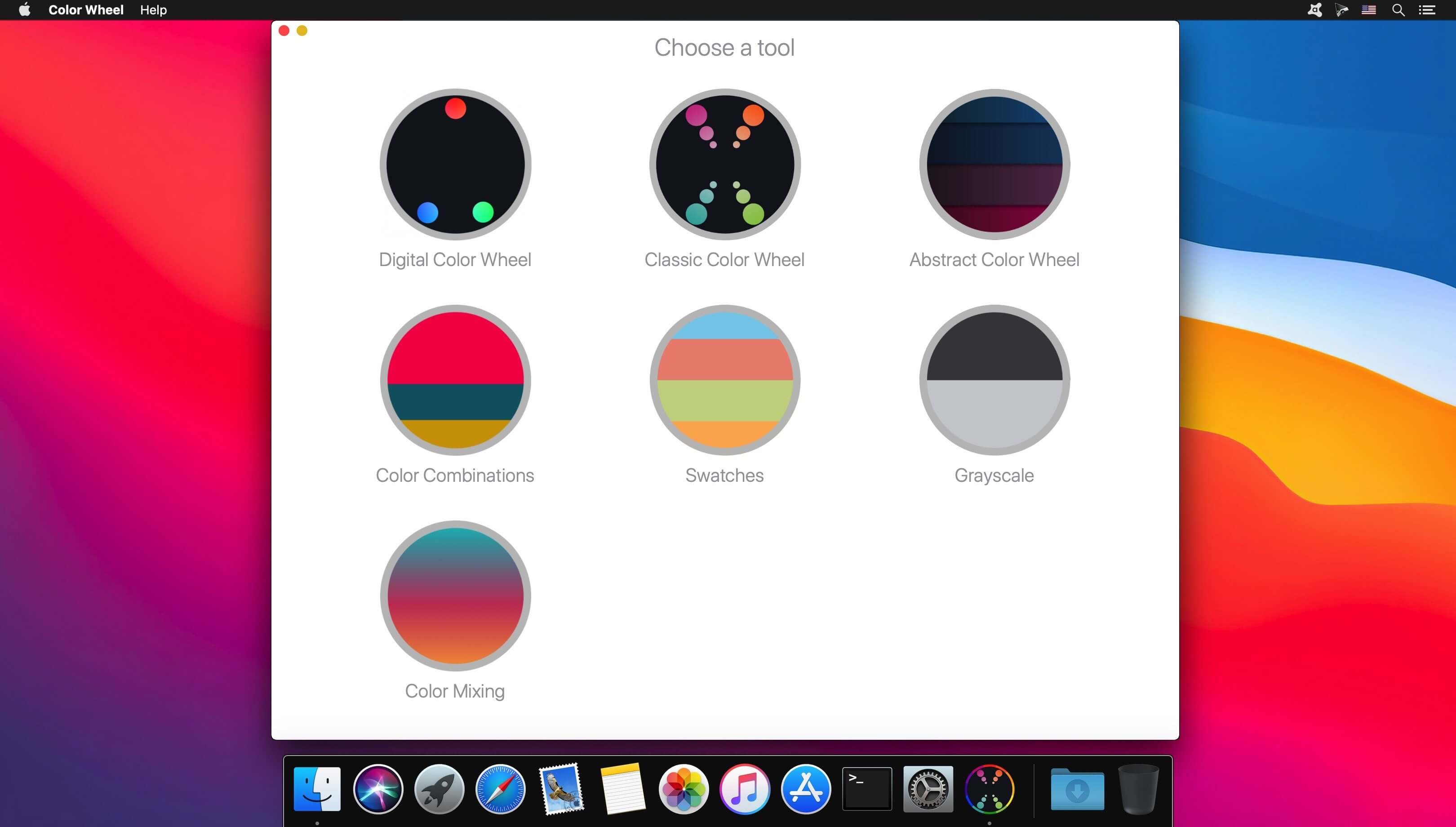

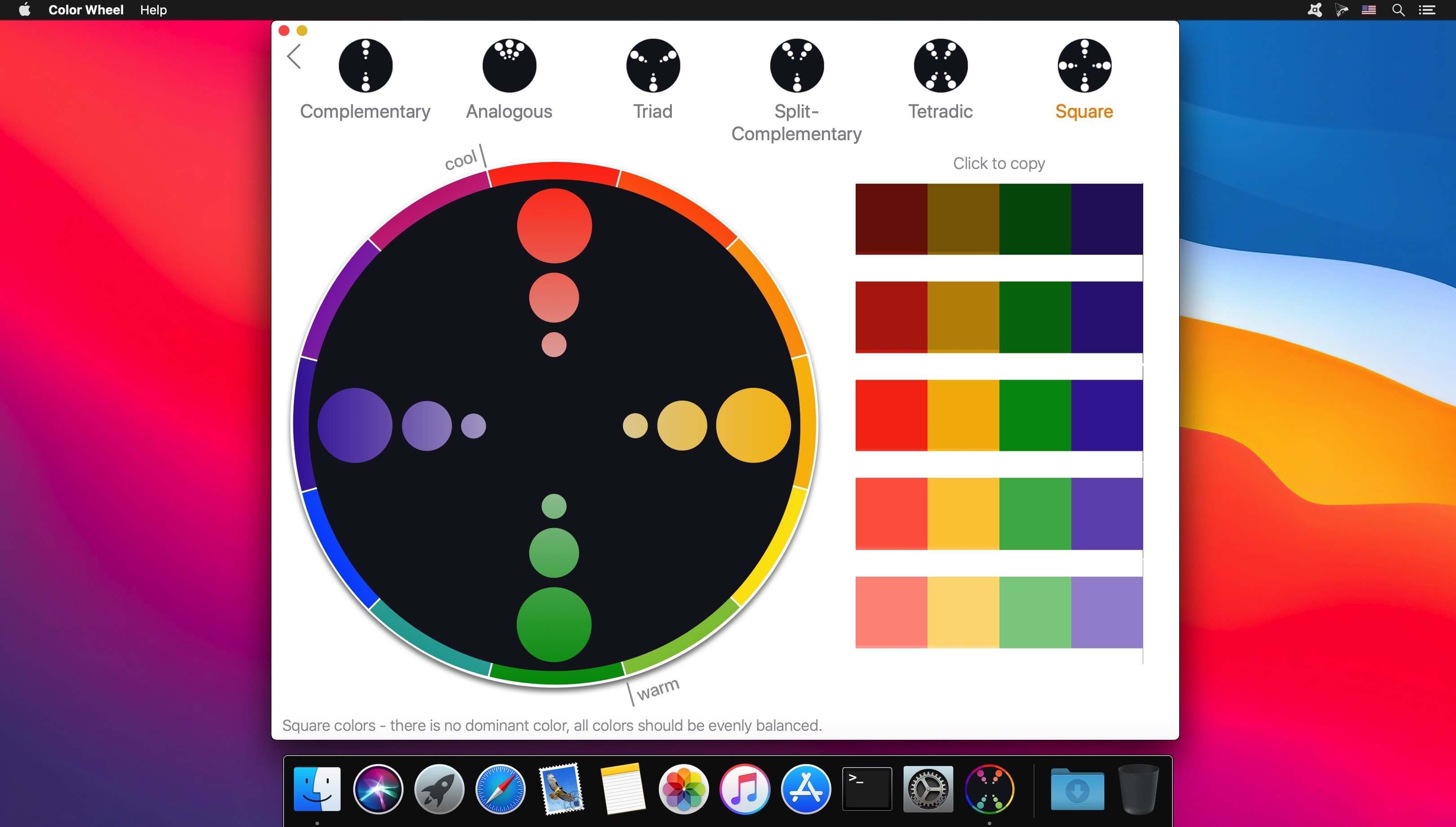
Color Wheel is an all-in-one color toolkit for painters and designers, combining digital, classic, and abstract color wheels in a single app.
It includes tools for building better palettes, exploring color harmony, and simplifying the painting process:
- Digital Color Wheel for graphic design
- Classic Color Wheel for versatile color selection
- Abstract Color Wheel for expressive painting
- Color Combinations with professional palette suggestions
- Color Swatches organized by season and mood
- Image Colors to extract colors from photos
- Value Breaker to turn images into simple value studies
- Tone to unify a palette with a shared color tone
- Light tool to explore how different lighting affects color
- Color Group to create and manage large color sets
Version 9.2
Thanks for using our app! In this update:
- Pigments have been added to the Swatches tool.
Frequently asked questions
How do I install the app?
Mount the image, drag the app into the "Applications" folder and launch it. If the system blocks the launch, allow it in "System Settings → Privacy & Security".
The app is damaged or won't launch
Reinstalling from a fresh image usually helps. Make sure your macOS version matches the one listed in the compatibility specs.
How do I update?
Download the new version from the site and install it over the current one — your settings will be preserved.
The download link doesn't work
Try a mirror or a download manager. For large files the browser often drops the connection.
How do I completely remove the app?
Use an uninstaller utility — it cleans up the service files that remain after moving the app to the trash.





Choose a download source
Color Wheel 9.2 · 7.73 MB
Previous versions
Color Wheel 9.2
Previous versions are available to registered users.