
Sublime Text 4.0 Build 4215
Write code, markup and prose in one fast text editor
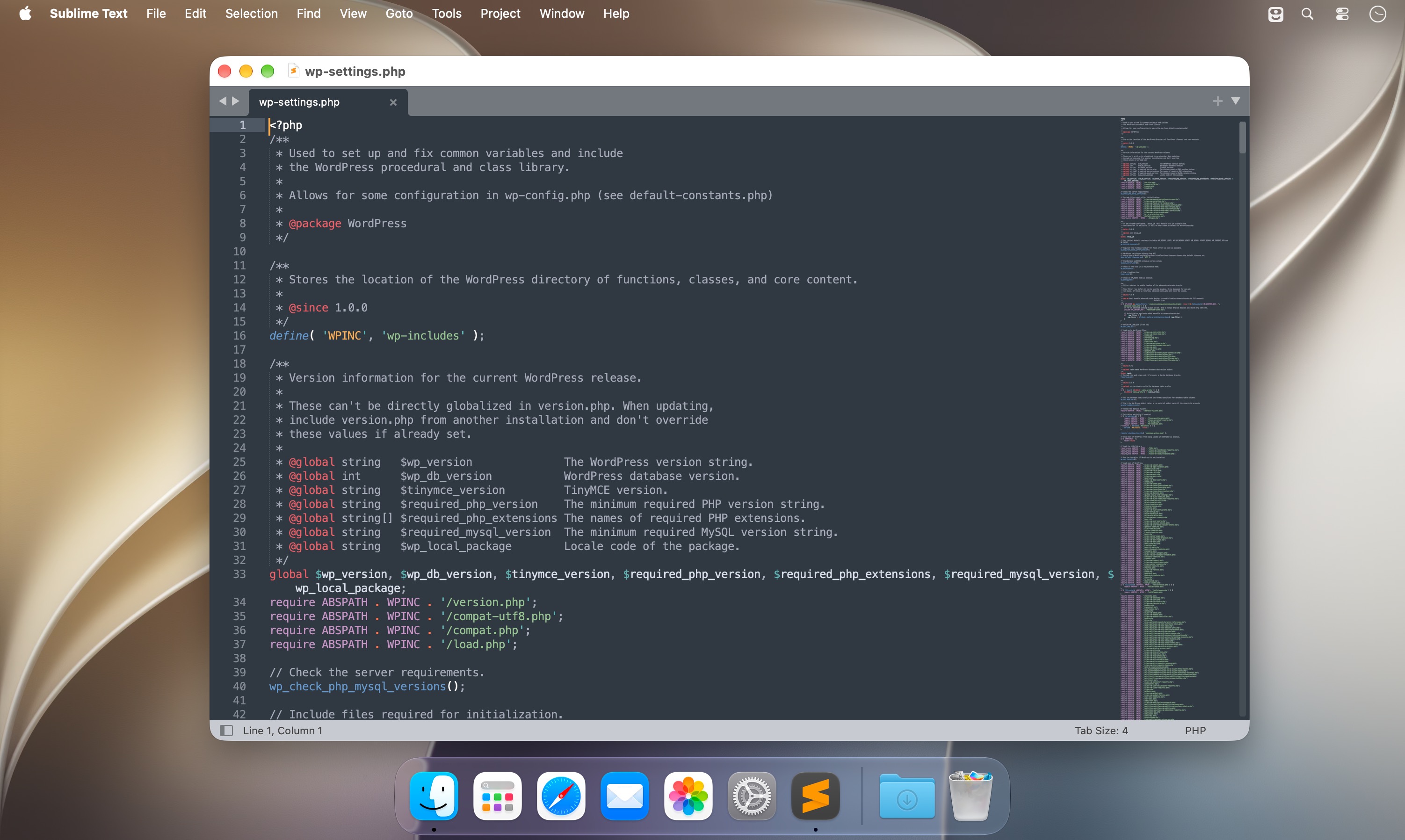
Sublime Text 4 is a code editor for Mac with built-in syntax highlighting for many languages, from C, Python and SQL to LaTeX and Markdown. It works well for programmers who move between languages, and a package manager adds support for anything the defaults don't cover. Version 4 brings GPU rendering, native Apple Silicon support and a rewritten auto complete.
Languages and syntax
- Syntax highlighting. Included for C, C++, C#, Java, jаvascript, PHP, Ruby, Haskell, R, MATLAB and many others.
- TypeScript, JSX and TSX. Supported by default, with all the syntax-based features of the editor.
- Updated syntax engine. It handles multi-line constructs, lazy embeds and syntax inheritance, while using less memory and loading faster.
- Syntax checking. Your code is checked for correctness while you type.
Editing
- Multiple cursors and column selection. Each cursor acts on its own, so moving by word, line or CamelCase part applies to all of them at once, and structured text can be edited without macros or regular expressions.
- Context-aware auto complete. Suggestions are based on the language and on code already in your project, including your own variables, and link to their definitions.
- Snippets. Save code you use often and insert it with a trigger keyword.
- Macros and repeat. Record a sequence of edits or repeat your last action.
- Commands for indentation, paragraph reformatting and joining lines.
Navigation and interface
- Goto Anything. Fuzzy search takes you to any file, or to a spot inside one.
- Command Palette. Commands are available from the keyboard, and key bindings can be changed to suit you.
- Minimap. A small view of the whole file sits on the right, and clicking it jumps to that part of the code.
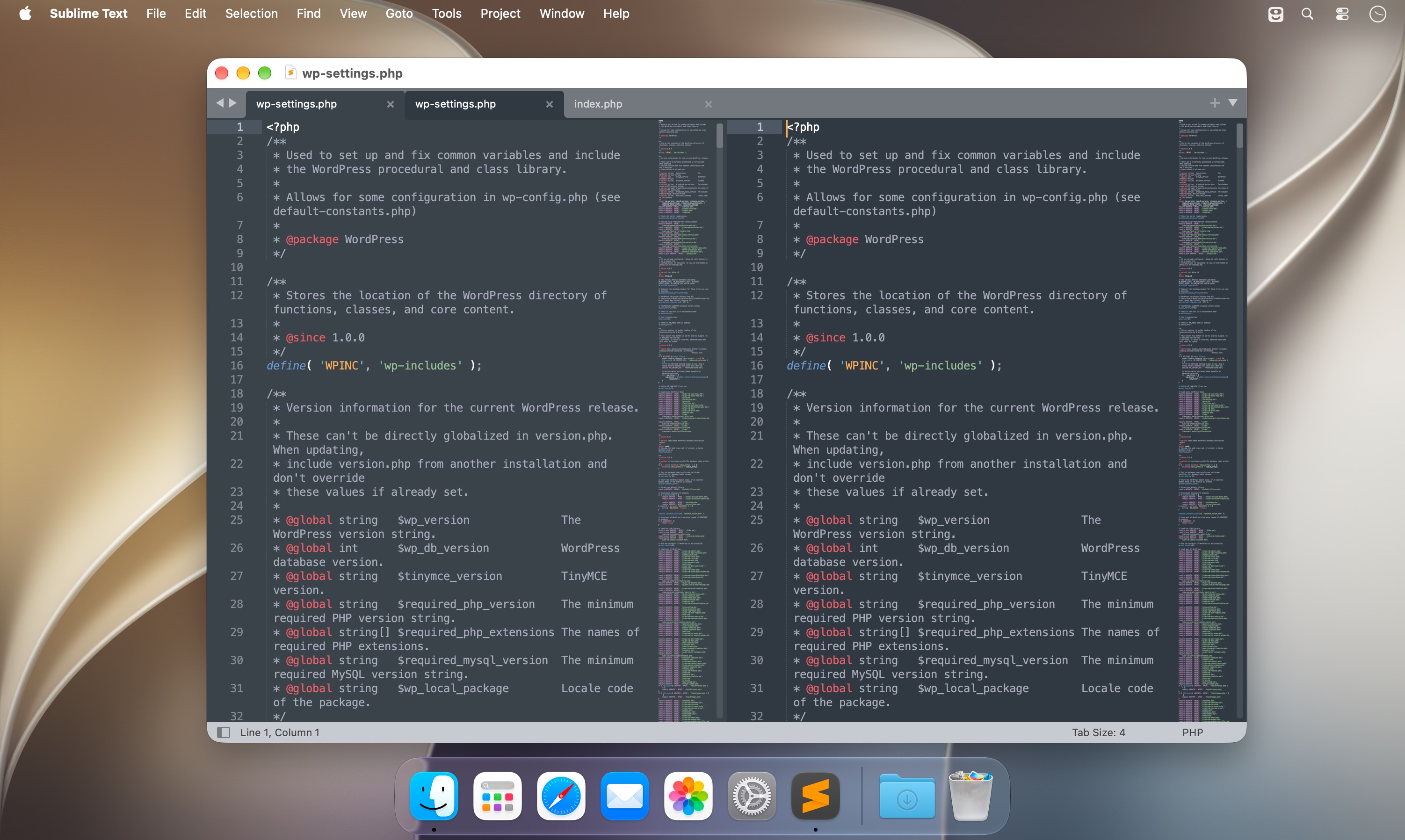
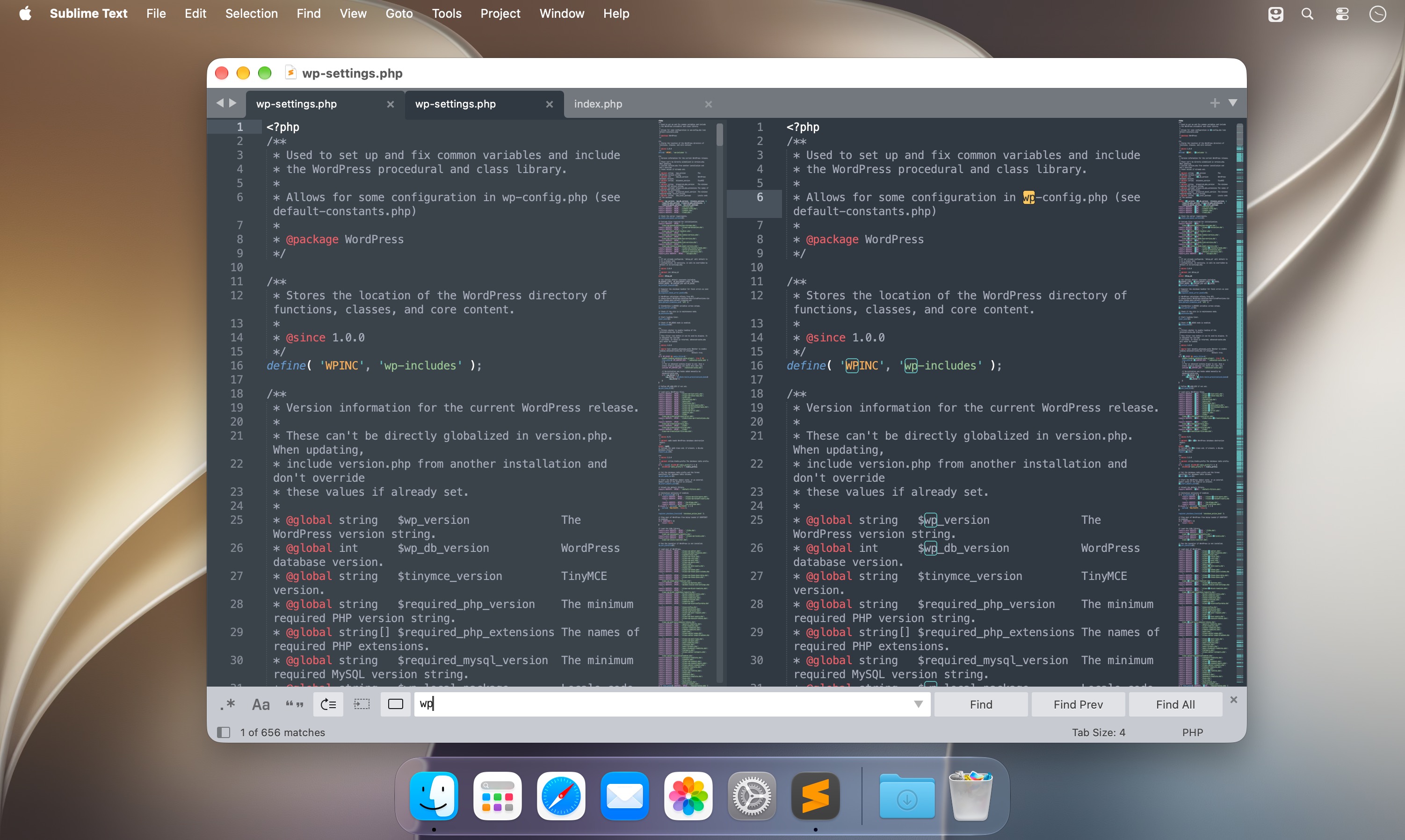
- Split layouts. Show up to four files at once in separate panes, select several tabs to open them side by side, or switch to a mode with a single file and no menus.
- Themes. The Default and Adaptive themes have new tab styles and dimmed inactive panes, and switch to dark mode automatically.
Packages and builds
- Package manager. Find, install, update and remove packages without restarting the editor, and turn installed ones on or off.
- Build systems. Build and run programs without switching to the command line, or set up an automatic build every time you save.
- Python 3.8 API. Packages made for Sublime Text 3 still work, and the expanded API gives plugins such as LSP more to work with.
Auto save is built in, so an unexpected close doesn't cost you your work.
Version 4.0:
Frequently asked questions
How do I install the app?
Mount the image, drag the app into the "Applications" folder and launch it. If the system blocks the launch, allow it in "System Settings → Privacy & Security".
The app is damaged or won't launch
Reinstalling from a fresh image usually helps. Make sure your macOS version matches the one listed in the compatibility specs.
How do I update?
Download the new version from the site and install it over the current one — your settings will be preserved.
The download link doesn't work
Try a mirror or a download manager. For large files the browser often drops the connection.
How do I completely remove the app?
Use an uninstaller utility — it cleans up the service files that remain after moving the app to the trash.





Choose a download source
Sublime Text 4.0 Build 4215 · 55.46 MB
Previous versions
Sublime Text 4.0 Build 4215
Previous versions are available to registered users.