
Structured 4.6.0
Structured visual daily planner, task planner, and focus timer
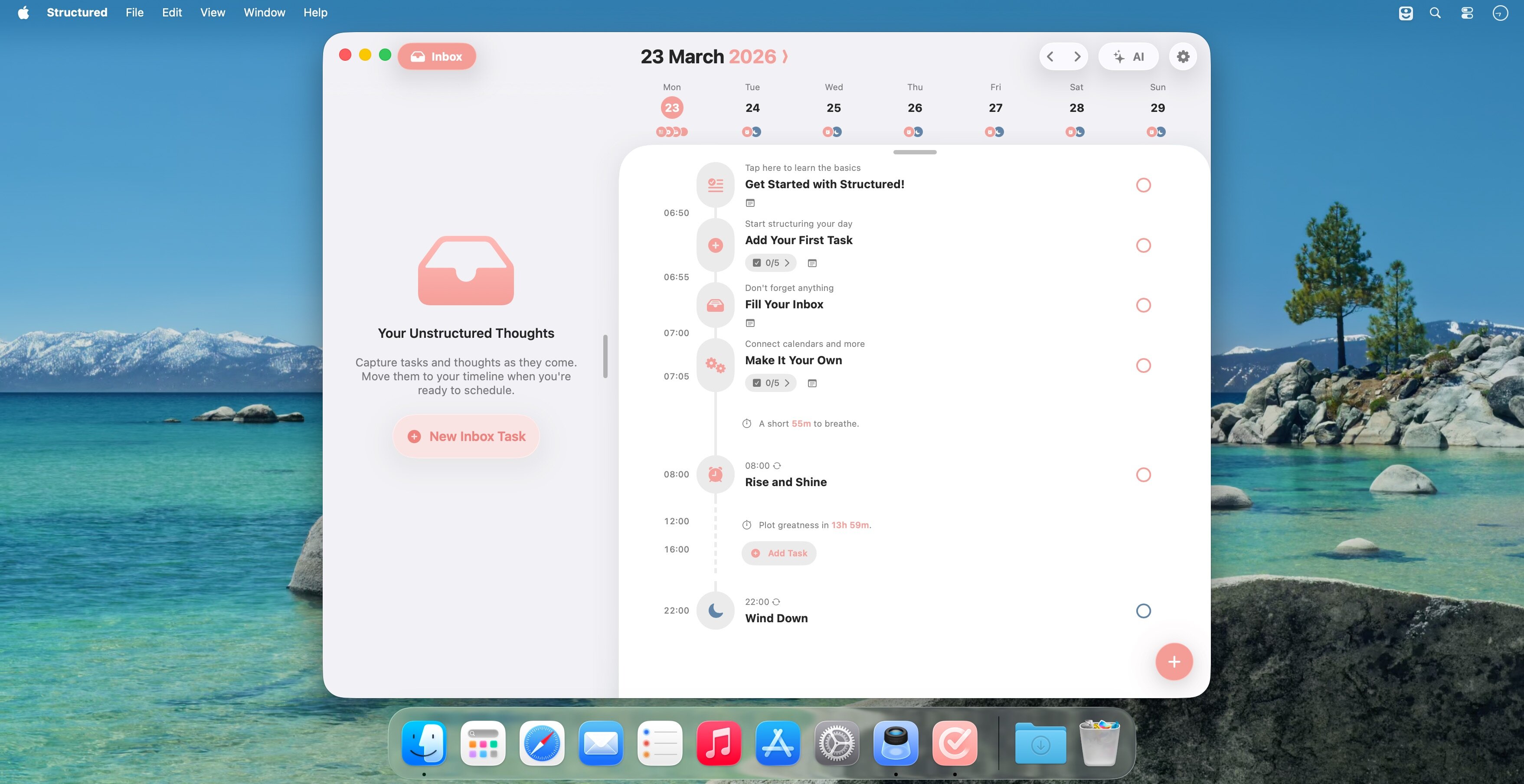
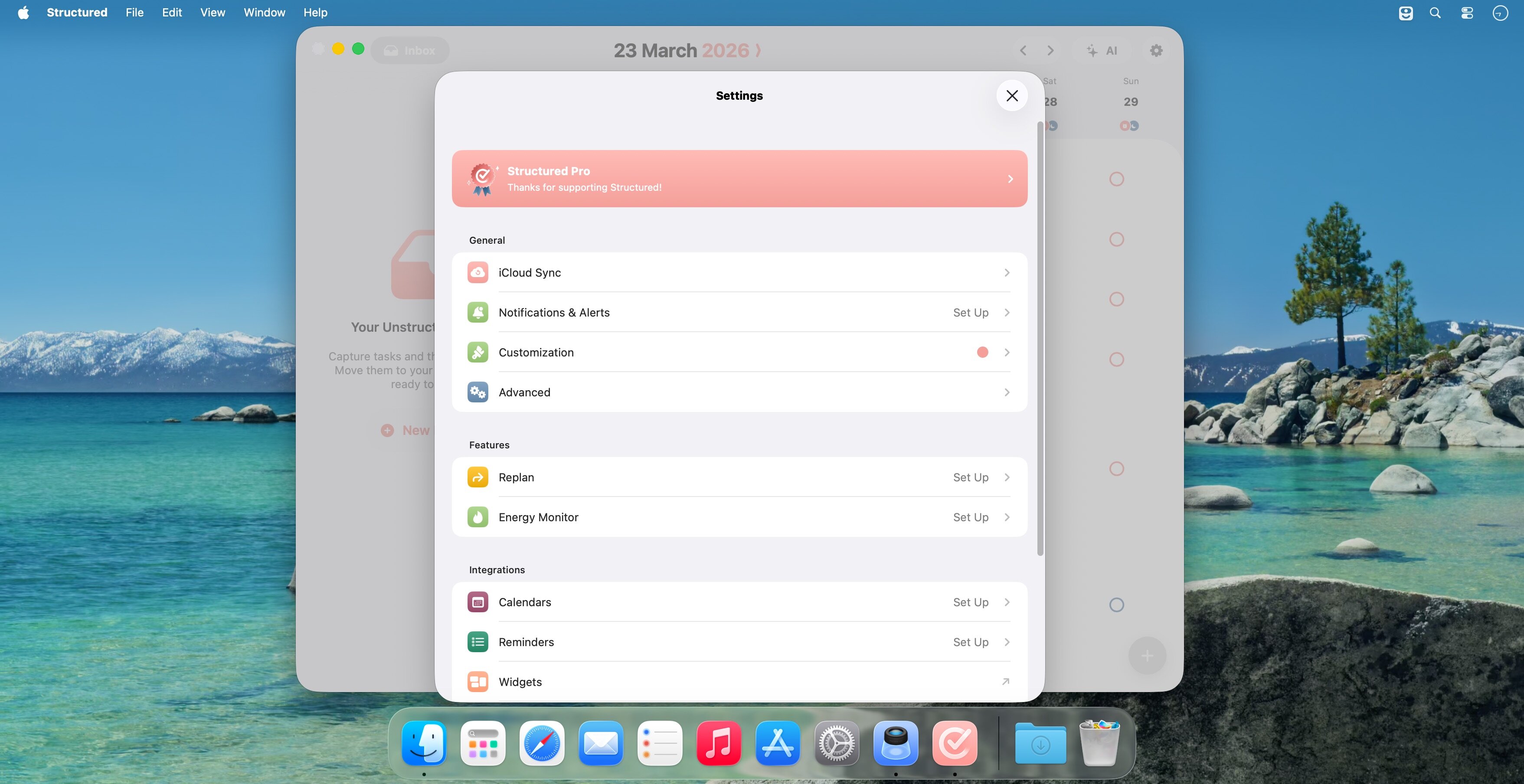
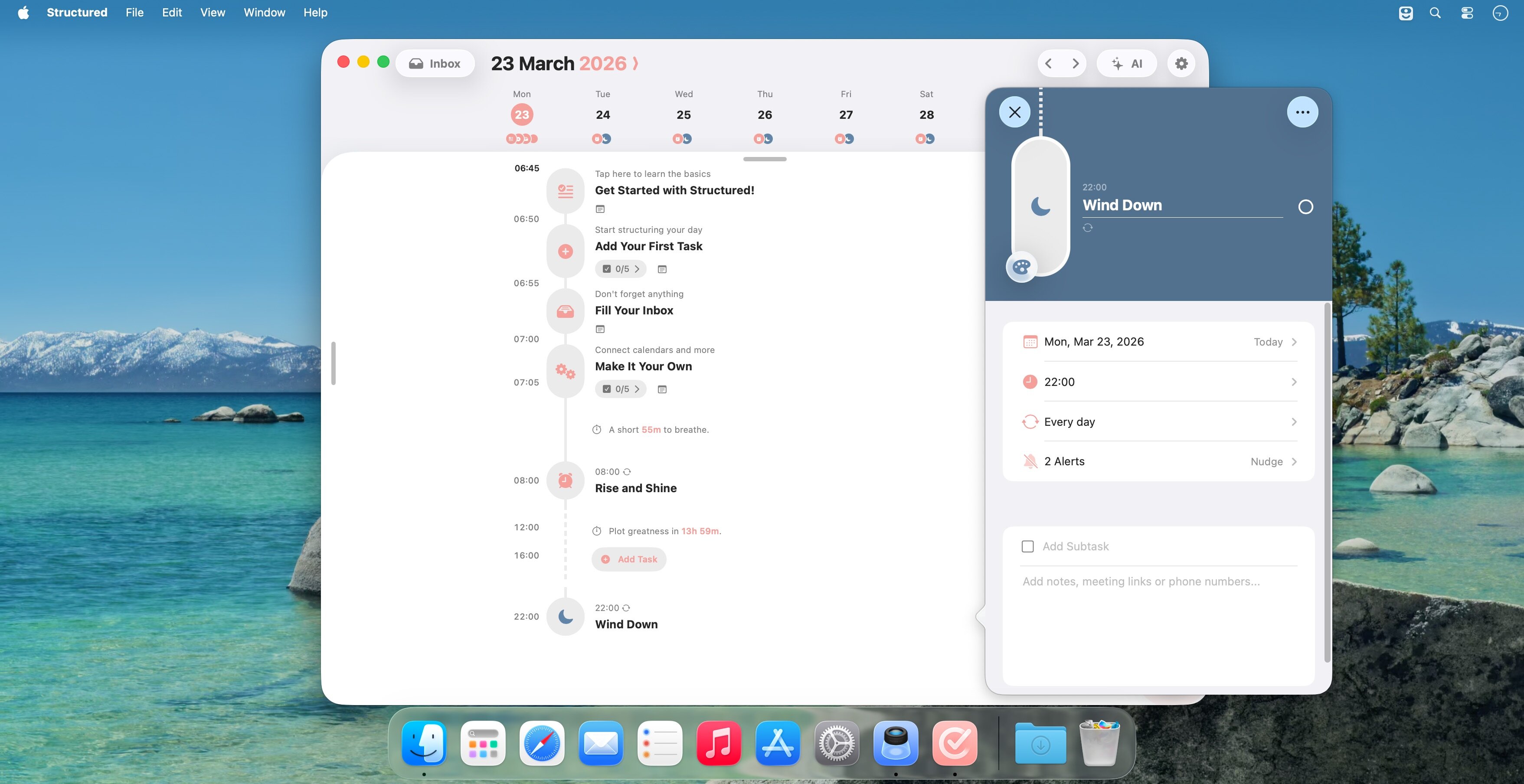
A visual daily planner that puts your calendar, tasks, routines, and habits on one clear timeline—so you can plan fast, stay focused, and end each day feeling calm and in control.
Join 1.5 million+ daily planners who focus quicker, reduce overwhelm, and get more done—perfect for work, study, travel, and busy ADHD minds. Plan in minutes, stay productive all day.
- Organize your day and week in an intuitive timeline
- Capture ideas instantly in Inbox and sort them later
- Sync across iPhone, iPad, Apple Watch and Mac
- Break big projects down with notes & sub-tasks
- Stay on track with a Pomodoro focus timer, Live Activities, and interactive widgets
- Personalize your planner with color-coding and hundreds of icons
- Benefit from accessibility features like VoiceOver, Voice Control, a dyslexia-friendly font, and multiple languages
- Get a complete overview by connecting your calendars and Reminders
- Build recurring tasks & routines that actually stick
- Powered by AI, draft your day in seconds
- Replan, automatically reschedules missed or forgotten tasks
- Customize notifications to match your workflow
Version 4.6.0:
This update introduces new ways to plan with Structured and a fresh look for is 27.
What's new
- Ask Siri Al to create and update tasks in Structured.
- Color Prediction learns from your choices and suggests a color when you create a task.
- Suggested Subtasks now provide more useful ideas for breaking tasks into clear, manageable steps.
- Swipe on tasks in your Inbox to act on them more quickly.
- Enjoy an updated design that feels right at home on iOs 27.
- Improved performance and fixed bugs throughout Structured.
These features require iOS 27. Siri Al is available only in supported regions.
Frequently asked questions
How do I install the app?
Mount the image, drag the app into the "Applications" folder and launch it. If the system blocks the launch, allow it in "System Settings → Privacy & Security".
The app is damaged or won't launch
Reinstalling from a fresh image usually helps. Make sure your macOS version matches the one listed in the compatibility specs.
How do I update?
Download the new version from the site and install it over the current one — your settings will be preserved.
The download link doesn't work
Try a mirror or a download manager. For large files the browser often drops the connection.
How do I completely remove the app?
Use an uninstaller utility — it cleans up the service files that remain after moving the app to the trash.


Choose a download source
Structured 4.6.0 · 85.73 MB
Previous versions
Structured 4.6.0
Previous versions are available to registered users.