
Antinote 2.1.2
Atinote — lightweight note-taking app for fast, frictionless thinking
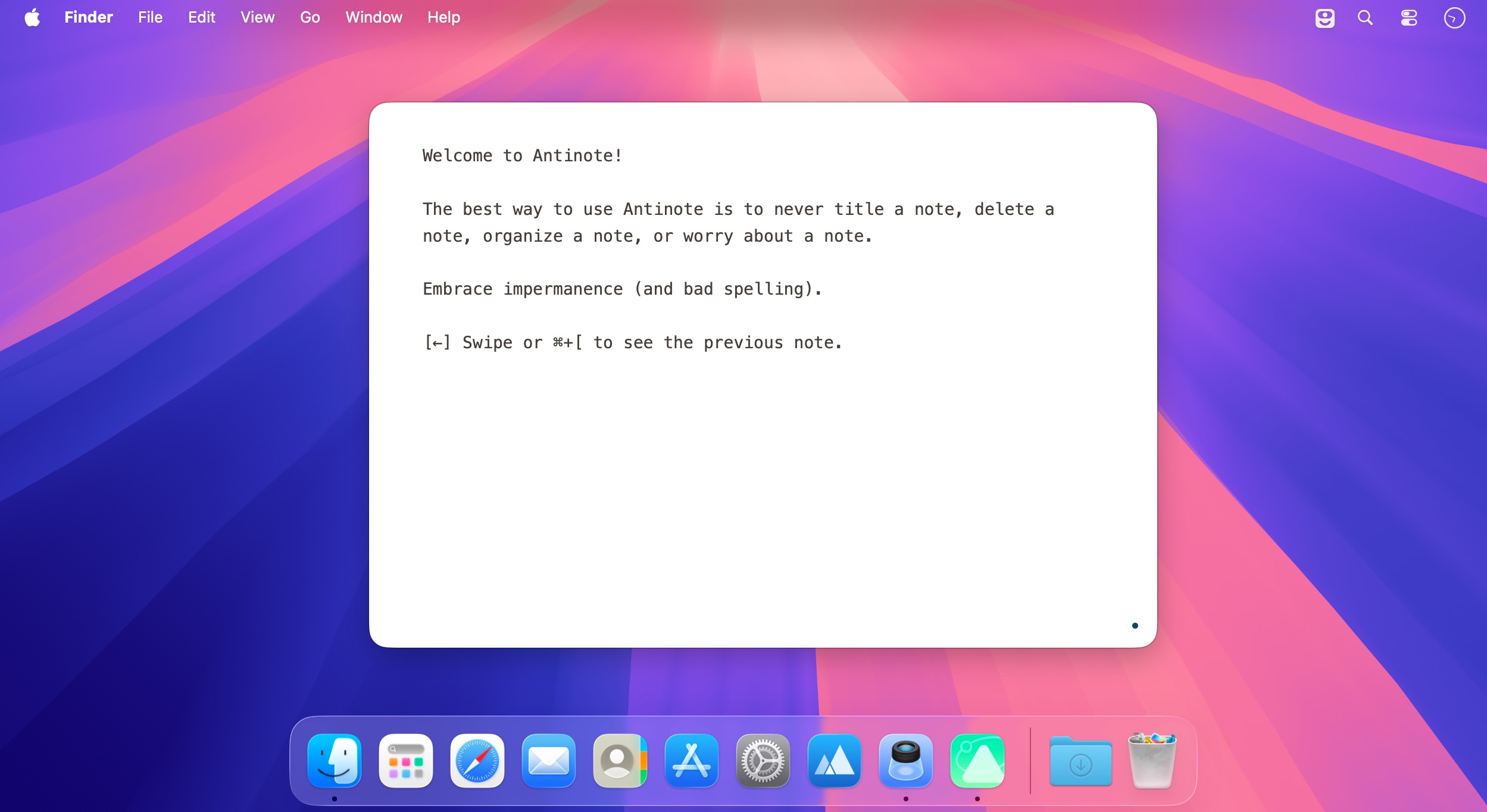
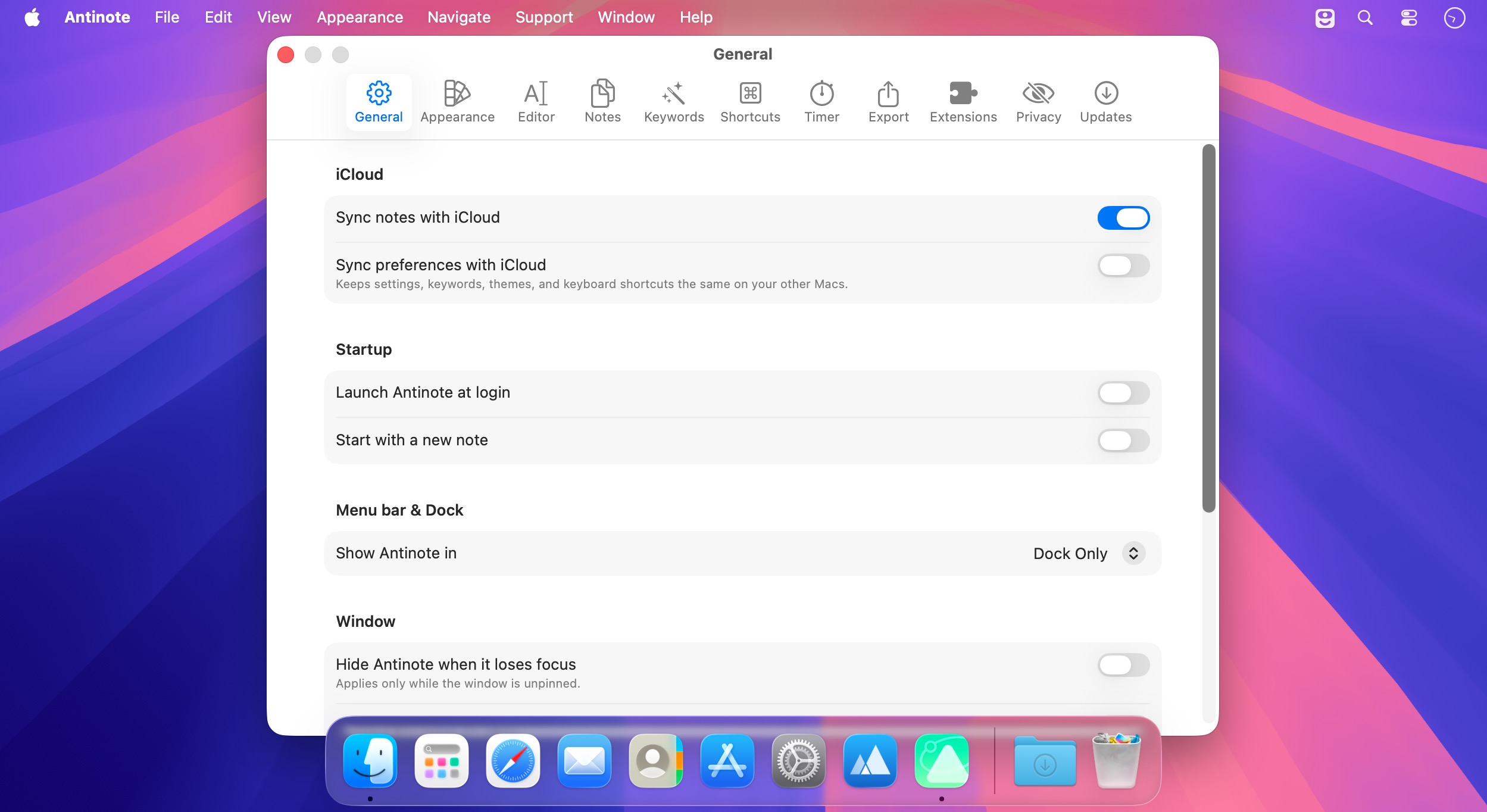
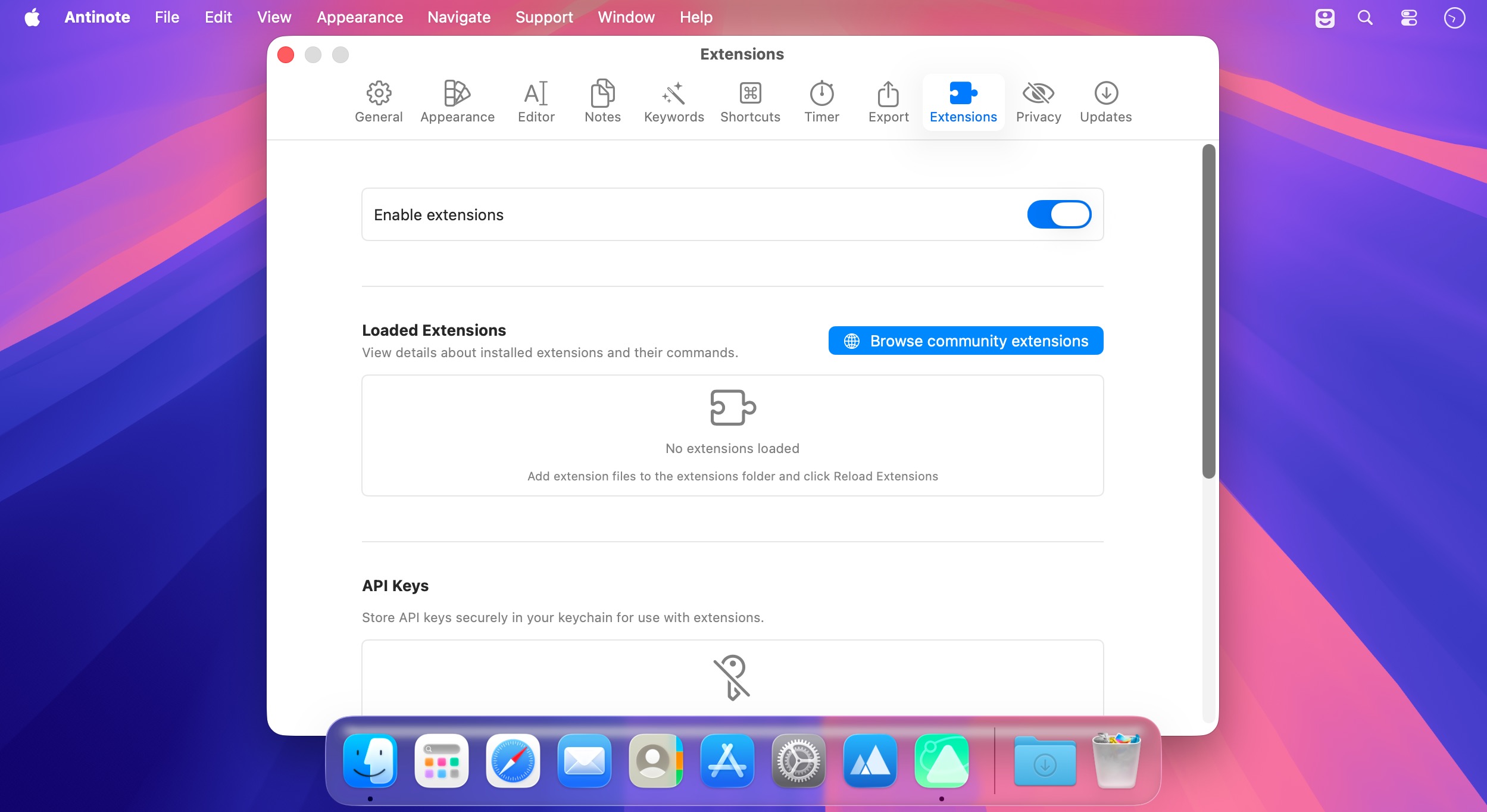
Antinote: Your No-Fuss Digital Scratchpad
Tired of juggling three apps just to jot something down? Antinote is a lightweight note-taking app built for the moments when you need to think fast—without the friction of saving, organizing, or formatting.
What It Does
Open it and start typing. That's it. Your notes are automatically saved and searchable, so you'll never lose a random thought or calculation again. Need to paste content? It strips formatting and converts everything to clean plain text. You can even import directly from your clipboard or use built-in OCR to capture text from images.
Hidden Superpowers
Type a keyword at the start of your note and unlock specialized tools—no extra taps needed:
- math — Do calculations with variables and textual context
- Currency conversions — Quick exchange rates
- Checklists — Interactive task lists
- Timers — Built-in stopwatch
- Code snippets — Syntax highlighting for developers
Can't remember a keyword? Just type "/" and see all available options. Links are automatically shortened and expandable too.
Why It Works
Most everyday tasks—quick calculations, conversions, checklists—don't need spreadsheets or dedicated apps. Antinote handles them all in one place without complexity. Features reveal themselves only when you need them, keeping the interface refreshingly simple until you're ready to dig deeper.
It's less a note app and more a thinking tool. Your actual digital scratchpad.
Version 2.1.2
This is a temporary hotfix for shortcuts (including ⌘D) firing twice for some users on the first launch of 2.1.1.
If you accidentally deleted notes (sorry!), you can recover them via File > Recover Notes from The Void. If you're currently seeing this behavior, simply restart Antinote and it should be gone.
We're working on a longer beta period for releases so things like this get caught before they go out to everyone.
Frequently asked questions
How do I install the app?
Mount the image, drag the app into the "Applications" folder and launch it. If the system blocks the launch, allow it in "System Settings → Privacy & Security".
The app is damaged or won't launch
Reinstalling from a fresh image usually helps. Make sure your macOS version matches the one listed in the compatibility specs.
How do I update?
Download the new version from the site and install it over the current one — your settings will be preserved.
The download link doesn't work
Try a mirror or a download manager. For large files the browser often drops the connection.
How do I completely remove the app?
Use an uninstaller utility — it cleans up the service files that remain after moving the app to the trash.





Choose a download source
Antinote 2.1.2 · 10.67 MB
Previous versions
Antinote 2.1.2
Previous versions are available to registered users.