Be Focused Pro - Focus Timer 2.6
Be Focused — Pomodoro timer and task management app for productivity
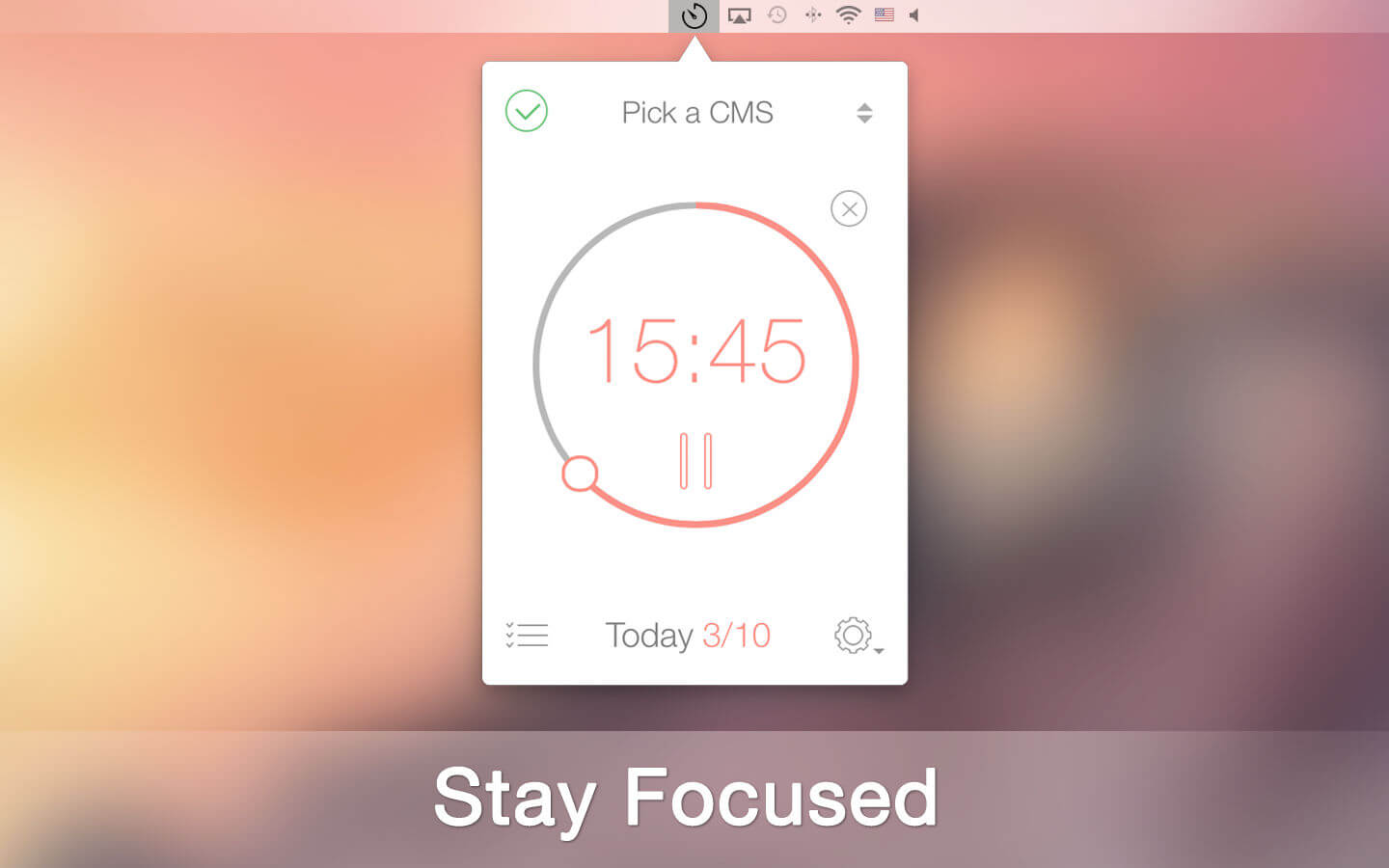
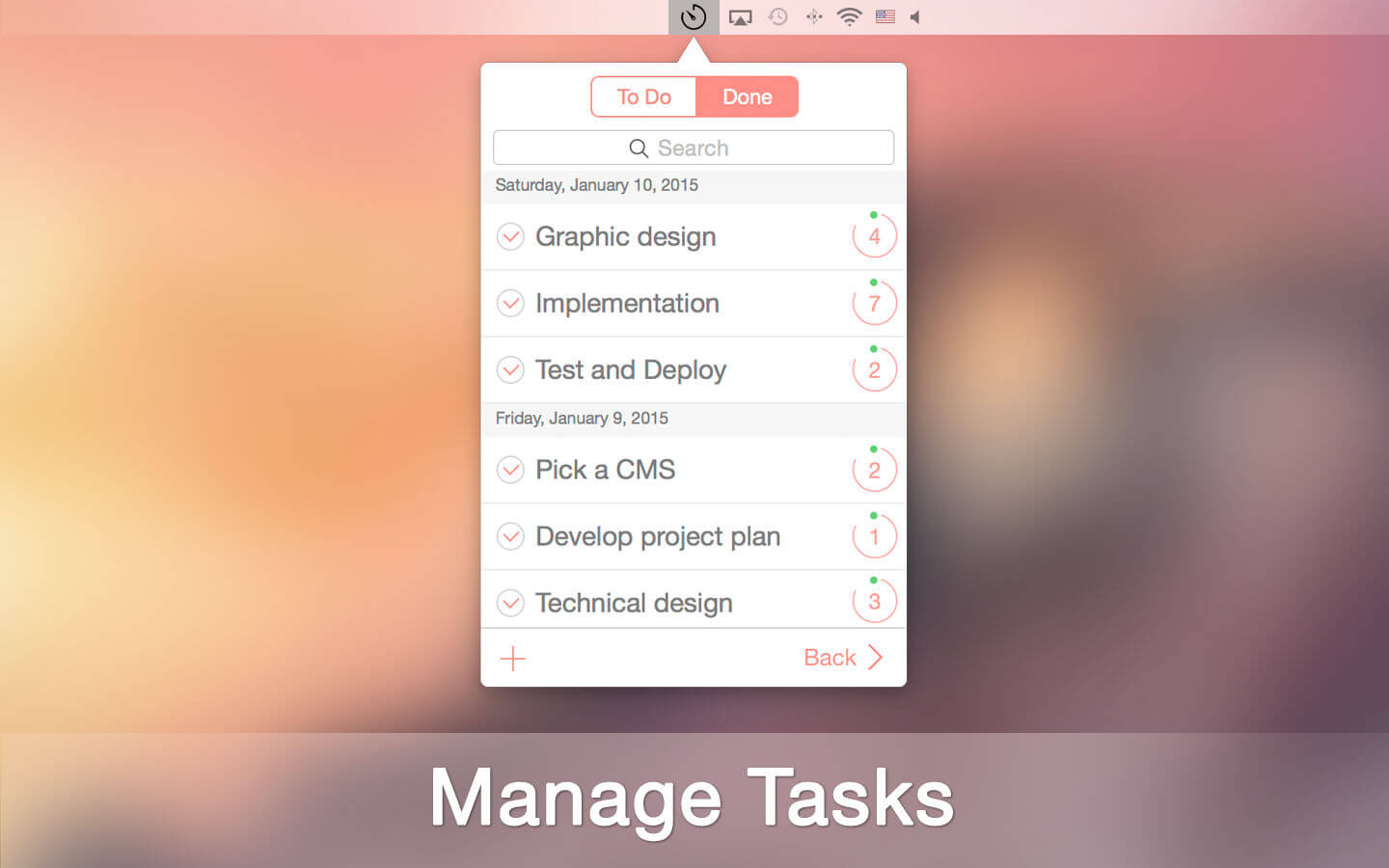
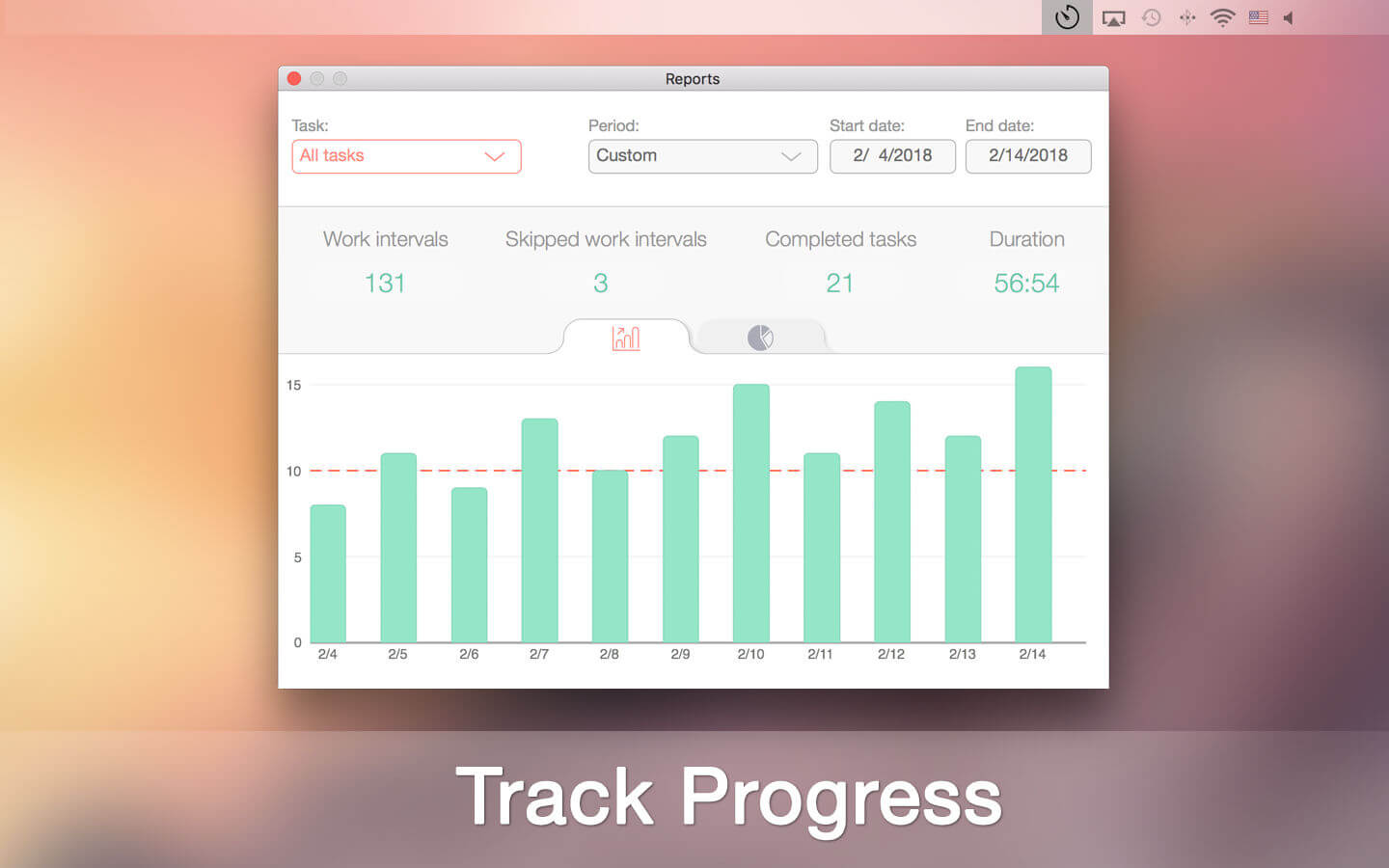
Staying on task seems is a real challenge for our screen-bound generation. The Be Focused lets you get things done by breaking up individual tasks among discrete intervals, separated by short breaks. It’s a surprisingly effective way to retain motivation and focus. Create tasks, configure breaks and track your progress throughout the day, week or custom period. Use either your iPhone, iPad or Mac – your devices always stay in sync.
Key features:
- Manage your tasks
- Track your progress throughout the day, week or custom period
- Fast and easy goal tracking
Customize to maximize productivity:
- Work interval duration
- Short break duration
- Long break duration
- Number of intervals between long breaks
- Target number of intervals per day
- Ability to start, pause, or skip work interval
- Auto-start the next timer (option)
- Ability to edit the number of intervals
- Export to a CSV file
- Ability to paste a task list from other applications
- Global hotkeys
- Optional ticking sound
- Custom alarm sound
- Launch at startup option
- Syncs between iPad, iPhone and Mac
- Also available for iPhone and iPad
Version 2.6.0
- Improved the user interface
- Minor improvements and bug fixes
Frequently asked questions
How do I install the app?
Mount the image, drag the app into the "Applications" folder and launch it. If the system blocks the launch, allow it in "System Settings → Privacy & Security".
The app is damaged or won't launch
Reinstalling from a fresh image usually helps. Make sure your macOS version matches the one listed in the compatibility specs.
How do I update?
Download the new version from the site and install it over the current one — your settings will be preserved.
The download link doesn't work
Try a mirror or a download manager. For large files the browser often drops the connection.
How do I completely remove the app?
Use an uninstaller utility — it cleans up the service files that remain after moving the app to the trash.
Choose a download source
Be Focused Pro - Focus Timer 2.6 · 24.1 MB
Previous versions
Be Focused Pro - Focus Timer 2.6
Previous versions are available to registered users.