
OmniPlan Pro 4.11.0
OmniPlan — project management software for scheduling, resources, and cost control
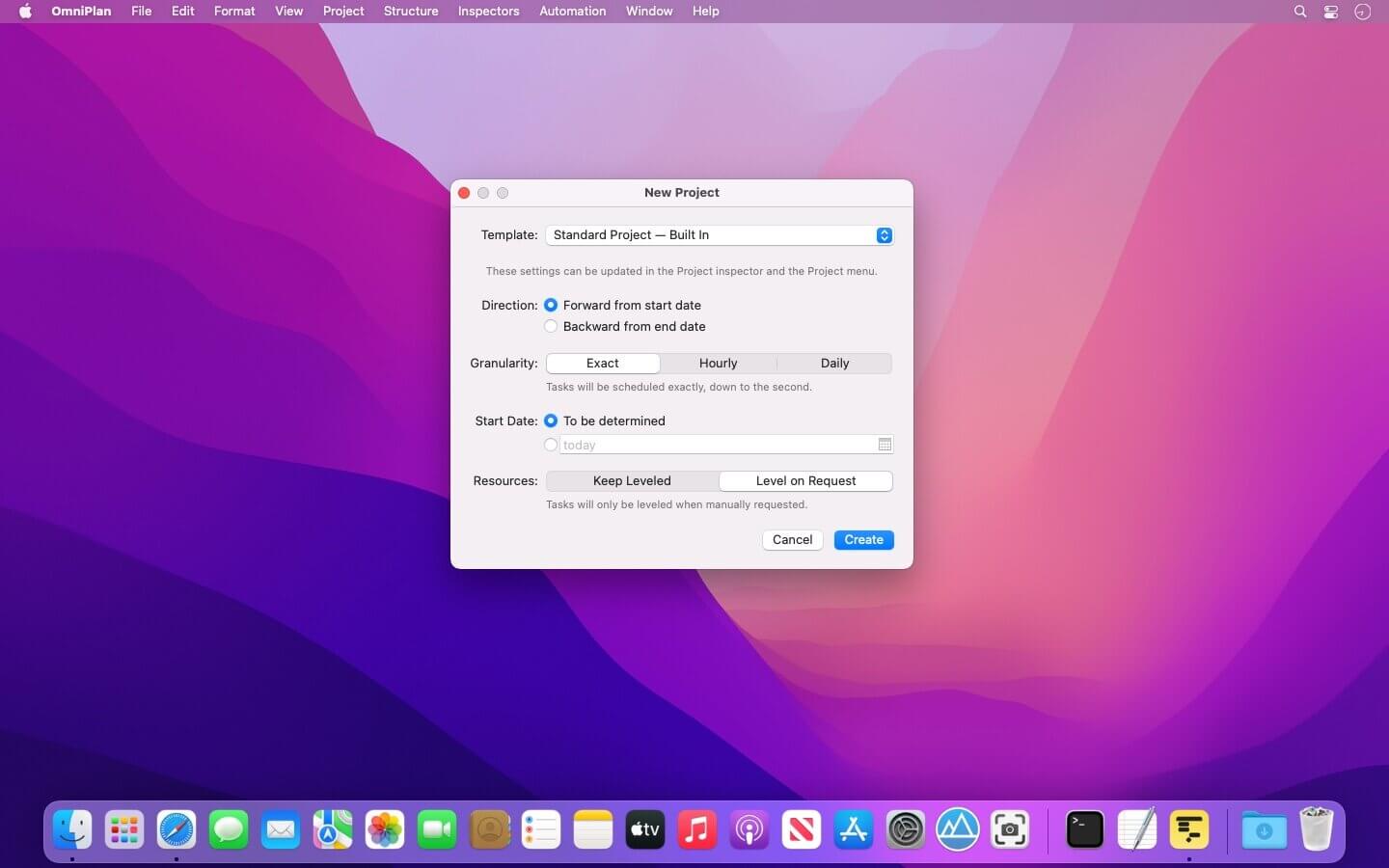
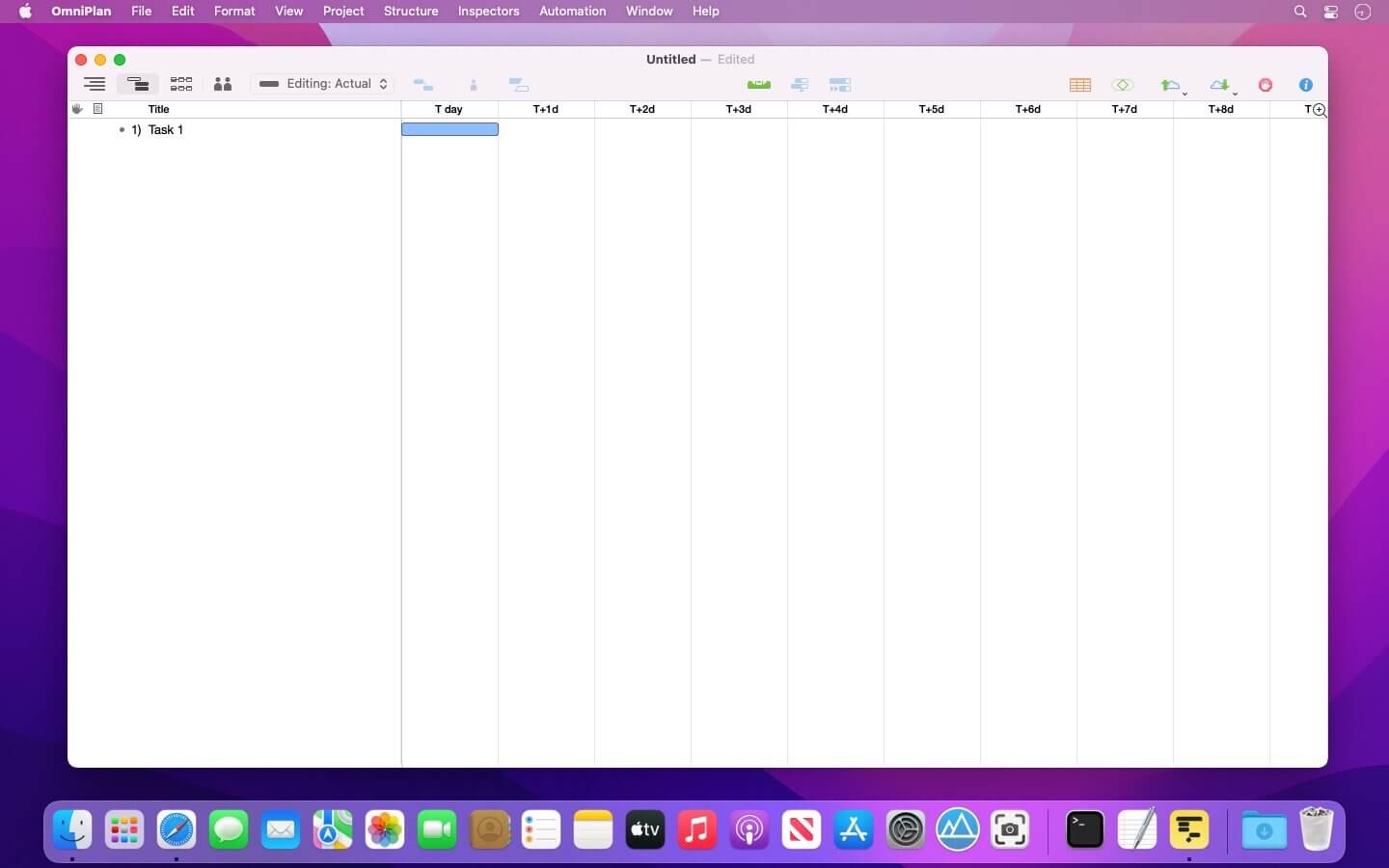
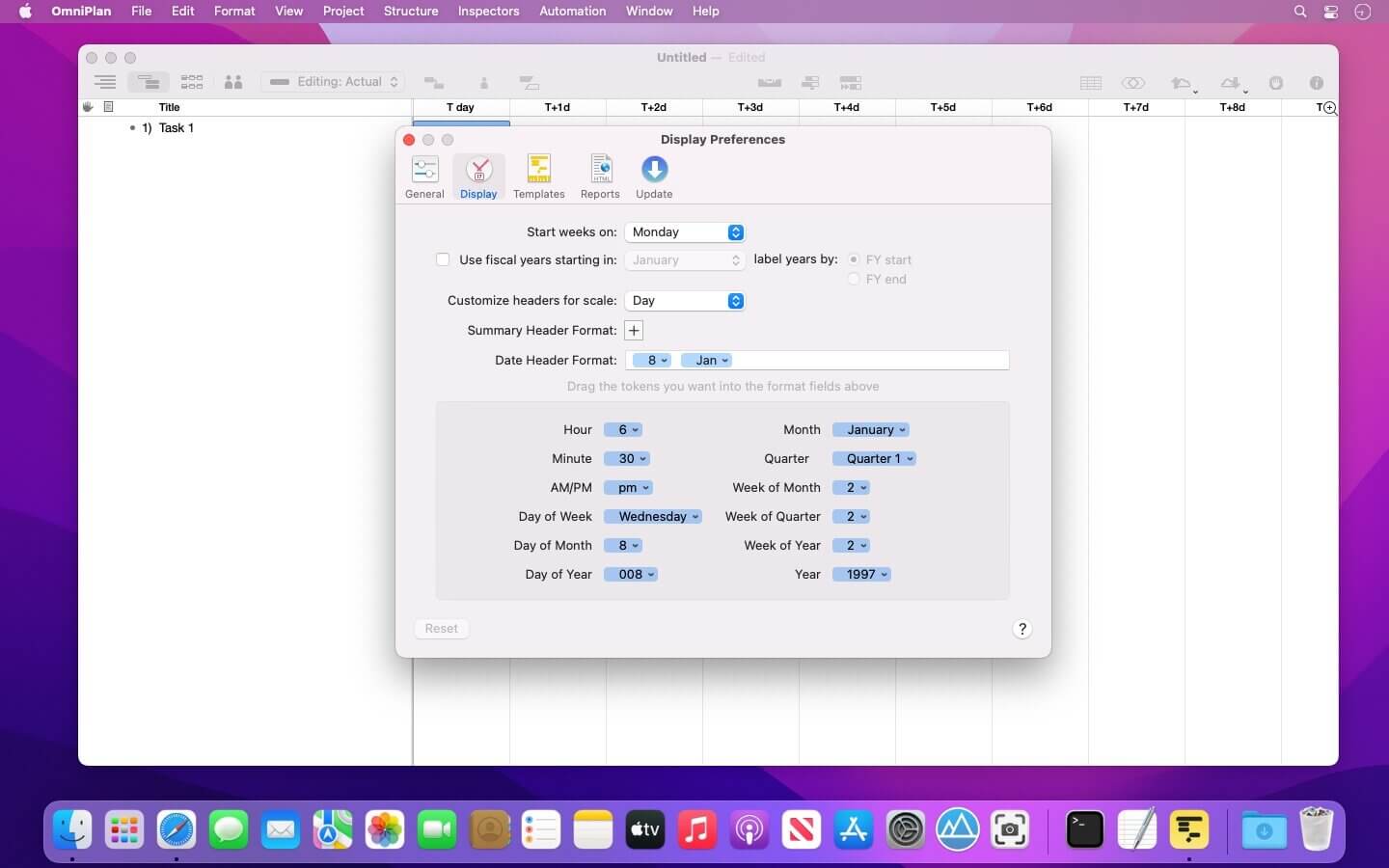
OmniPlan is designed to help you visualize, maintain, and simplify your projects. Break down tasks, optimize the required resources, control costs, and monitor your entire plan—all at a glance. Collaborate with your colleagues and share every detail, update a calendar with your days off, or mix and match. Accept and reject changes one-by-one or all in one go.
Multi-Project Dashboard
Here’s where you put together a beautiful, personal command station for a set of projects. The focus here is on resource load and easy-to-understand visuals.
Monte Carlo Simulation
Two clicks for a much better understanding of your project’s finishability! OmniPlan does quick math and predicts the future.
Network Diagrams
An incredibly easy way to visualize a project’s flow, dependencies, and tasks. All completely customizable, too.
Earned Value Analysis
Using built-in EVA formulas, you’ll always know if the money going in to a project is producing the expected results. And we’ve already checked the math.
New in Version 4:
Monte Carlo Simulation
Two clicks for a much better understanding of your project’s finishability! OmniPlan does quick math and predicts the future.
Network Diagrams
An incredibly easy way to visualize a project’s flow, dependencies, and tasks. All completely customizable, too.
Earned Value Analysis
Using built-in EVA formulas, you’ll always know if the money going in to a project is producing the expected results. And we’ve already checked the math.
Microsoft Project Import/Export
Play it safe with compatibility with the other popular format for project management. OmniPlan 3 makes importing and exporting easy across platforms.
Version 4.11:
OmniPlan 4.11 improves compatibility with newer versions of macOS.
- OS Compatibility — OmniPlan has been updated for compatibility with newer versions of macOS.
- Performance — Improved perfomance editing a task with a large number of resources assigned.
Frequently asked questions
How do I install the app?
Mount the image, drag the app into the "Applications" folder and launch it. If the system blocks the launch, allow it in "System Settings → Privacy & Security".
The app is damaged or won't launch
Reinstalling from a fresh image usually helps. Make sure your macOS version matches the one listed in the compatibility specs.
How do I update?
Download the new version from the site and install it over the current one — your settings will be preserved.
The download link doesn't work
Try a mirror or a download manager. For large files the browser often drops the connection.
How do I completely remove the app?
Use an uninstaller utility — it cleans up the service files that remain after moving the app to the trash.





Choose a download source
OmniPlan Pro 4.11.0 · 95.44 MB
Previous versions
OmniPlan Pro 4.11.0
Previous versions are available to registered users.