

Maccy 2.8.0
Mac clipboard manager with searchable clipboard history.
Screenshots
Click to enlarge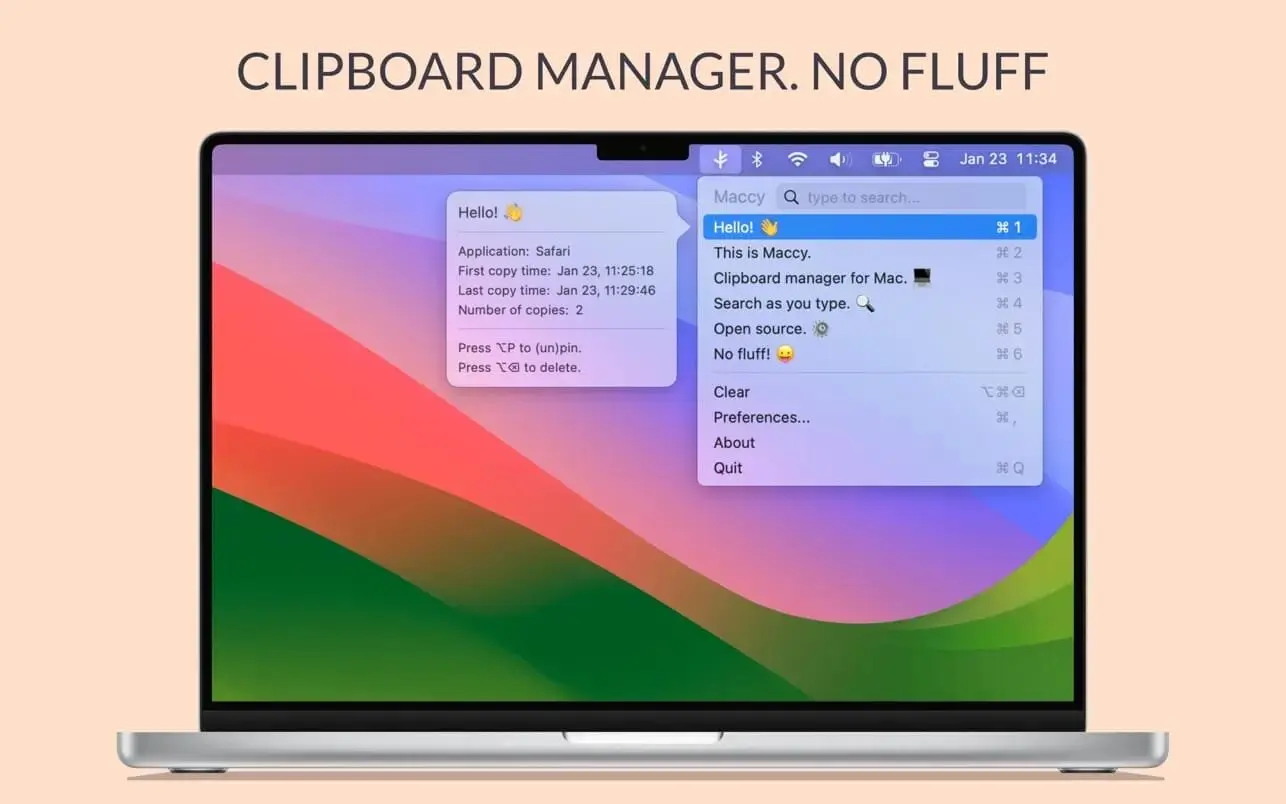
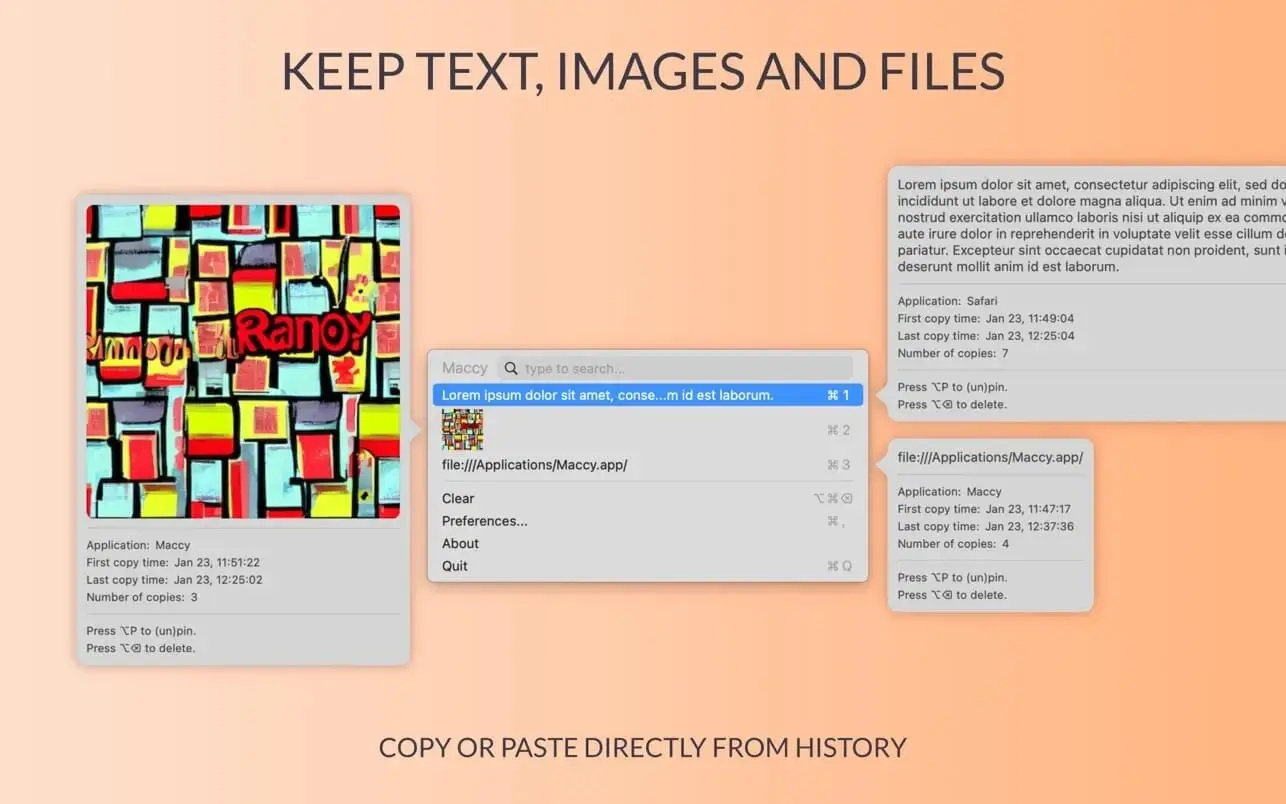
Maccy keeps a history of text you copy on your Mac, so you can find and reuse earlier clips after copying something else.
Find copied text when you need it
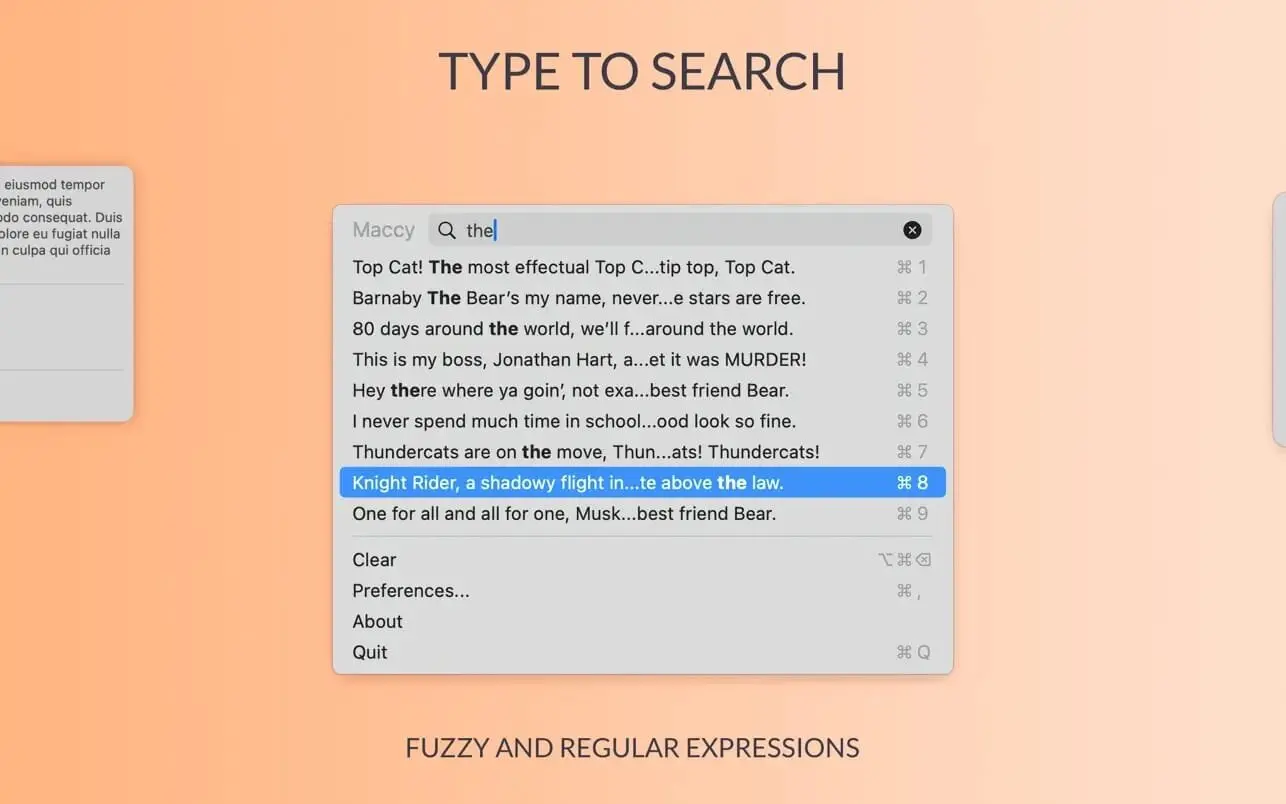
Open Maccy from the menu bar or use ⌘⇧C to show your history at the mouse cursor. Search your clips, then select one to copy it again or paste it directly.
- Text clipboard history: Keeps a list of copied text for later use.
- Search: Filter the list by typing.
- Quick selection: Copy the first ten items with ⌘1–⌘10, or select another item and press Enter.
- Direct paste: Hold ⌥ while pressing Enter to paste a selected item.
- Free and open source: Maccy is free and open-source software.
Use Maccy to find and reuse copied text on your Mac.
Version 2.8.0
- Added VoiceOver accessibility.
- Added drag and drop reordering of pinned items.
- Added editing of pinned items inside the preview. The Pins settings pane is removed.
- Added support for special symbols as pin keys ([];'./-=\).
- Added image size to the image preview.
- Added support for ignoring apps outside /Applications.
- Improved OCR accuracy with automatic language detection.
- Removed Safari WebArchives and other unselected pasteboard types storage.
- Fixed memory leak of every history item.
- Fixed slow menu bar title rendering with large history.
- Fixed orphaned history item content not being cleaned up.
- Fixed hang on macOS 26 caused by U+FFFC in titles.
- Fixed hidden footer warning not wrapping in long translations.
- Fixed settings window being too narrow.
- Migrated to Swift 6.
Comments
No comments yet. Be the first.
Information
Visitors in the group Guests cannot leave comments on this publication.