
FiveNotes 3.3.0
FiveNotes — five notes for thoughts that can’t wait.
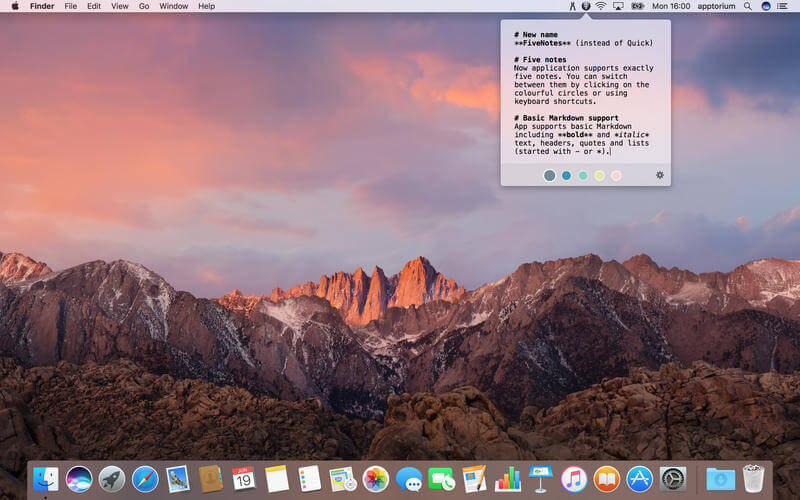
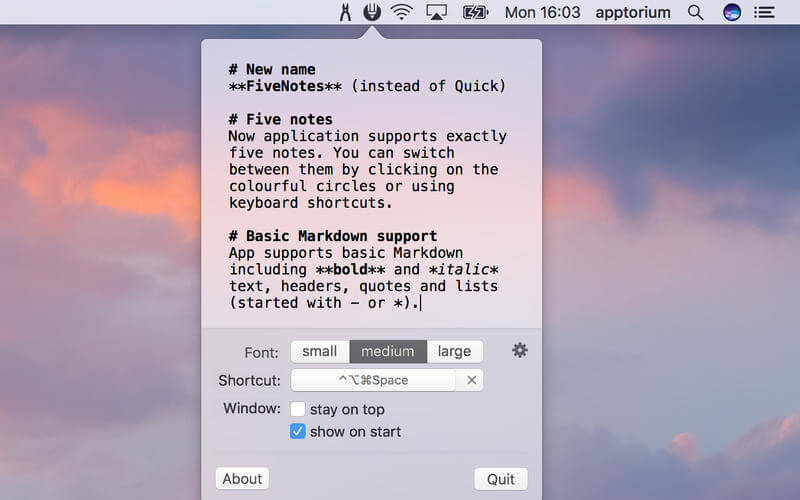
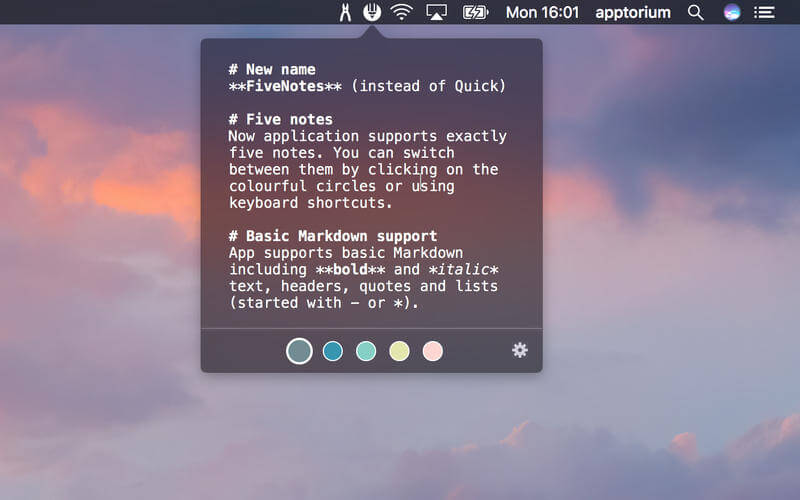
FiveNotes (formerly known as Quick) is a small text editor that you can always access by clicking (or pressing shortcut keys) on its mtatus-bar icon, even if you're working in a full-screen app. If you prefer, it can stay on top of the window so it can be used as a cheat-sheet app. FiveNotes offers exactly 5 notes that can be switched using colourful circles under the text area or by pressing shortcut (Cmd+Shift+[ and Cmd+Shift+] or Cmd+number-of-note).
The application supports basic markdown formatting so your notes are clear. FiveNotes markdown includes headers, bold and italic text, quotes and lists (started with * or - character). It's a great app for people who create small text files to write simple, temporary notes. You don't have to worry about files, their names and saving them. What you write in FiveNotes remains there. If you need to write something quickly (for example a phone number) just open FiveNotes and write it.
Version 3.3
More app languages
FiveNotes is now available in Chinese, French, German, Italian, Japanese, Polish, and Spanish.
Disable added spaces when pasting
You can now turn off added spaces around pasted text.
Disable autocompletion
You can now turn autocompletion off.
Disable swipe gesture
You can now disable the swipe gesture in Settings.
Improvements
Menu bar context menu
Improvements
The menu bar icon now includes a contextual menu.
Added icons to menu items
Bug Fixes
- Fixed an IME typing issue that could increase indentation when pressing Tab.
- Fixed occasional crashes caused by checkmark completions.
- Fixed app launch behavior so opening FiveNotes from the Dock now opens the app window.
Frequently asked questions
How do I install the app?
Mount the image, drag the app into the "Applications" folder and launch it. If the system blocks the launch, allow it in "System Settings → Privacy & Security".
The app is damaged or won't launch
Reinstalling from a fresh image usually helps. Make sure your macOS version matches the one listed in the compatibility specs.
How do I update?
Download the new version from the site and install it over the current one — your settings will be preserved.
The download link doesn't work
Try a mirror or a download manager. For large files the browser often drops the connection.
How do I completely remove the app?
Use an uninstaller utility — it cleans up the service files that remain after moving the app to the trash.




Choose a download source
FiveNotes 3.3.0 · 8.77 MB
Previous versions
FiveNotes 3.3.0
Previous versions are available to registered users.
Comments 1