DockDoor 1.40.1
DockDoor macOS window preview app with visual Alt-Tab switching.
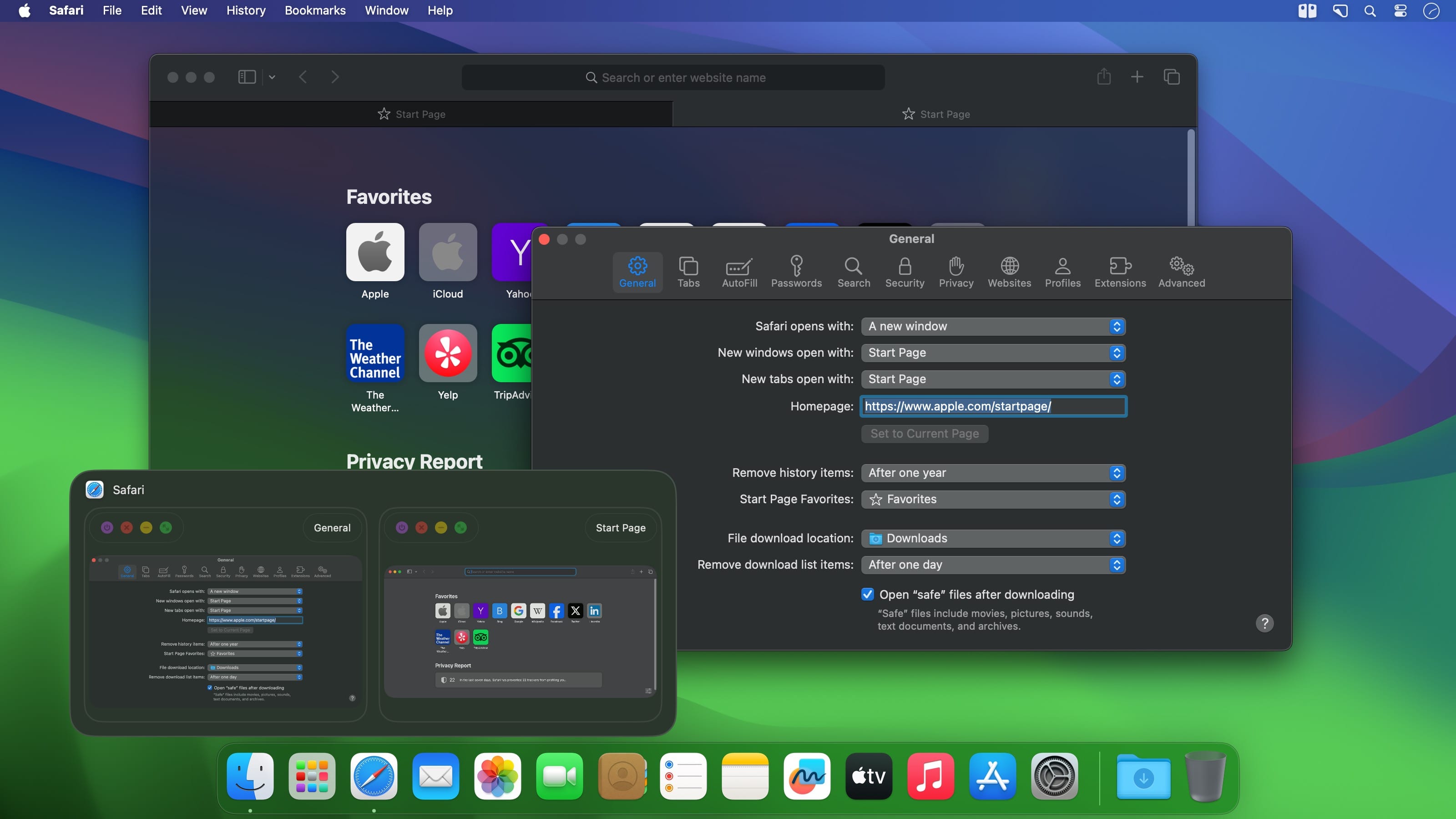
Windows users will be familiar with a feature that allows previewing window contents by hovering over their taskbar icons. If you want this in macOS as well, the only way you’re going to get it is via a third-party app.
Dock previews are DockDoor’s main functionality, with the added bonus of an alternative alt-tab feature that includes window previews. It’s an open-source app, very easy to set up and use, though still not quite perfect.
Preview app windows via the Dock
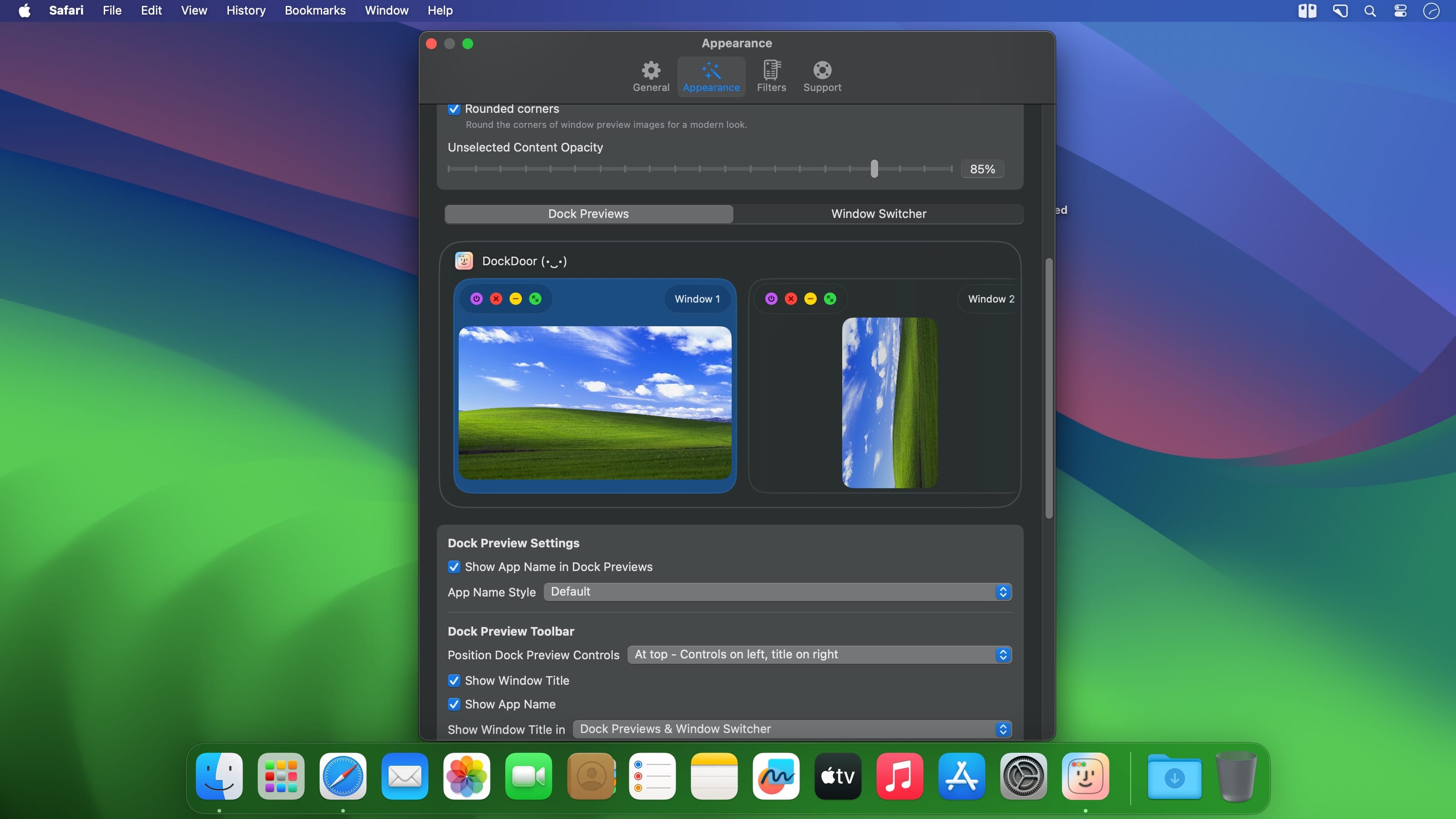
If an app window is active and present in the Dock, you can preview its contents by hovering over its Dock icon. The preview can be resized to suit your preferences, and you can add a delay or customize the window buffer.
Unfortunately, the feature won’t work for minimized apps, and if the window is partially offscreen, that part of the window will be cut off in the preview as well.
The previews are also not updated as frequently as you might expect. If the window contents change, it may take around half a minute for the preview to be updated as well.
Alt-tab with previews
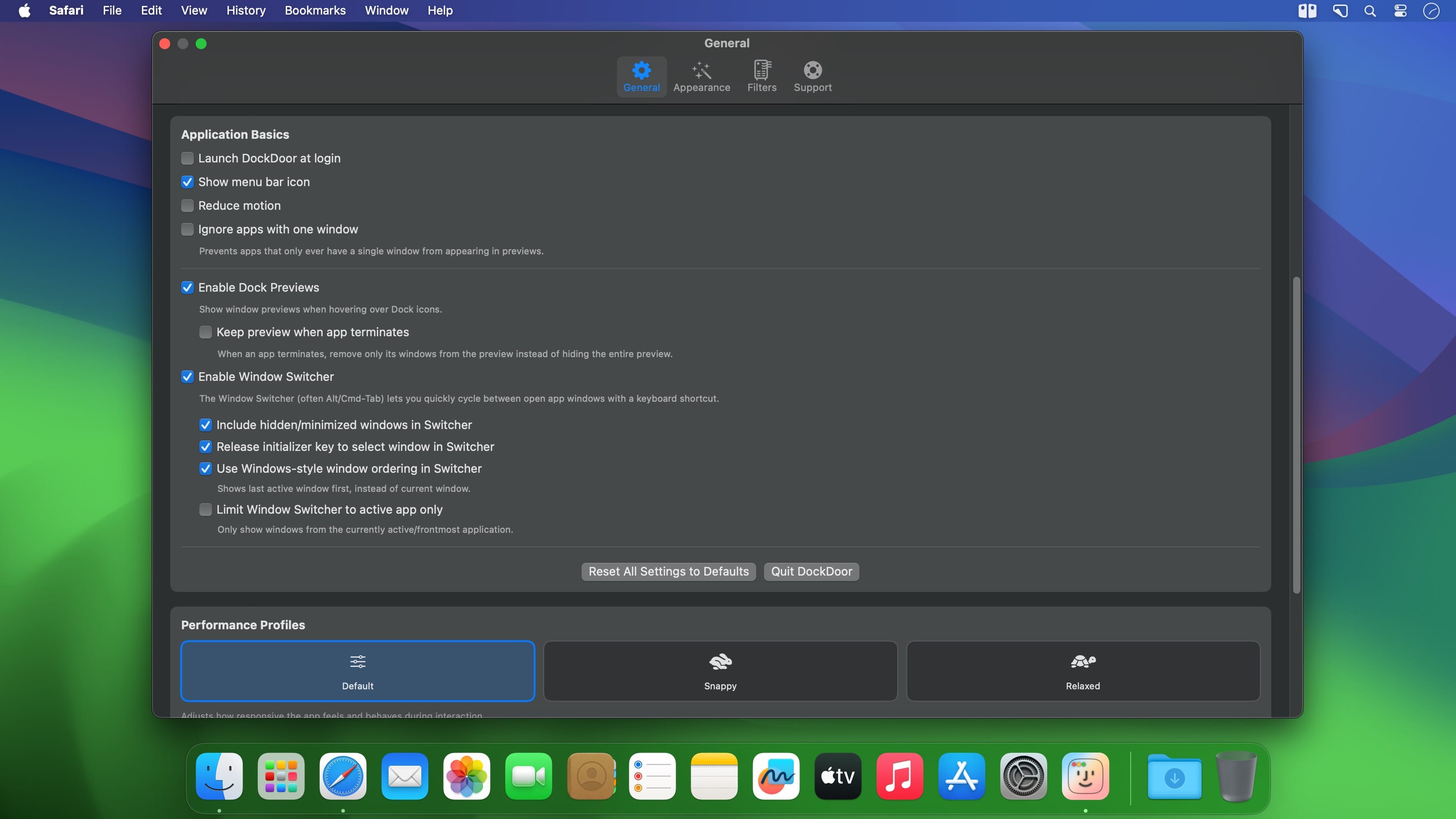
DockDoor’s other main feature is its alt-tab functionality. Using the Ctrl+Tab hotkey, you can cycle between active windows and switch between them as you would with Alt+Tab. The main benefit is that you’ll also be able to preview window contents while doing so, just like on Windows.
This feature works well, though again, only for windows that aren’t minimized. Also, if you have a lot of open windows, cycling between them gets more difficult, as only three can be displayed on the screen at a time.
Promising, but still a work in progress
DockDoor is a great app in principle, but it still needs work. The Dock preview feature has some restrictions that limit its use cases, while the Alt-tab alternative needs a bit more polish, and a customizable hotkey to avoid conflicts with browsers and other apps.
Version 1.40.1:
- Hot fix for macos 26.3+ where clicks were not reacting inside dock windows
Frequently asked questions
How do I install the app?
Mount the image, drag the app into the "Applications" folder and launch it. If the system blocks the launch, allow it in "System Settings → Privacy & Security".
The app is damaged or won't launch
Reinstalling from a fresh image usually helps. Make sure your macOS version matches the one listed in the compatibility specs.
How do I update?
Download the new version from the site and install it over the current one — your settings will be preserved.
The download link doesn't work
Try a mirror or a download manager. For large files the browser often drops the connection.
How do I completely remove the app?
Use an uninstaller utility — it cleans up the service files that remain after moving the app to the trash.


Choose a download source
DockDoor 1.40.1 · 21.12 MB