
Bartender 7.0.4
Take full control of your cluttered Mac menu bar
Screenshots
Click to enlarge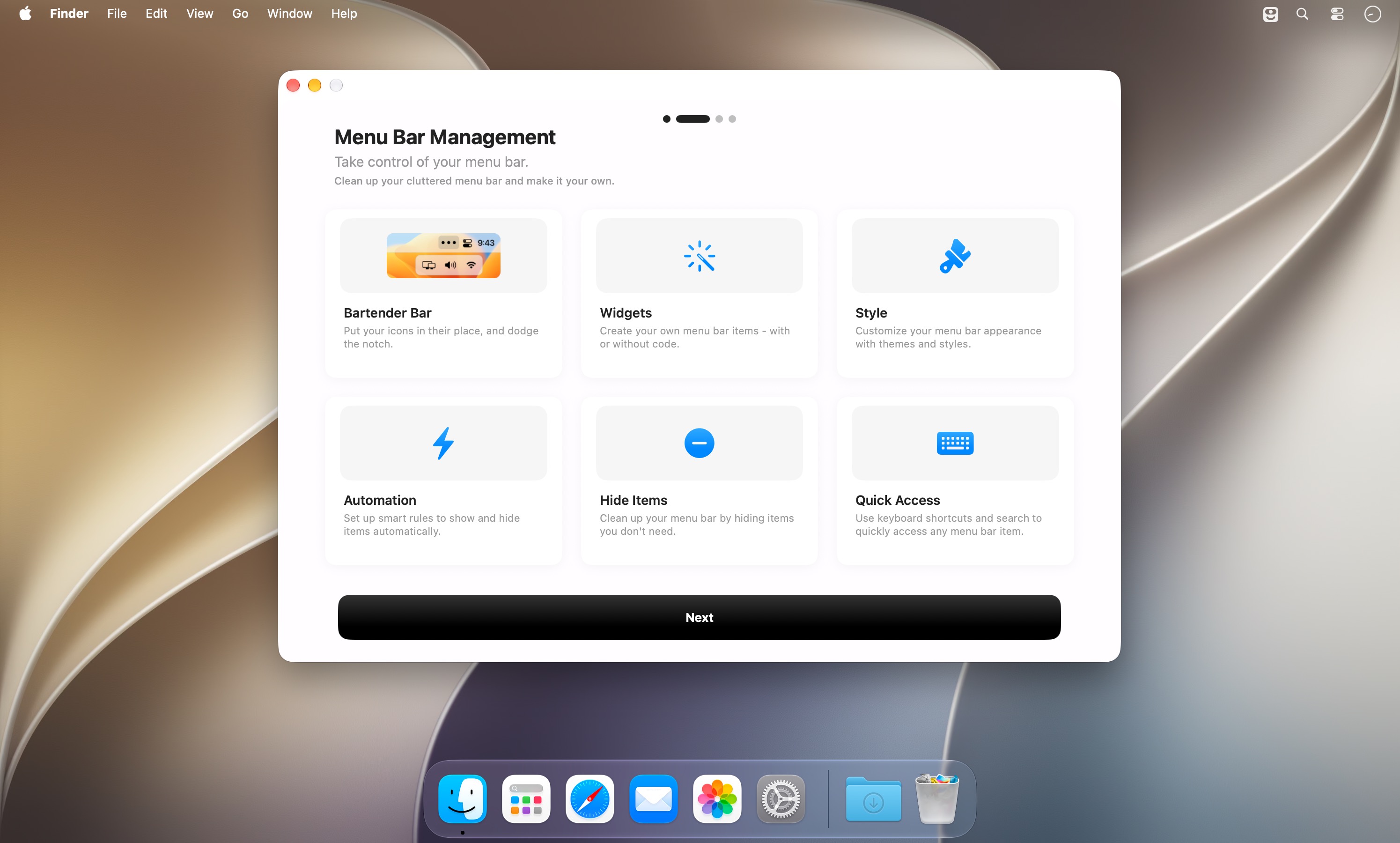
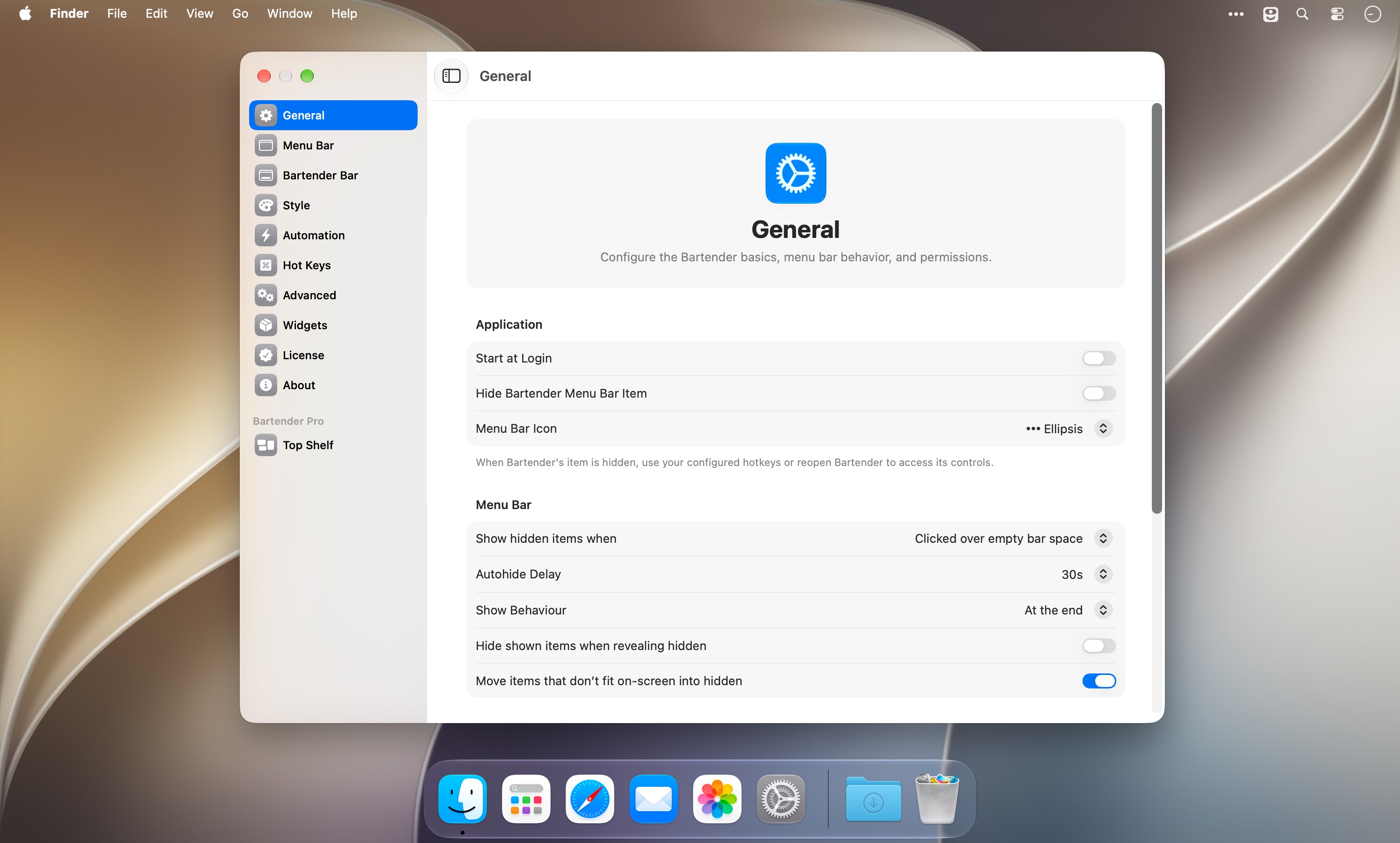
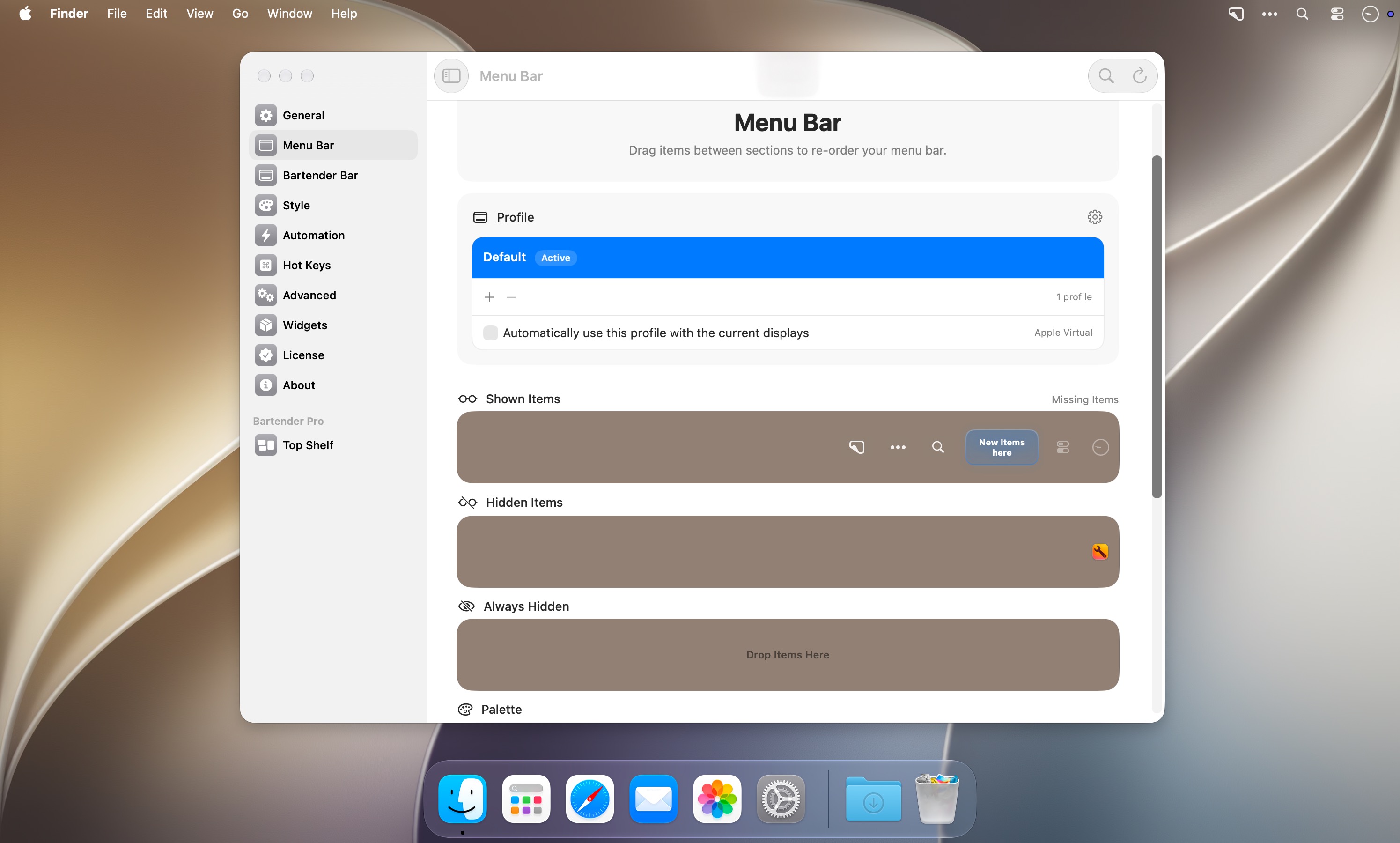
Own your menu bar. Bartender 7 gives you total control over your menu bar items — what shows, when it shows, and how fast you get to it.
Key features:
- Command Bar — search, trigger any menu bar item, run automations, and (with Bartender Pro) access clipboard history, all from your keyboard, so you never lose your workflow reaching for the mouse.
- Zero mouse interruptions — the first menu bar manager that works entirely without touching your mouse, with instant menu bar switching built in.
- No Screen Recording required — Bartender works fully without Screen Recording permission, showing app icons instead, so you get complete functionality without extra setup.
- Automation (formerly Triggers) — a simpler, more reliable way to automate your menu bar, with scheduled triggers and easier item and profile selection, so items appear only when they matter.
- App Intents and Shortcuts support — get, show, or click menu bar items, switch profiles, or toggle your bar through Shortcuts, for deeper automation.
- Expanded hotkeys with Focus Mode — hide your entire menu bar instantly with one shortcut, ideal for screen recordings or presentations, plus quick hotkeys to enable presets.
- Monitor-based presets — presets now sync automatically to your monitor setup, no trigger required, so your layout adjusts the moment you connect or disconnect a display.
- Bartender Bar with Liquid Glass — summon it on hover, click, or hotkey, and theme it independently from your menu bar for a cleaner, more personal look.
- Beat the notch — automatically hides items covered by the notch and brings them back with a click or hotkey, or shifts them to Bartender Bar without rearranging anything.
- Lighter footprint — most users see under 100MB of memory usage at idle.
- Redesigned for the next macOS — smoother, faster, and more responsive every time you touch the menu bar.
Requires macOS 27. Tahoe support coming shortly after launch.
Bartender 7.0.4
This update fixes an issue that could cause some items, and especially spacers, from shifting around after a restart.
There's also a suite of updates to the clipboard helper in our new command bar, making the experience slicker across more use-cases.
- Paste clipboard items into the previously focused app.
- This should work in most apps ( yes, even Electron ones ), but if you find an app it doesn't work with, please let us know.
- Support keyboard selection with Up/Down and Enter.
- Add paste, copy, pin, unpin, and delete actions.
- Improve clipboard item icons and file/image display.
- Refresh the list after pinning or deleting items.
Comments
No comments yet. Be the first.
Information
Visitors in the group Guests cannot leave comments on this publication.