
CopyClip 2 v3.993
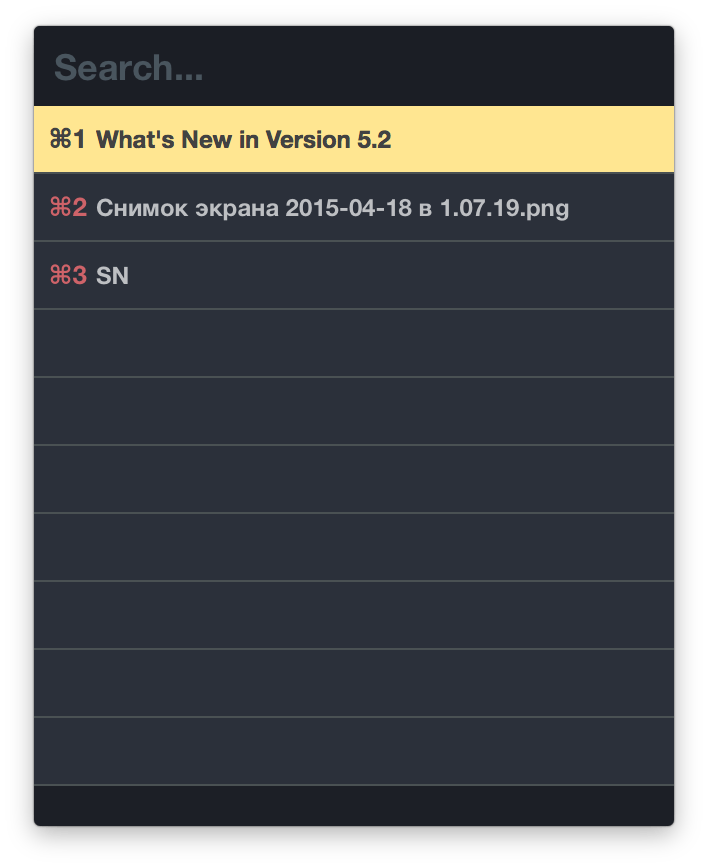
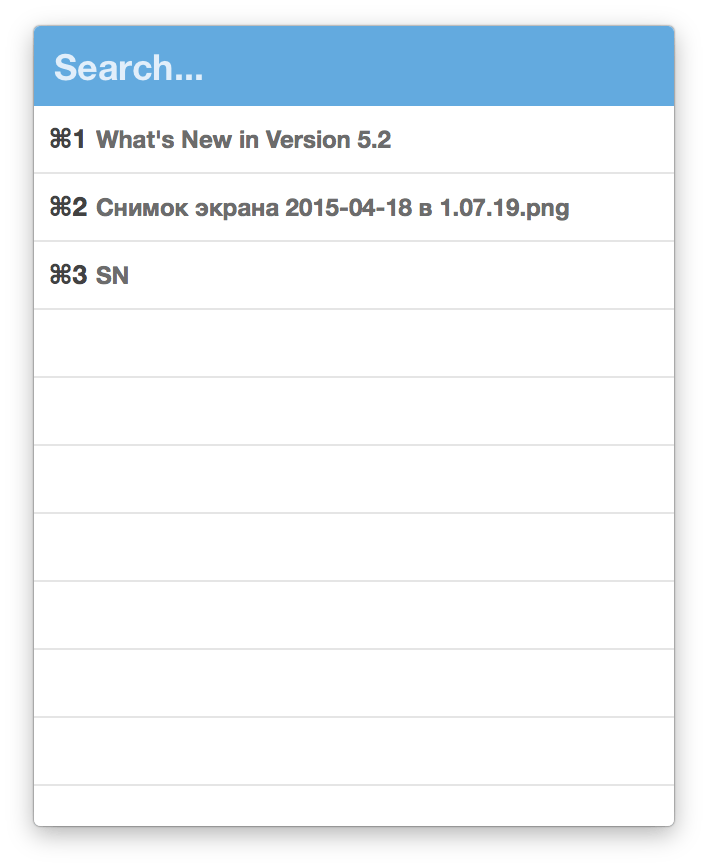
CopyClip 2 is the slickest and most efficient premium clipboard manager for your Mac. Running discreetly from your menu bar, the app stores all that you have copied or cut in the past, allowing you to quickly find that snippet of text you've been looking for.
Key Features
- Ability to store up to 230 clippings
- Option to paste clippings with the original formatting if desired
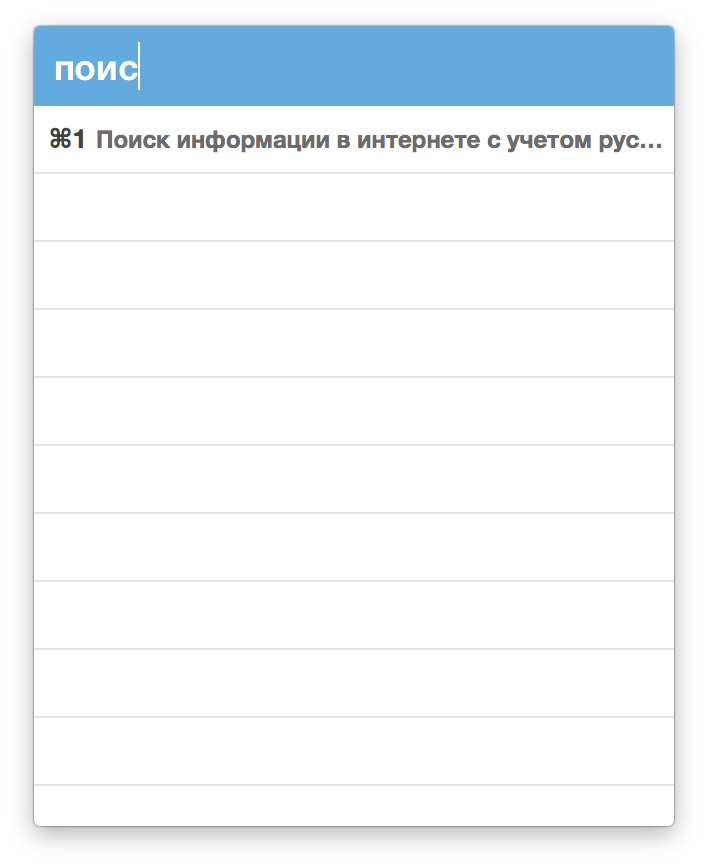
- Ability to search through clippings using the embedded search bar
- Keyboard shortcuts to paste clippings
- Right-click option to ‘pin’ chosen clippings to the top of the list
- You can exclude apps you wish not to copy clippings from
- Option to edit and delete individual clippings, as well as delete all clippings at once
- Toggle between Dark/Light user interface themes
- Works on both the menu bar and the Dock
Version 3.990:
- Added Rebuild Search Index button in Advanced preferences
- Fixed a rare issue where search could return no results
Frequently asked questions
How do I install the app?
Mount the image, drag the app into the "Applications" folder and launch it. If the system blocks the launch, allow it in "System Settings → Privacy & Security".
The app is damaged or won't launch
Reinstalling from a fresh image usually helps. Make sure your macOS version matches the one listed in the compatibility specs.
How do I update?
Download the new version from the site and install it over the current one — your settings will be preserved.
The download link doesn't work
Try a mirror or a download manager. For large files the browser often drops the connection.
How do I completely remove the app?
Use an uninstaller utility — it cleans up the service files that remain after moving the app to the trash.




Choose a download source
CopyClip 2 v3.993 · 9.76 MB
Previous versions
CopyClip 2 v3.993
Previous versions are available to registered users.