
Scrutiny 12.12.4 – Web optimization tool suite
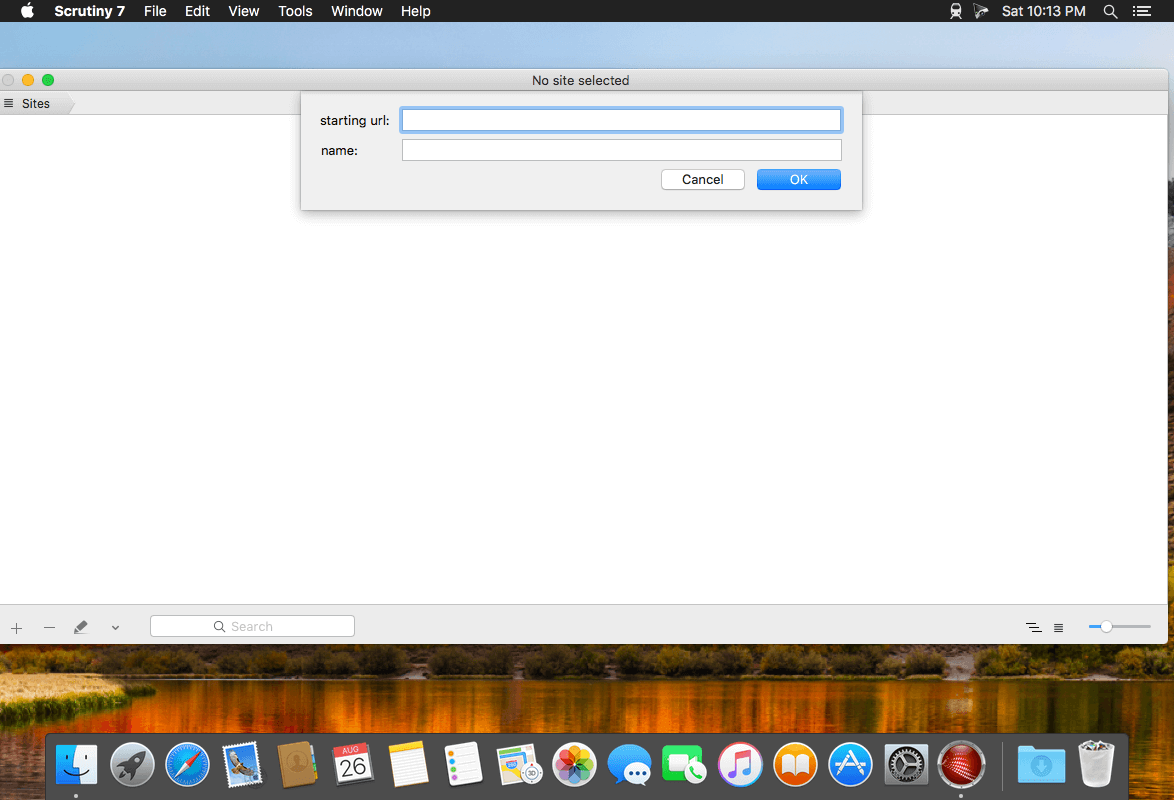

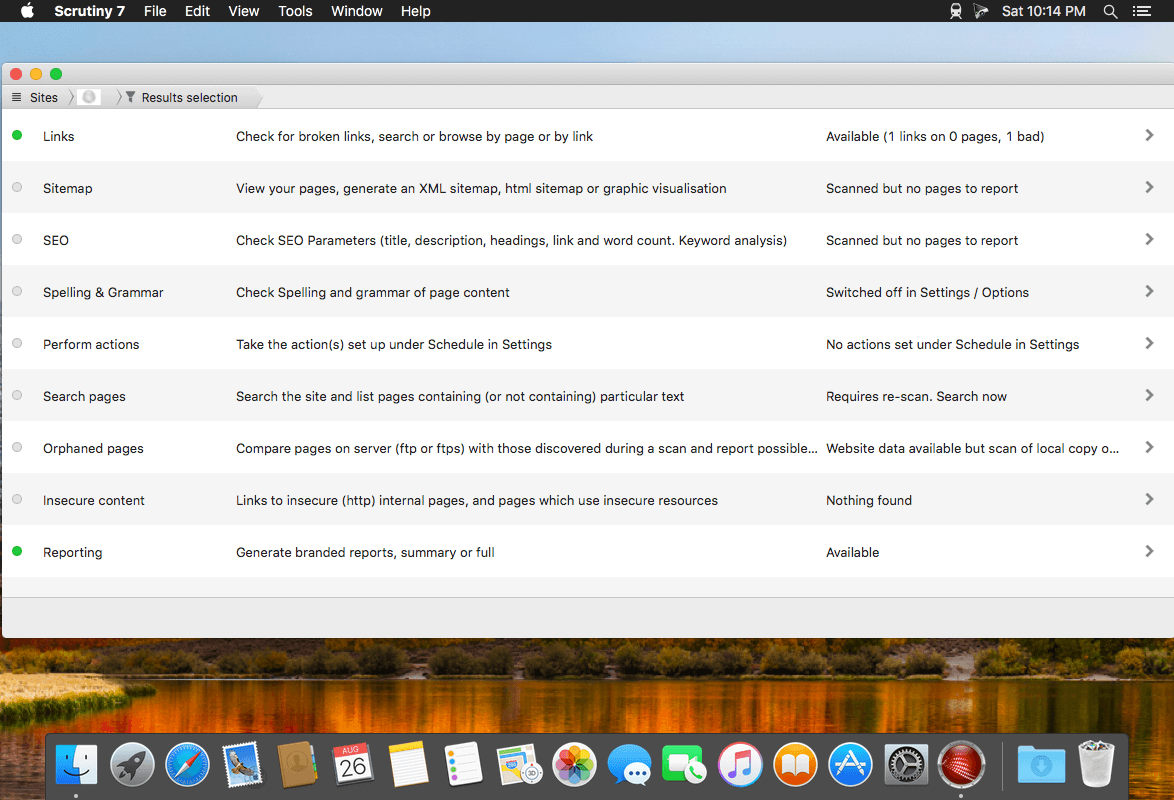
Scrutiny is a suite of web optimization tools including link checking, SEO checks, Sitemap generation, page load speed test, html validation. Version 12 is a major update and includes these new features.
Features
- Link checker
- SEO analysis
- XML sitemap generation, optionally include images / PDF pages
- Insecure / mixed content reporting
- Page-load speed test
- Spelling and grammar checking
- Scans sites requiring authentication
- Search your site (source or visible text) obtain a list of pages containing a search term or not containing a search term
- Website monitoring of as many URL's as you like with a choice of alerts and logging
- Scheduling made easy with a few easy clicks
- On finish, send an email, save a report, open a file or AppleScript, FTP the sitemap XML, and other actions
- Opens and scans a list of links in HTML, CSV, plain text format, or XML sitemap
Version 12.12.4:
- Fixes redirect url not being reported when page rendering is switched on and redirect is performed by jаvascript
Frequently asked questions
How do I install the app?
Mount the image, drag the app into the "Applications" folder and launch it. If the system blocks the launch, allow it in "System Settings → Privacy & Security".
The app is damaged or won't launch
Reinstalling from a fresh image usually helps. Make sure your macOS version matches the one listed in the compatibility specs.
How do I update?
Download the new version from the site and install it over the current one — your settings will be preserved.
The download link doesn't work
Try a mirror or a download manager. For large files the browser often drops the connection.
How do I completely remove the app?
Use an uninstaller utility — it cleans up the service files that remain after moving the app to the trash.




Choose a download source
Scrutiny 12.12.4 – Web optimization tool suite · 6.18 MB
Previous versions
Scrutiny 12.12.4 – Web optimization tool suite
Previous versions are available to registered users.