
macUSB 2.4.0
macUSB — bootable USB creator with built-in macOS installer downloader
Screenshots
Click to enlarge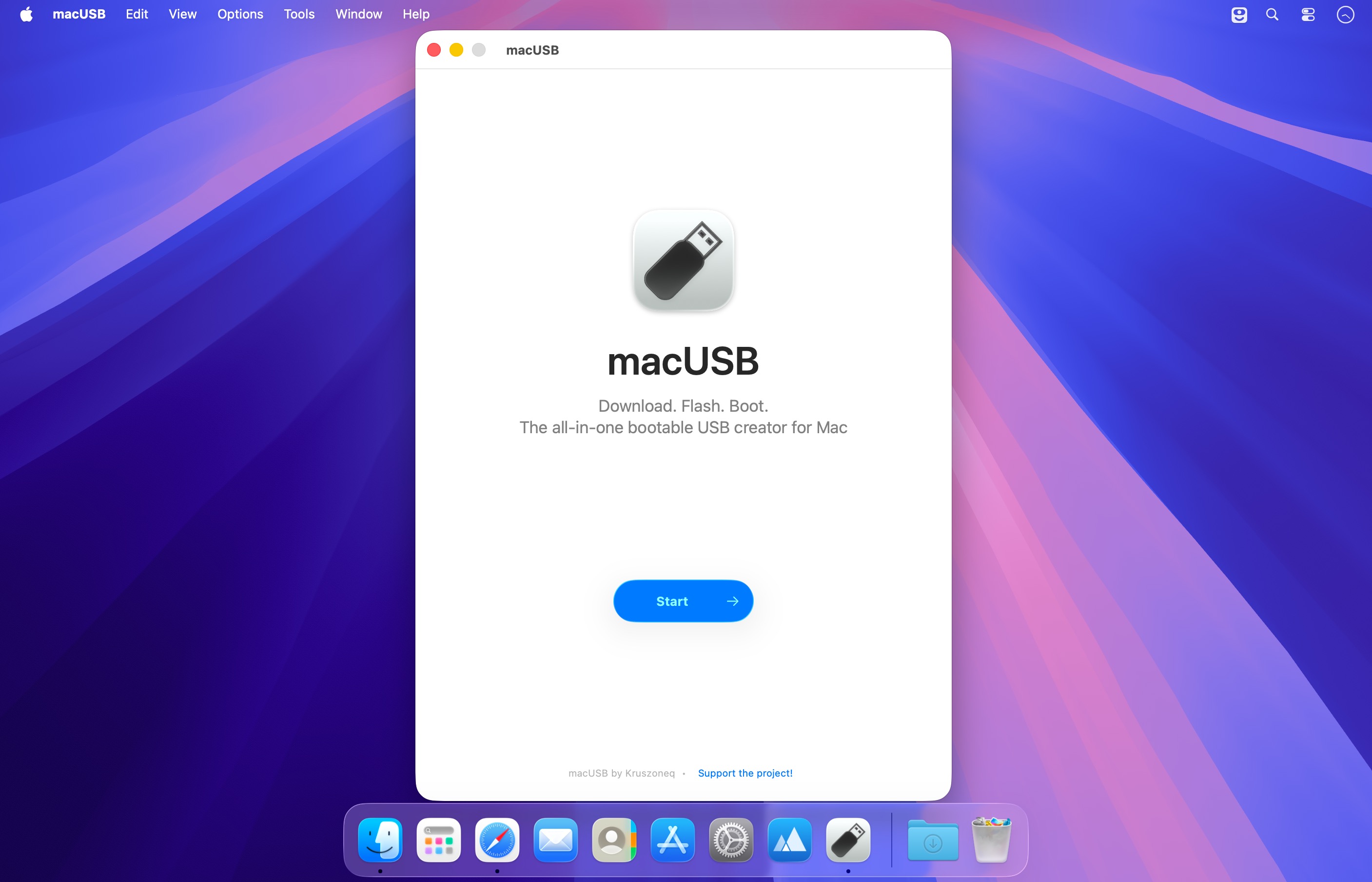
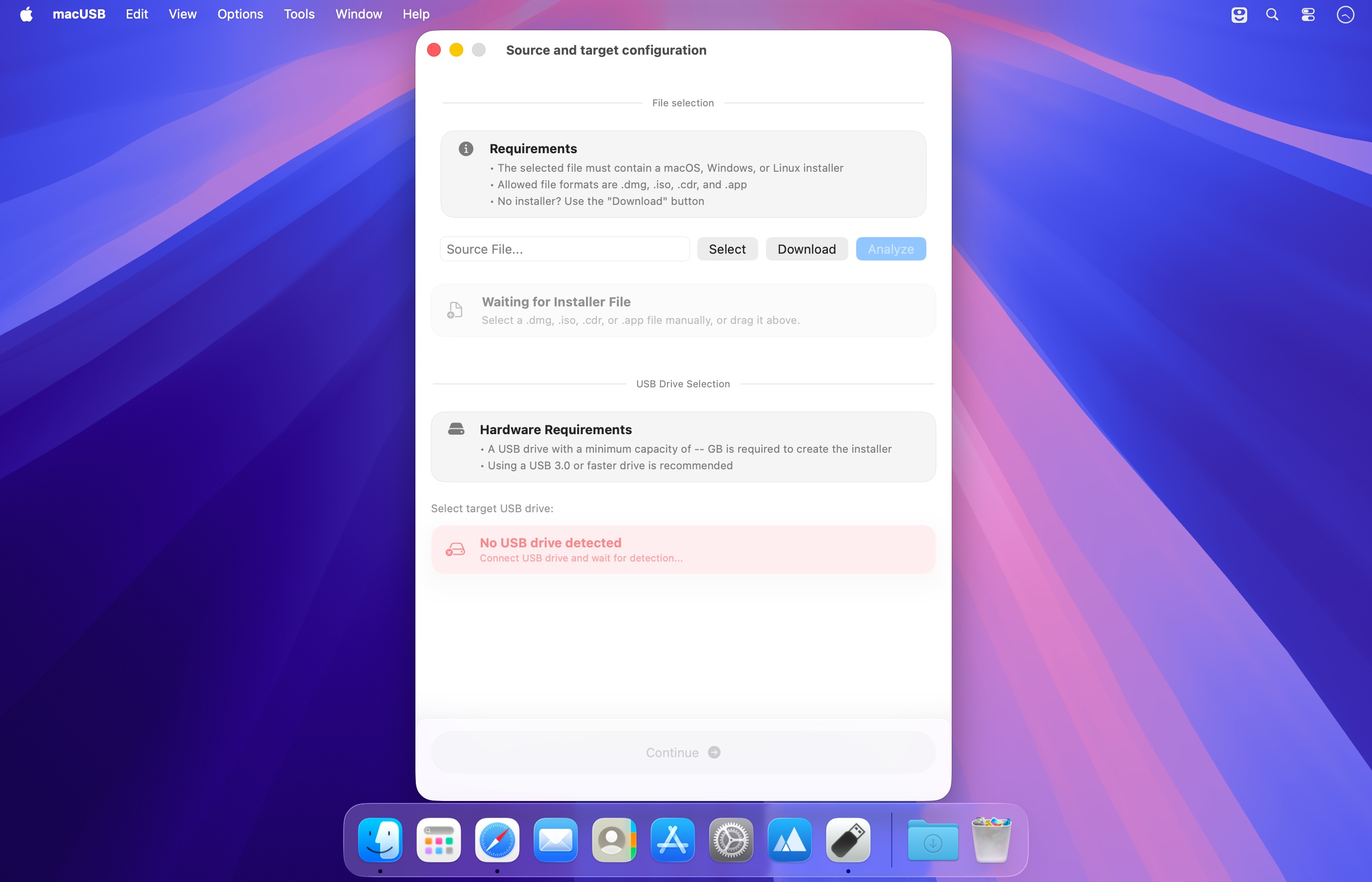
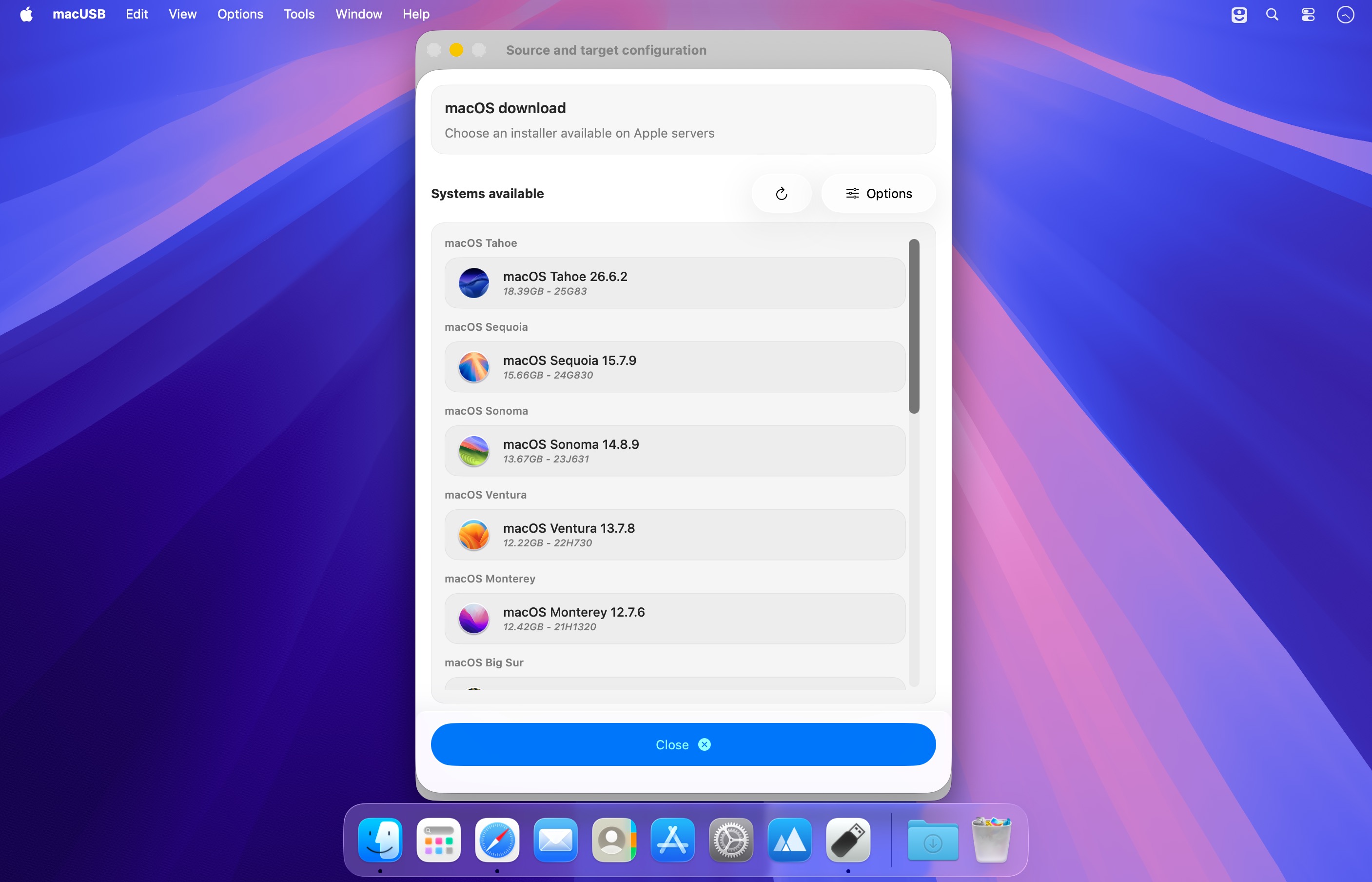
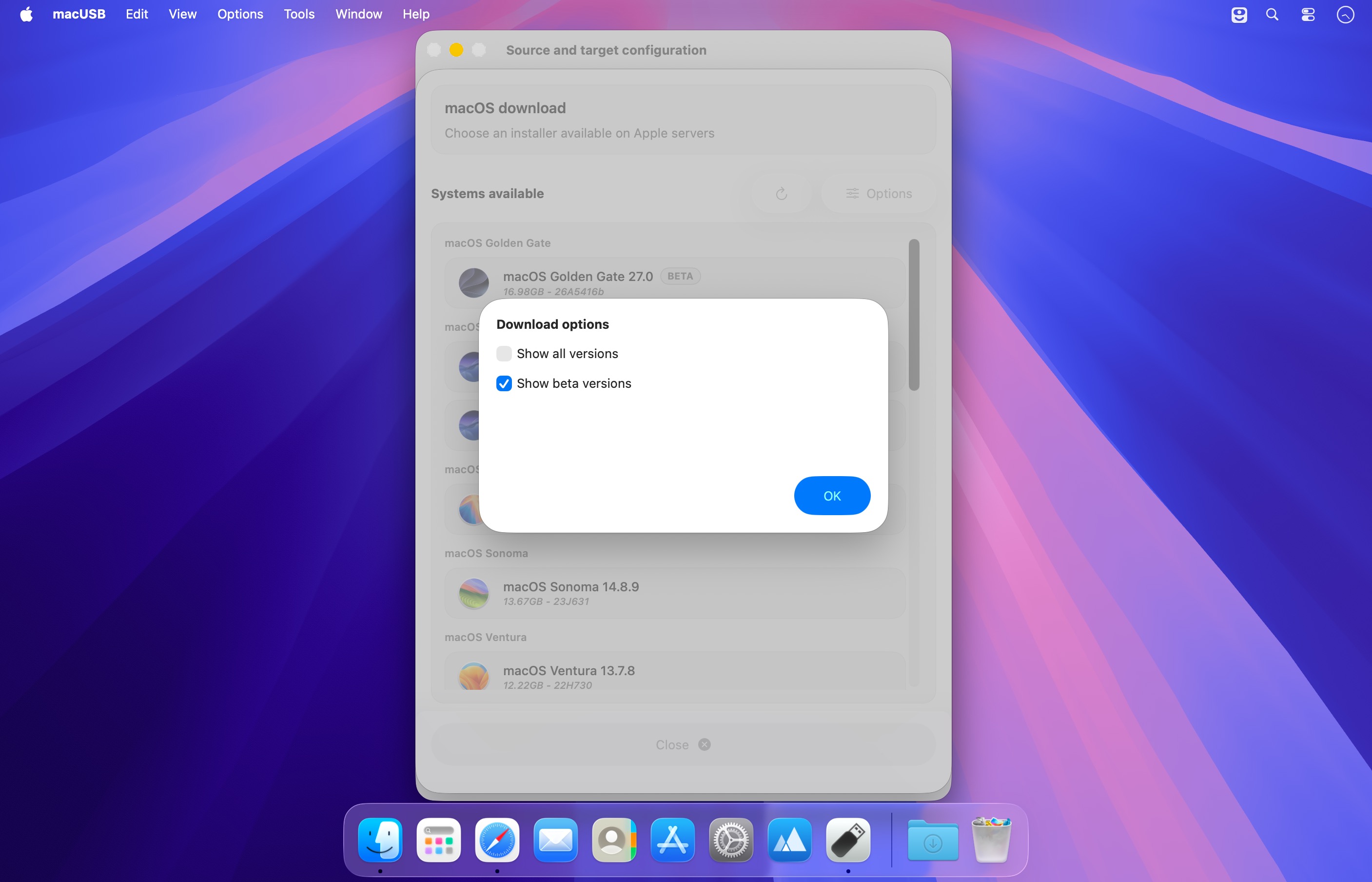
macUSB is a guided macOS utility for creating bootable USB drives on both Apple Silicon and Intel Macs. Use local installer files and disk images, or download macOS installers directly from Apple’s servers through the built-in downloader.
Key features
- Built-in macOS downloader: Browse and download macOS installers, including available Public Beta releases, directly from Apple.
- Local source support: Create bootable USB media from local macOS installers and compatible disk images.
- Checksum verification: Calculate SHA-256 checksums for recognized .iso, .cdr, and .dmg files.
- Apple Silicon compatibility: Automatically handle compatibility requirements when creating media for older macOS installers.
- Automatic media preparation: Check, partition, and format USB media, converting it when necessary.
- Linux and Windows support: Create bootable USB drives from supported Linux and Windows ISO images, with optional Windows setup automation.
macUSB v2.4
- macUSB v2.4 introduces support for macOS 27 Golden Gate and adds the ability to create Windows installation media that can boot on computers using legacy BIOS.
ADDED: WINDOWS
- Added support for creating USB installation media for Windows Vista, Windows 7, and Windows Server 2008 R2.
- Added BIOS and UEFI boot mode selection for Windows 8 through Windows 10 and Windows Server 2012 R2 through Windows Server 2022.
- Added validation to ensure that the selected Windows image supports the chosen boot mode.
- Added the macUSBoot bootloader to media prepared for BIOS mode, allowing the Windows installer to start on computers using legacy BIOS.
ADDED: DOWNLOADER
- Added automatic detection of macOS installers in the Applications folder, with locally available versions marked as downloaded.
- Added discovery and download support for Public Beta releases available from Apple, including macOS 27 Golden Gate.
- Added a warning shown on Intel-based Macs before downloading macOS 27 Golden Gate, explaining that creating USB media with this installer requires a Mac with Apple silicon.
ADDED: macOS
Added beta-version recognition and labeling during installer analysis.
Added support for creating USB installation media for macOS 27 Golden Gate.
Added installer architecture validation against the Mac’s hardware architecture before USB creation begins.
Added a Rosetta 2 availability check on Apple silicon Macs running macOS 27 when using older Intel-only macOS installers.
CHANGES
- Updated Full Disk Access detection for compatibility with macOS 27 Golden Gate.
- Applied the Liquid Glass effect to the active download stage.
IMPROVEMENTS
- Added an option to force-eject USB media from the summary screen when standard ejection fails, including when the drive is being indexed by Spotlight.
- Improved the messages and screen layout shown when tools required for Windows media creation are unavailable.
- Adjusted minimum USB capacity requirements to match Linux and Windows image sizes.
FIXED
- Fixed a Windows media creation error that could occur while copying files from an ISO image when an external version of rsync was installed.
Comments
No comments yet. Be the first.