
Visual Studio Code 1.139.1
AI code editor with coding agents, debugging, and Git integration
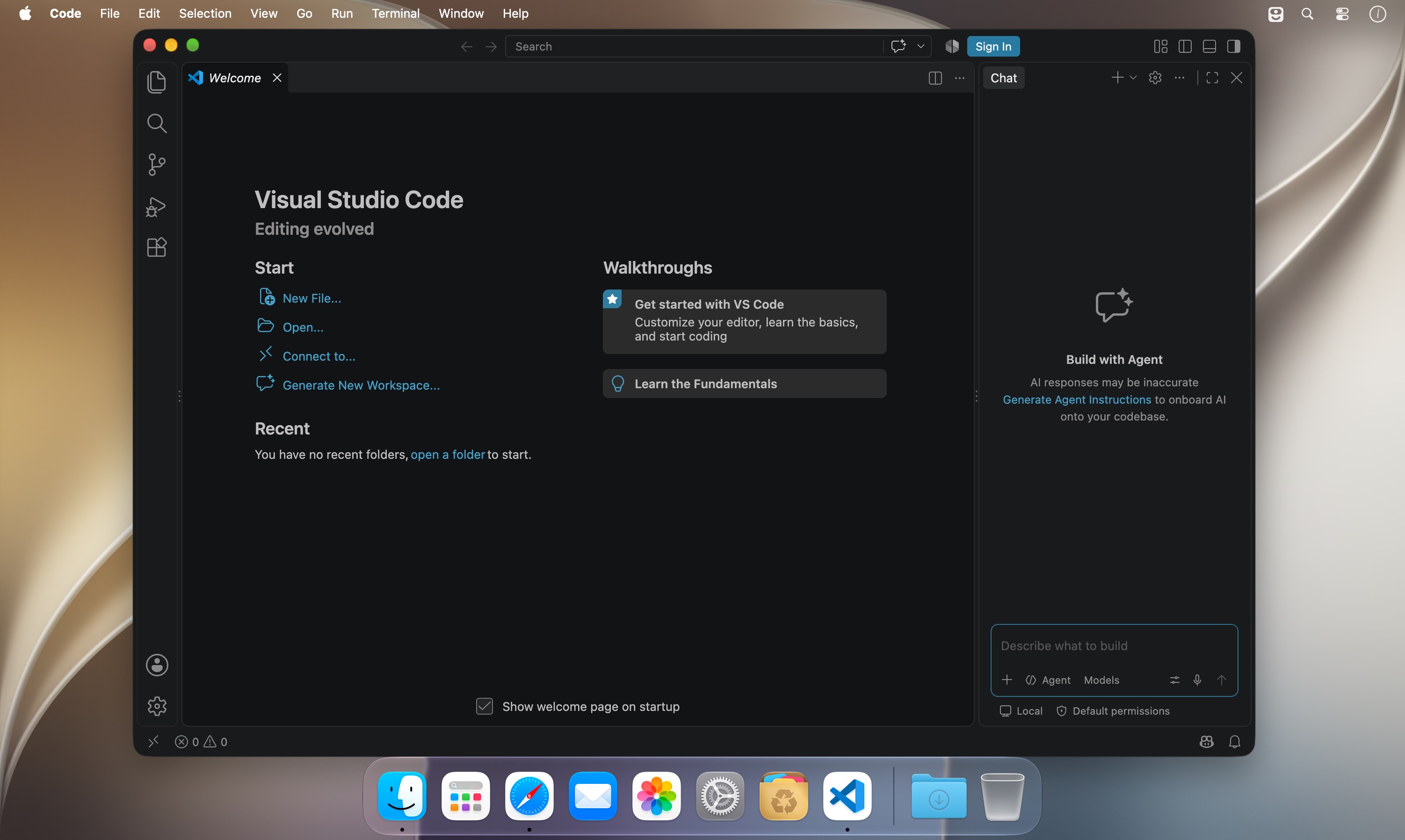
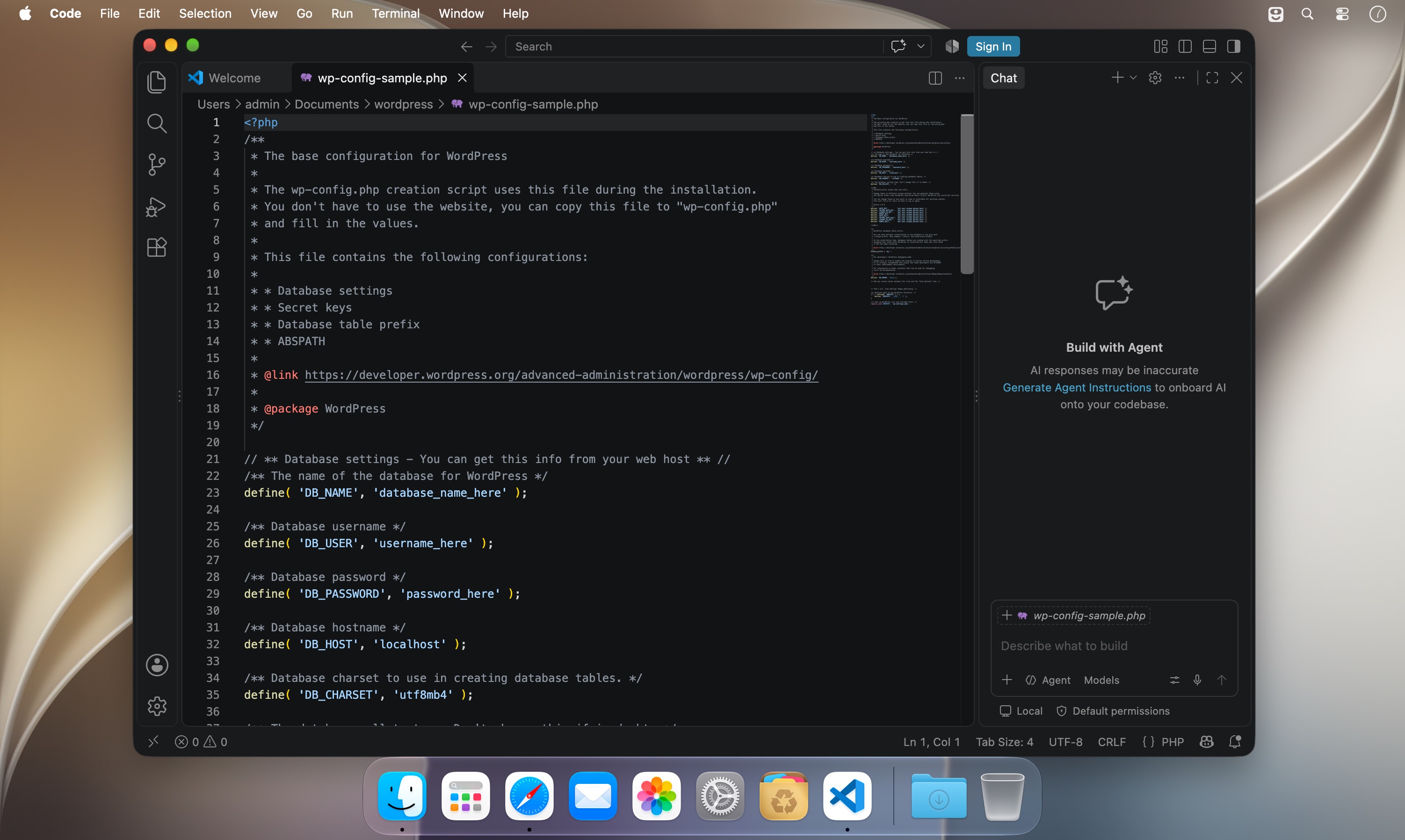
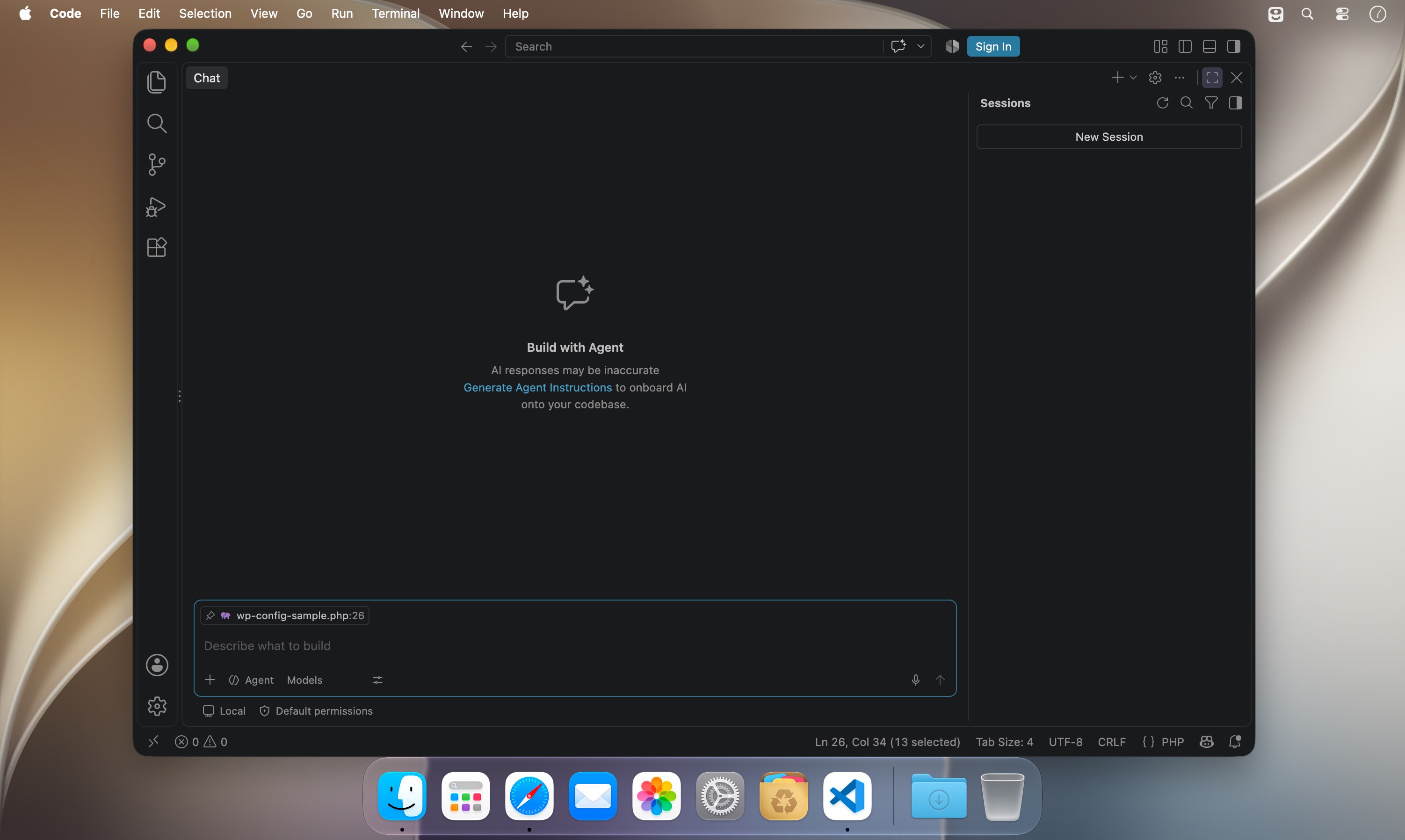
Visual Studio Code: a fast code editor with AI agents
A fast, powerful code editor that works right out of the box. Build Node.js and ASP.NET apps, write in more than 30 programming languages, and keep your whole project within reach. Hand off routine work to AI agents and focus on what matters.
AI agents that build for you
- Assign tasks to AI agents that plan the work, change your code, run commands, and keep iterating until the job is done
- Let an agent find and fix bugs in the background while you work on something else
- Build new features together with an agent and check the results live in the integrated browser
- Hand off bigger tasks to a cloud agent that prepares a pull request for your team to review
Your project, organized
- Open individual files, or link your Git repository folder to see your entire project structure at a glance
- Track changes across your repository as you work
- Import source files through familiar Finder menus, with no setup required
More room to think
- Split the editor to view different parts of the same file side by side
- Keep your code consistent as you move between sections
- Stay focused with a clean, well-structured workspace
Write faster, write smarter
- IntelliSense autocomplete suggests code as you type for greater accuracy
- Built-in keyboard shortcuts let you navigate, select, and edit without reaching for the mouse
- Syntax support for more than 30 languages
Find anything
- Powerful search with include and exclude filters
- Quickly get around even the largest files
Debug with confidence
- Step through your code and watch variables change in real time
- Diagnose exceptions right inside the editor
Make it yours
- Customize keyboard shortcuts to fit the way you work
- Choose a UI theme that matches your desktop
Everything you need in a code editor, and nothing you don't. Download Visual Studio Code and start building today.
Version 1.139.1:
The update addresses these issues:
- [cherry-pick] managed settings: keep policy through transient refresh failures
Frequently asked questions
How do I install the app?
Mount the image, drag the app into the "Applications" folder and launch it. If the system blocks the launch, allow it in "System Settings → Privacy & Security".
The app is damaged or won't launch
Reinstalling from a fresh image usually helps. Make sure your macOS version matches the one listed in the compatibility specs.
How do I update?
Download the new version from the site and install it over the current one — your settings will be preserved.
The download link doesn't work
Try a mirror or a download manager. For large files the browser often drops the connection.
How do I completely remove the app?
Use an uninstaller utility — it cleans up the service files that remain after moving the app to the trash.





Choose a download source
Visual Studio Code 1.139.1 · 268.28 MB