
GitFox 5.0.0
Gitfox: macOS Git client for repositories, rebase, and conflicts
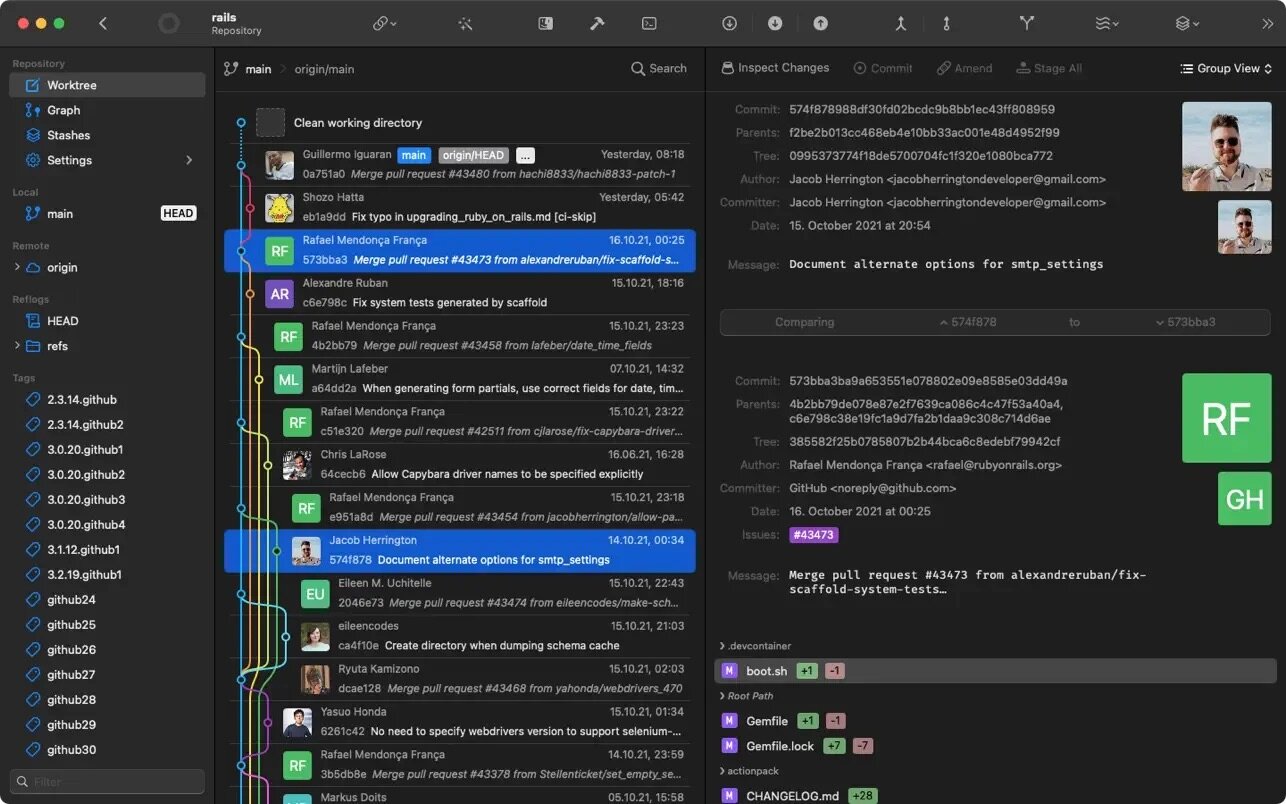
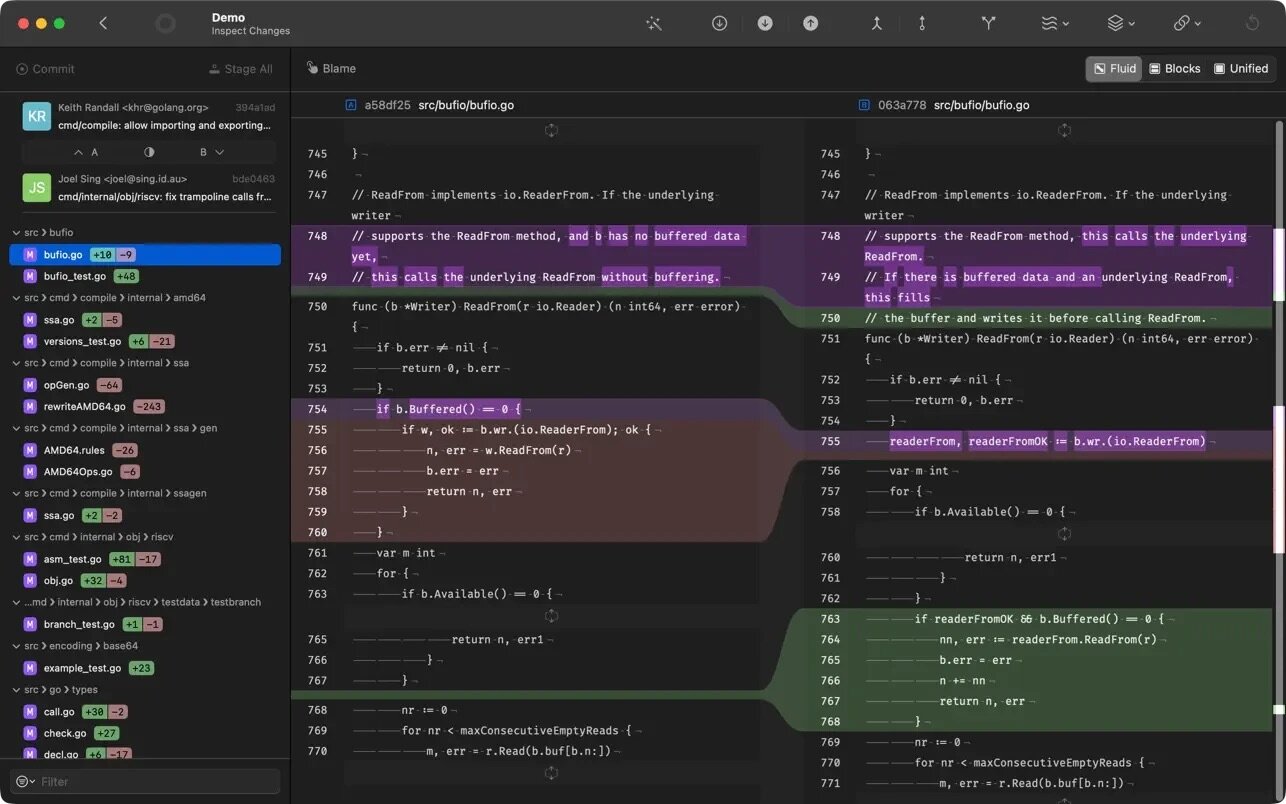
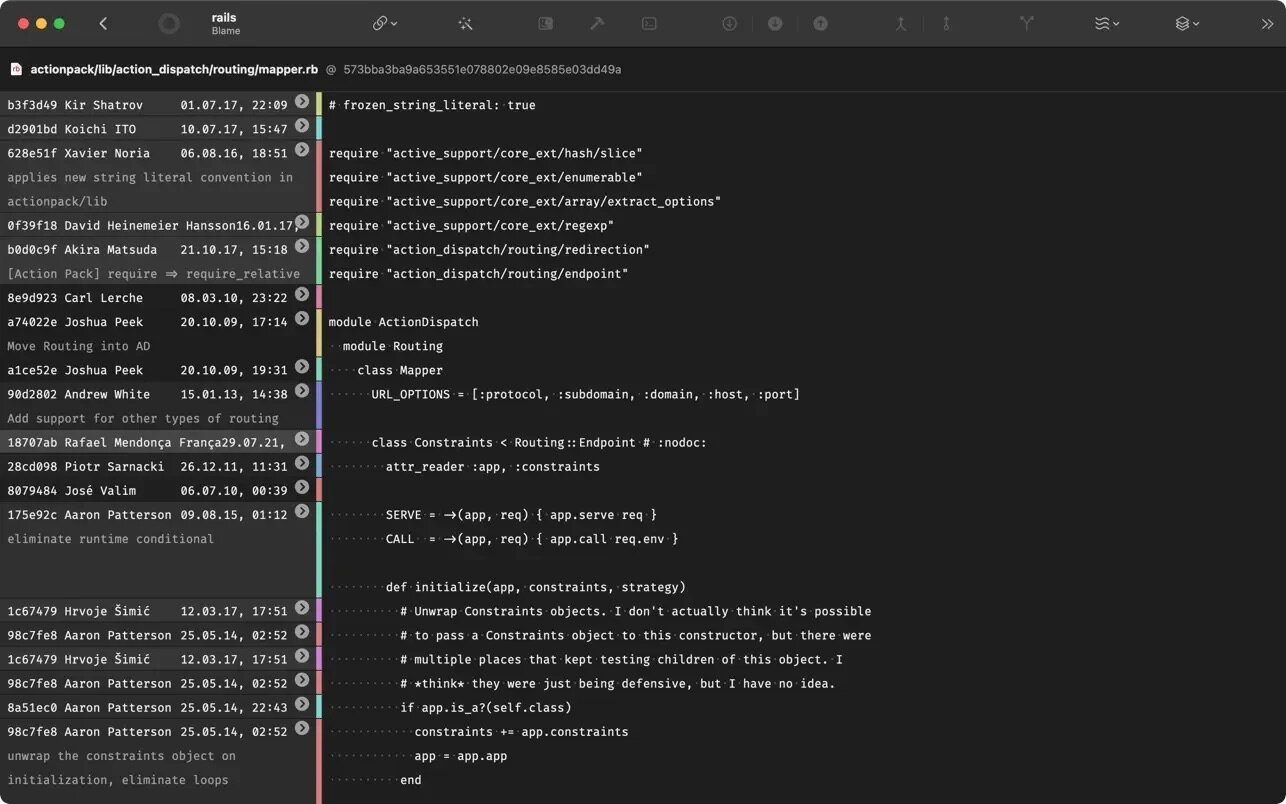
Quickly see all your repositories at a glance and if they have uncommitted changes. If your repository has a Markdown README, it is automatically rendered. Have your repository info right at your fingertips, including build status tags and more.
SERVICE ACCOUNTS
Add your Github, Bitbucket or Gitlab Accounts to Gitfox for seamless authentication via OAuth.
INTERACTIVE REBASE
Who says you can't rewrite History? Edit, reword, drop, squash, fixup or move your commits.
GIT FLOW
Manage Features, Bugfixes, Hotfixes and Releases directly from within Gitfox. Git Flow is fully integrated into Gitfox and the next Git Flow Action is just one click away!
CONFLICT RESOLUTION
Resolve merge conflicts easily by choosing the side you want to merge with just one click.
TOUCH BAR
Work faster with Touch Bar support. Most views have their own touch bar controls that let you commit even faster!
LINE STAGING
Work in smaller steps and make your commits more granular by staging or discarding selected lines only. Only commit what you really want to!
DRAG & DROP
Make complex Git commands as easy as Drag & Drop. Who wants to remember and type out every command? Create branches, tags, push, cherry-pick, merge or rebase with just a simple drop.
IMAGE DIFF
Finding the difference in your images is important if you do Web or Design work. Gitfox shows you changes in your image assets, their size and dimensions, so you can always be sure the correct assets make it into your project.
SEARCH
Gitfox features powerful full-text and prefix search. And with intelligent highlighting your search matches in the log, diff or filename pop right out.
IDENTITIES
Working on multiple projects or even across different organizations? Gitfox lets you manage multiple identities easily and set per-repository defaults. You can even amend author and committer separately!
REFLOG
Git records every reference update in its reflog. Deleted a branch by accident? Want to get back a lost commit? Chances are you can still find them in the Reflog!
AND MORE
Resolve Conflicts • Tabbed Windows • Shortcuts • Quick Actions • Cherry-Pick • Squash • Amend • Inline Diff Changes • Branch Compare • Project Links • Notifications
Version 5.0:
New:
- Autocomplete in commit messages:
- File paths with
/f - Commit hashes with
/c - Gitmoji with
/g - GitHub, GitLab, Gitea, and Jira Cloud issue references with
/i
- File paths with
- Connect and manage Jira Cloud accounts in Settings
- Choose issue sources for each repository
- Resolve conflicts by keeping both sides in either order, or neither
Improved:
- Animated glass styling and arrow-key navigation for toolbar selectors
- Clearer inline diff highlights
- Better ordering and grouping of main menu commands
- Updated icons throughout the app
Fixed:
- Fixed hangs when finishing or cancelling Git commands
- Commit exports no longer hang when writing the archive fails
- Saved accounts are preserved when Keychain reads fail
- Resolved conflicts no longer remain counted or available for resolution
- Conflict resolution actions no longer appear for comparison-only conflicts
- Worktree is now selected when HEAD changes
- Repository change counts now appear on startup
- Account settings now show errors when renaming accounts fails
- Remote links in repository details now recognize Gitea and configured hosts
- Remote links now use the assigned account when installations share a host
- Several macOS 27 specific UI issues
Frequently asked questions
How do I install the app?
Mount the image, drag the app into the "Applications" folder and launch it. If the system blocks the launch, allow it in "System Settings → Privacy & Security".
The app is damaged or won't launch
Reinstalling from a fresh image usually helps. Make sure your macOS version matches the one listed in the compatibility specs.
How do I update?
Download the new version from the site and install it over the current one — your settings will be preserved.
The download link doesn't work
Try a mirror or a download manager. For large files the browser often drops the connection.
How do I completely remove the app?
Use an uninstaller utility — it cleans up the service files that remain after moving the app to the trash.




Choose a download source
GitFox 5.0.0 · 46.66 MB
Previous versions
GitFox 5.0.0
Previous versions are available to registered users.