
Vibe Island 1.0.51
Vibe Island — AI coding agent monitor for focused terminal workflows.
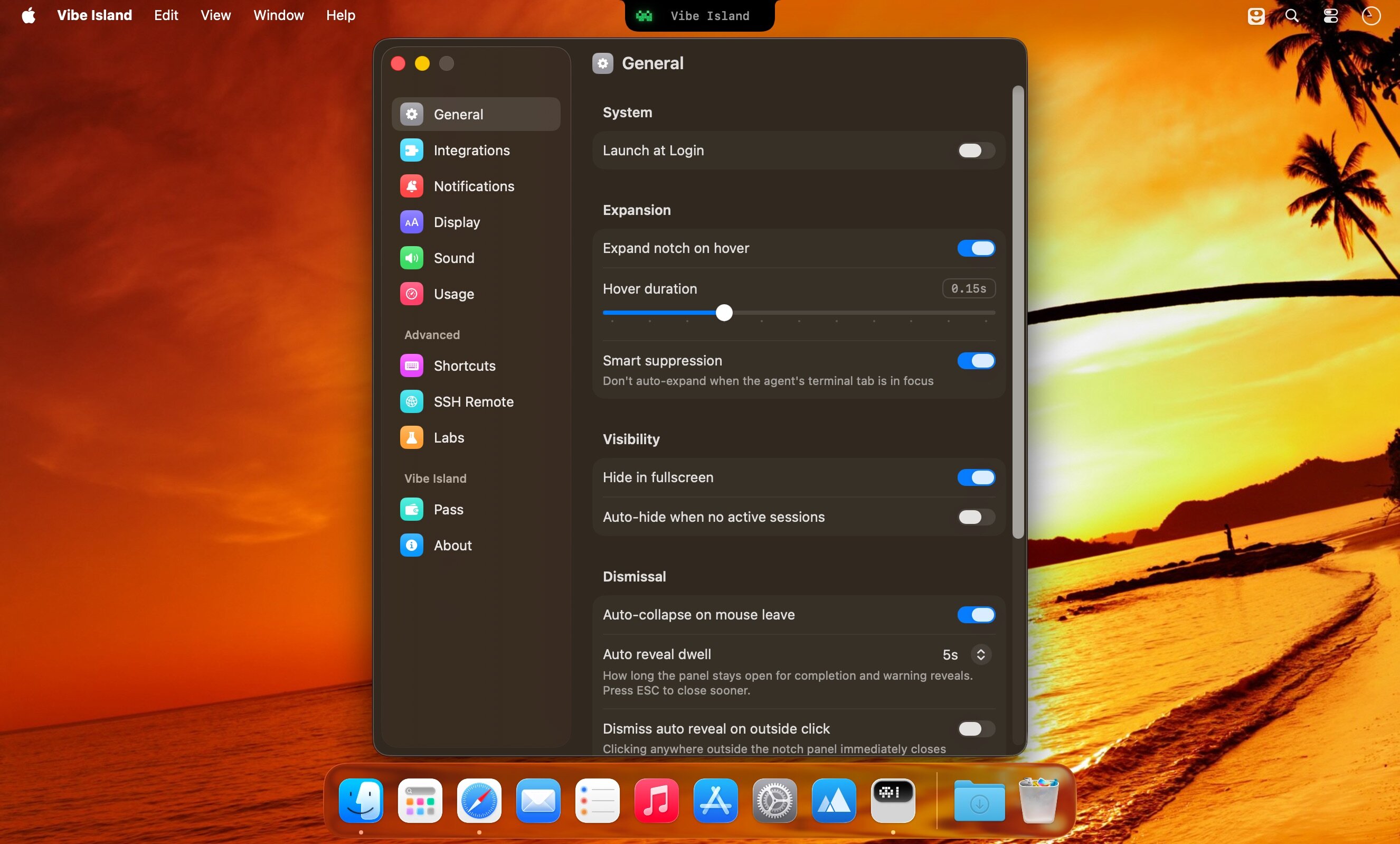
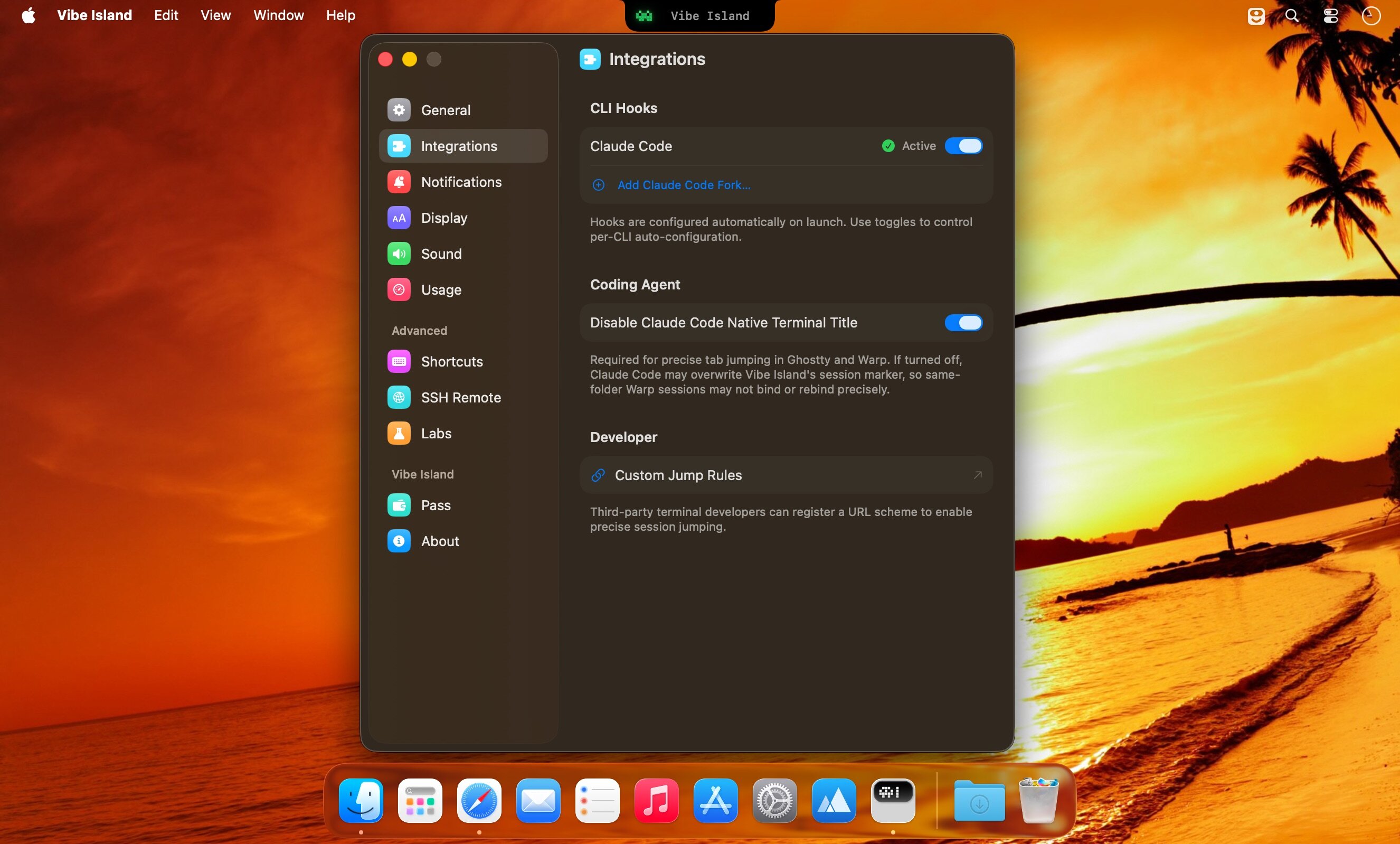
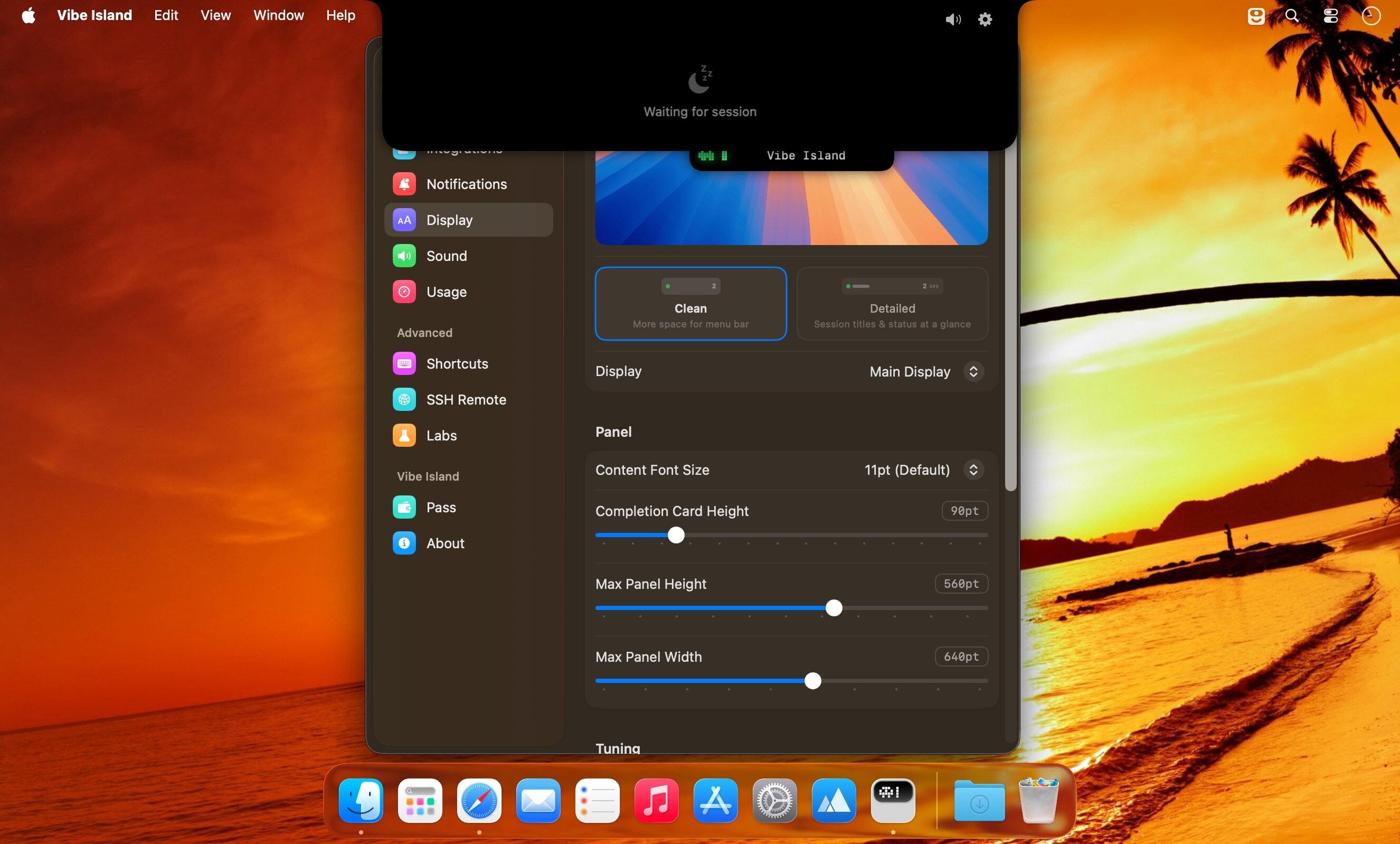
Vibe Island is a specialized productivity tool designed for developers who use terminal-based AI coding agents. It transforms your MacBook’s notch area into an interactive control center, allowing you to monitor, approve, and interact with various AI agents without ever leaving your IDE or breaking your focus. Whether you are using Claude Code, Cursor, or Gemini CLI, Vibe Island ensures you stay in the “flow” by bringing terminal activities to the forefront of your screen in a beautiful, non-intrusive overlay.
Key Features
- Unified Agent Monitoring: Support for 10+ leading AI coding agents including Claude Code, Codex, Gemini CLI, Cursor, OpenCode, Copilot, and more. All your active sessions appear in one unified, sleek panel.
- Two-Way Interaction: Go beyond simple monitoring. Approve or deny permission requests, answer “AskUser” questions, and review suggested plans with full Markdown rendering directly from the notch.
- Precise Terminal Jump: Instantly jump back to the exact terminal tab, split pane, or tmux session where an agent is running with a single click. Compatible with iTerm2, Ghostty, Warp, and native Terminal.app.
- Zero-Config Setup: On first launch, Vibe Island automatically configures hooks for your CLI tools. No manual editing of config files or API keys required.
- Privacy-First & Local: Your data never leaves your machine. All communication between Vibe Island and your CLI tools happens locally on your Mac.
- Native & Lightweight: Built with Pure Swift for Apple Silicon. It is incredibly fast, using under 50MB of RAM and near-zero CPU when idle.
- Smart Feedback: Enjoy 8-bit synthesized sound alerts for event notifications and visual cues that keep you informed without being distracting.
Version 1.0.51:
License Fix
- Fixed an issue introduced in 1.0.50 that prevented license recognition and activation.
Improvements
- Added Latin American Spanish as an app language.
- OpenCode 2 conversations now show assistant responses and questions more completely. Clicking a session returns to its OpenCode viewer when one is available.
- Sessions that share a backend with another app now return to the viewer where you were working, rather than always opening the backend app.
- Codex sessions launched through CodexHost can return to the corresponding thread.
- On macOS 27, the island moves aside while the menu bar's overflow icons are expanded, so it does not cover the icons beside the notch. The expanded panel also fits its content more reliably.
- Improved overall performance and responsiveness.
Fixes
- Zed sessions started in a project subfolder now return to the existing project workspace instead of opening that subfolder as a new workspace.
- Fixed a tmux jump that could select the right pane number in the wrong tmux window.
- Native terminal sessions opened from Orca now return to their terminal instead of the Orca pane they were launched from.
- Codex approvals and delegated sessions now keep the right request context, execution owner, and working status more reliably.
- Claude Desktop Chat and Cowork work again with recent Claude Desktop updates. Code conversations also recover after restarting Vibe Island, and rewinding a conversation no longer leaves a duplicate card until the next response finishes.
- Bypass stays active for Claude Code sessions using an additional configuration folder, instead of asking again on every tool call.
- Long-running Claude and Codex work no longer changes to Ready just because an old transcript or previous-turn timestamp went stale. Long conversation compaction also keeps its progress state until it finishes.
- Fixed OpenClaw plugin upgrades being blocked when the installed plugin came from an earlier Vibe Island release, while preserving files you have edited. Manual Gateway restart now uses the Gateway's own launch command. Background heartbeat and Gateway-internal runs no longer create extra session cards.
- Pi sessions keep their cards and context when you use `/reload`.
- SSH Remote setup can recover when uploading the remote helper through the SSH fallback path. Remote Codex approvals also read their request context more reliably.
- Usage no longer shows expired windows or lets stale Codex data replace a fresher reading. Codex reset-credit counts stay with the right account after switching accounts. Claude usage now favors the current quota window over older Desktop readings, and Zhipu Max quotas display correctly after switching keys.
- Fixed panel hover, sizing, and accidental text selection issues.
Frequently asked questions
How do I install the app?
Mount the image, drag the app into the "Applications" folder and launch it. If the system blocks the launch, allow it in "System Settings → Privacy & Security".
The app is damaged or won't launch
Reinstalling from a fresh image usually helps. Make sure your macOS version matches the one listed in the compatibility specs.
How do I update?
Download the new version from the site and install it over the current one — your settings will be preserved.
The download link doesn't work
Try a mirror or a download manager. For large files the browser often drops the connection.
How do I completely remove the app?
Use an uninstaller utility — it cleans up the service files that remain after moving the app to the trash.


Choose a download source
Vibe Island 1.0.51 · 35.59 MB
Previous versions
Vibe Island 1.0.51
Previous versions are available to registered users.