
Cisdem DVD Burner 8.4.0
Burn Videos to DVD on Mac with Custom Menus
Screenshots
Click to enlarge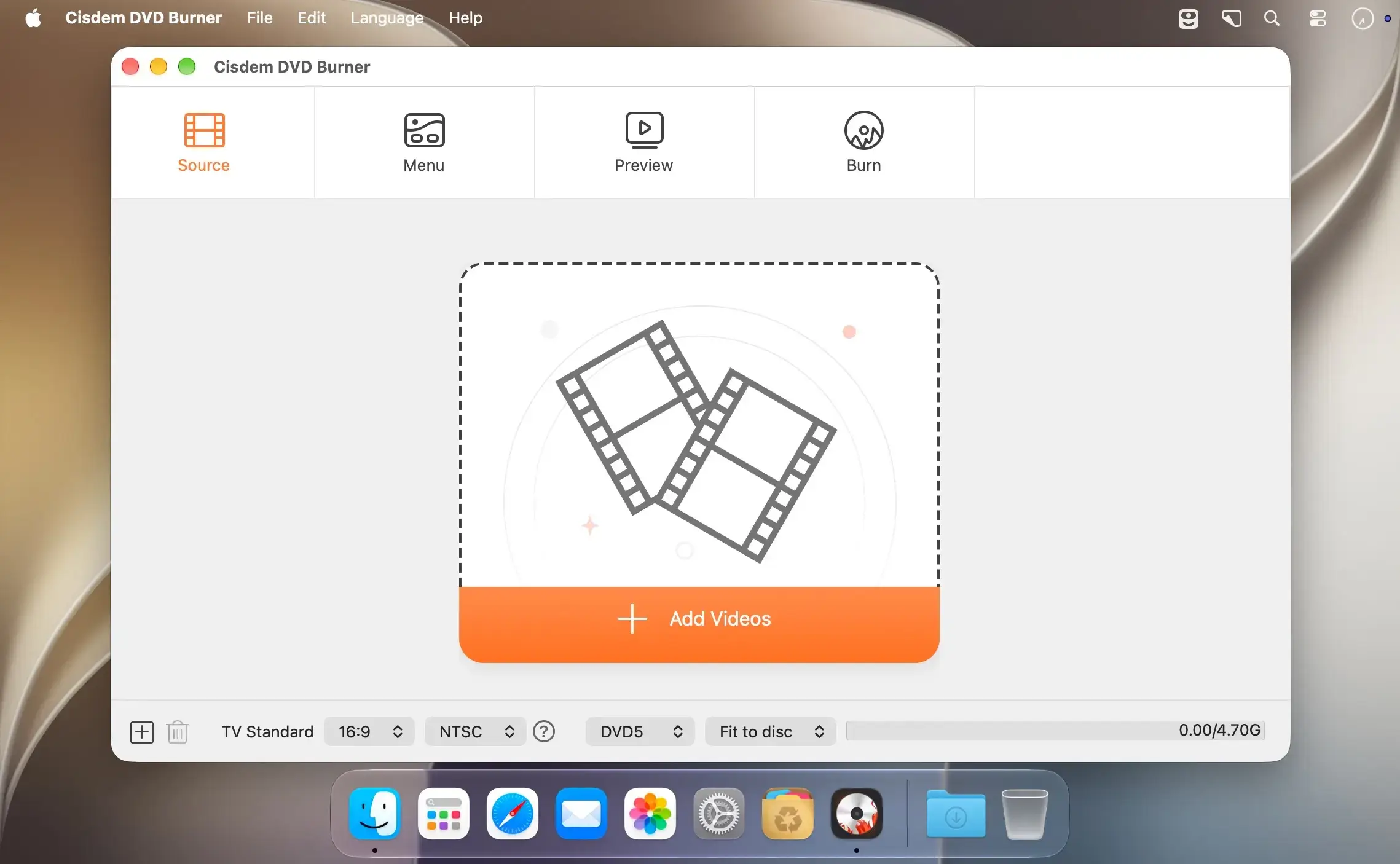
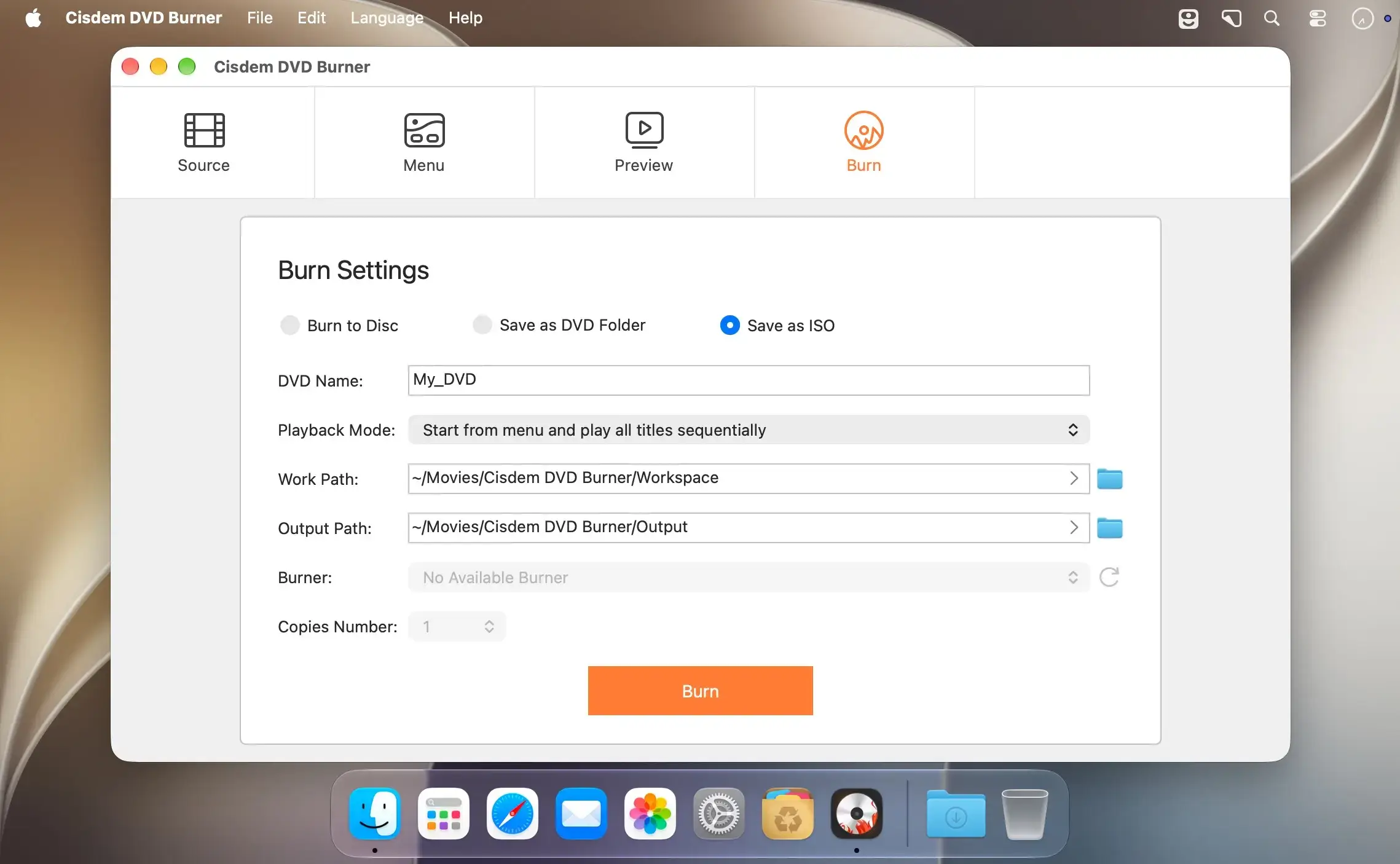
Cisdem DVDBurner lets you burn videos to playable DVDs on your Mac, with custom menus, chapters, and subtitles, and no technical skills required. Add footage from phones, camcorders, old videotapes, web downloads, iMovie, or PowerPoint, then choose your TV settings, disc type, and quality level. Preview the result like on a real DVD player before you burn.
Burn any video to a playable DVD
- Format support: Create DVDs from over 300 formats, including MP4, AVI, MOV, MKV, WMV, MPEG, 3GP, FLV, M2TS, MTS, TS, SWF, MPG, DAT, NSV, and ISO.
- Multiple sources: Accept videos from old videotapes, web downloads, iMovie, PowerPoint, phones, camcorders, and more.
- Resolution range: Handle source material from 360p, 480p, 720p, and 1080p up to 4K or higher.
- Multi-video discs: Burn several videos onto a single DVD to build your own collection.
Control TV settings, disc type, and quality
- TV settings: Set the aspect ratio (16:9 widescreen or 4:3 fullscreen) and the TV standard (NTSC or PAL).
- Disc types: Pick DVD-5, DVD-9, or DVD-10 to fit your content.
- Quality levels: Choose Fit to Disc, which balances quality and capacity, or select Best, High, Normal, Low, or Lowest.
- Capacity display: See the used capacity update in real time as you change the disc type or quality level.
Edit and enhance your videos
- Basic editing: Trim, crop, and rotate videos with intuitive controls.
- Video effects: Fine-tune brightness and contrast for comfortable viewing.
- Subtitles and watermarks: Embed permanent subtitles and flexible watermarks.
- Chapter markers: Add chapters for easy navigation.
- Audio and transitions: Adjust volume and apply smooth fade transitions.
- Editing workflow: Use the side-by-side preview and one-click reset or apply.
Make stylish DVD menus
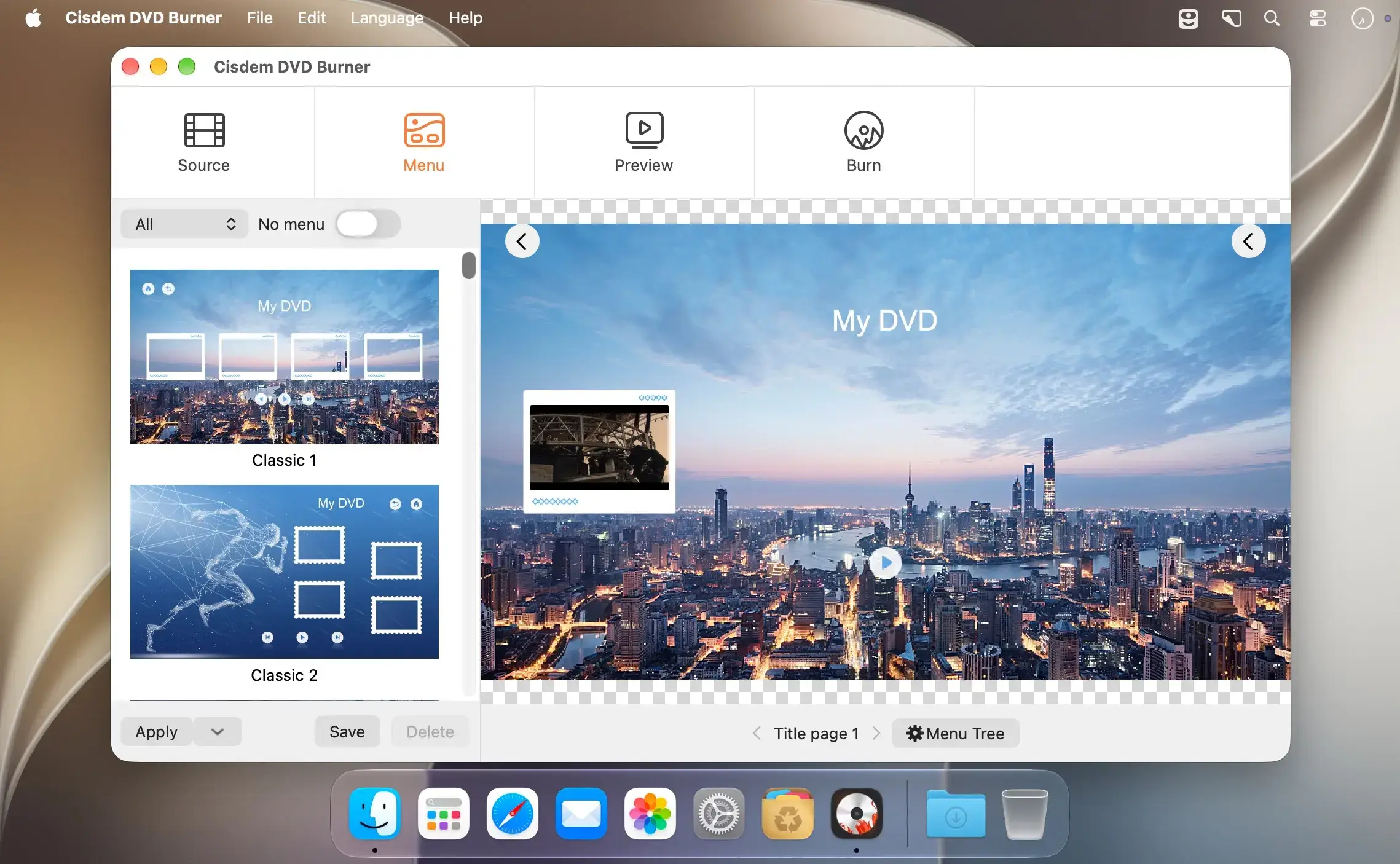
- Menu templates: Choose from 50+ professionally designed templates to author your DVD with ease.
- Background: Pick an image from the built-in resources, use a solid color, or upload your own.
- Menu elements: Customize text, frames, and buttons.
- Background music: Add music from an external file to set the mood.
- Layout controls: Adjust alignment, position, and size of menu elements.
- Menu modes: Select with menu and chapters, menu only, or no menu for flexible playback.
Preview and burn in one click
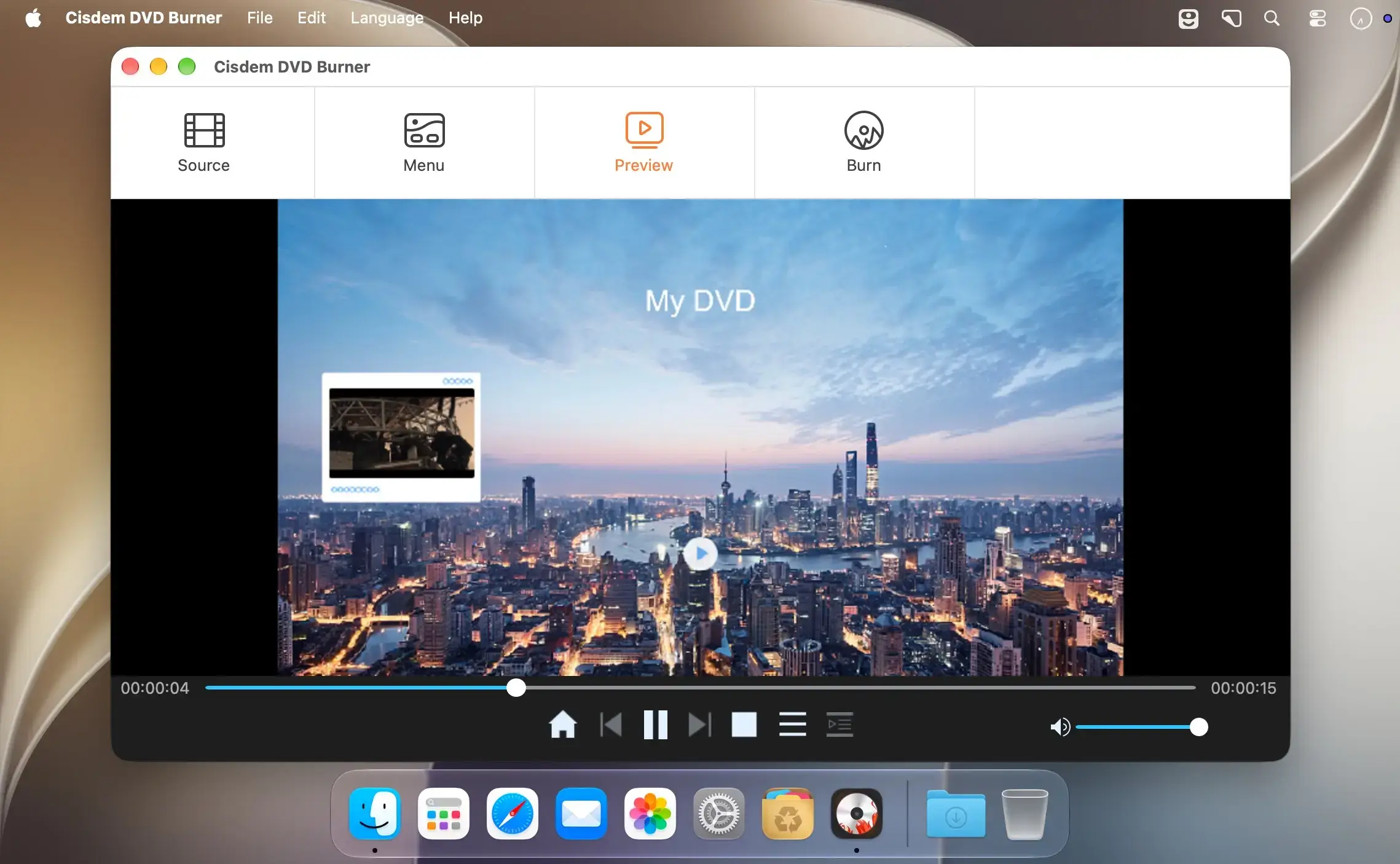
- Real-player preview: Check all menus, titles, and chapters before burning.
- Output options: Burn a DVD disc, a DVD folder, or an ISO file.
- Project saving: Save unfinished projects with all changes and continue anytime.
- Playback modes: Choose sequential play, loop all, manual play, or single loop.
- Multiple copies: Burn several DVD copies in one go.
Version 8.4.0:
- Fixed some crash issues.
- Improved the display of the menu interface.
Comments
No comments yet. Be the first.
Information
Visitors in the group Guests cannot leave comments on this publication.