
Airtool 2.7.9
Airtool Wi-Fi frame capture for wireless LAN professionals
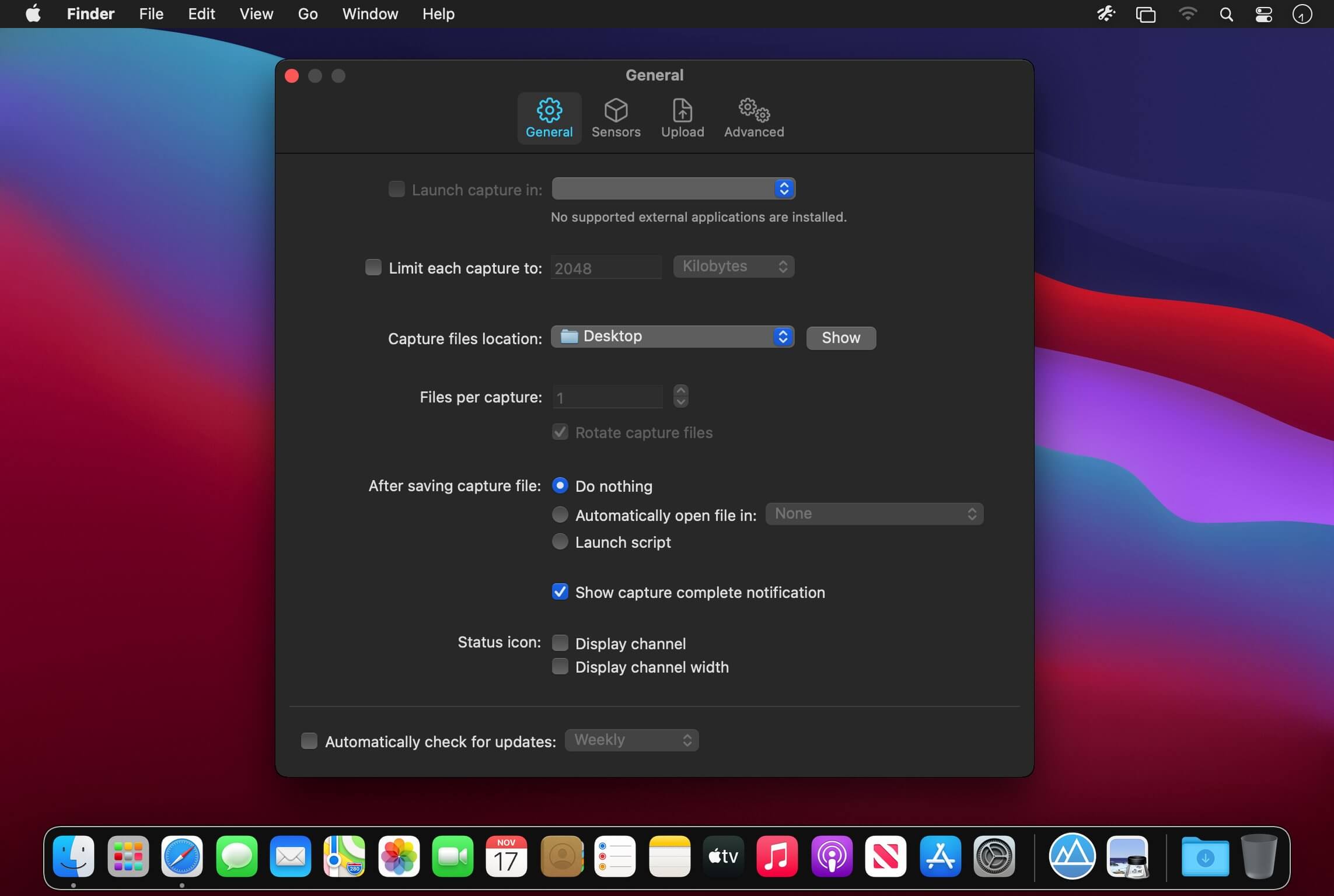
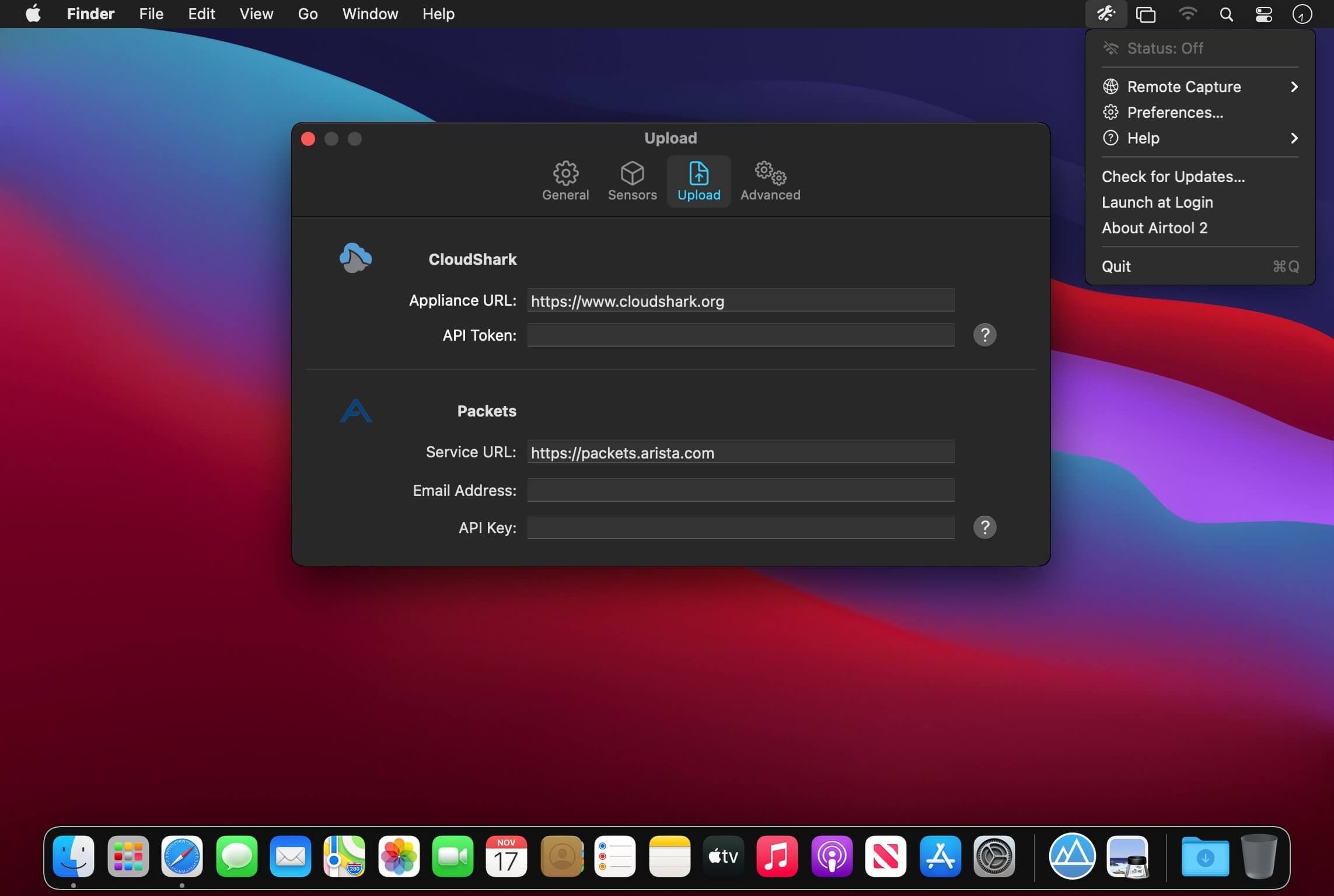
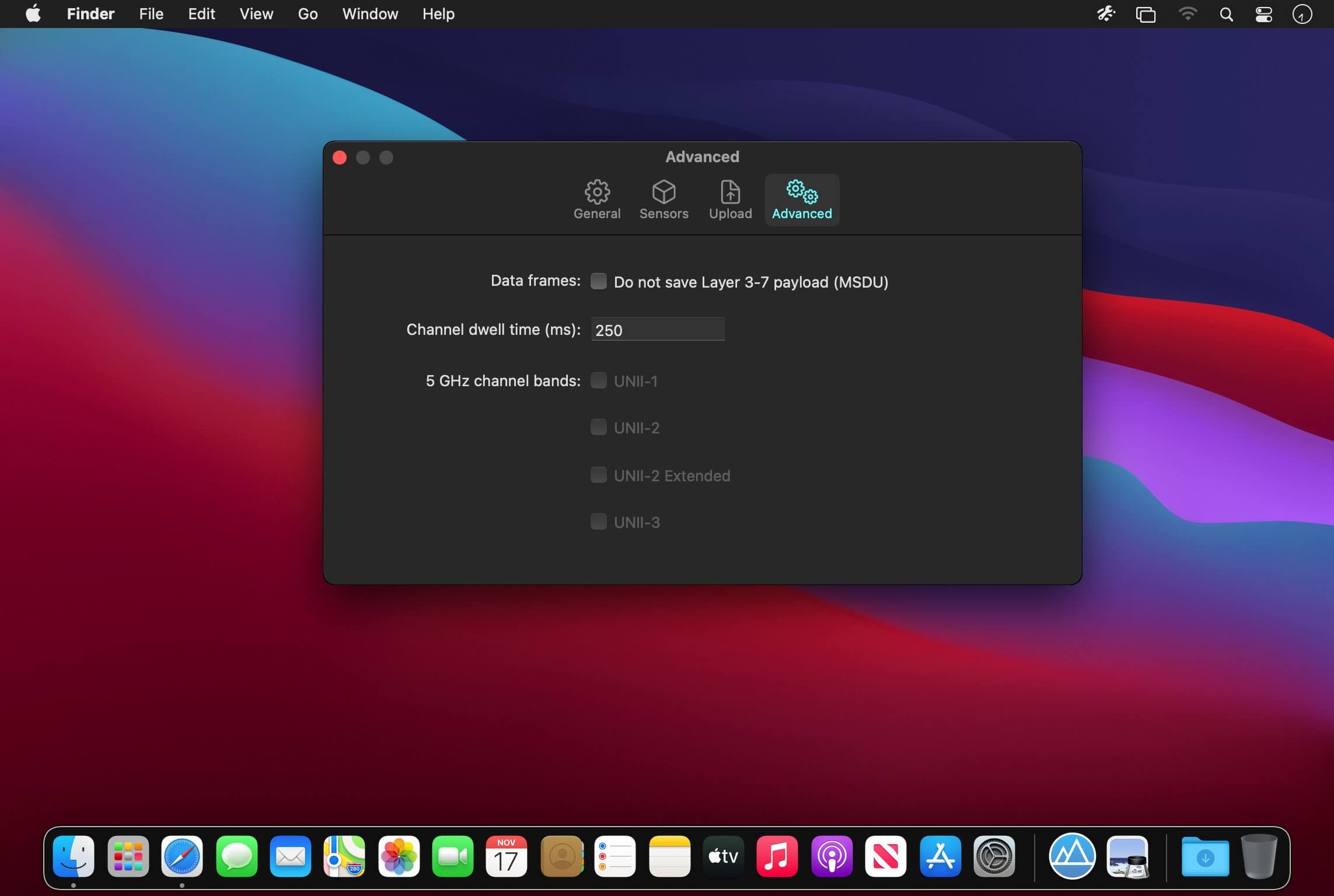
Capture Wi-Fi frames using your Mac’s built-in Wi-Fi adapter with only a few clicks.
A tool for every WLAN professional
Capturing Wi-Fi traffic is an essential task of protocol analysis. Whether you’re trying to resolve Wi-Fi connectivity, roaming or configuration problems, analyzing the performance of your network, or simply learning about Wi-Fi, you will certainly need to perform frame captures. Airtool gives the ability to just do that in the easiest way possible.
And with advanced features such as remote capture, automatic data frame slicing, and a seamlessly integration with Wireshark, Airtool is a tool every wireless LAN professional must have.
Version 2.7.9
- Adds Spanish localization.
- Fixes an issue that caused Airtool to quit when starting a single-channel capture with an Oscium Nomad or Hamina Clip.
- Fixes remote sensor compatibility issues.
- Improves passive scanning by avoiding unsupported interfaces.
- Improves detection of hidden menu bar icons to reduce false warnings and provide more helpful guidance when menu bar space is limited.
- Other fixes and improvements.
Frequently asked questions
How do I install the app?
Mount the image, drag the app into the "Applications" folder and launch it. If the system blocks the launch, allow it in "System Settings → Privacy & Security".
The app is damaged or won't launch
Reinstalling from a fresh image usually helps. Make sure your macOS version matches the one listed in the compatibility specs.
How do I update?
Download the new version from the site and install it over the current one — your settings will be preserved.
The download link doesn't work
Try a mirror or a download manager. For large files the browser often drops the connection.
How do I completely remove the app?
Use an uninstaller utility — it cleans up the service files that remain after moving the app to the trash.




Choose a download source
Airtool 2.7.9 · 17.59 MB
Previous versions
Airtool 2.7.9
Previous versions are available to registered users.