
LAN Scan - Network Scanner 1.12
Screenshots
Click to enlarge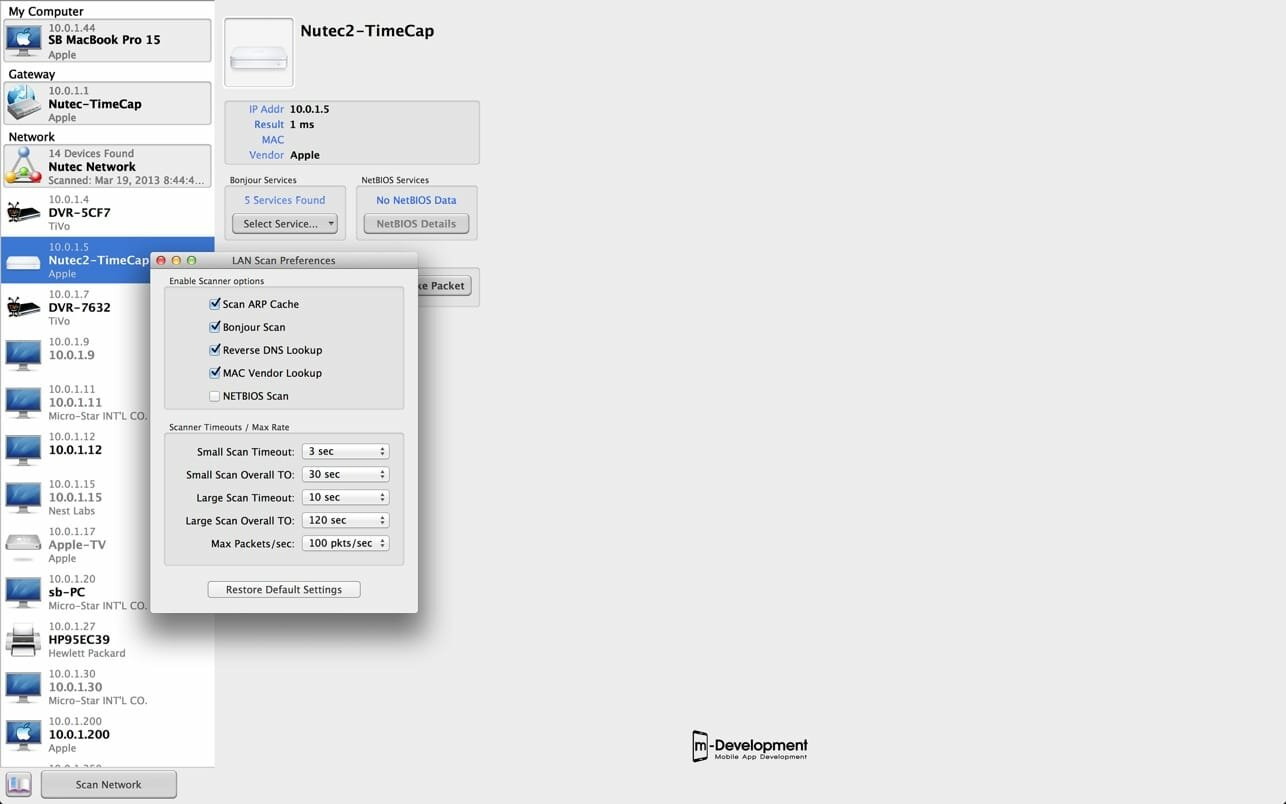
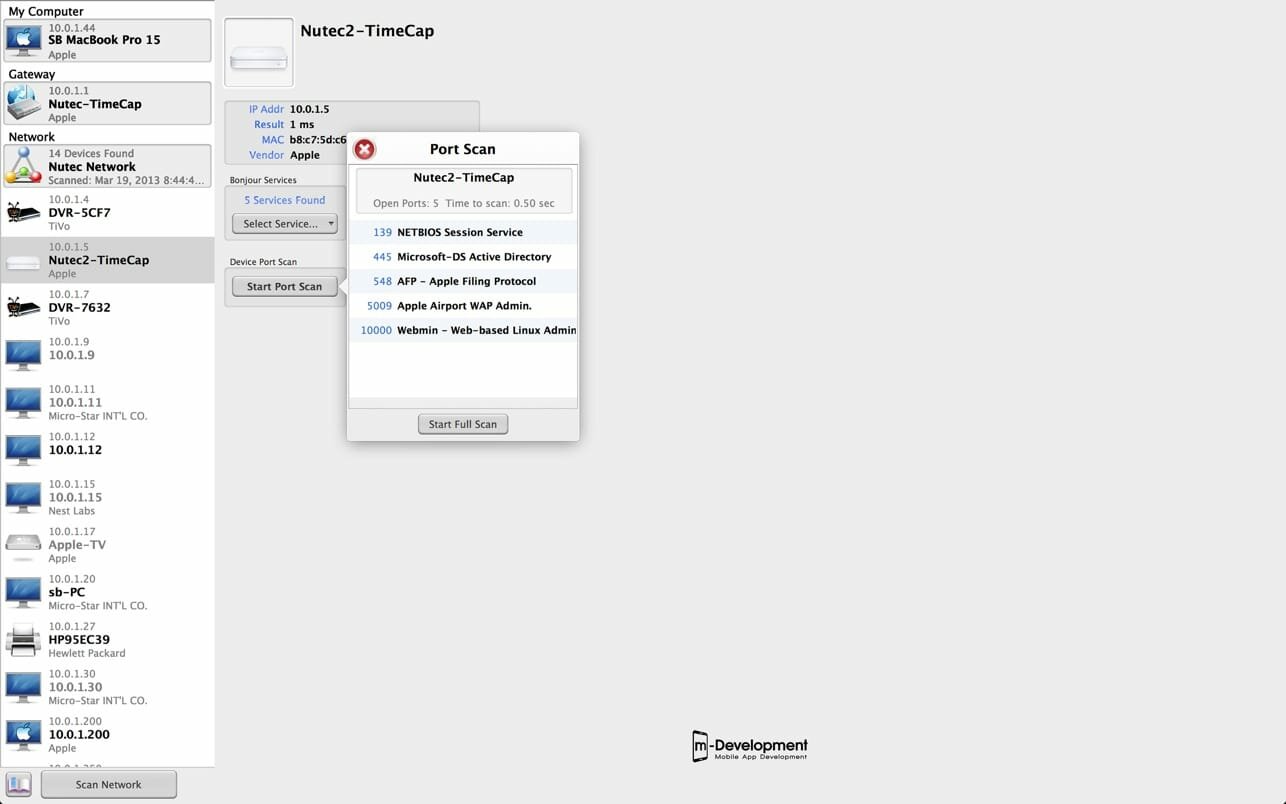

LAN Scan is an application developed for Network Administrators and IT Managers but presented in a format targeted for non-professionals. This application allows you to view information about all the devices on a local network. Network devices are displayed in a very logical and convenient format for displaying the most pertinent information about each device.
See whats connected to your favorite public WiFi network or your home network. This all-in-one information application is an extremely fast and thorough security solution for every user.
Includes
- TCP Connect LAN Scanning: establish a TCP connection with each IP address on the network.
- ARP table Scanning: The ARP table is scanned for any devices attached to the network that doesn’t respond to a TCP connect.
- Also includes NetBios Scan, Bonjour Scan and Port Scanning
- Reverse DNS Lookup
- Wake On LAN functionality
- Dictionary lookups for MAC addresses, Port addresses and many Bonjour Services
- All information presented to the user in a easy to understand user interface
- Save previous Scans to reload and review later
All information gathered is presented to the user in a easy to understand user interface including dictionary look-ups for known MAC addresses, common port addresses and many bonjour services. This App is designed to give the user a complete understanding of all the devices connected to a local network and network services they are running.
Version 1.12
- Algorithm Improvement
- Libs Update
Comments
No comments yet. Be the first.