Home Scan 1.06
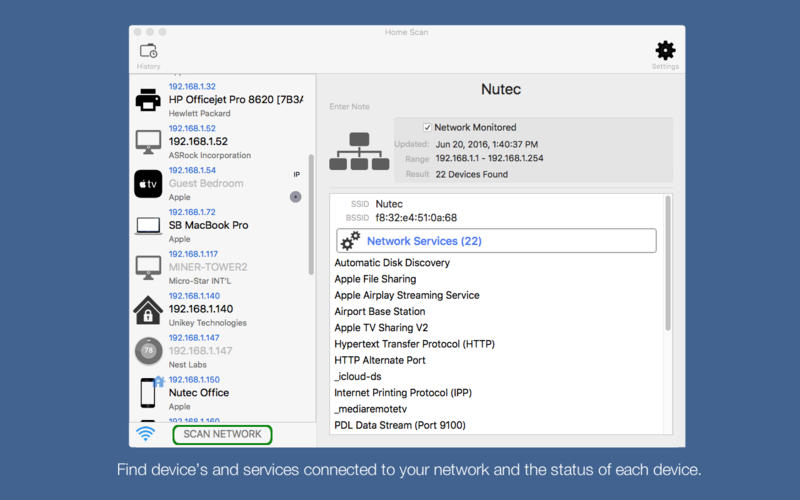
Are your home network and connected devices secure? Use Home Scan to find your network security risks and monitor what is connected to your network. This simple to use app includes professional features but allows even the inexperienced user to get an understandable overview of the network and running services. A simple and intuitive interface helps you evaluate security levels, detect intruders and resolve network issues.
Features include:
- Scan your network to identify all attached devices and security risks.
- Get notifications on any serious security alerts.
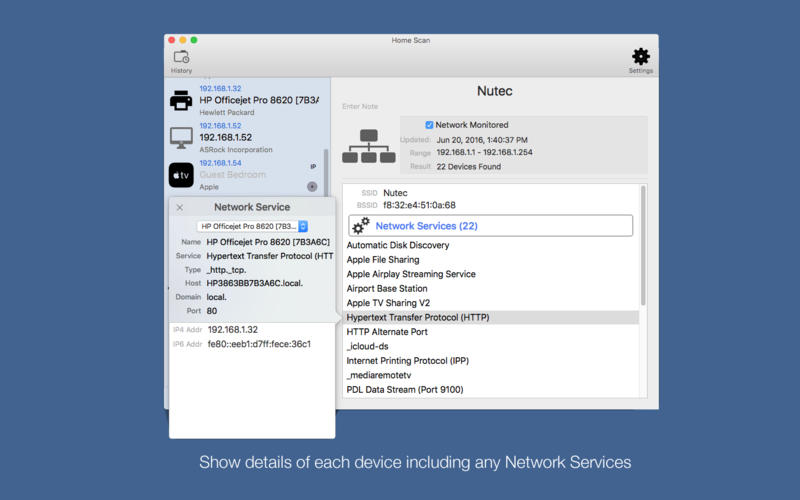
- Device info for all devices connected to your network
- NetBIOS, mDNS (Net Services), LLMNR, and DNS name support.
- Vendor name, IP, and MAC addresses of all discovered devices.
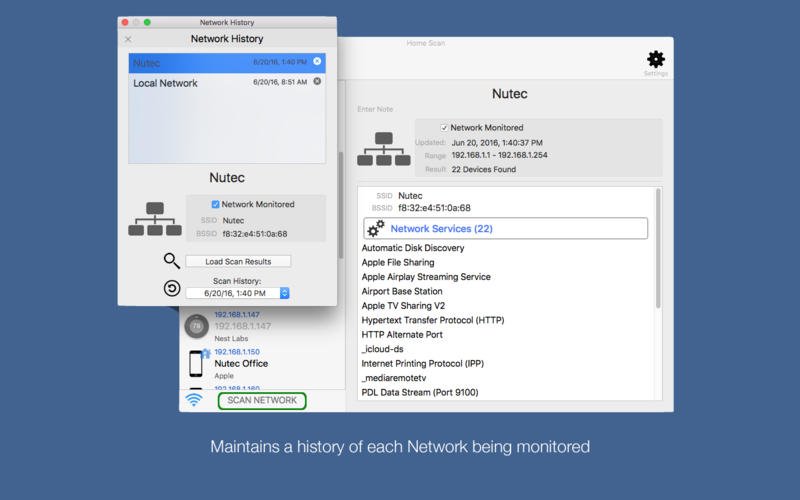
- Complete history of WiFi scans and devices added and removed.
- Portscan any device.
WHAT’S NEW
Version 1.06
- Add Scan Reports
- Fixed an issue displaying network name.
Screenshots
Frequently asked questions
How do I install the app?
Mount the image, drag the app into the "Applications" folder and launch it. If the system blocks the launch, allow it in "System Settings → Privacy & Security".
The app is damaged or won't launch
Reinstalling from a fresh image usually helps. Make sure your macOS version matches the one listed in the compatibility specs.
How do I update?
Download the new version from the site and install it over the current one — your settings will be preserved.
The download link doesn't work
Try a mirror or a download manager. For large files the browser often drops the connection.
How do I completely remove the app?
Use an uninstaller utility — it cleans up the service files that remain after moving the app to the trash.
VersionHome Scan 1.06
DeveloperNutec Development, LLC
CompatibilityOS X 10.11 or later, 64-bit processor
LanguageEnglish
IncludesPre-K'ed


Information
Visitors in the group Guests cannot leave comments on this publication.
Choose a download source
Home Scan 1.06 · 5.1 MB