
Network Security Scanner 4.0

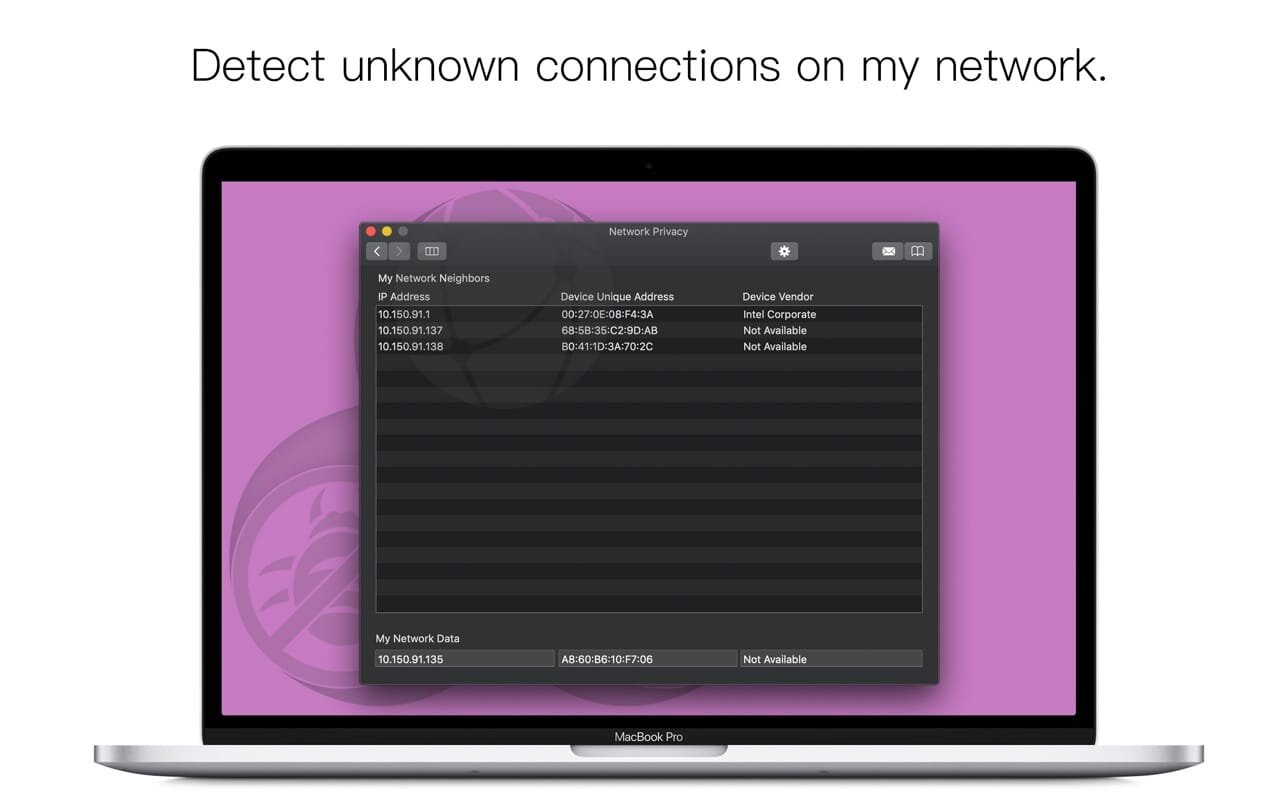
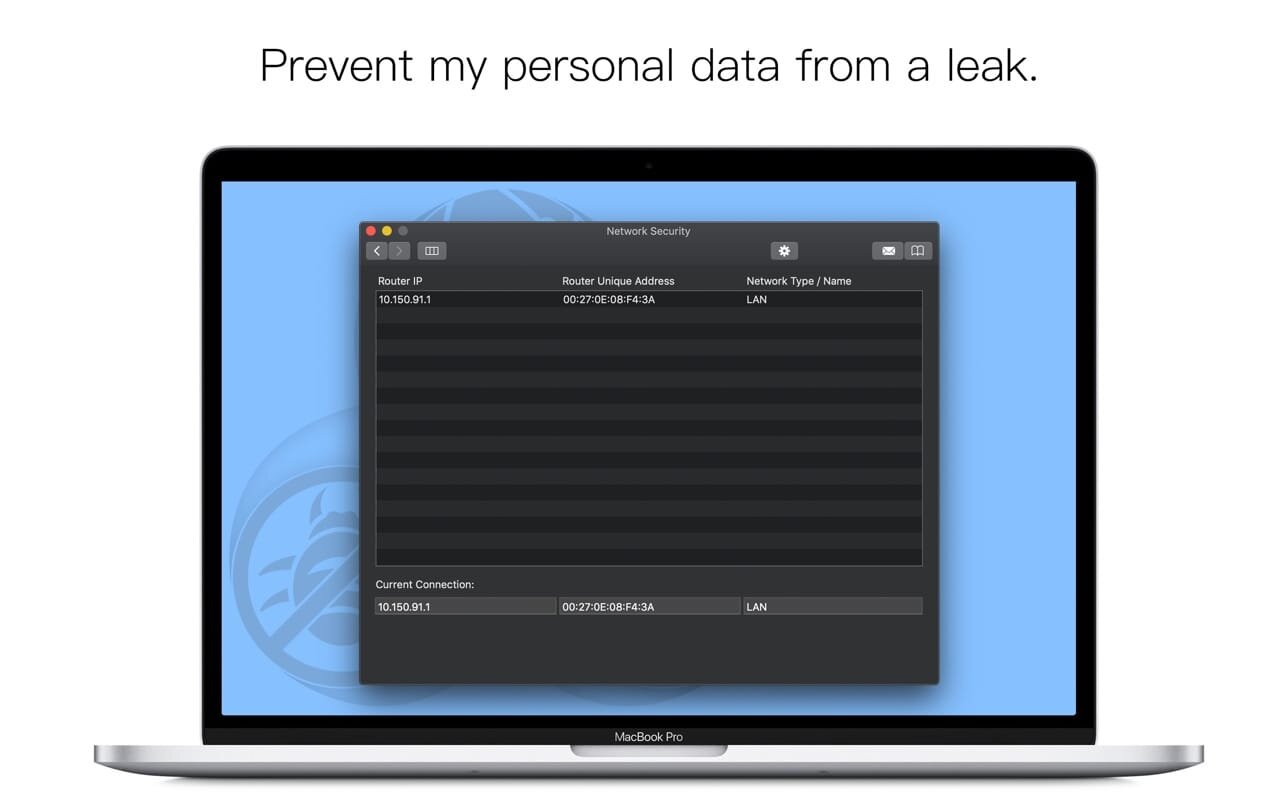
Network Security Scanner is an app which monitors your network and increases security of your Mac.
While using this app you are able to:
- check and monitor your network neighbors easily;
- see changes on the network;
- see a clear list of results with the useful additional information;
- keep your network efficient while working productively.
Network Privacy scanner detects the other devices connected to your local network and lets you know about unknown connections. It shows the notifications when the device joins or leaves the network.
Network Security scanner detects network changes and shows the notifications when the suspicious network changes are detected.
Wi-Fi Scanner shows the additional information of Wi-Fi networks and allows to evaluate the reliability and security of the particular Wi-Fi network.
With the safe network feel confident with your Mac!
Version 4.0
- User interface and design improvements.
Frequently asked questions
How do I install the app?
Mount the image, drag the app into the "Applications" folder and launch it. If the system blocks the launch, allow it in "System Settings → Privacy & Security".
The app is damaged or won't launch
Reinstalling from a fresh image usually helps. Make sure your macOS version matches the one listed in the compatibility specs.
How do I update?
Download the new version from the site and install it over the current one — your settings will be preserved.
The download link doesn't work
Try a mirror or a download manager. For large files the browser often drops the connection.
How do I completely remove the app?
Use an uninstaller utility — it cleans up the service files that remain after moving the app to the trash.



Choose a download source
Network Security Scanner 4.0 · 20.33 MB