
TechSmith Camtasia 2026.2.3
Camtasia screen recording software for tutorials, demos, and lessons
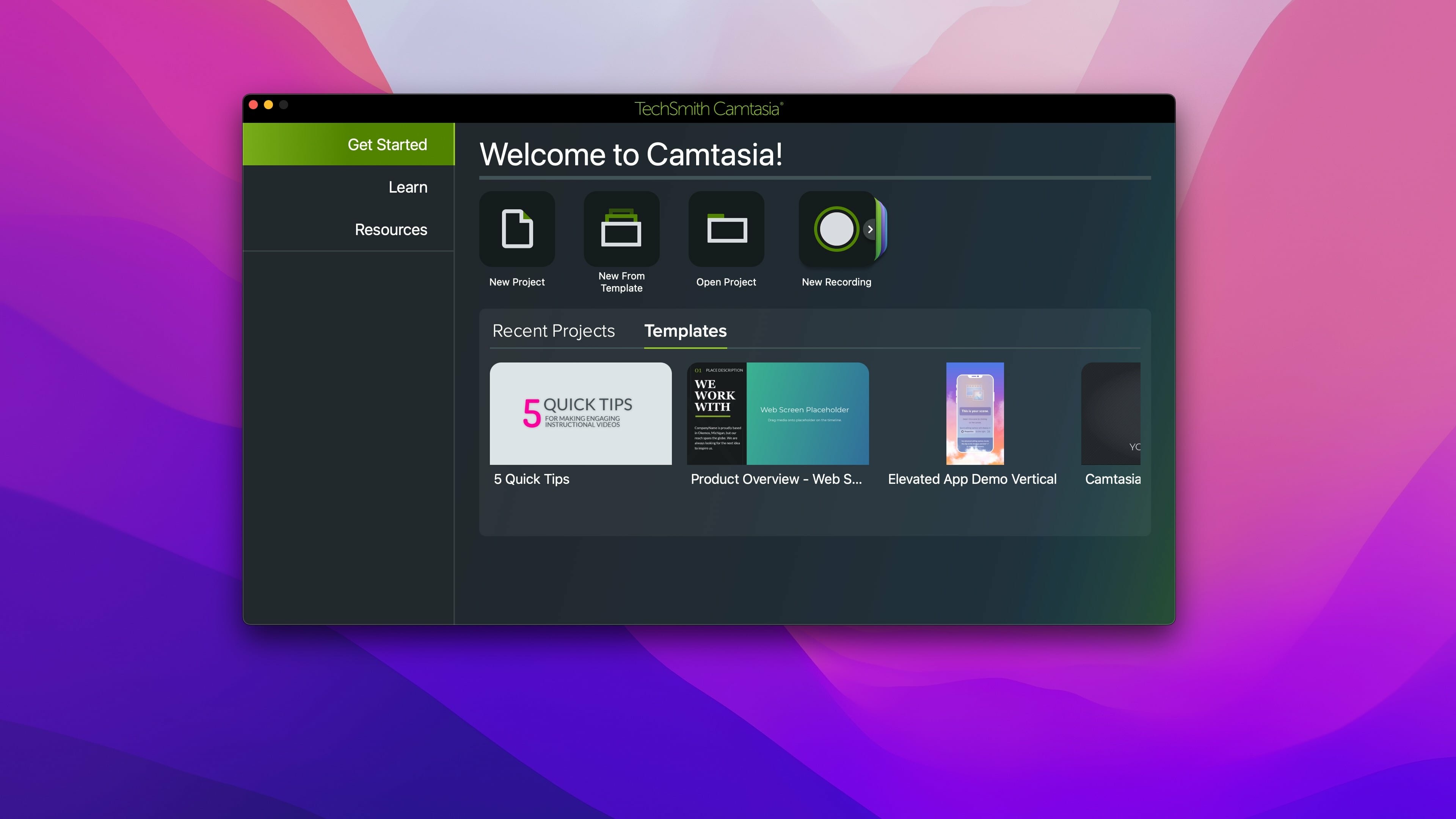
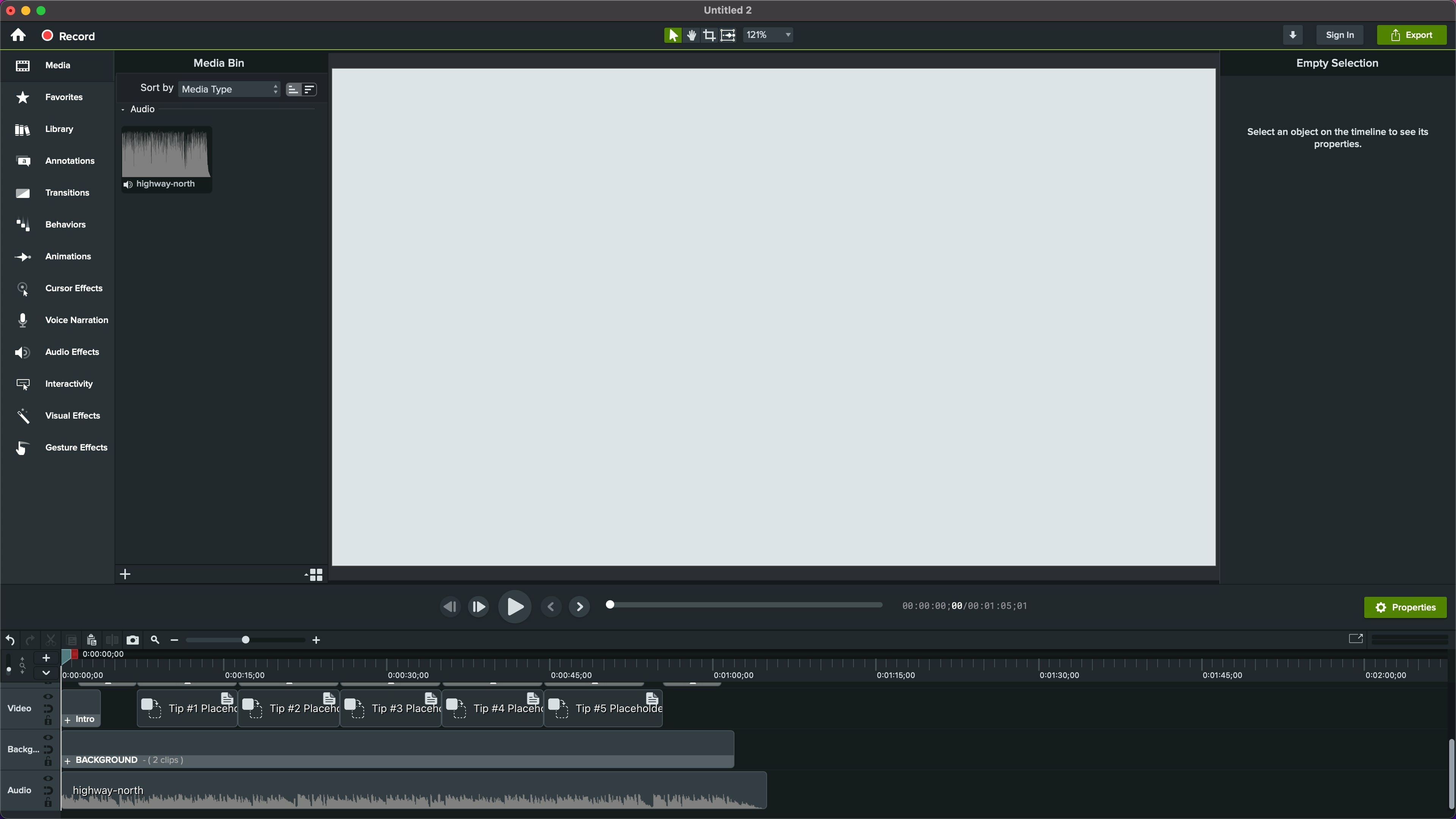
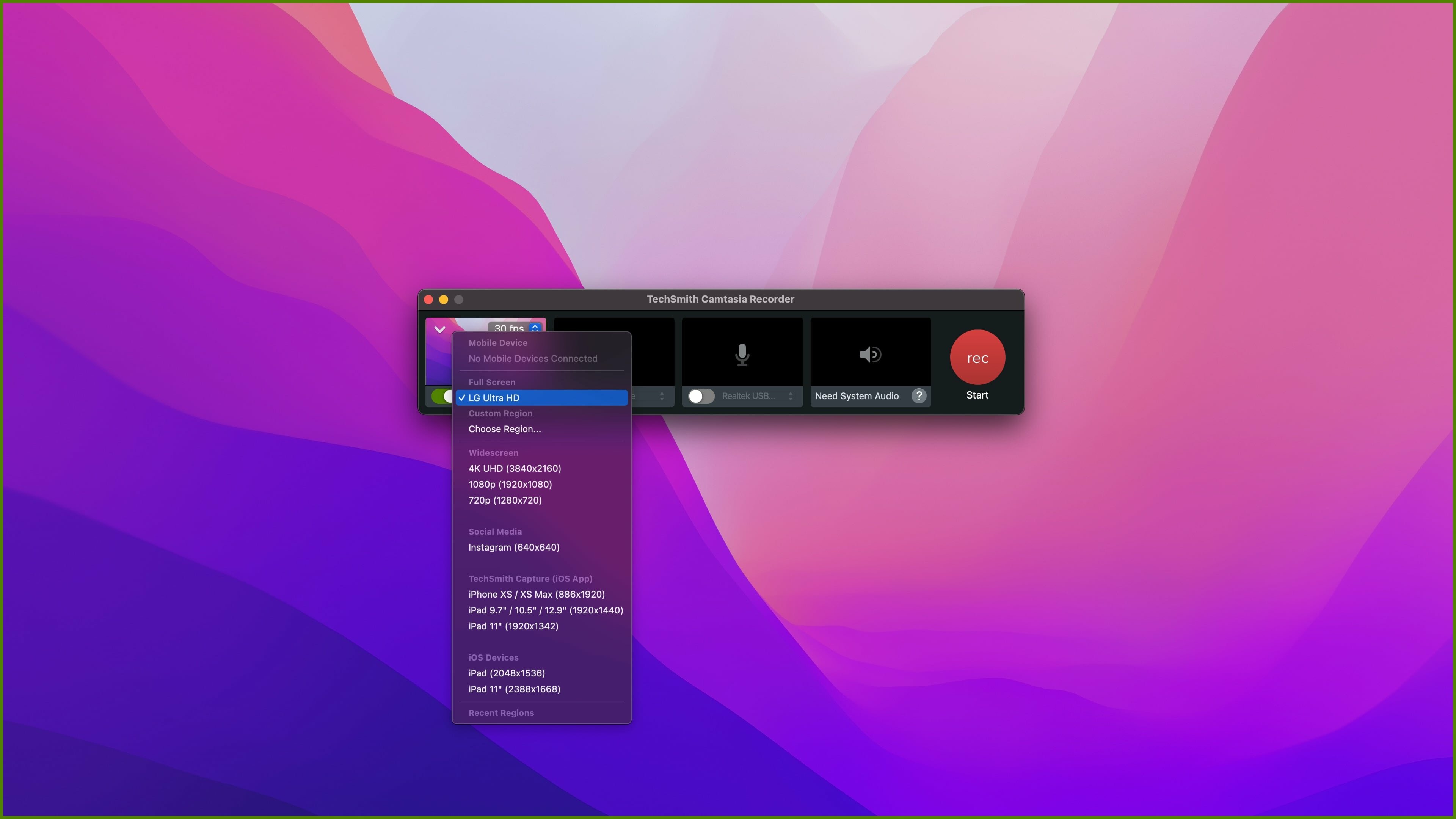
Camtasia is the go-to video solution for creating professional-looking software demonstrations, product tutorials, online lessons, and recorded presentations- no video experience needed. Pre-built video templates help you create the videos you need with ease. Record your screen, import PowerPoint presentations, or add video footage you already have. Then edit, add effects with drag-and-drop ease, and share out your videos with anyone. With so many easy to use features and effects, you’ll be creating polished videos in no time.
Start Fast
Camtasia is quick to learn. You don’t need a big budget or fancy video editing skills. Start with a template or just record your screen and add a few effects.
Feel Confident
Whether you have experience or this is your first time making a video, we’ll give you everything you need to make a high-quality video.
Engage Viewers
Create content your viewers actually watch. A video will give you more interaction and help your audience to learn more than with text alone.
The best screen recording software for...
- Video tutorials
- How-to videos
- Demo videos
- Meeting recordings
- YouTube videos
- Training videos
- Video lessons
- Webinar recordings
- Instructional videos
- Explainer videos
- Presentation recordings
- ...and more!
Version 2026.2.3:
- Release notes were unavailable when this listing was updated.
Frequently asked questions
How do I install the app?
Mount the image, drag the app into the "Applications" folder and launch it. If the system blocks the launch, allow it in "System Settings → Privacy & Security".
The app is damaged or won't launch
Reinstalling from a fresh image usually helps. Make sure your macOS version matches the one listed in the compatibility specs.
How do I update?
Download the new version from the site and install it over the current one — your settings will be preserved.
The download link doesn't work
Try a mirror or a download manager. For large files the browser often drops the connection.
How do I completely remove the app?
Use an uninstaller utility — it cleans up the service files that remain after moving the app to the trash.





Choose a download source
TechSmith Camtasia 2026.2.3 · 408.42 MB
Previous versions
TechSmith Camtasia 2026.2.3
Previous versions are available to registered users.