
Wirecast Pro 16.5.4
Wirecast — professional live streaming software for multi-camera video production
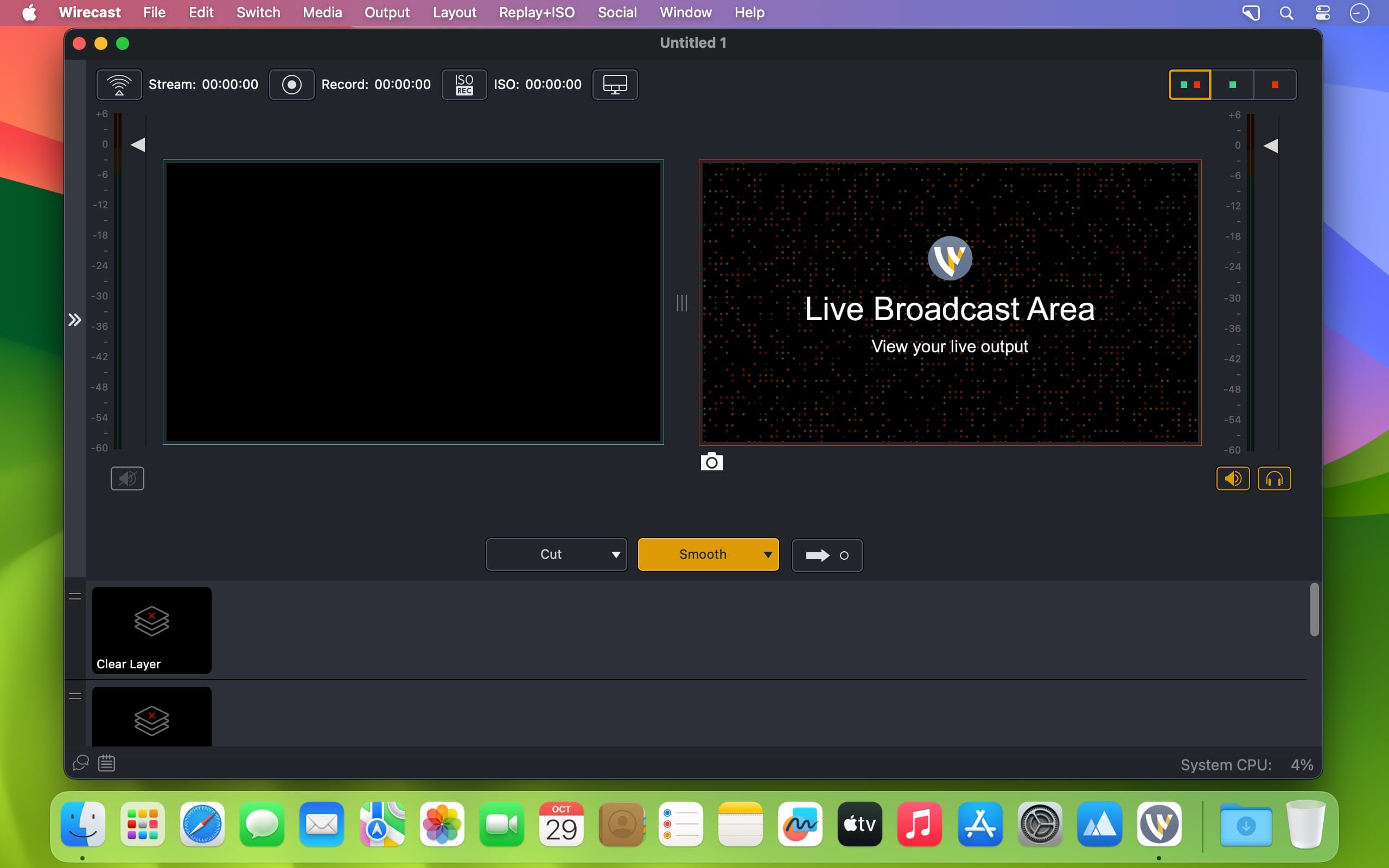
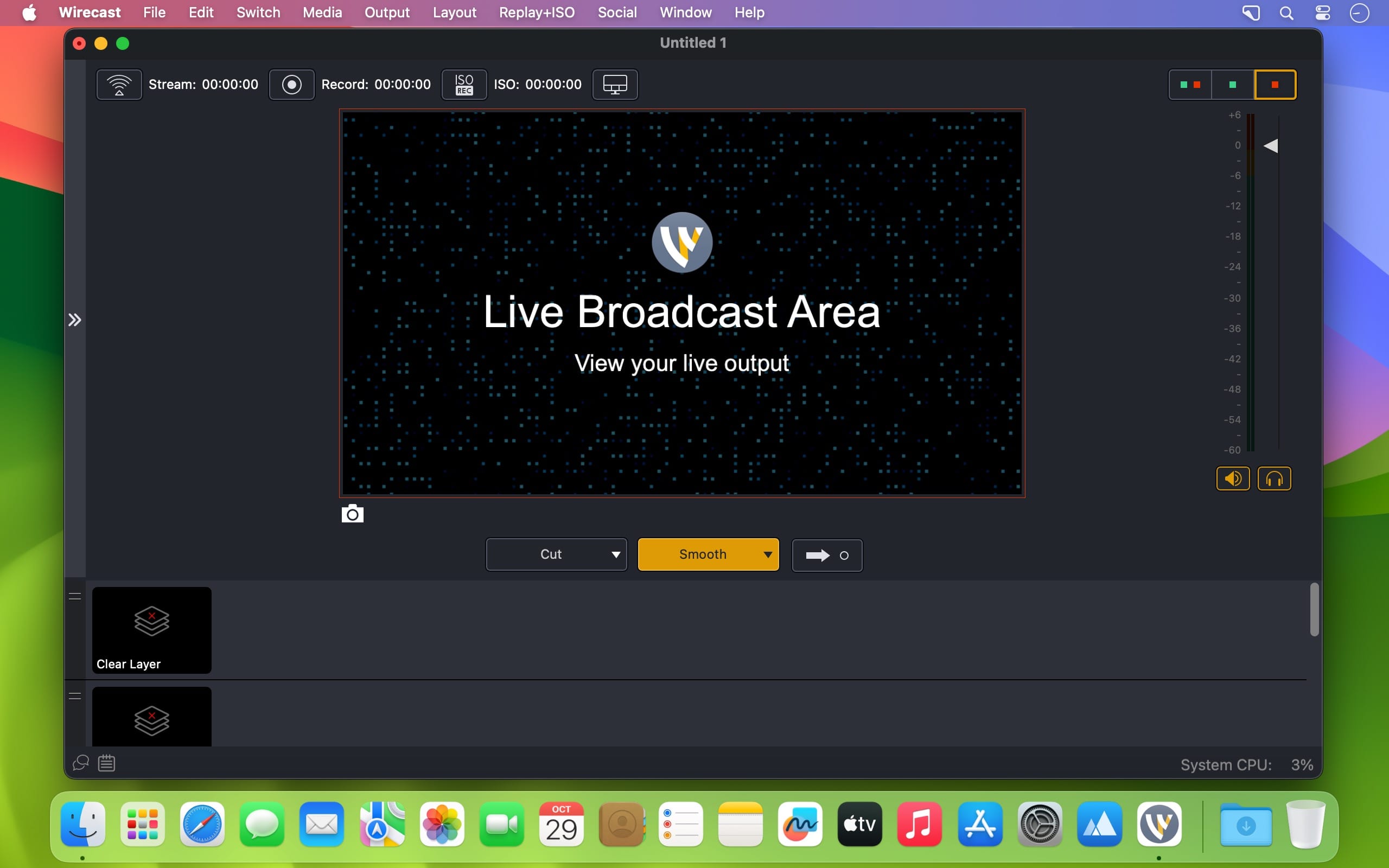
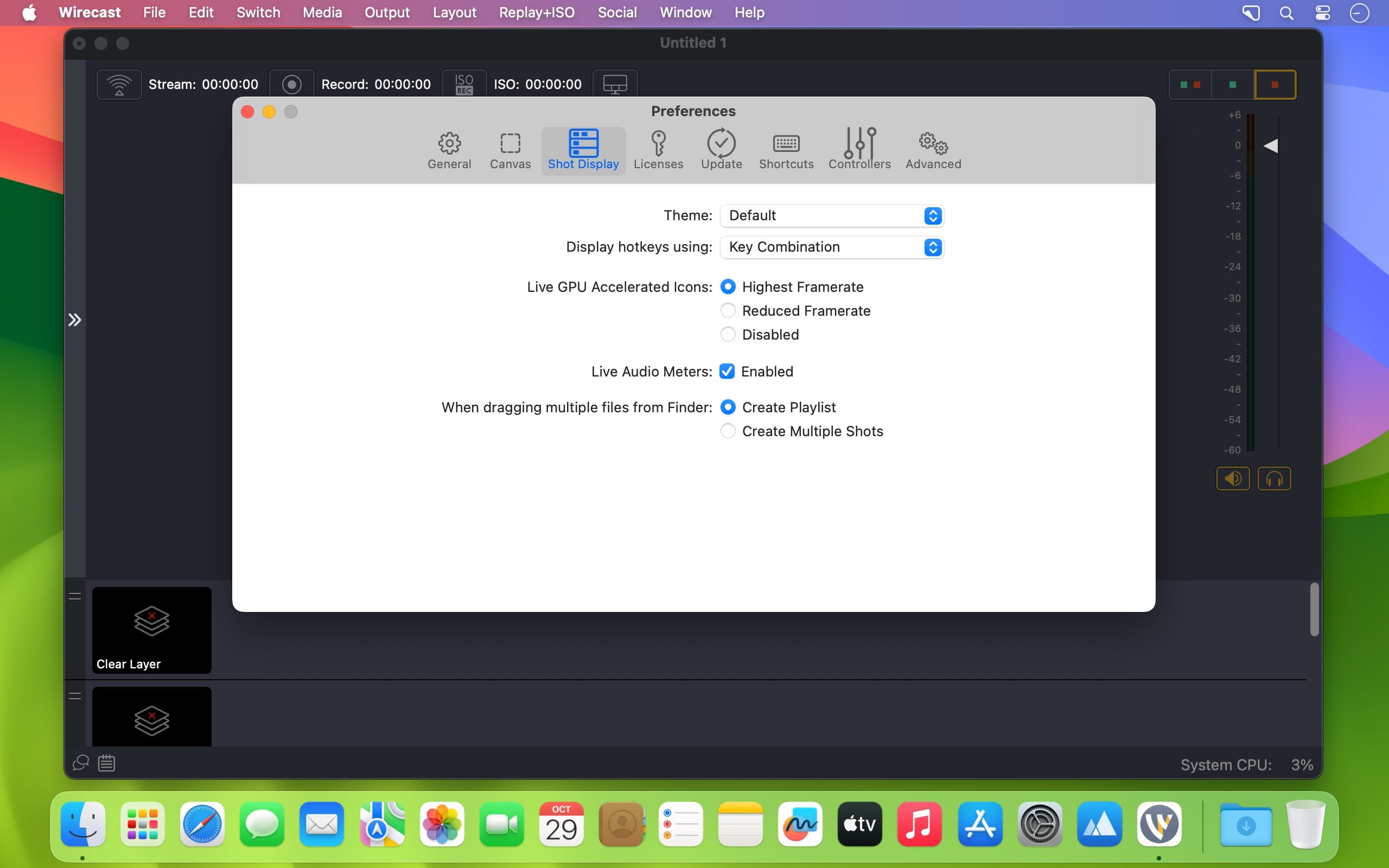
Create polished, professional live broadcasts with Wirecast. Connect and switch between multiple cameras, screens, presentations, and media sources—all from one powerful production studio.
Connect Almost Any Camera
Wirecast supports a wide range of input sources, including:
- USB and webcam devices
- SDI, HD-SDI, HDMI, composite, and S-Video
- DV/HDV and component video
- IP cameras and ONVIF devices
- Web streams
- Screen capture sources
- Wireless devices
Simply connect your equipment and Wirecast automatically detects it as a live source.
Share Your Screen
Use Desktop Presenter to broadcast your desktop for:
- Keynote and PowerPoint presentations
- Product demonstrations
- Online interviews
- Tutorials and webinars
- Gaming and live commentary
Build Professional Live Productions
Wirecast’s layer-based compositing system lets you combine up to 35 layers in a single broadcast. Add logos, watermarks, background music, images, videos, and other visual elements to create a polished production.
Enhance your stream with:
- Professional titles and lower thirds
- More than 30 built-in title themes
- Real-time transitions and effects
- Custom layouts and branded graphics
Stream to Multiple Destinations
Broadcast to multiple destinations simultaneously with different bitrates. Stream in SD and HD to popular live-streaming services, custom platforms, or your own internal streaming server.
From simple webcam broadcasts to full multi-camera productions, Wirecast gives you the tools to create, produce, and stream professional live video.
Version 16.5.4:
Bug Fixes
- WC-1560: Fixed an issue where certain PTZ NDI Cameras could not be detected on macOS only.
- WC-1557: Fixed an issue where the user was unable to use the Virtual Camera if the Virtual Microphone driver was blocked by a cooperate IT policy.
- WC-1506: Add an intermittent frames flag to the NDI source. Example: To prevent NDI Screen Capture from continuously restarting.
Frequently asked questions
How do I install the app?
Mount the image, drag the app into the "Applications" folder and launch it. If the system blocks the launch, allow it in "System Settings → Privacy & Security".
The app is damaged or won't launch
Reinstalling from a fresh image usually helps. Make sure your macOS version matches the one listed in the compatibility specs.
How do I update?
Download the new version from the site and install it over the current one — your settings will be preserved.
The download link doesn't work
Try a mirror or a download manager. For large files the browser often drops the connection.
How do I completely remove the app?
Use an uninstaller utility — it cleans up the service files that remain after moving the app to the trash.





Choose a download source
Wirecast Pro 16.5.4 · 803.14 MB
Previous versions
Wirecast Pro 16.5.4
Previous versions are available to registered users.