

Canva Affinity 3.3.1
Affinity — vector graphics editor for flexible, customizable design workflows.
Screenshots
Click to enlarge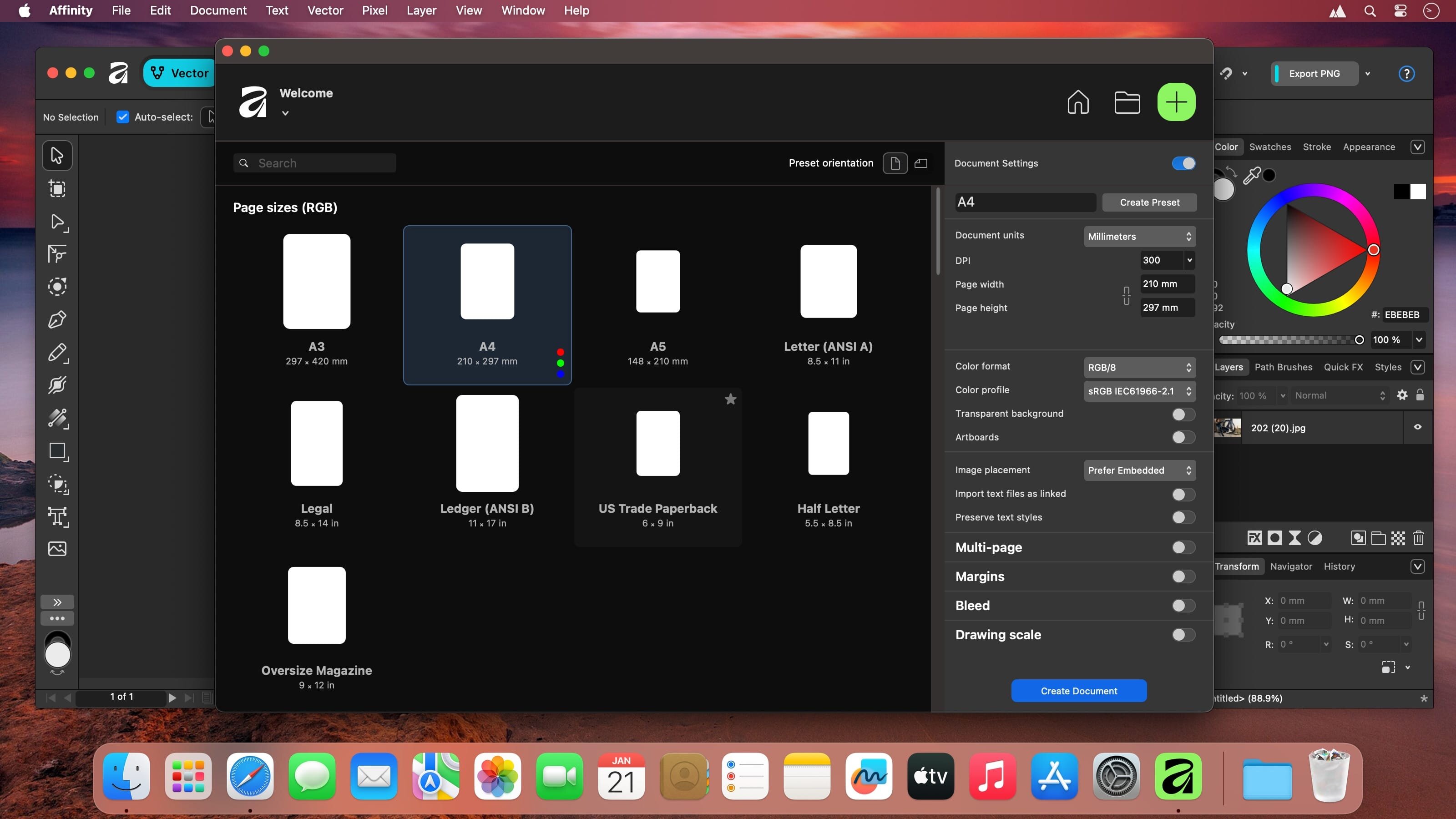
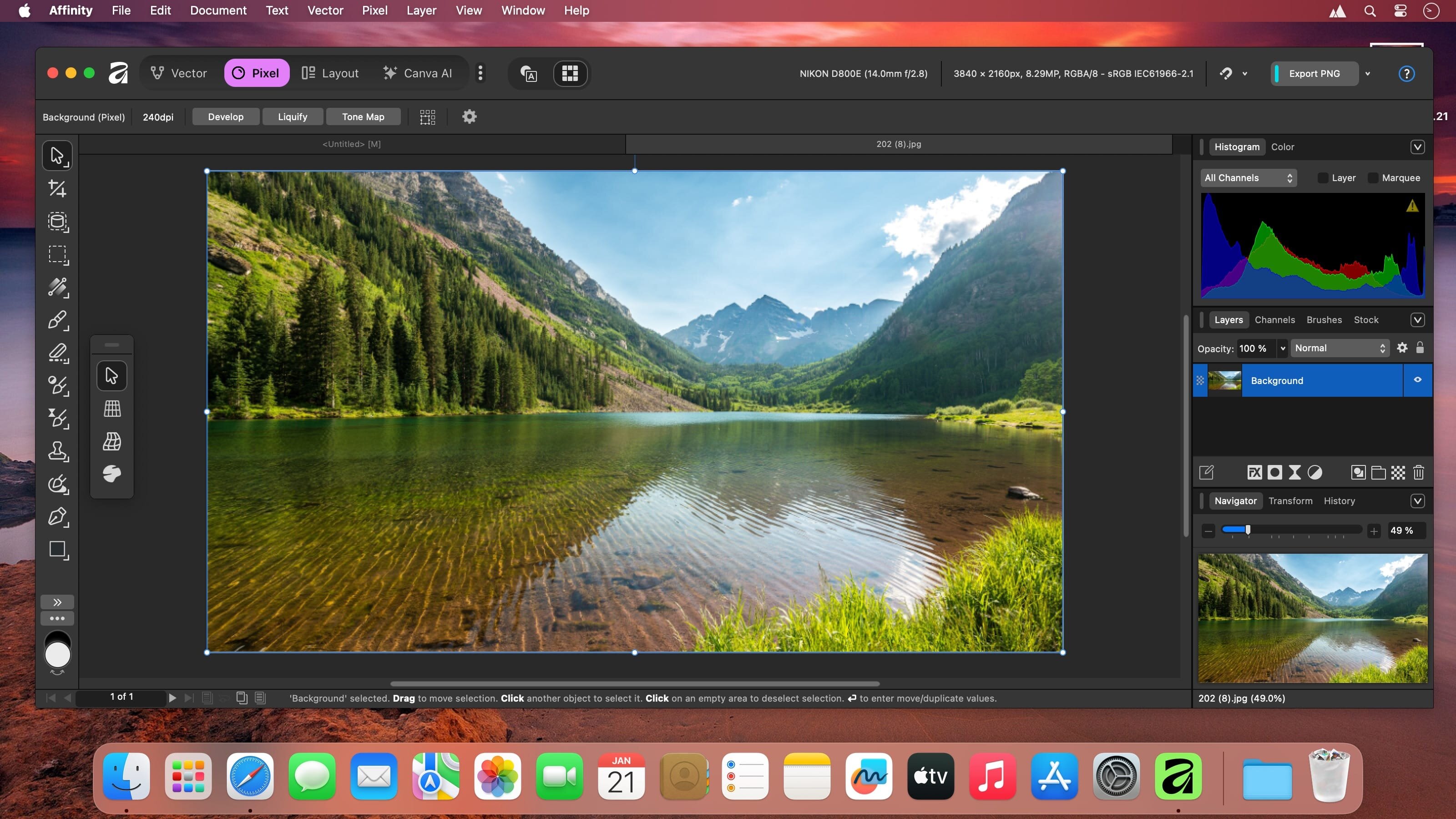
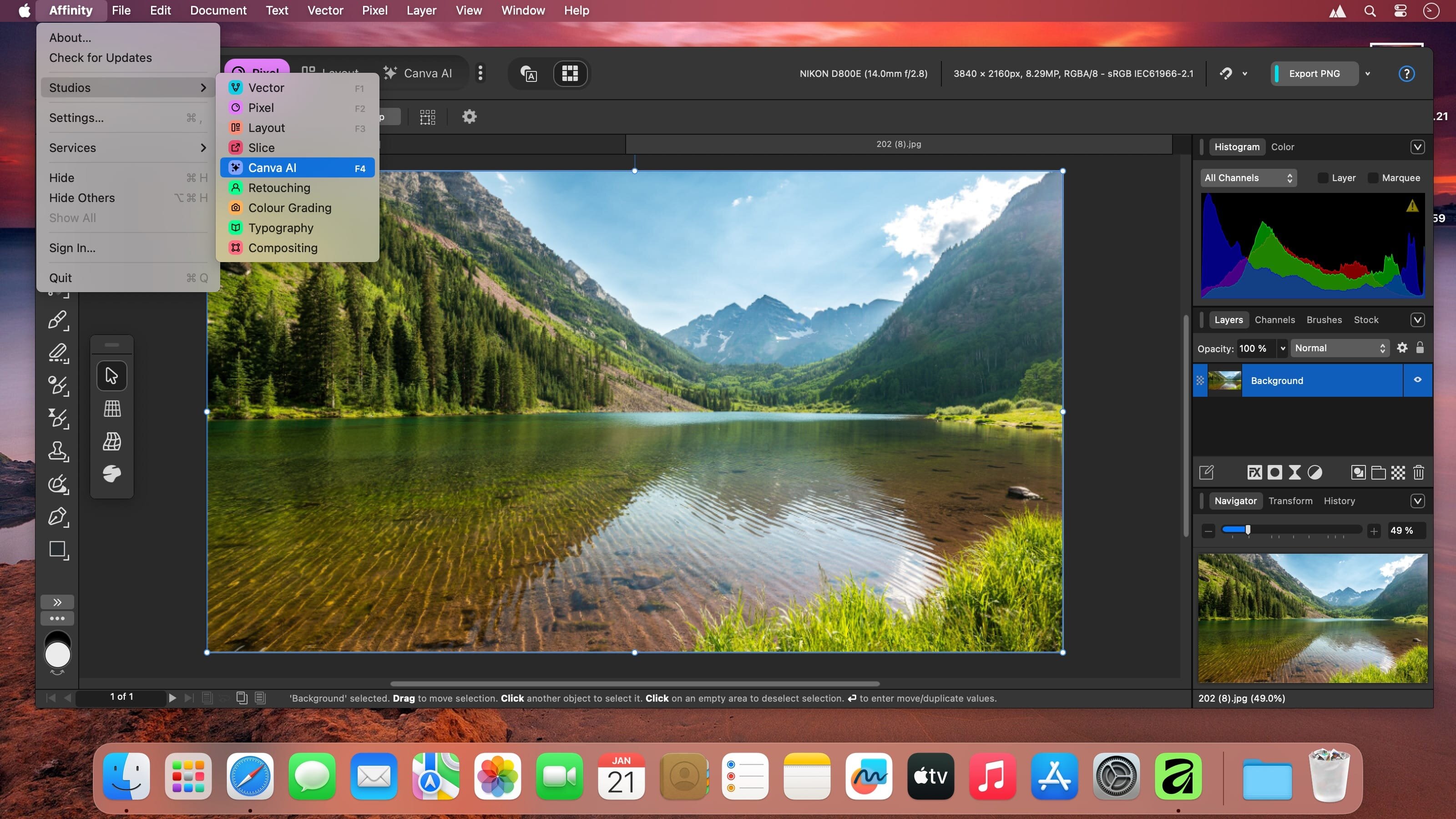
Affinity by Canva for macOS - shape a creative workspace around the way you work. Customize your studios, learn by doing, collaborate on projects, and take designs from first idea to print—all on your Mac.
A workspace that fits your workflow
Start with Vector, Pixel, and Layout studios, then rearrange panels and combine the tools you use most. Save multiple custom setups, switch between them in a click, and share your studios or download setups from others.
Tools for creating and collaborating
Learn with step-by-step lessons, templates, and real-world examples. Explore content libraries with photos, graphics, video, audio, fonts, charts, and more, including content from Disney, Artlist, and pocstock. Work with teammates through comments, tags, and task assignments in Docs, Presentations, Whiteboards, and more.
- Custom studios: Rearrange panels and mix tools from the Vector, Pixel, and Layout studios.
- Saved setups: Keep multiple studio arrangements and switch between them in a click.
- Lessons and templates: Learn through step-by-step guidance and real-world examples.
- Design content: Explore libraries of photos, graphics, video, audio, fonts, charts, and more.
- Team collaboration: Tag teammates in comments and assign tasks across Docs, Presentations, Whiteboards, and more.
- Workplace plans: Give a team or business ways to design together.
- Print services: Create photo albums, T-shirts, business cards, flyers, and invitations, with free delivery.
- AI-powered tools: Create on-brand copy and templates, and edit video.
- Brand Kits and templates: Set up brand resources for your team to use in designs.
- Approval flows: Control individual permissions, assign tasks, and share work.
From your Mac to the finished design
Make your workspace your own, bring your team into the process, and prepare your next design for print. Start creating with Affinity on macOS.
Comments
No comments yet. Be the first.