
Live Home 3D Pro 5.0.4
Design your dream home in 2D and 3D, from first sketch to photorealistic walkthrough.
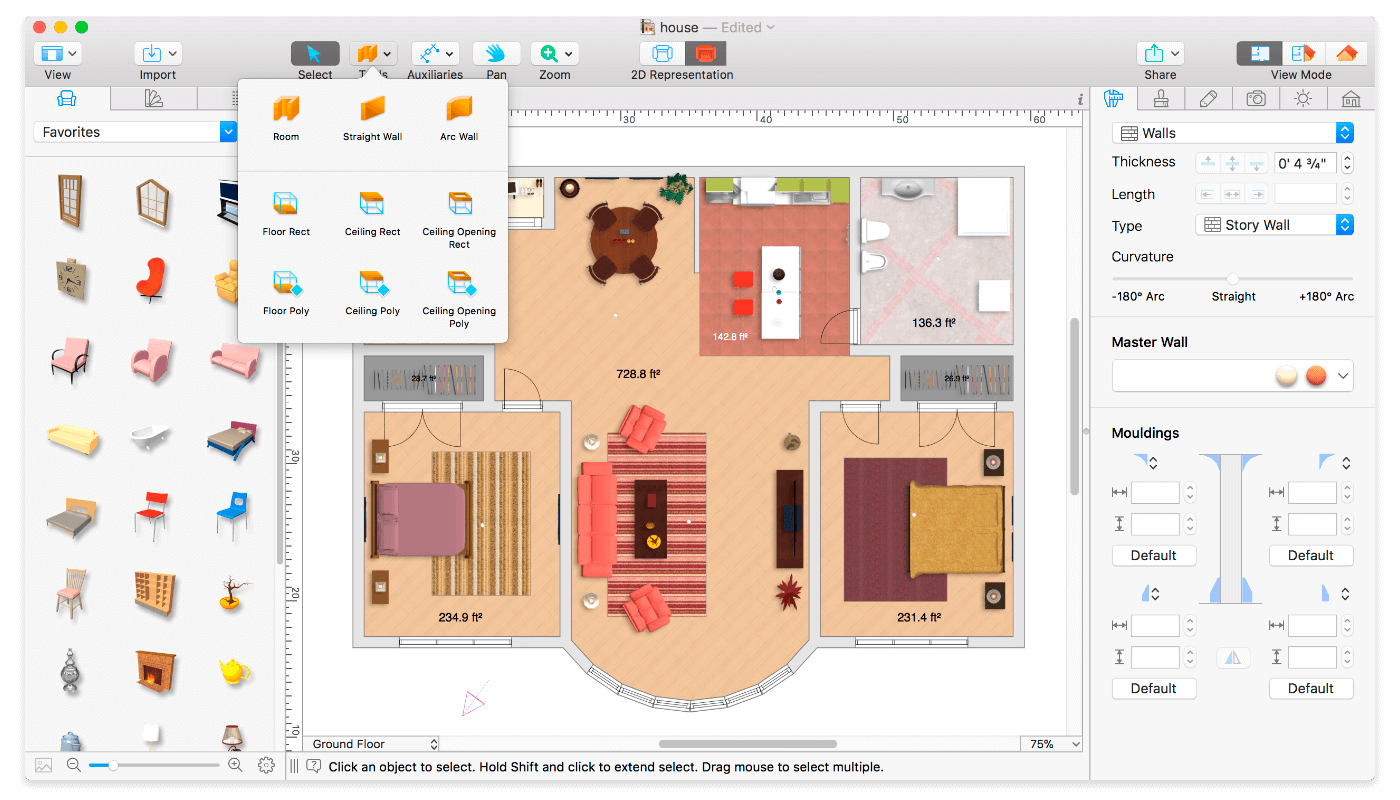
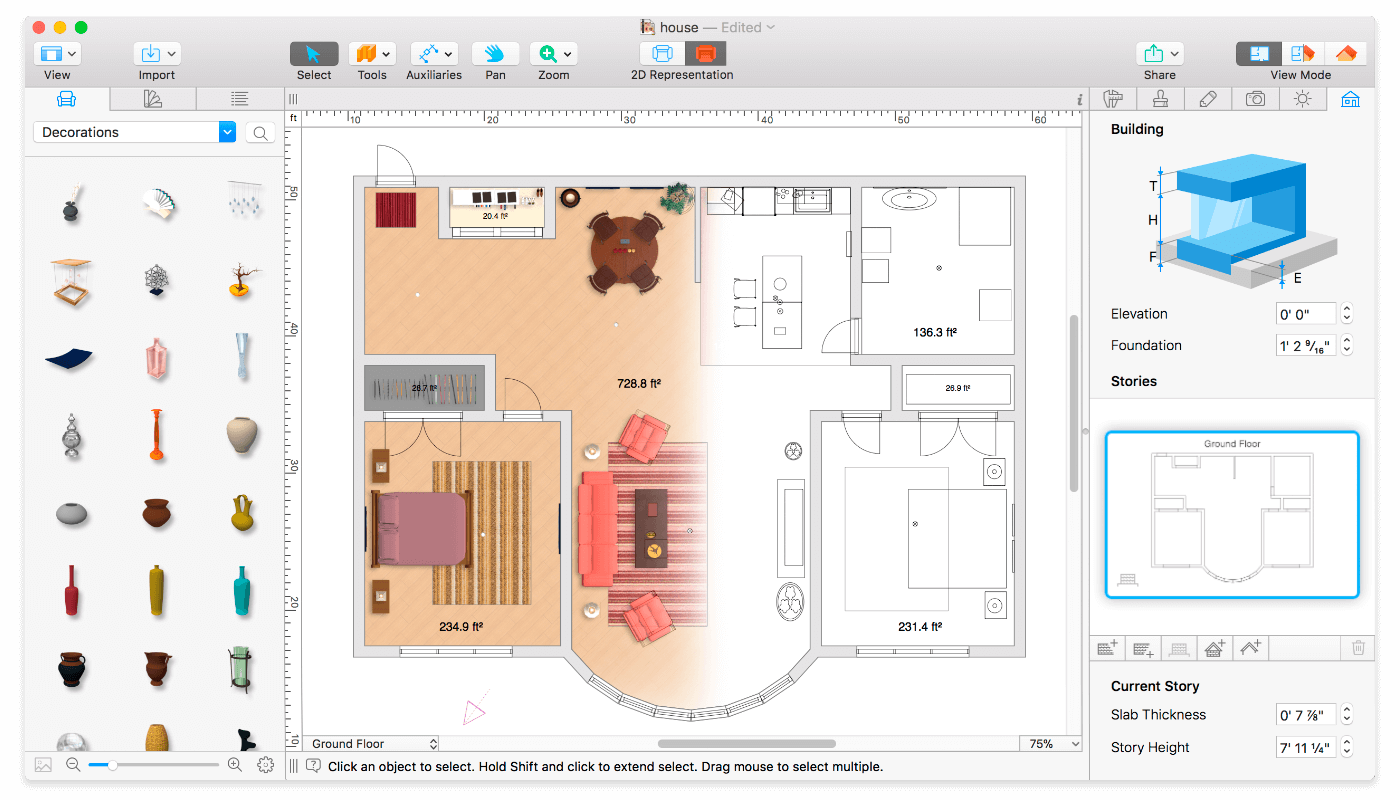
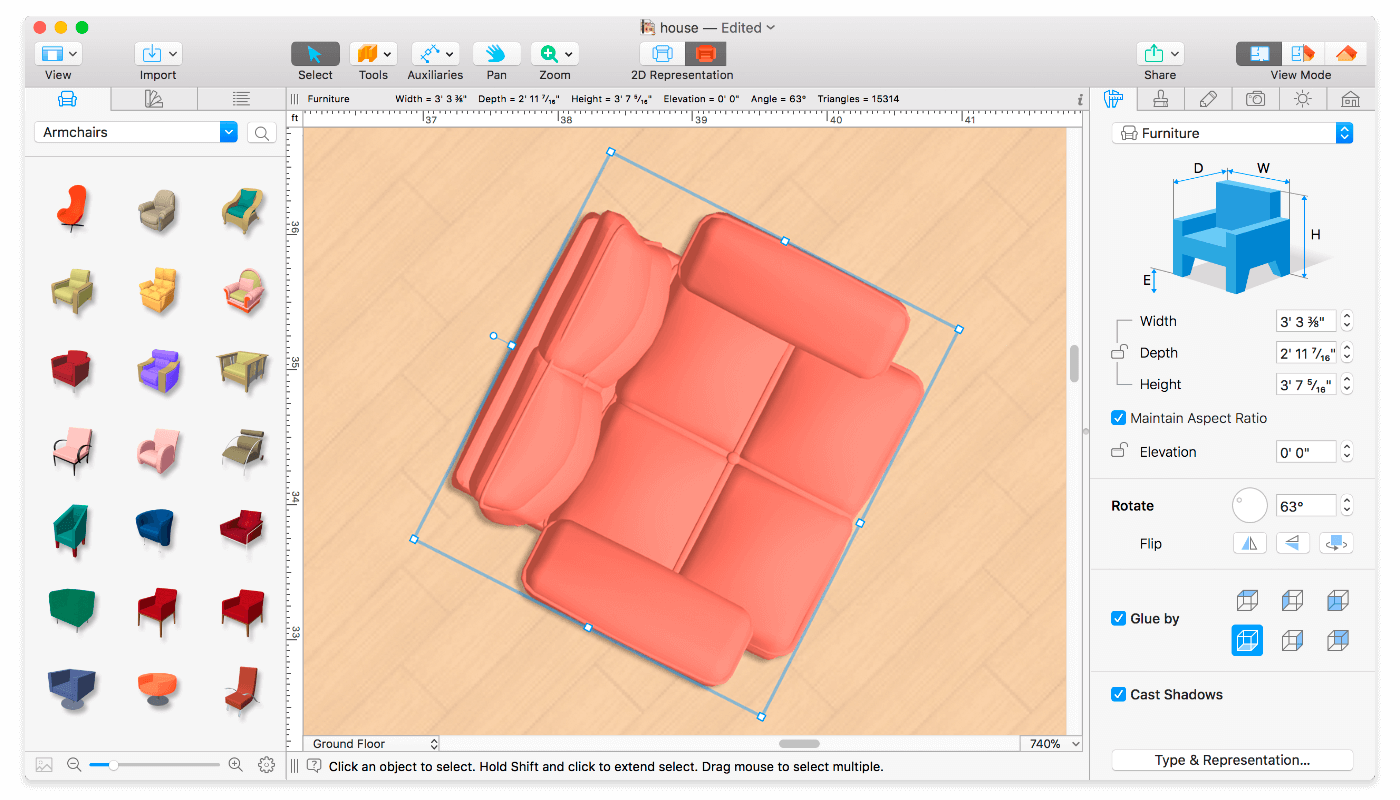
Live Home 3D Pro is an intuitive, powerful home design app for homeowners, renovators, and professional designers. Draw a floor plan in minutes, see it come to life in real-time 3D, then furnish, light, and export it. The successor to Live Interior 3D, the Pro edition adds unlimited floor levels, Elevation View, advanced editing tools, and top-quality export.
PLAN WITH PRECISION
- Draw full rooms in one step with the Room tool, or build wall by wall with Straight and Arc Wall tools
- Add unlimited floor levels
- Check heights and details in Elevation View
- See live measurements for walls, floors, and ceilings as you draw
- Place objects exactly with smart guides, snapping, and the Dimension tool
- Work in inches, feet, meters, or any unit you prefer
- Furniture automatically gets a clean vector outline in 2D
SEE IT IN REAL-TIME 3D
- Every change in 2D or 3D updates instantly
- Walk through your home as if you were already there
- Add, move, and restyle objects and materials directly in 3D
- Set up multiple cameras to capture every angle
- Adjust field of view or switch to parallel camera projection
- Get true natural light using real geolocation, time of day, and cloud cover
- Fine-tune light fixtures for realistic scenes, with soft shadows from Shadow Map rendering
- Add light sources to imported objects with the Light Editor
- Create corner windows and complex openings
- Keep large projects fast with the Level of Detail tool
FURNISH AND DECORATE
- 2,000+ furniture and decor models
- 2,100+ materials, plus drag any image from Finder onto a surface to use it as a custom material
- Fine-tune any surface with the Advanced Material Editor
- Set exact tile sizes to estimate how much material your renovation needs
- Import models from Trimble 3D Warehouse, or drag in SketchUp, COLLADA, KMZ, FBX, OBJ, and 3DS files
- Edit furniture in SketchUp
- Build balconies, porches, and other custom shapes with the Block tool
ROOFS AND DORMERS
- Roof Assistant with 12 customizable roof templates
- Fully custom-shaped roofs
- Add custom segments to shape any roof
- 16 customizable dormers
PRESENT AND SHARE
- Export images up to 16,000 × 16,000 px in JPEG, TIFF, PNG, or BMP
- Render video walkthroughs up to Ultra HD
- Create 360° panoramas, 360° video, stereo 3D video, and stereo 3D 360° video
- Send your project via Mail, Messages, or AirDrop
- Share to YouTube, Vimeo, and social media
- Export to COLLADA, SketchUp, VRML 2.0, X3D, 3DS, FBX, USDZ, and OBJ
GET STARTED FAST
- Explore the Project Gallery of sample houses and rooms
- Learn with in-depth video tutorials and the built-in Help Assistant
- Get quick, free tech support
- Open existing Live Interior 3D projects natively
Version 5.0:
- User Accounts: link your purchases to a Live Home 3D account and share them across all platforms.
- Cloud AI Render: submit your 3D scene for AI-powered rendering in different visual styles using render credits.
- Smart Group Resize: resize a selection of objects while controlling how each member scales.
- Custom 360° Panorama as 3D background: use your own panoramic image as the sky in the 3D view.
- Flip/Mirror: mirror objects, rooms, or the entire project horizontally or vertically in one click.
- Sketchfab integration: browse and import 3D models directly from Sketchfab in the Library.
- Import glTF and glb files.
- “Adjust Origin” option when importing 3D models.
- Added Polish language.
- Material Editor: preview individual texture maps (Roughness, Metallic, Normal, Emissive) and invert Roughness, Metallic, and individual Normal map channels.
- Liquid Glass UI: updated interface for macOS 26, with full compatibility with macOS 27.
- Bug fixes and stability improvements.
Frequently asked questions
How do I install the app?
Mount the image, drag the app into the "Applications" folder and launch it. If the system blocks the launch, allow it in "System Settings → Privacy & Security".
The app is damaged or won't launch
Reinstalling from a fresh image usually helps. Make sure your macOS version matches the one listed in the compatibility specs.
How do I update?
Download the new version from the site and install it over the current one — your settings will be preserved.
The download link doesn't work
Try a mirror or a download manager. For large files the browser often drops the connection.
How do I completely remove the app?
Use an uninstaller utility — it cleans up the service files that remain after moving the app to the trash.


Choose a download source
Live Home 3D Pro 5.0.4 · 669.93 MB
Previous versions
Live Home 3D Pro 5.0.4
Previous versions are available to registered users.
Comments 1