

TechSmith Snagit 2026.4.3
Screen recording turns visual walkthroughs into quick team conversations
Screenshots
Click to enlarge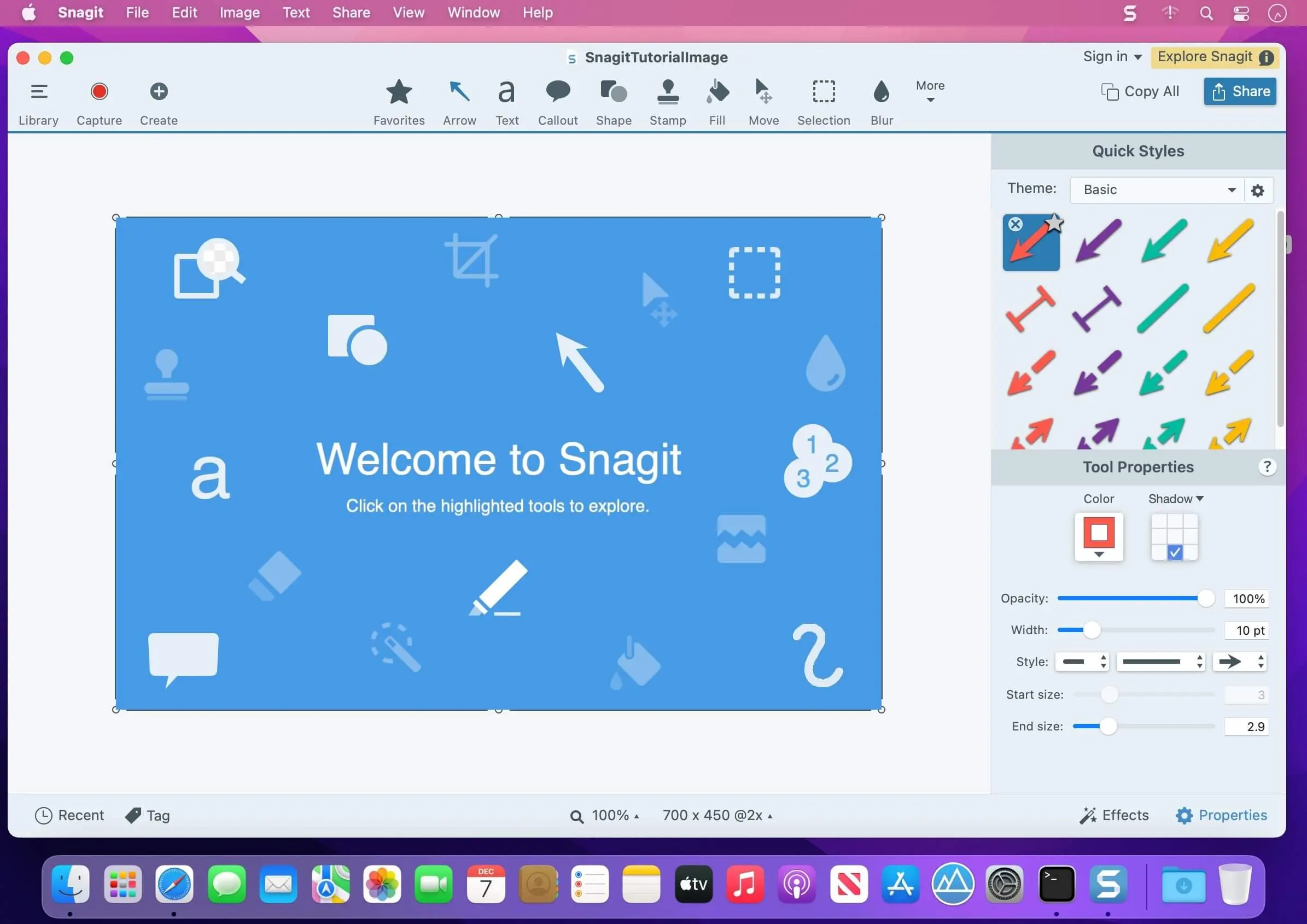
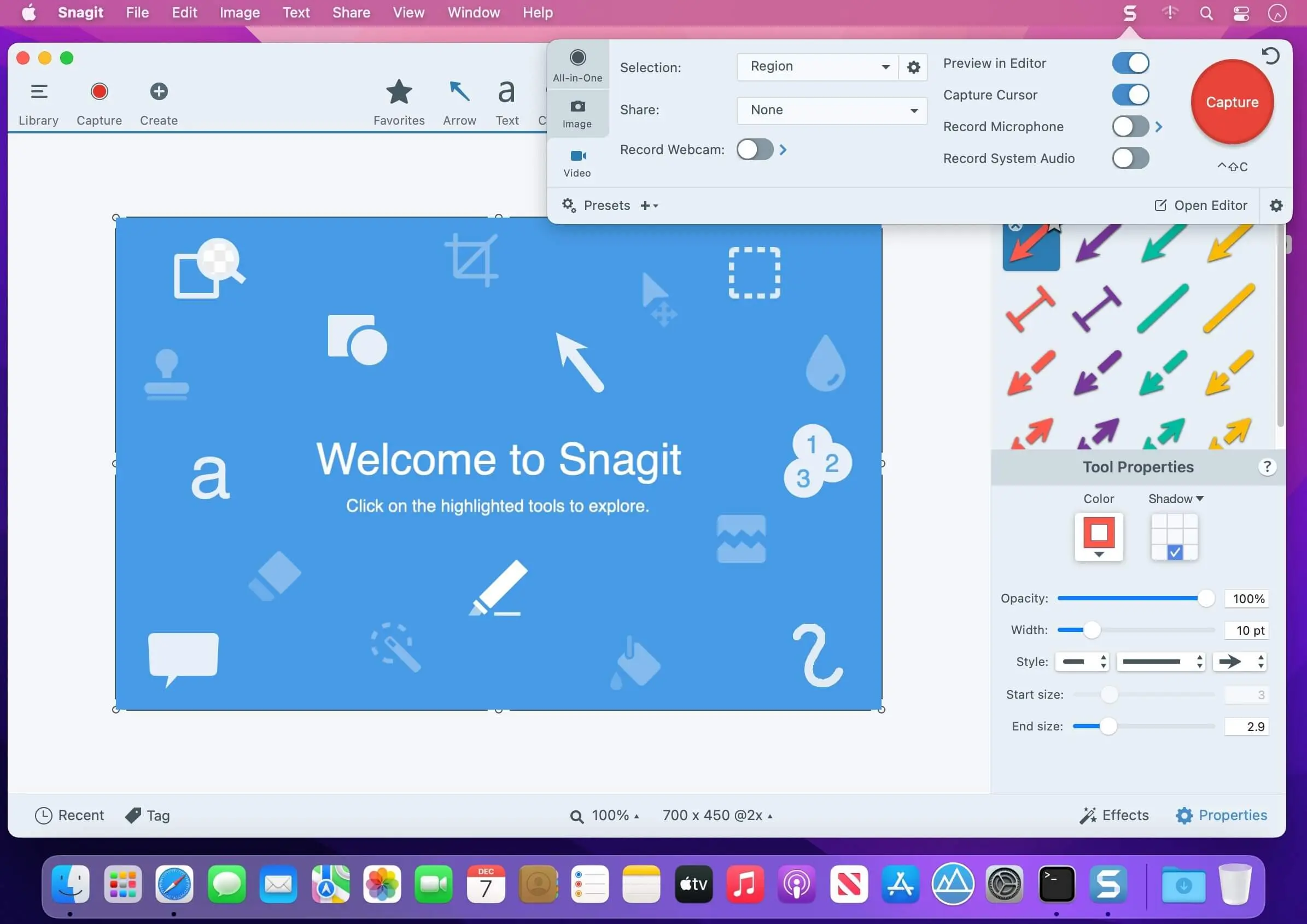
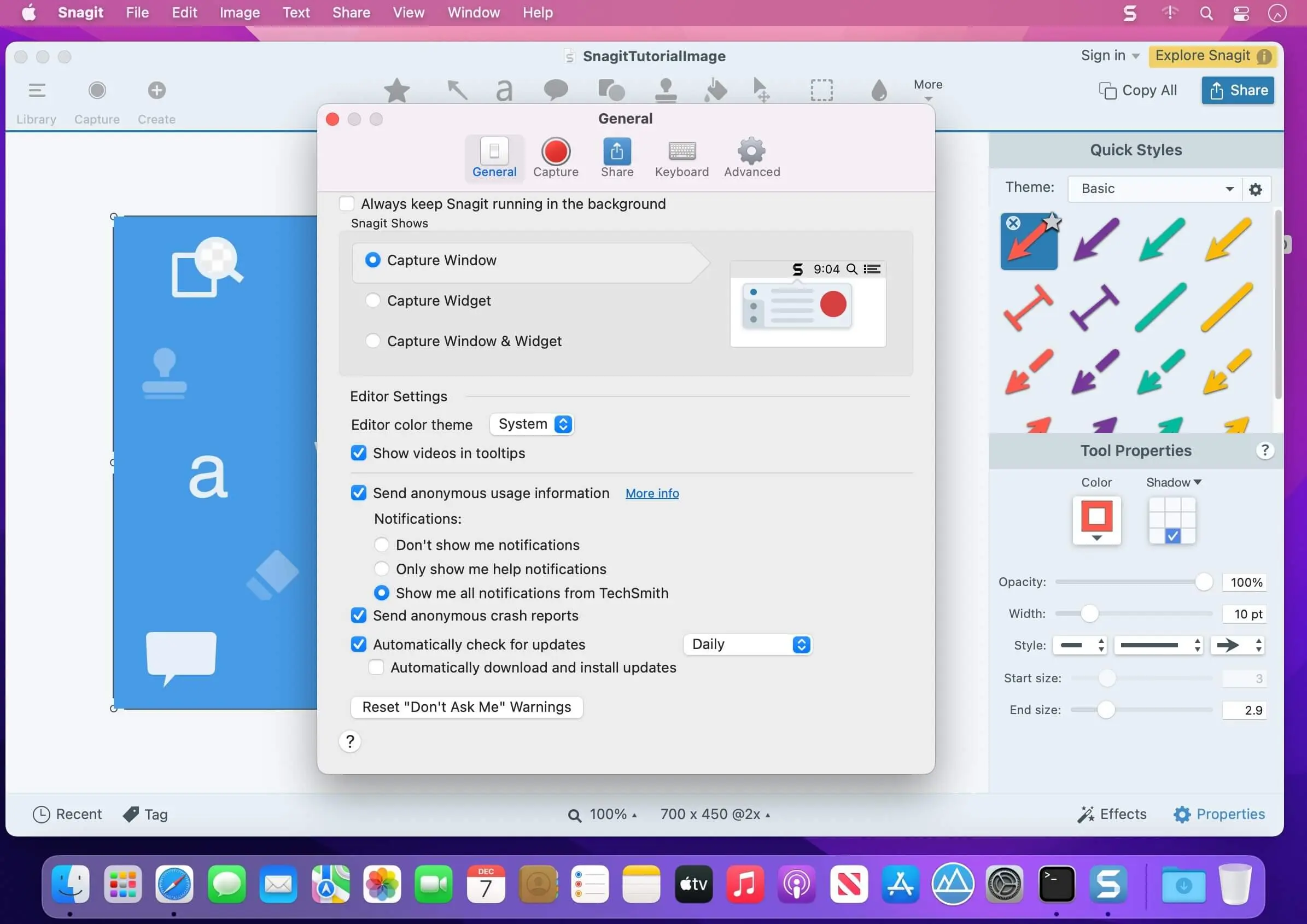
Capture it. Create it. Share it.
Turn screen captures into clear, polished visuals with TechSmith Snagit for macOS. Capture what you need, add context with intuitive editing tools, then share images, GIFs, and videos with your team.
Make every capture easier to understand
From quick screenshots to video walkthroughs, Snagit helps you present information in a way people can follow. Customize your captures with annotations, use templates to shape your visuals, and share your work with the tools you already use.
- Flexible screen capture: Capture only the area or information you need.
- Annotations: Add arrows, speech bubbles, and other visual details to your captures.
- Screen Draw: Draw on your screen to help explain what you’re showing.
- Picture-in-Picture video: Include a picture-in-picture view in your video.
- Video creation: Create a video from images.
- Easy sharing: Send captures to your favorite app, share a link with one click, or save your work for later.
- Team conversation: Share visuals to encourage conversation and collaboration.
- Templates: Use a library of templates to create professional-quality images, GIFs, and videos.
Make your next screenshot, explanation, or team update easier to share with Snagit for macOS.
New Features in Snagit 2026.4.0:
Comments
No comments yet. Be the first.
Information
Visitors in the group Guests cannot leave comments on this publication.