

Matte 1.6.1
Matte iOS simulator recorder and app video editor
Screenshots
Click to enlarge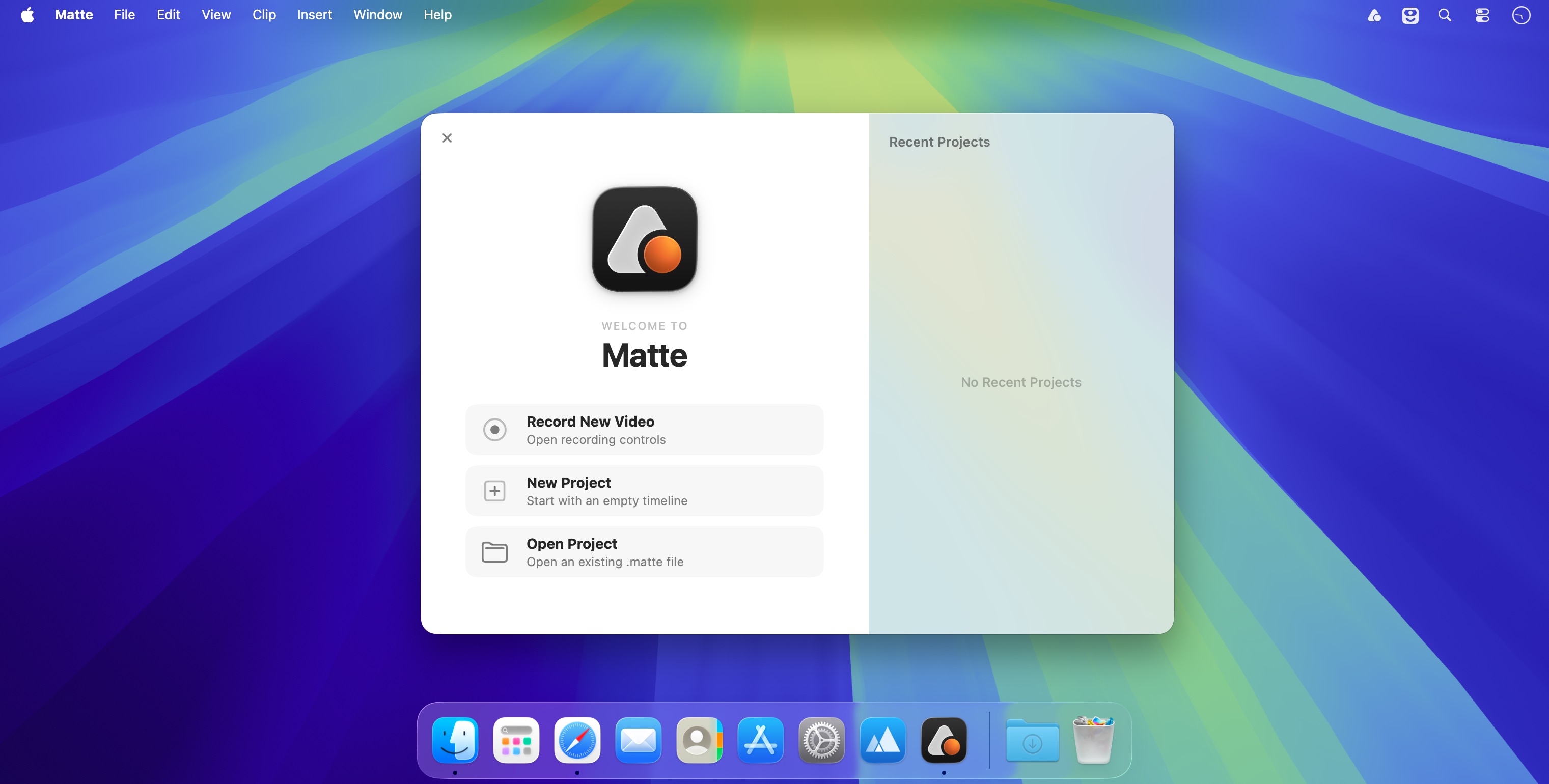
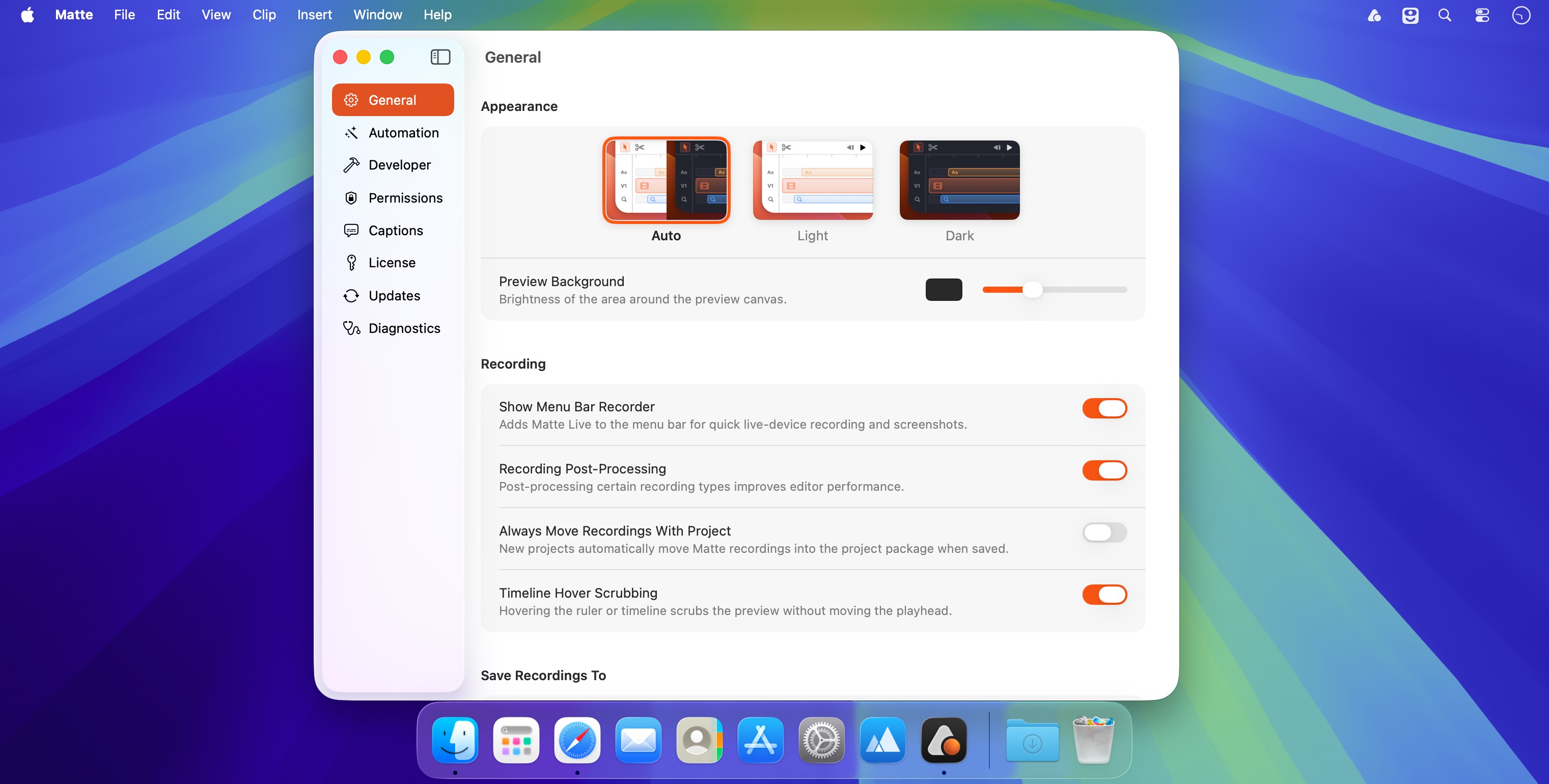
Capture the iOS Simulator, a live iPhone or iPad, your entire screen, or any macOS window. Then edit your footage with a powerful timeline, realistic device frames, smooth animations, captions, and more. With full 3D support in Matte 2.0, creating polished product videos has never been easier.
- Simulator Recording
Record directly from the iOS Simulator, including cursor movement. - Live Device Capture
Connect your iPhone or iPad to capture real hardware—including Face ID and Dynamic Island. - Screen & Window Recording
Record your entire screen or any macOS window with full alpha-channel support. - Timeline Editor
Trim, split, and layer up to four video tracks. Use Auto Zoom to create dynamic camera movements automatically. - Device Frames
Add realistic iPhone, iPad, Mac, and Apple Watch frames with customizable shadows and backgrounds. - Text Overlays
Create animated text across up to five tracks. Resizable text boxes automatically reflow as you type. - Taps & Swipes
Add precise tap and swipe indicators—even when cursor data isn’t available. - 4K & Transparent Export
Export to 4K HEVC, H.264, ProRes, or GIF, with support for transparent backgrounds. - Auto Captions
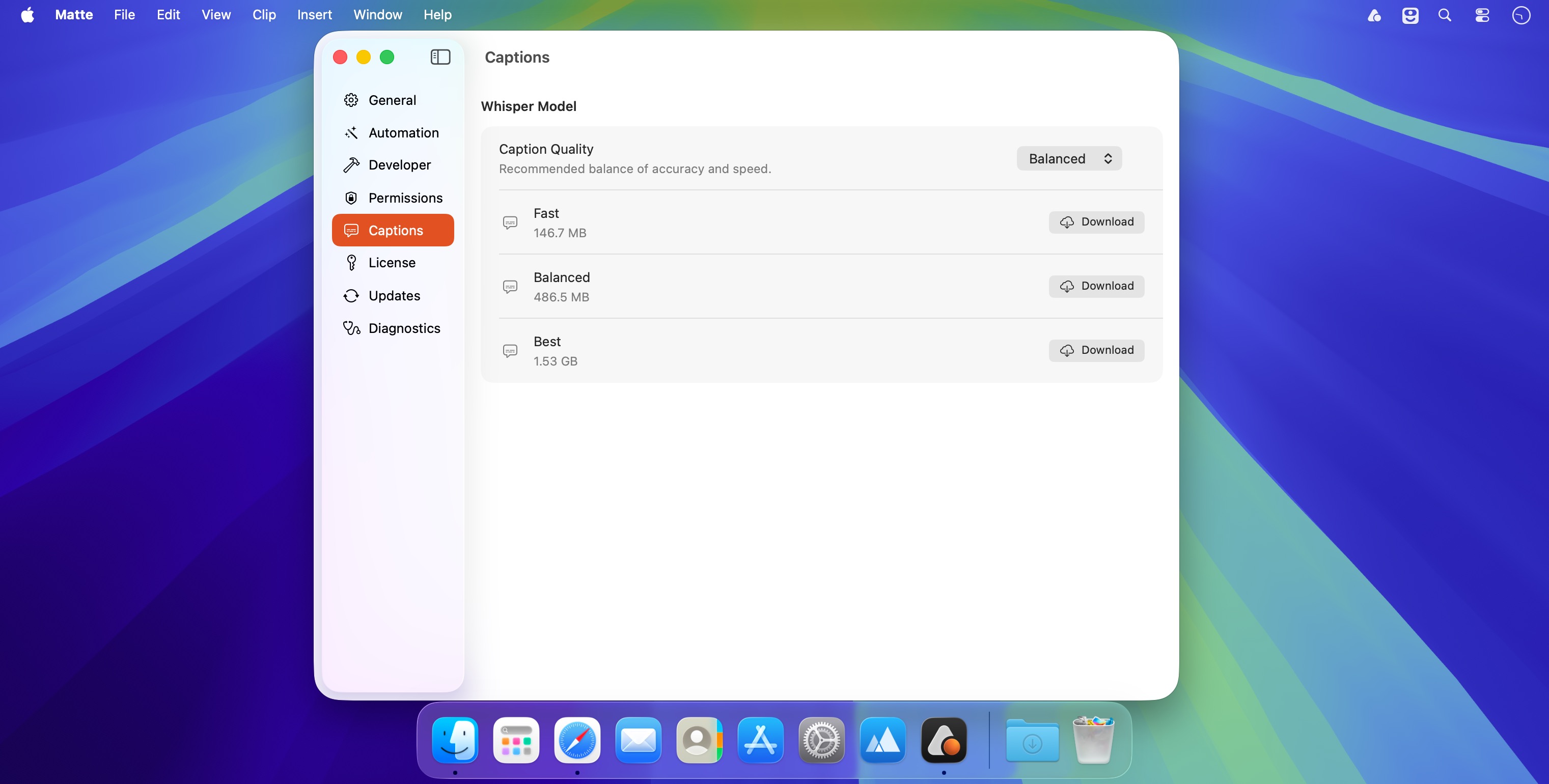
Generate captions with Whisper-powered transcription. Edit the transcript directly on your Mac—your footage never leaves your device. - Presets
Get started quickly with built-in composition and text presets, or save your own for reuse across projects. - Built for developers who care about every detail.
Version 1.6.1
This update makes video exports more efficient and fixes an export issue affecting Intel Macs.
Improvements
- Smaller video exports — Improved H.264 and HEVC encoding to reduce file sizes while maintaining excellent visual quality.
Bug Fixes
- Fixed H.264 and HEVC video exports crashing on Intel Macs.
Comments
No comments yet. Be the first.
Information
Visitors in the group Guests cannot leave comments on this publication.