
Real Keyboard Cleaner 1.50
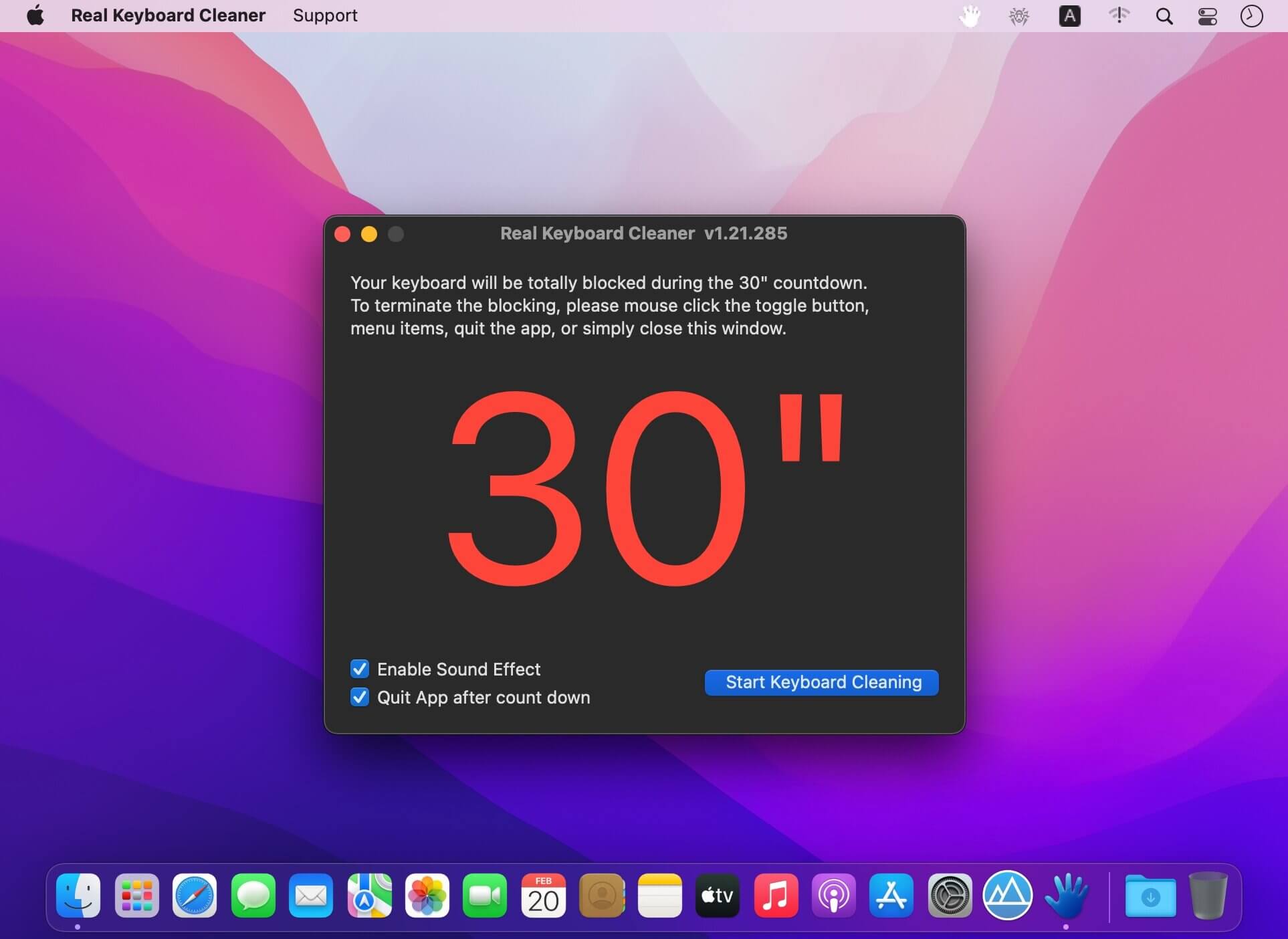
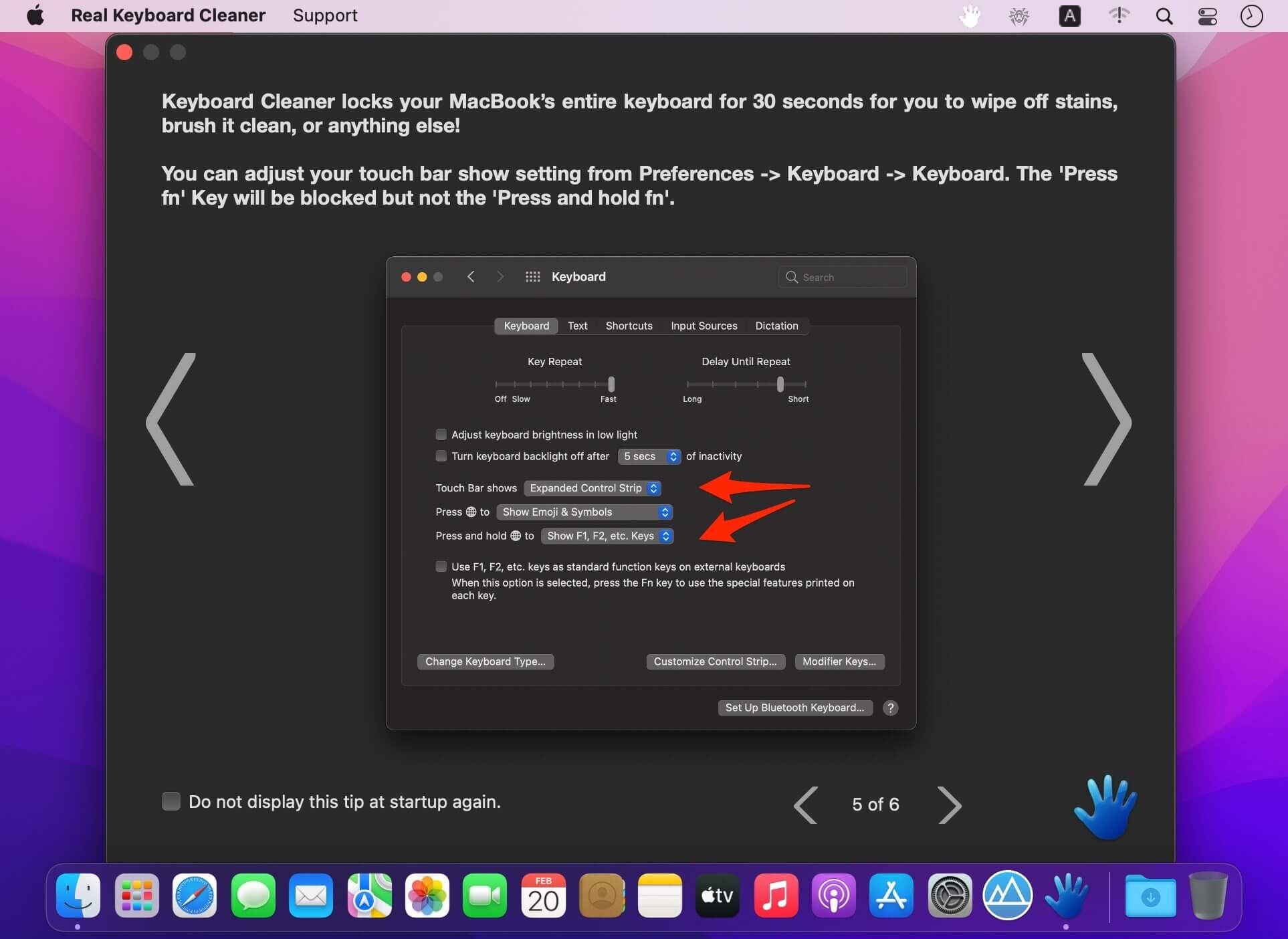
Keyboard Cleaner locks your MacBook’s entire keyboard for 30 seconds for you to wipe off stains, brush it clean, or anything else!
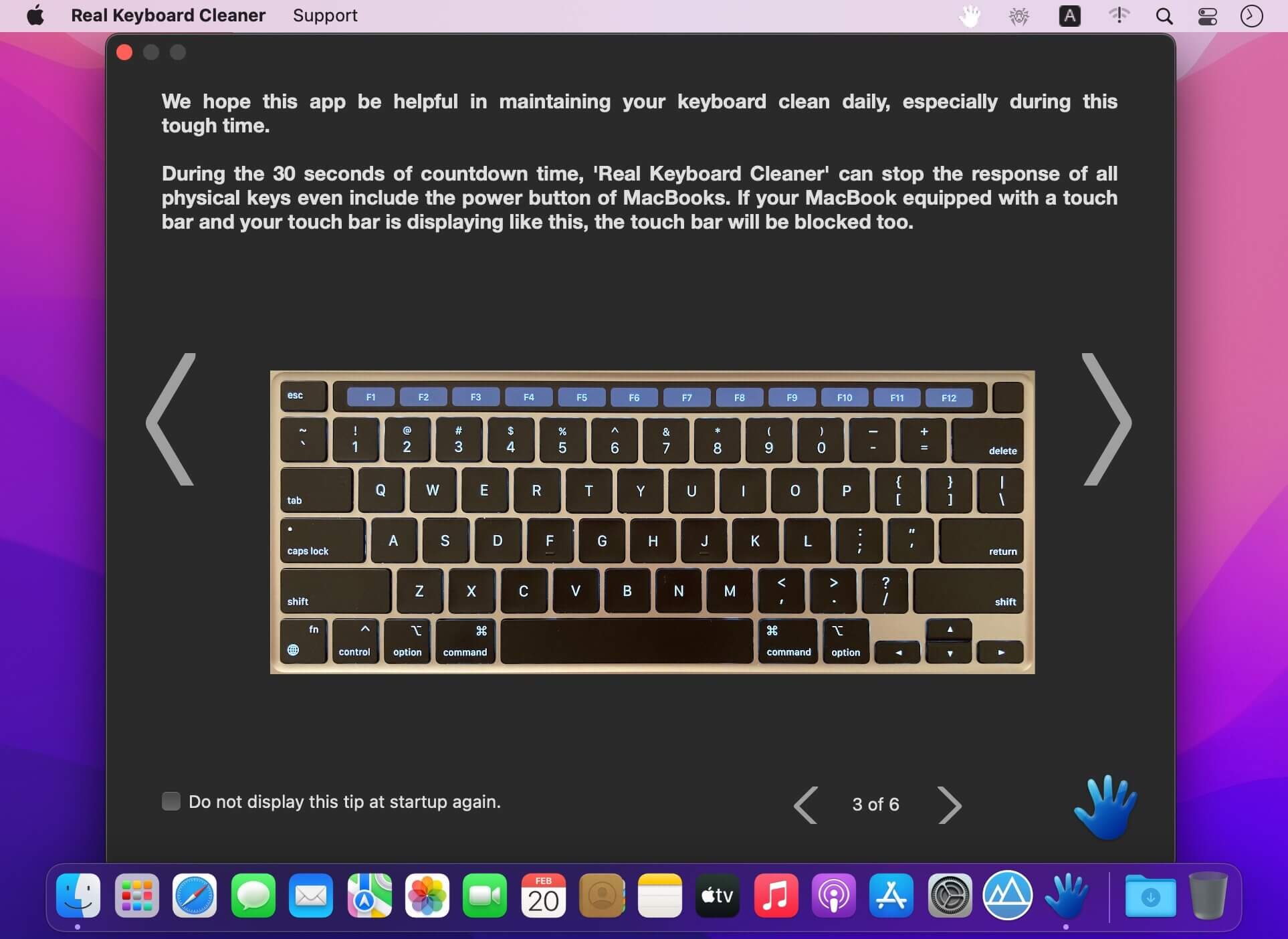
All keys and hotkey combinations will be blocked - even the power button and most of the Touch Bar keys, so you can clean your computer without needing to shut it down. We hope this app be helpful in maintaining your keyboard clean daily, especially during this tough time.
Features
- Any Mac (Apple Silicon, Intel) version for macOS Big Sur
- Block keyboard during 30 seconds countdown
- All physical keys including the power button and most touch bar keys
- Detailed startup tip
- With or without the sound effect
- Convenient 'auto quit after countdown'
- 'auto-open at login' tip
- Option added: the "display interface" menu item
Version v1.50
- detailed screenshot added to accessibility alert for macOS 13
- status menu bar icon not only matches macOS dark mode but also the wallpaper light/dark setting
- status menu bar icon dark mode supported
Frequently asked questions
How do I install the app?
Mount the image, drag the app into the "Applications" folder and launch it. If the system blocks the launch, allow it in "System Settings → Privacy & Security".
The app is damaged or won't launch
Reinstalling from a fresh image usually helps. Make sure your macOS version matches the one listed in the compatibility specs.
How do I update?
Download the new version from the site and install it over the current one — your settings will be preserved.
The download link doesn't work
Try a mirror or a download manager. For large files the browser often drops the connection.
How do I completely remove the app?
Use an uninstaller utility — it cleans up the service files that remain after moving the app to the trash.



Choose a download source
Real Keyboard Cleaner 1.50 · 10.8 MB