
iMute 2.22
Screenshots
Click to enlarge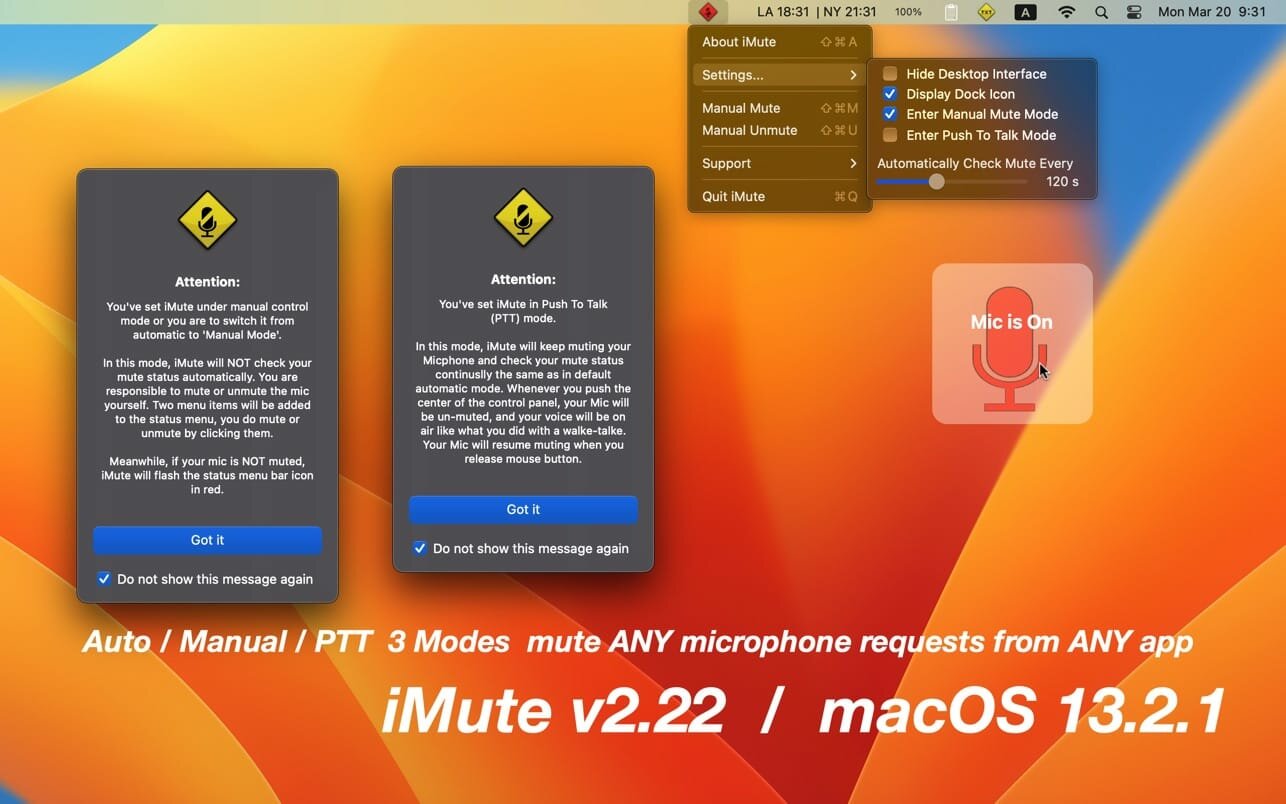
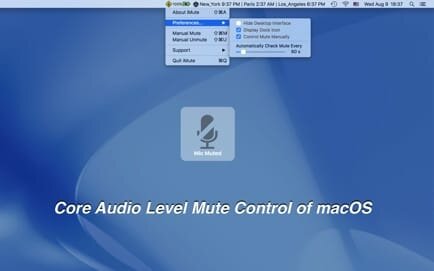
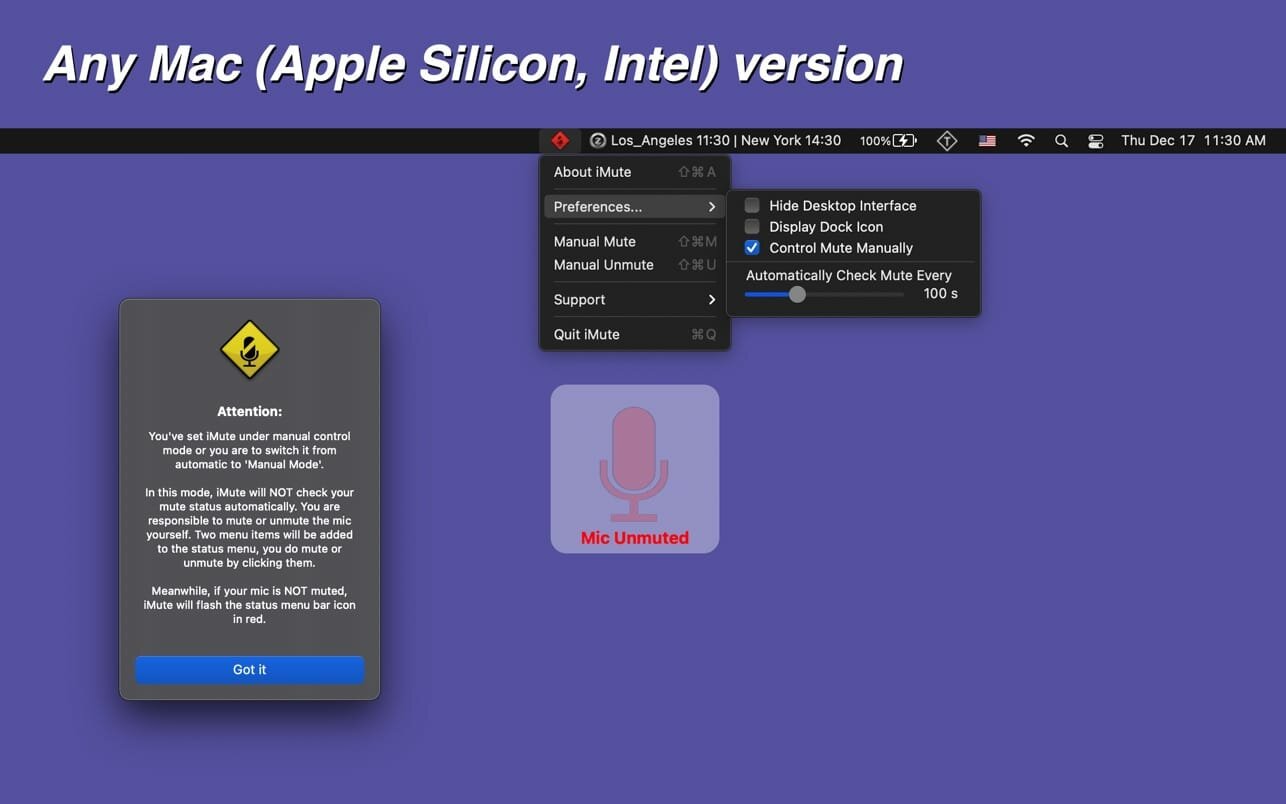
Are you monitored by a hacker or malicious websites? Here comes a macOS Core Audio level mute control app! It will block any microphone requests from any app.
Attention: iMute is NOT a simple mute switch as some users described! It goes far beyond guarding your microphone and preventing any app or website from turning it on. It will protect you from being monitored by a hacker or malicious websites.
Your MacBook's built-in microphone is precise and sensitive, but by default, it is always on, you can not mute your mic without deep into system preferences. If you wish to mute your microphone for security or other reasons, you need iMute!
iMute is displayed on top of all other apps, and it mutes your mic, guaranteed. It is perfect for use with FACETIME, SKYPE, and other communication software to ensure a muted Mic.
To witness iMute's ability, you may open up the sound panel under system preferences and notice that even if the input volume is minimal, you can still see that the microphone is still capturing your voice and the input indicators are flashing. You may notice that even while you are listening to music or watching movies, your microphone is still on.
But with iMute running, the microphone is guaranteed to be muted!
In addition, iMute will double-check the mute status every 2 minutes to secure you from hackers trying to access your mic.
* iMute is to mute your mic, to mute the speaker please use beQUIET.
Features
- Hide dock icon option added according to user's feature request
- Preferences submenu� added
- More detailed technical support email templet
- More detailed feature request email templet
- A new feature added according to the user's feature request: Push to Talk Mode (PTT)
- Code fully rewritten
- Shortest inspection interval lowered to 5 seconds
- Control panel can be easily moved and positioned
- Reset all alerts added to all menu
- 'display settings' added to the dock menu and main menu
Version v2.22
- a new feature added according to user's feature request: Push to Talk Mode (PTT)
- code fully rewritten
- shortest inspection interval lowered to 5 seconds
- control panel can be easily moved and positioned
- reset all alerts added to all menu
- 'display settings' added to the dock menu and main menu
- More by dragonBTV menu updated
Comments
No comments yet. Be the first.