
Dr. Cleaner Pro 1.3.3
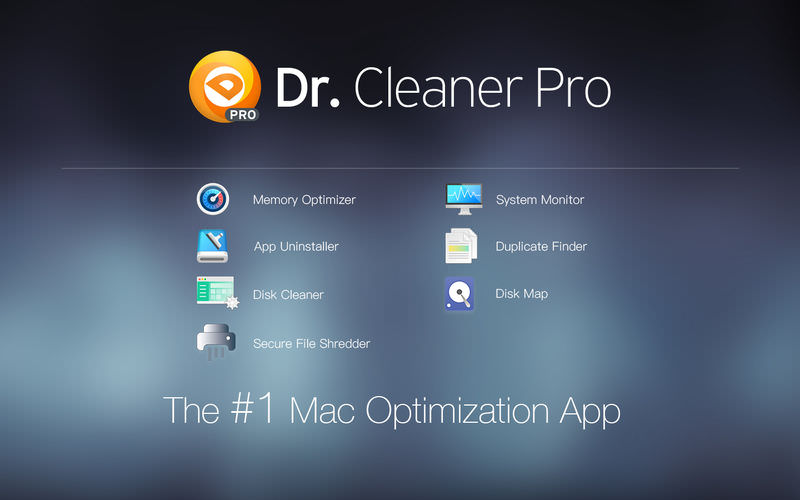
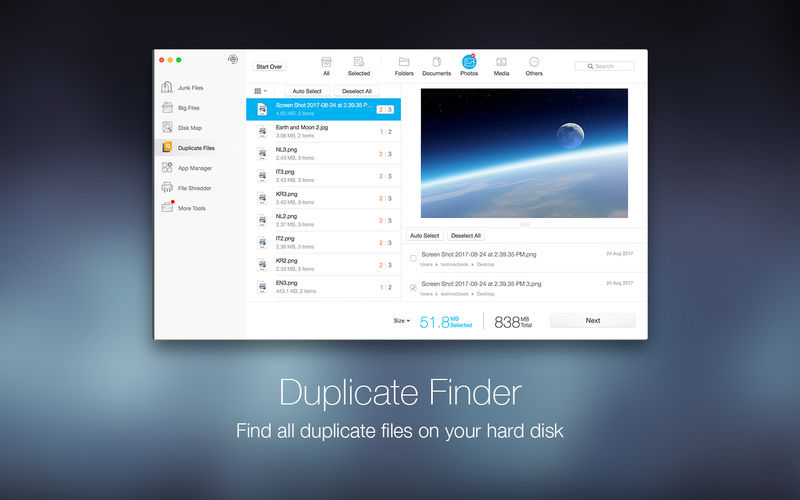
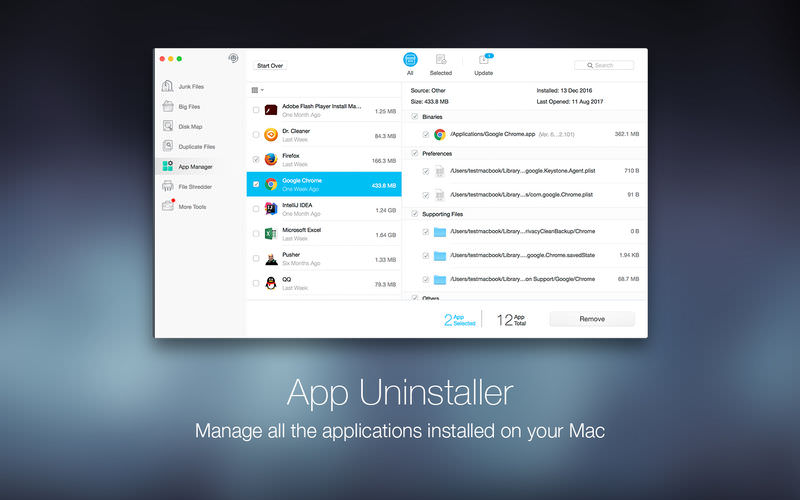
Dr. Cleaner Pro is the professional version of Dr. Cleaner. Dr. Cleaner Pro also includes Duplicate Finder and App Uninstaller.
Clean, Optimize, and Maintain your Mac in one professional tool:
- Smart Memory Optimizer
- 1-click memory optimization
- Instantly reclaim memory from closed Apps
- Identify Apps that use a significant amount of memory
- Quick disk clean from status bar menu
- Clean temporary files, including logs, mail caches, iTunes and iOS temporary files, etc. Empty Trash for current user
- Detect remaining files after deleting Apps
- Clean trash in removable storage
- Thorough and quick scan — fast and accurate scanning technique covers your entire home folder
- Smart and accurate selection — duplicates are selected not only by file names but also by their contents. Files are shown in detailed previews. It can also help you ""decide"" which copy to delete by presenting ""Auto Select"" button
- Easy and safe decision — duplicates can be sorted by file type and listed in their full route for you to track. You can decide which way to clean these files; either by sending them to Trash or deleting them permanently
Intelligent App Uninstaller
- Auto-clean leftovers of deleted Apps
- Manage all the applications installed on your Mac easily
- View all the information of applications installed on your Mac clearly and easily
- List all the applications installed on your Mac by name, size, and last opened date
- Remove applications on your Mac easily and completely
- Remove all the associated files of uninstalled applications
- Real-Time System Status
- Real-time network usage
- Real-time CPU usage
- 1-click scan of big files (customizable size from 10 MB and above)
- Multiple filters of size, date, name and type
- Local files in sync with your cloud drives can also be found
- Important big files can be ""locked"" into the protected list to avoid accidental deletion
Version 1.3.3
- Release notes were unavailable when this listing was updated.
Frequently asked questions
How do I install the app?
Mount the image, drag the app into the "Applications" folder and launch it. If the system blocks the launch, allow it in "System Settings → Privacy & Security".
The app is damaged or won't launch
Reinstalling from a fresh image usually helps. Make sure your macOS version matches the one listed in the compatibility specs.
How do I update?
Download the new version from the site and install it over the current one — your settings will be preserved.
The download link doesn't work
Try a mirror or a download manager. For large files the browser often drops the connection.
How do I completely remove the app?
Use an uninstaller utility — it cleans up the service files that remain after moving the app to the trash.
VersionDr. Cleaner Pro 1.3.3
DeveloperTrend Micro Inc.
CompatibilityOS X 10.11 or later, 64-bit processor
LanguageEnglish, French, German, Simplified Chinese, Spanish, Traditional Chinese
IncludesK'ed by TNT




Choose a download source
Dr. Cleaner Pro 1.3.3 · 26.25 MB
Comments 5