

One Key 2.0
Screenshots
Click to enlarge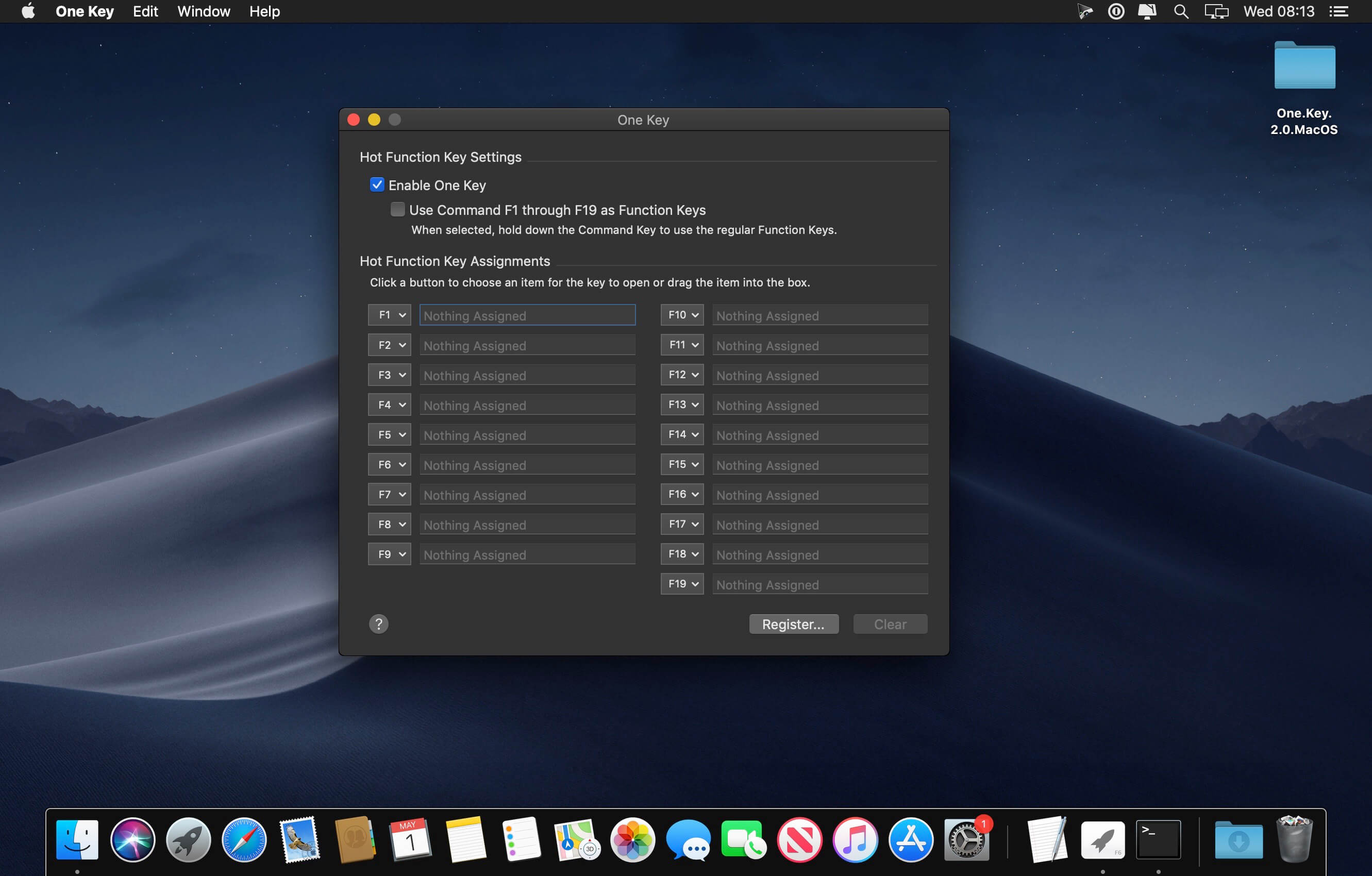
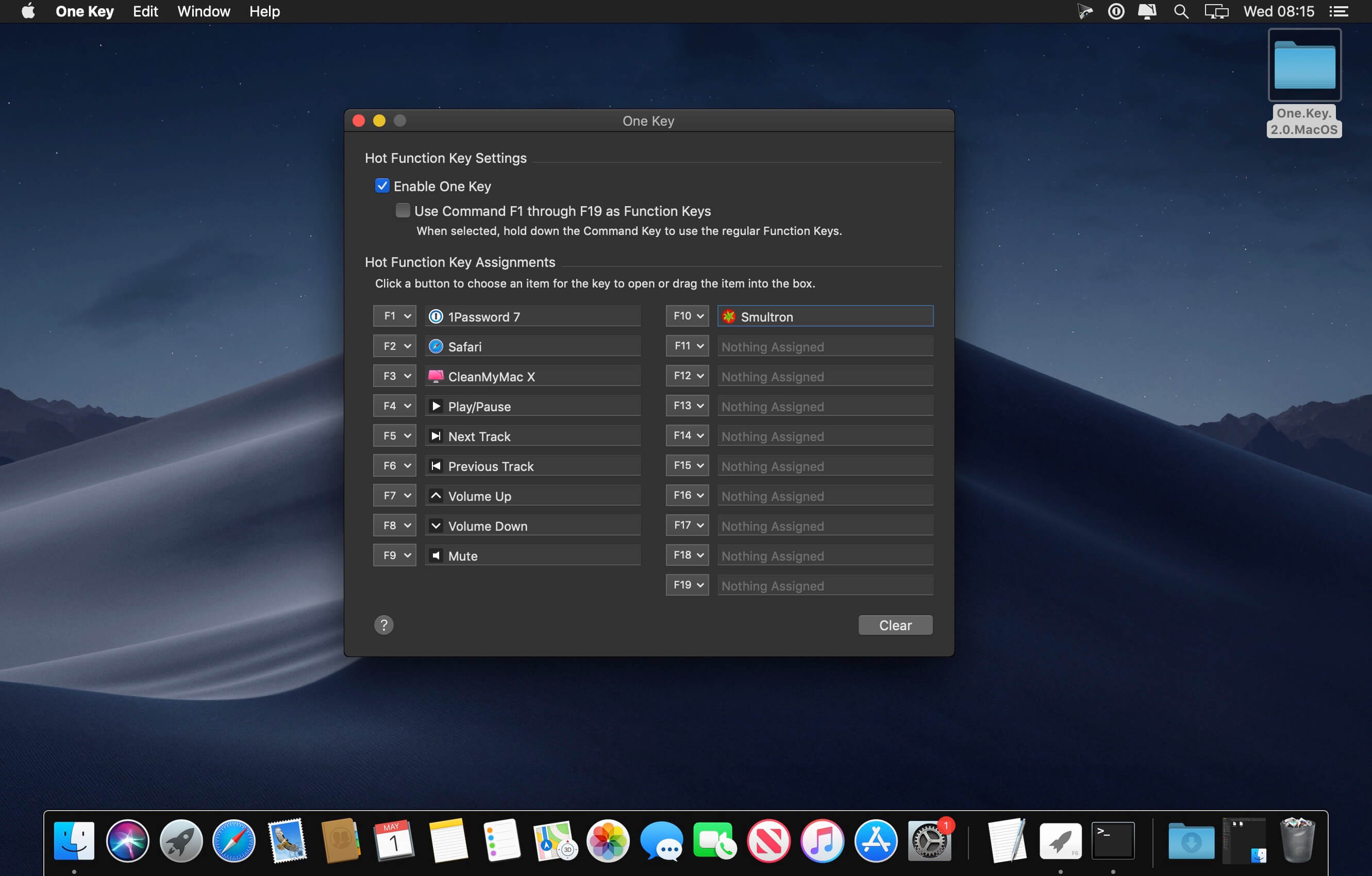
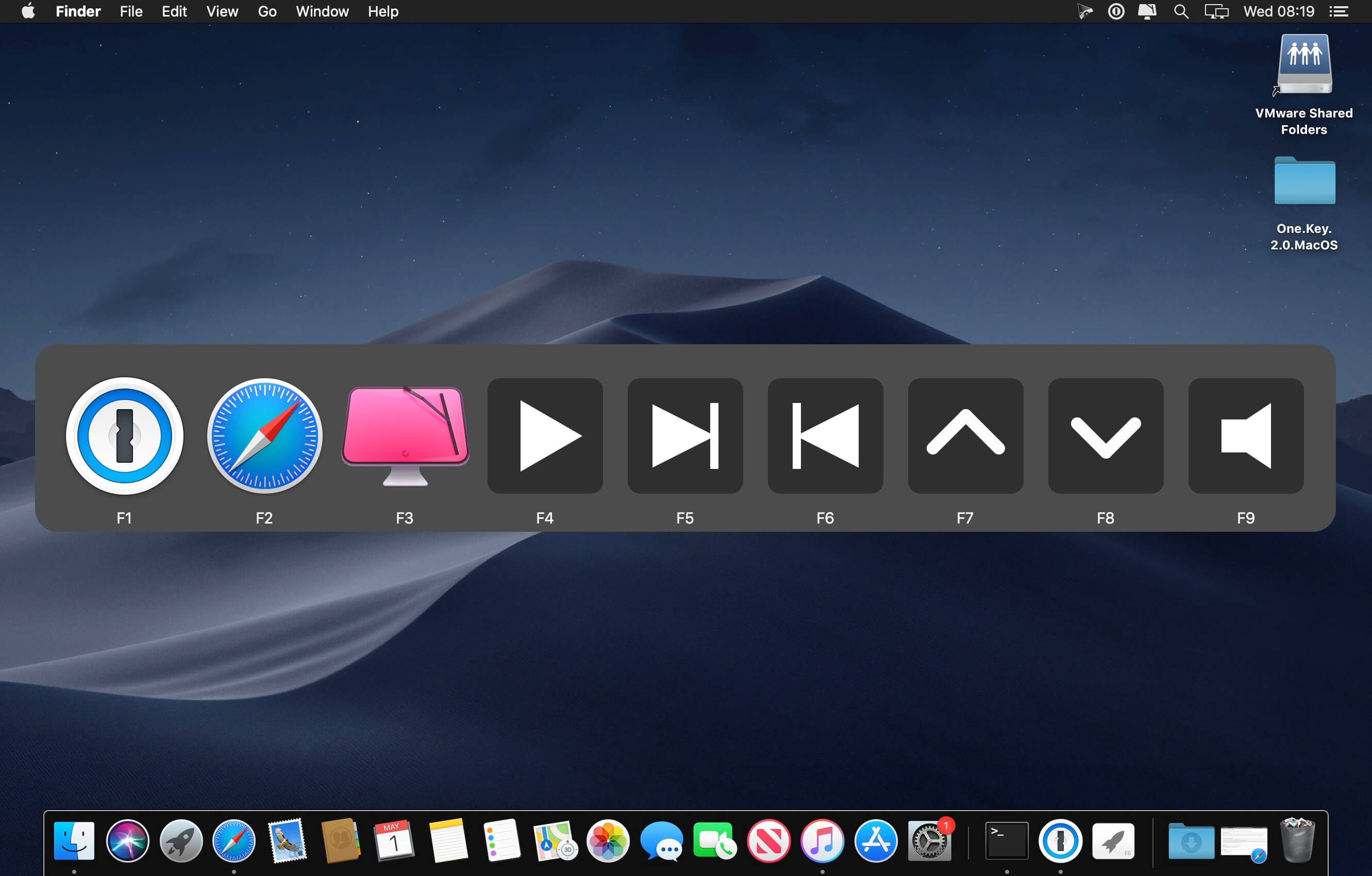
Do you miss being able to use the function keys on your keyboard to launch applications & open files? One Key is a simple, integrated and elegant solution for using the function keys on your keyboard to launch applications, run scripts, send media events or open files with a simple key press. No fancy setup required, One Key is one step simple.
More Features
One Key allows you to use the function keys as hot keys to launch applications, run scripts or open files with a simple key press. It does this all without rendering the original commands of your function keys useless.
Miscellaneous
Version 2.0
- Now a stand-alone application, on first launch follow the instructions to remove the old version
- Now supports Media Key actions
- Now execute AppleScript script files directly inside One Key for improved performance
- Now fully supports macOS 10.14 including Dark Mode
- Updated All Items window appearance
- Now requires Mac OS 10.12 and higher
Comments
No comments yet. Be the first.
Information
Visitors in the group Guests cannot leave comments on this publication.