
WebScraper 4.15.6
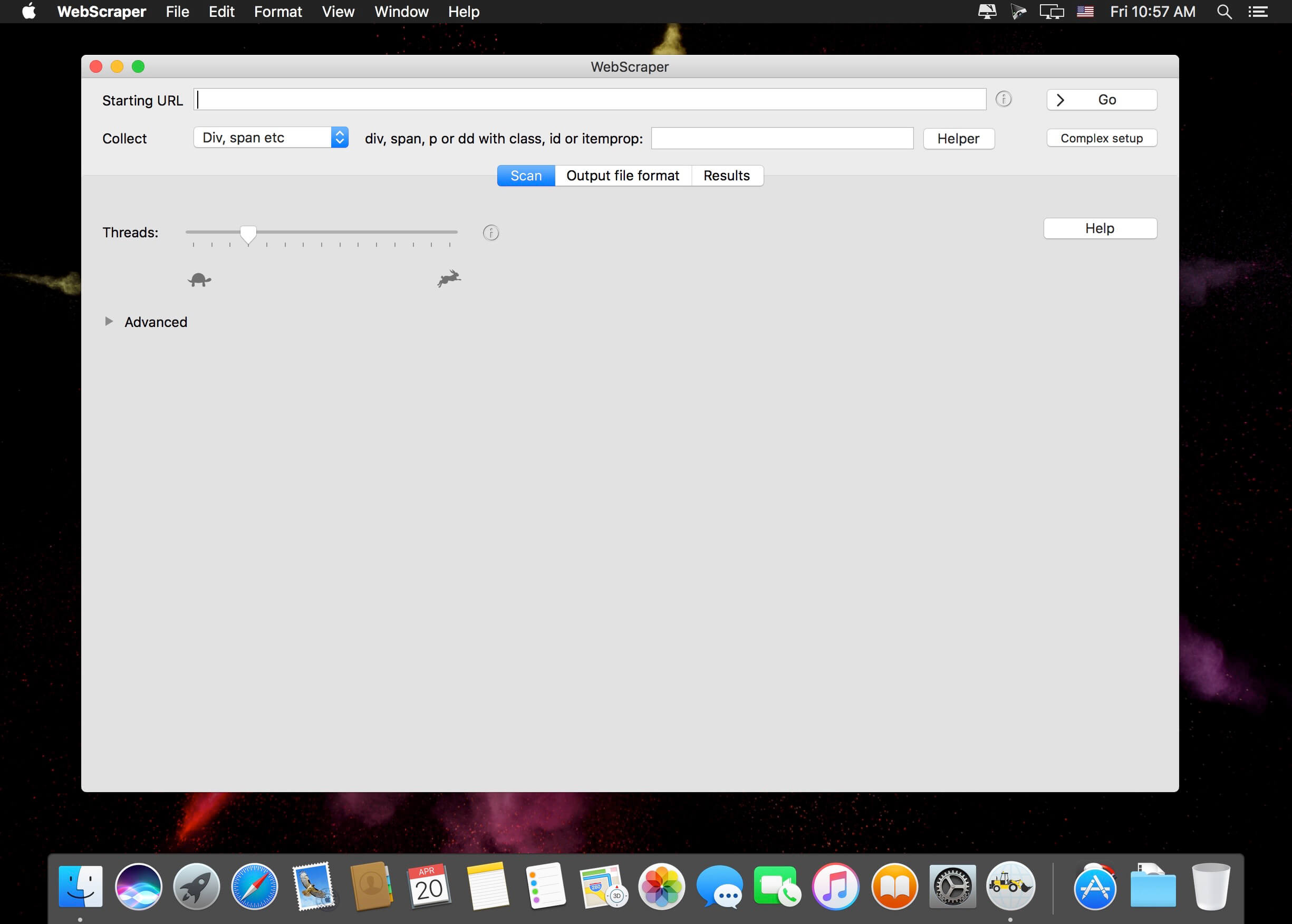
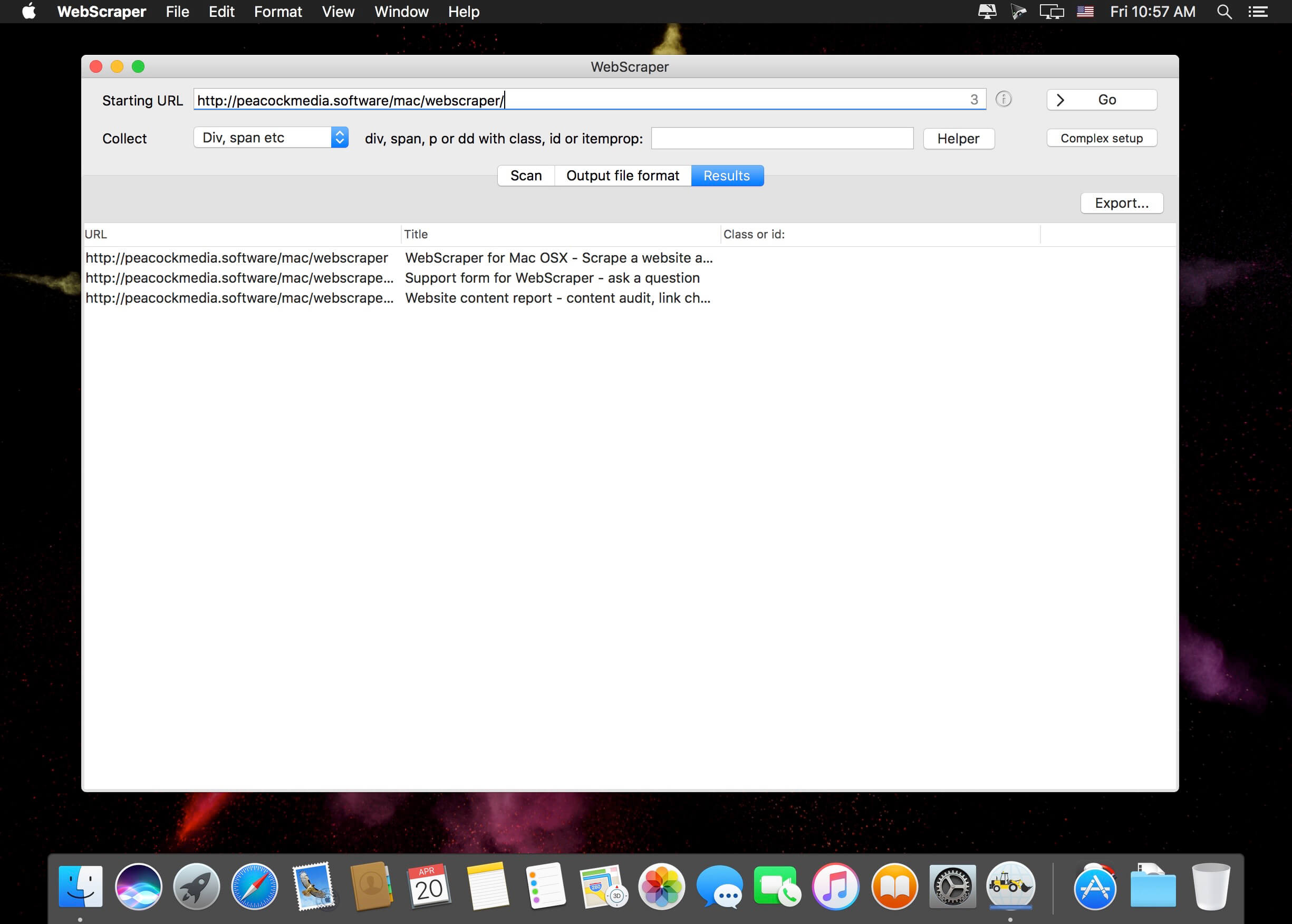
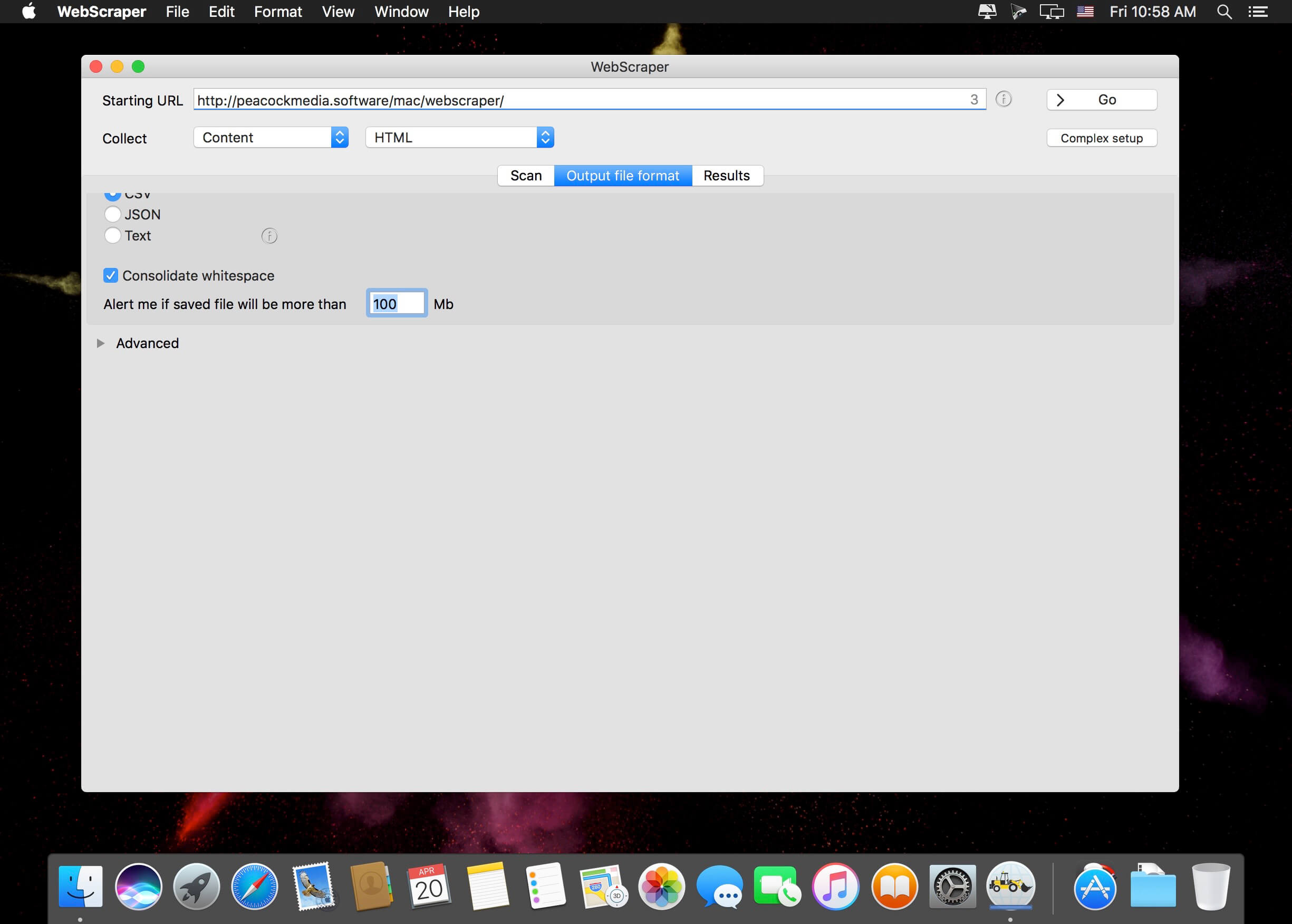
WebScraper uses the Integrity v8 engine to quickly scan a website, and can output extracted data (currently) as CSV or JSON. Plus download images to a folder.
- Easy to scan a site - just enter the starting URL and press "Go"
- Easy to export - choose the columns you want
- Plenty of extraction options, including HTML elements with certain classes or IDs, regular expressions, or entire content in a number of formats (html, plain text, markdown)
- Since v4.1 can download to a folder all images discovered
- Configuration of various limits on the crawl and the output file size
- More…
Version 4.15.5
- Fix for output filtering based on term in the content.
Frequently asked questions
How do I install the app?
Mount the image, drag the app into the "Applications" folder and launch it. If the system blocks the launch, allow it in "System Settings → Privacy & Security".
The app is damaged or won't launch
Reinstalling from a fresh image usually helps. Make sure your macOS version matches the one listed in the compatibility specs.
How do I update?
Download the new version from the site and install it over the current one — your settings will be preserved.
The download link doesn't work
Try a mirror or a download manager. For large files the browser often drops the connection.
How do I completely remove the app?
Use an uninstaller utility — it cleans up the service files that remain after moving the app to the trash.





Choose a download source
WebScraper 4.15.6 · 4.69 MB
Previous versions
WebScraper 4.15.6
Previous versions are available to registered users.
Comments 1